

As credit card annual fees continue to climb, it’s natural to start questioning how much value you’re getting from adding a new card to your wallet. This is especially true since multiple cards out there charge no annual fee.
However, there can be solid reasons to pay an annual fee. Many popular rewards cards come with an annual fee but provide outsize value in the form of statement credits, welcome bonuses and other quantifiable perks.
Let’s examine our top cards, which actually provide more than $1,000 in value in your first year of card membership.
Methodology
Here are the four factors we considered to arrive at these values:
- Welcome offer: We assigned a dollar amount to a card’s welcome offer based on TPG’s April 2026 valuations.
- Annual statement credits: We counted credits toward travel, dining, resort stays and other categories.
- Quantifiable perks and benefits: We added benefits that can be assigned a specific dollar amount. This means we excluded factors that aren’t as quantifiable, such as lounge access and elite status. We also excluded anniversary benefits that only apply to the second year of card membership.
- Annual fee: We subtracted the annual fee from the card’s overall value. Even after subtracting this amount, all the cards listed still provide more than $1,000 in first-year value.
Finally, note that just because a card didn’t make this list doesn’t mean it can’t provide this type of value. Cards not on this list can provide value on a case-by-case basis.
Related: Are premium credit cards worth the annual fee?
Cards that provide $1,000-plus in first-year value
| Card | Welcome offer value* | Total potential first-year value | Annual fee | Net first-year value |
|---|---|---|---|---|
|
Up to $6,000 |
Up to $9,209 |
Up to $8,314 |
||
|
Up to $3,500 |
Up to $6,704 |
Up to $5,809 |
||
|
$3,075 |
Up to $5,235 |
$795 |
Up to $4,440 |
|
|
$2,563 |
Up to $4,911 |
$795 |
Up to $4,116 |
|
|
Up to $4,000 |
Up to $4,395 |
Up to $4,020 |
||
|
Up to $2,000 |
Up to $2,424 |
Up to $2,099 |
||
|
Up to $1,350 |
Up to $2,360 |
$350 |
Up to $2,010 |
|
|
$2,050 |
$2,050 |
$95 |
$1,955 |
|
|
Up to $1,875 |
Up to $1,875 |
Up to $1,750 |
||
|
$1,538 |
Up to $1,828 |
$95 |
Up to $1,733 |
|
|
$1,638 |
Up to $1,758 |
$95 |
Up to $1,663 |
|
|
$1,425 |
Up to $2,245 |
$595 |
Up to $1,650 |
|
|
$1,400 |
Up to $2,000 |
Up to $1,505 |
||
|
Up to $1,600 |
Up to $1,600 |
$95 |
Up to $1,505 |
|
|
$1,500 |
Up to $2,140 |
Up to $1,490 |
||
|
$1,388 |
Up to $1,808 |
$395 |
Up to $1,413 |
|
|
Up to $1,470 |
$1,590 |
$395 |
$1,195 |
|
|
$1,360 |
Up to $1,460 |
$199 |
Up to $1,161 |
*The welcome offer value is determined using TPG’s April 2026 valuations and is not provided by or reviewed by the issuer.
Now that we’ve introduced the 21 cards providing at least $1,000 in first-year value, let’s dive into the specifics to help you decide which is best for you.

Reward your inbox with the TPG Daily newsletter
Join over 700,000 readers for breaking news, in-depth guides and exclusive deals from TPG’s experts
The Business Platinum Card from American Express
For small-business owners, The Business Platinum Card from American Express can yield a ton of value in the first year, thanks to the array of perks on the card.

Most benefits come as statement credits, many of which specifically connect to business-related expenses.
| Quantifiable benefit | Perk details | Value |
|---|---|---|
|
Find out your offer and see if you are eligible for as high as 300,000 bonus points after spending $20,000 on purchases within the first three months of card membership. Welcome offers vary and you may not be eligible for an offer. |
Up to $6,000^ |
|
|
Up to $150 back on U.S. purchases directly with Dell Technologies and an additional $1,000 after spending $5,000 on purchases with Dell each calendar year** |
Up to $1,150 |
|
|
Up to $600 |
||
|
Up to $360 each calendar year (up to $90 in quarterly statement credits) on all Indeed hiring and recruiting products and services to post open positions and find talent** |
Up to $360 |
|
|
Up to $250 annual statement credit after spending $600 or more on U.S. purchases directly with Adobe each calendar year (subject to auto-renewal)** |
Up to $250 |
|
|
Up to $209 credit toward an annual Clear+ membership for expedited airport security (subject to auto-renewal)** |
Up to $209 |
|
|
Airline incidental statement credits on one selected airline
|
Up to $200 in statement credits per calendar year on incidentals, such as checked bags and inflight refreshments, on one selected airline |
Up to $200 |
|
Up to $200 each calendar year (up to $50 in statement credits per quarter) for eligible purchases made in the Hilton portfolio; separate enrollment in Hilton for Business required** |
Up to $200 |
|
|
Global Entry or TSA PreCheck application fee credits
|
$120 credit for Global Entry every 4 years or up to $85 for TSA PreCheck every four or 4 1/2 years** |
Up to $120 |
|
Up to $120 each calendar year (up to $10 in statement credits per month) for purchases made with U.S. wireless telephone services** |
Up to $120 |
^Per TPG’s valuations.
**Enrollment is required.
^^Eligible charges vary by property.
- Total potential first-year value: Up to $9,209
- Annual fee: $895
- Net first-year value: Up to $8,314
To learn more, read our full review of the Amex Business Platinum.
Apply here: The Business Platinum Card from American Express
American Express Platinum Card
The American Express Platinum Card is one of the best travel cards available for luxury travelers because of its extensive lineup of perks.
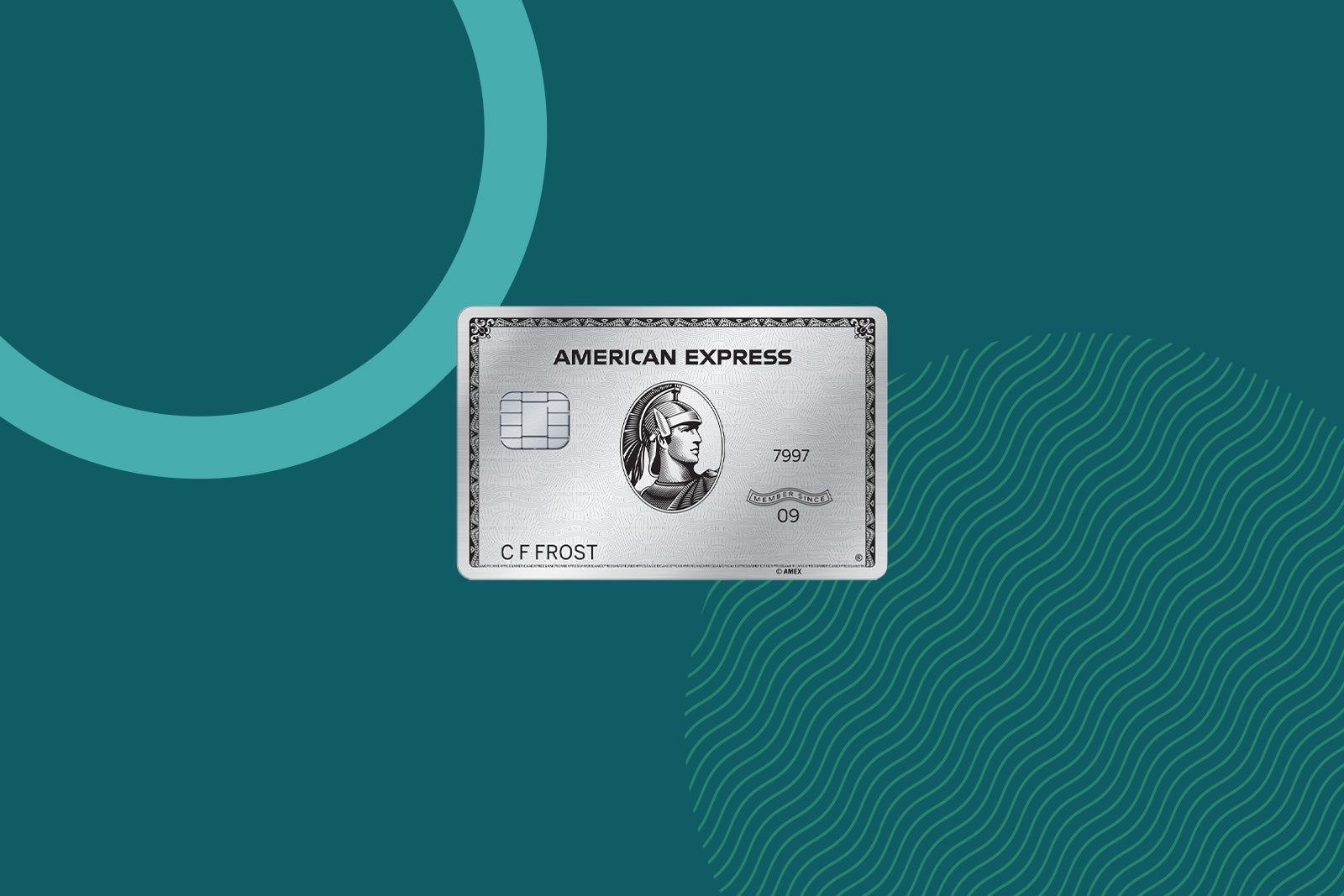
These quantifiable benefits are only part of the equation.
| Quantifiable benefit | Perk details | Value |
|---|---|---|
|
Find out your offer and see if you are eligible for as high as 175,000 points after spending $12,000 on purchases within the first six months of card membership. Welcome offers vary and you may not be eligible for an offer. |
Up to $3,500^ |
|
|
Up to $600 each calendar year (up to $300 in semi-annual statement credits) on prepaid bookings with Amex Fine Hotels + Resorts or The Hotel Collection^^ properties made through American Express Travel; The Hotel Collection requires a two-night minimum stay |
Up to $600 |
|
|
Up to $400 each calendar year (up to $100 in quarterly statement credits) for Resy purchases in the U.S.** |
Up to $400 |
|
|
Digital entertainment credits
|
Up to $300 each calendar year (up to $25 in monthly statement credits) for select digital entertainment and streaming services** |
Up to $300 |
|
Up to $300 each calendar year (up to $75 in quarterly statement) credits for Lululemon purchases online and in U.S. stores, excluding outlets** |
Up to $300 |
|
|
Up to $300 in annual statement credits for select Equinox memberships, including the app (subject to auto-renewal)** |
Up to $300 |
|
|
Up to $209 toward an annual Clear+ membership for expedited airport security (subject to auto-renewal)** |
Up to $209 |
|
|
Up to $200 each calendar year (up to $15 per month, plus an additional up to $20 in December) toward U.S. Uber rides and Uber Eats orders# |
Up to $200 |
|
|
Airline incidental credits on one selected airline
|
Up to $200 in statement credits per calendar year on incidentals, such as checked bags and inflight refreshments, on one selected airline** |
Up to $200 |
|
Oura Ring hardware credit
|
Up to $200 in annual statement credits for hardware purchase with Oura Ring each calendar year** |
Up to $200 |
|
Up to $155 each calendar year (up to $12.95 in monthly statement credits) for one recurring Walmart+ membership (subject to auto-renewal; plus applicable taxes); Plus Up benefits are not eligible
|
Up to $155 |
|
|
Up to a $120 statement credit each calendar year that fully covers an auto-renewing $96 annual or $9.99 monthly membership** |
Up to $120 |
|
|
Global Entry or TSA PreCheck application fee credits
|
$120 credit for Global Entry every 4 years or up to $85 for TSA PreCheck every four or 4 1/2 years** |
Up to $120 |
|
Saks Fifth Avenue credits
|
Up to $100 each calendar year (up to $50 in semiannual statement credits) for Saks Fifth Avenue** |
Up to $100 |
^Per TPG’s valuations.
**Enrollment is required.
#Add your qualifying Amex card to your Uber account and pay with any Amex card.
^^Eligible charges vary by property.
- Total potential first-year value: Up to $6,704
- Annual fee: $895
- Net first-year value: Up to $5,809
To learn more, read our full review of the Amex Platinum.
Apply here: American Express Platinum Card
Chase Sapphire Reserve for Business
Chase’s premium business card, the Chase Sapphire Reserve for Business, is oriented toward high-spending business owners who could maximize the multiple credits offered by the product.

Many of the benefits are statement credits toward purchases that business owners may find themselves making.
| Quantifiable benefit | Perk details | Value |
|---|---|---|
|
Earn 150,000 bonus points after spending $20,000 on purchases in the first three months from account opening. |
$3,075^ |
|
|
Up to $500 each year (two transactions of up to $250) on stays of at least two nights booked through The Edit |
Up to $500 |
|
|
Up to $400 each year (up to $200 from January through June and up to $200 from July through December) for purchases made directly with ZipRecruiter through Dec. 31, 2027 |
Up to $400 |
|
|
Up to $300 in statement credits each account anniversary year for a broad suite of travel purchases |
Up to $300 |
|
|
DoorDash non-restaurant credit
|
Two separate $10 monthly credits toward non-restaurant purchases on DoorDash when you activate your DashPass membership by Dec. 31, 2027 |
Up to $240 |
|
Up to $200 statement credit for purchases made directly with Google Workspace for AI tools for business through Dec. 31, 2027 |
Up to $200 |
|
|
Global Entry, TSA PreCheck or Nexus application fee credits
|
Up to $120 statement credit every four years |
Up to $120 |
|
Up to $120 each year (up to $10 in monthly in-app credit) on Lyft rides through Sept. 30, 2027 |
Up to $120 |
|
|
DoorDash DashPass subscription
|
At least 12 months of complimentary DashPass when you activate by Dec. 31, 2027 |
$120 |
|
Earn up to $100 in statement credits (up to $50 from January through June and up to $50 from July through December) on gift card purchases made through giftcards.com/reservebusiness through Oct. 31, 2028 |
$100 |
|
|
DoorDash restaurant credit
|
A $5 monthly promo for restaurant orders on DoorDash through Dec. 31, 2027 |
$60 |
^Per TPG’s valuations.
- Total potential first-year value: Up to $5,235
- Annual fee: $795
- Net first-year value: Up to $4,440
To learn more, read our full review of the Chase Sapphire Reserve for Business.
Apply here: Chase Sapphire Reserve for Business
Chase Sapphire Reserve
The premium Chase Sapphire Reserve includes a long list of statement credits that help offset the card’s high $795 annual fee.

Still, the Sapphire Reserve’s annual travel credit is one of the most flexible credits available, making it easy to maximize that part of its first-year value.
| Quantifiable benefit | Perk details | Value |
|---|---|---|
|
Earn 125,000 bonus points after spending $6,000 on purchases in the first three months of account opening. |
$2,563^ |
|
|
Up to $500 each year (two transactions of up to $250) on stays of at least two nights booked through The Edit |
$500 |
|
|
Up to $300 each account anniversary year for a broad suite of travel purchases |
$300 |
|
|
StubHub and Viagogo credit
|
Up to $300 each year (up to $150 from January through June and up to $150 from July through December) for purchases with StubHub and Viagogo through Dec. 31, 2027. Activation is required |
$300 |
|
Up to $300 each year (up to $150 from January through June and up to $150 from July through December) for Sapphire Reserve Exclusive Tables |
$300 |
|
|
Up to $250 Complimentary Apple TV+ and Apple Music subscriptions each year. A one-time activation is required. These subscriptions run through June 22, 2027 |
$288 |
|
|
DoorDash non-restaurant credit
|
Two separate $10 monthly credits toward non-restaurant purchases on DoorDash when you activate your DashPass membership by Dec. 31, 2027 |
$240 |
|
Global Entry, TSA PreCheck or Nexus application fee credits
|
Up to $120 every four years |
Up to $120 |
|
Up to $120 each year (up to $10 in monthly in-app credit) on Lyft rides through Sept. 30, 2027 |
$120 |
|
|
DoorDash DashPass subscription
|
At least 12 months of complimentary DashPass when you activate by Dec. 31, 2027 |
$120 |
|
DoorDash restaurant credit
|
A $5 monthly promo for restaurant orders on DoorDash through Dec. 31, 2027 |
$60 |
^Per TPG’s valuations.
- Total potential first-year value: Up to $4,911
- Annual fee: $795
- Net first-year value: Up to $4,116
To learn more, read our full review of the Sapphire Reserve.
Apply here: Chase Sapphire Reserve
American Express Business Gold Card
The American Express Business Gold Card balances simplicity with high earnings for business owners all in on Membership Rewards points.

Here’s how the math works out on this card.
| Quantifiable benefit | Perk details | Value |
|---|---|---|
|
Find out your offer and see if you are eligible for as high as 200,000 points after spending $15,000 on purchases within the first three months of card membership. Welcome offers vary and you may not be eligible for an offer. |
Up to $4,000^ |
|
|
Flexible business statement credits
|
Up to $240 in flexible business statement credits per calendar year (up to $20 per month) for eligible U.S. purchases at FedEx, Grubhub and office supply stores** |
Up to $240 |
|
Up to $155 each calendar year (up to $12.95 in monthly statement credits) for one recurring Walmart+ membership (subject to auto-renewal; plus applicable taxes); Plus Up benefits are not eligible |
Up to $155 |
^Per TPG’s valuations.
**Enrollment is required.
- Total potential first-year value: Up to $4,395
- Annual fee: $375
- Net first-year value: Up to $4,020
To learn more, read our full review of the Amex Business Gold.
Apply here: American Express Business Gold Card
American Express Gold Card
The American Express Gold Card is one of the best cards out there for foodies because of its dining-focused perks.

Here’s what to know about this solid Membership Rewards-earning card.
| Quantifiable benefit | Perk details | Value |
|---|---|---|
|
Find out your offer and see if you are eligible for as high as 100,000 points after spending $6,000 on purchases within the first six months of card membership. Welcome offers vary and you may not be eligible for an offer. |
Up to $2,000^ |
|
|
Up to $120 each calendar year (up to $10 per month) in Uber Cash toward U.S. Uber rides and Uber Eats orders# |
Up to $120 |
|
|
Up to $120 each calendar year (up to $10 per month) in dining statement credits at participating restaurants** |
Up to $120 |
|
|
Up to $100 each calendar year (up to $50 in biannual statement credits) for purchases at U.S. Resy restaurants** |
Up to $100 |
|
|
Up to $84 each calendar year (up to $7 in monthly statement credits) for purchases with U.S. Dunkin’ locations** |
Up to $84 |
^Per TPG’s valuations.
**Enrollment is required.
#Add your qualifying Amex card to your Uber account and pay with any Amex card.
- Total potential first-year value: Up to $2,424
- Annual fee: $325
- Net first-year value: Up to $2,099
To learn more, read our full review of the Amex Gold.
Apply here: American Express Gold Card
United Quest Card
The United Quest Card offers multiple perks that send its first-year value over $1,000.

Here’s what to know about this airline credit card:
| Quantifiable benefit | Perk details | Value |
|---|---|---|
|
Earn up to 100,000 bonus miles and 3,000 PQPs: Earn 90,000 bonus miles and 3,000 PQPs after spending $4,000 on purchases in the first three months from account opening. Plus, earn 10,000 bonus miles after adding an authorized user in the first three months from account opening. |
Up to $1,350 (including the points from adding an authorized user; not including the value of the PQPs)^ |
|
|
Automatic $200 in United TravelBank cash earned each year, including upon account opening |
$200 |
|
|
One $10 and one $5 monthly Instacart credit, ending Dec. 31, 2027 |
$180 |
|
|
Up to a $150 annual statement credit on prepaid reservations made through Renowned Hotels and Resorts for United® Cardmembers each account anniversary year |
$150 |
|
|
Up to $150 in annual statement credits on JSX flight purchases made each account anniversary year |
$150 |
|
|
Global Entry or TSA PreCheck application fee credits
|
Up to $120 every four years |
Up to $120 |
|
Up to $8 in monthly statement credits for ride-hailing services, plus a bonus of $4 (for a total of $12) in December (yearly opt-in required) |
$100 |
|
|
Up to $40 each for the first two Avis or Budget car rentals booked through United Cars each account anniversary year |
$80 |
|
|
Complimentary three-month membership to Instacart+. Membership is $9.99 monthly. This offer ends Dec. 31, 2027 |
$30 |
^Per TPG’s valuations.
- Total potential first-year value: Up to $2,360
- Annual fee: $350
- Net first-year value: Up to $2,010
To learn more, read our full review of the United Quest Card.
Apply here: United Quest Card
Ink Business Preferred Credit Card
In addition to the fantastic welcome bonus offered by the Ink Business Preferred, this card’s primary value is its earning structure.
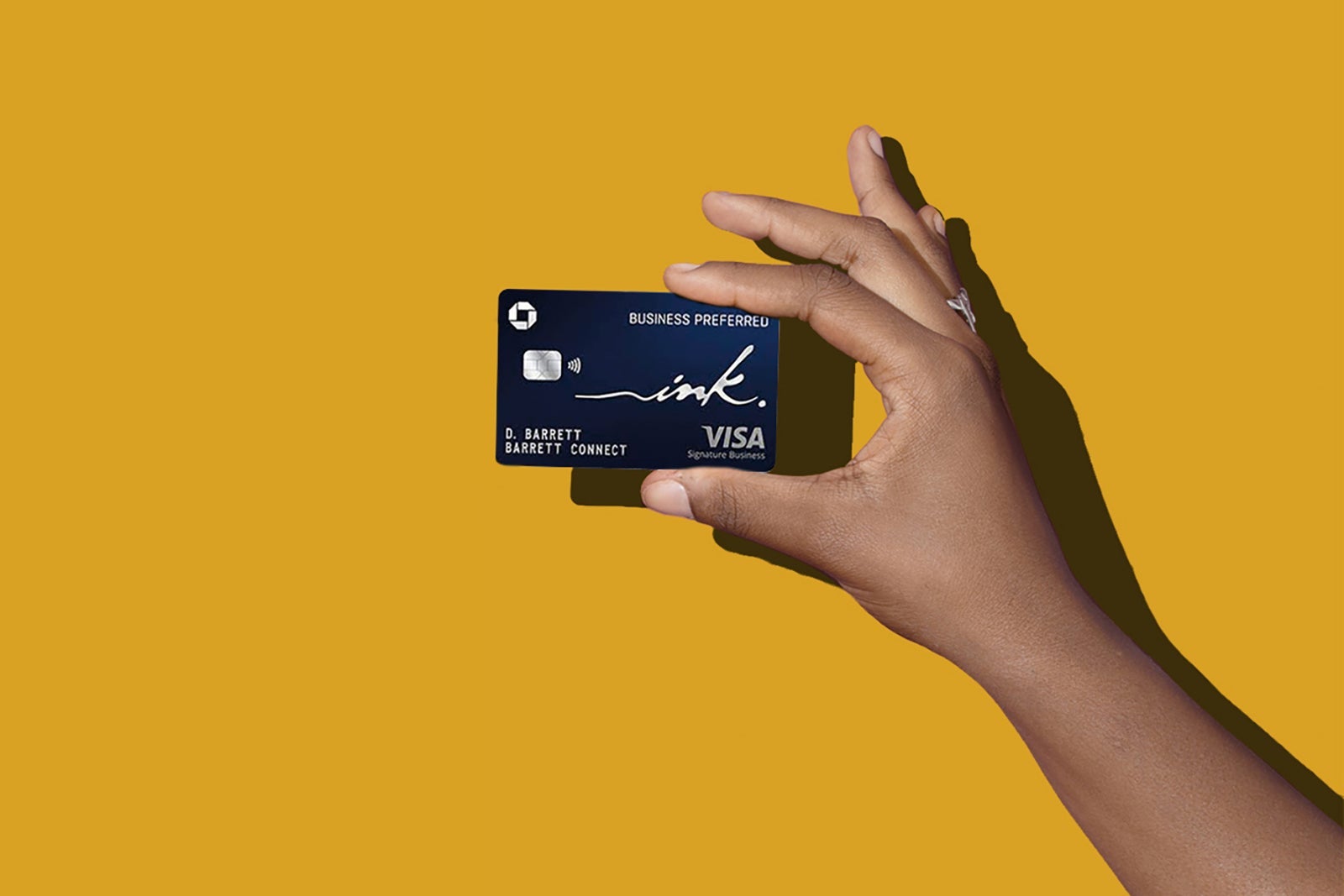
Regardless, the Chase Ultimate Rewards points you’ll receive from the welcome bonus catapult this card’s first-year value to over $1,000.
| Quantifiable benefit | Perk details | Value |
|---|---|---|
|
Earn 100,000 bonus points after spending $8,000 on purchases in the first three months from account opening |
$2,050^ |
^Per TPG’s valuations.
- Total potential first-year value: $2,050
- Annual fee: $95
- Net first-year value: $1,955
To learn more, read our full review of the Ink Business Preferred.
Apply here: Ink Business Preferred
Marriott Bonvoy Business American Express Card
The high-value welcome offer on the Marriott Bonvoy Business American Express Card elevates it to our list.
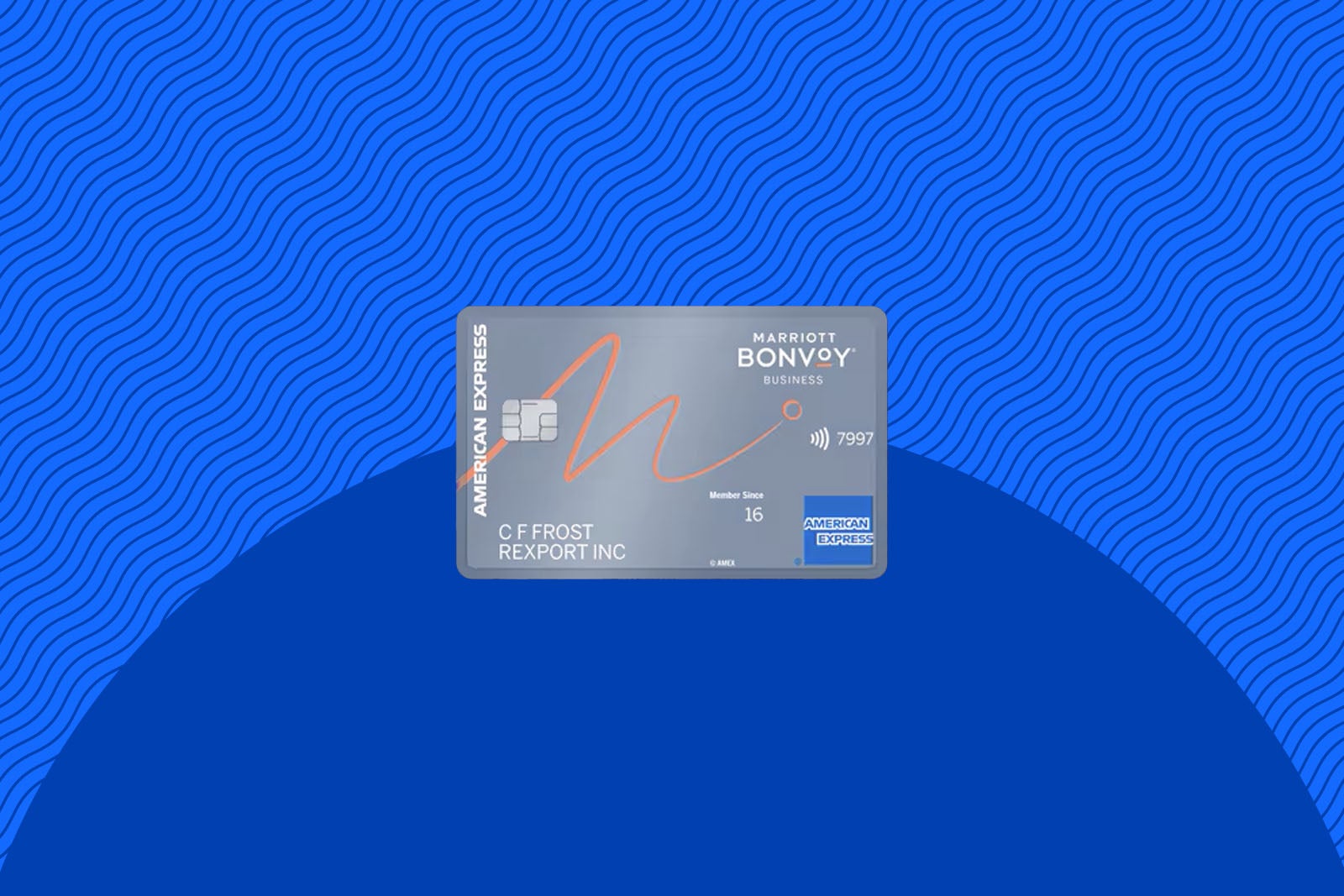
Here’s a breakdown:
| Quantifiable benefit | Perk details | Value |
|---|---|---|
|
Earn three free night awards after spending $6,000 on purchases in the first six months of card membership, plus two additional free night awards after spending an additional $3,000 in the first six months of card membership (for a total of $9,000 in spending). Nights are valued at up to 50,000 points each. Certain hotels have resort fees. |
Up to $1,875^ |
^Per TPG’s valuations.
- Total potential first-year value: Up to $1,875
- Annual fee: $125
- Net first-year value: Up to $1,750
To learn more, read our full review of the Marriott Bonvoy Business Amex.
Apply here: Marriott Bonvoy Business American Express Card
Chase Sapphire Preferred Card
The Chase Sapphire Preferred is one of the best cards for beginners.

Much of the value of the Sapphire Preferred comes from its welcome bonus. However, that’s not the only quantifiable benefit for its $95 annual fee.
| Quantifiable benefit | Perk details | Value |
|---|---|---|
|
Earn 75,000 bonus points after spending $5,000 on purchases in the first three months of account opening |
$1,538^ |
|
|
DoorDash non-restaurant credit
|
Up to $10 each month toward non-restaurant purchases on DoorDash when you activate your DashPass membership by Dec. 31, 2027 |
$120 |
|
DoorDash DashPass subscription
|
At least 12 months of complimentary DashPass when you activate by Dec. 31, 2027 |
$120 |
|
Up to $50 annual credit on hotel stays purchased through Chase Travel |
$50 |
^Per TPG’s valuations.
- Total potential first-year value: Up to $1,828
- Annual fee: $95
- Net first-year value: Up to $1,733
You’ll also receive a 10% points bonus on your cardmember anniversary based on the total amount you spent in the previous year. However, since the value of this perk depends on your spending activity, it’s not included in the above calculation.
To learn more, read our full review of the Sapphire Preferred.
Apply here: Chase Sapphire Preferred Card
Capital One Venture Rewards Card
While the Venture Rewards card doesn’t have a long list of benefits, it offers a strong welcome bonus relative to its annual fee.
Transferring your miles to one of Capital One’s 15-plus loyalty partners is the best way to maximize your rewards.
| Quantifiable benefit | Perk details | Value |
|---|---|---|
|
Earn 75,000 miles after spending $4,000 on purchases in the first three months from account opening. Plus, receive a $250 Capital One Travel credit to use during your first year. |
$1,638^ |
|
|
Global Entry or TSA PreCheck application fee credits
|
Up to $120 every four years |
Up to $120 |
^Per TPG’s valuations.
- Total potential first-year value: Up to $1,758
- Annual fee: $95
- Net first-year value: Up to $1,663
To learn more, read our full review of the Capital One Venture Rewards.
Learn more: Capital One Venture Rewards Credit Card
Citi Strata Elite Card
Citi’s premium travel card, the Citi Strata Elite Card comes with a solid list of quantifiable perks and statement credits.
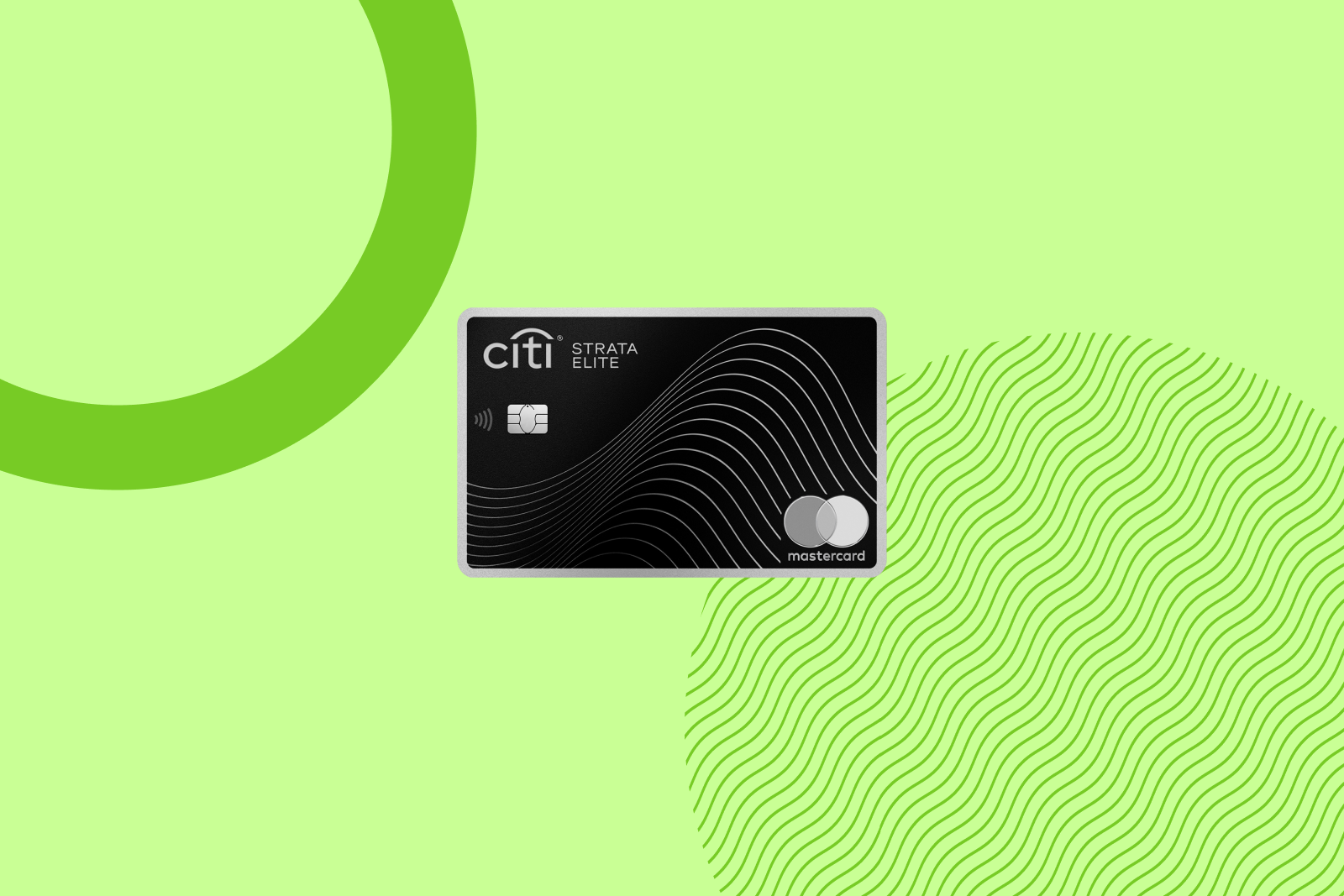
Here’s what to know about the card:
| Quantifiable benefit | Perk details | Value |
|---|---|---|
|
Earn 75,000 bonus points after spending $6,000 on purchases within the first three months from account opening. |
$1,425^ |
|
|
Up to $300 off a prepaid hotel stay (minimum two-night stay) when booked through Citi Travel each calendar year |
$300 |
|
|
Up to $200 in statement credits each calendar year on your choice of up to two brands: 1stDibs, American Airlines, Best Buy, Future Personal Training and Live Nation. |
$200 |
|
|
Up to $200 each calendar year (up to $100 in biannual statement credits) for Blacklane chauffeur bookings |
$200 |
|
|
Global Entry or TSA PreCheck application fee credits
|
Up to $120 every four years |
Up to $120 |
^Per TPG’s valuations.
- Total potential first-year value: Up to $2,245
- Annual fee: $595
- Net first-year value: Up to $1,650
To learn more, read our full review of the Citi Strata Elite.
Apply here: Citi Strata Elite Card
Bilt Palladium Card
The Bilt Palladium Card earns valuable Bilt Points and Bilt Cash (up to $100 of Bilt Cash earned rolls over to the next year), sending its first-year value up high.
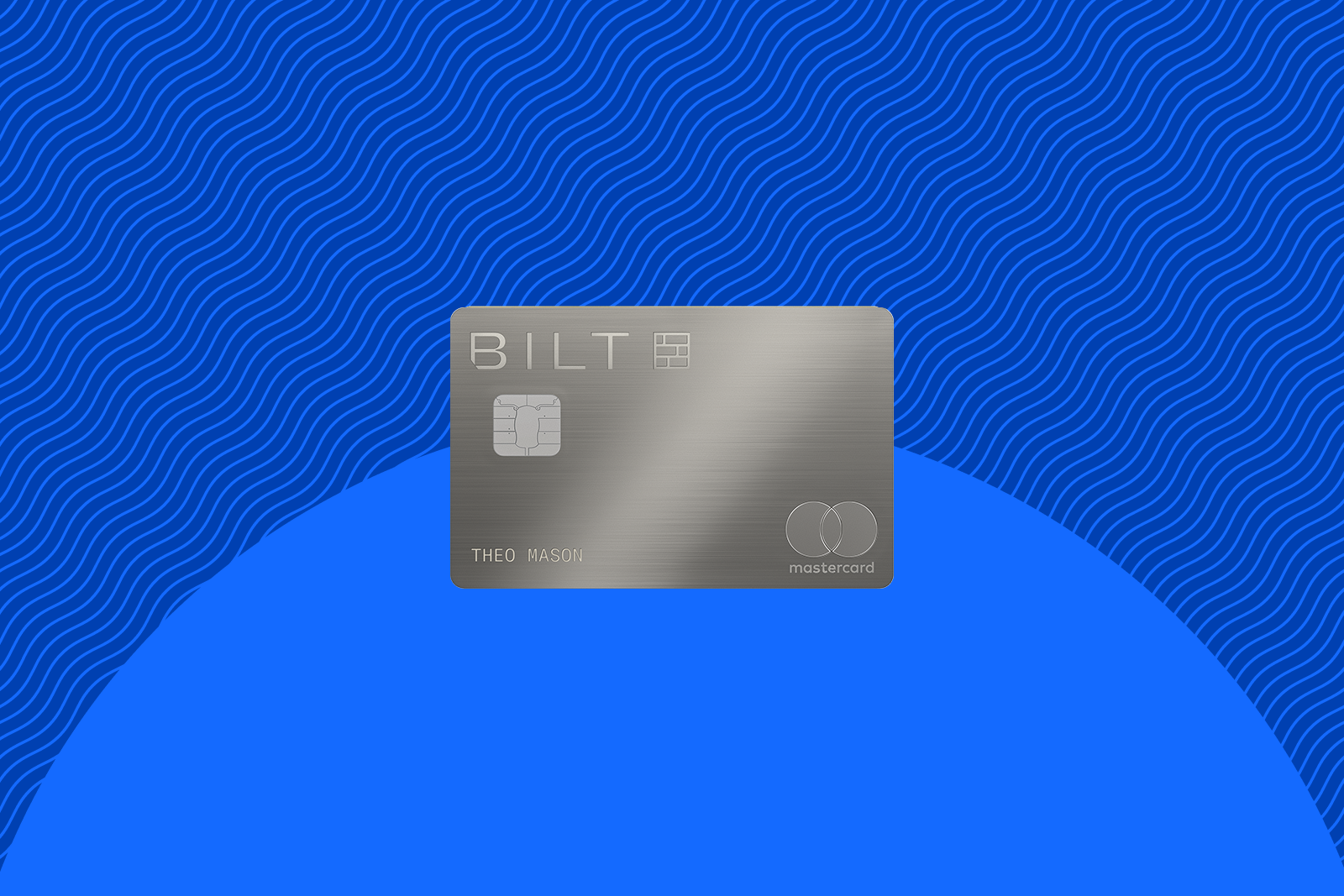
Here’s what to know about Bilt’s premium card:
| Quantifiable benefit | Perk details | Value |
|---|---|---|
|
Earn 50,000 Bilt Points and Gold Status after spending $4,000 on everyday purchases in the first three months. Plus, receive $300 in Bilt Cash upon account opening. |
$1,400^ |
|
|
Bilt Travel Portal hotel credit
|
Up to $200 biannually ($400 per calendar year) in Bilt Travel Portal hotel credit; must book a stay of at least two nights |
$400 |
|
$200 in Bilt Cash annually |
$200 |
^Per TPG’s valuations.
- Total potential first-year value: Up to $2,000
- Annual fee: $495 (see rates and fees)
- Net first-year value: Up to $1,505
To learn more, read our full review of the Bilt Palladium Card.
Apply here: Bilt Palladium Card
Marriott Bonvoy Boundless Credit Card
The stellar offer on the Marriott Bonvoy Boundless Credit Card elevates it to this list.
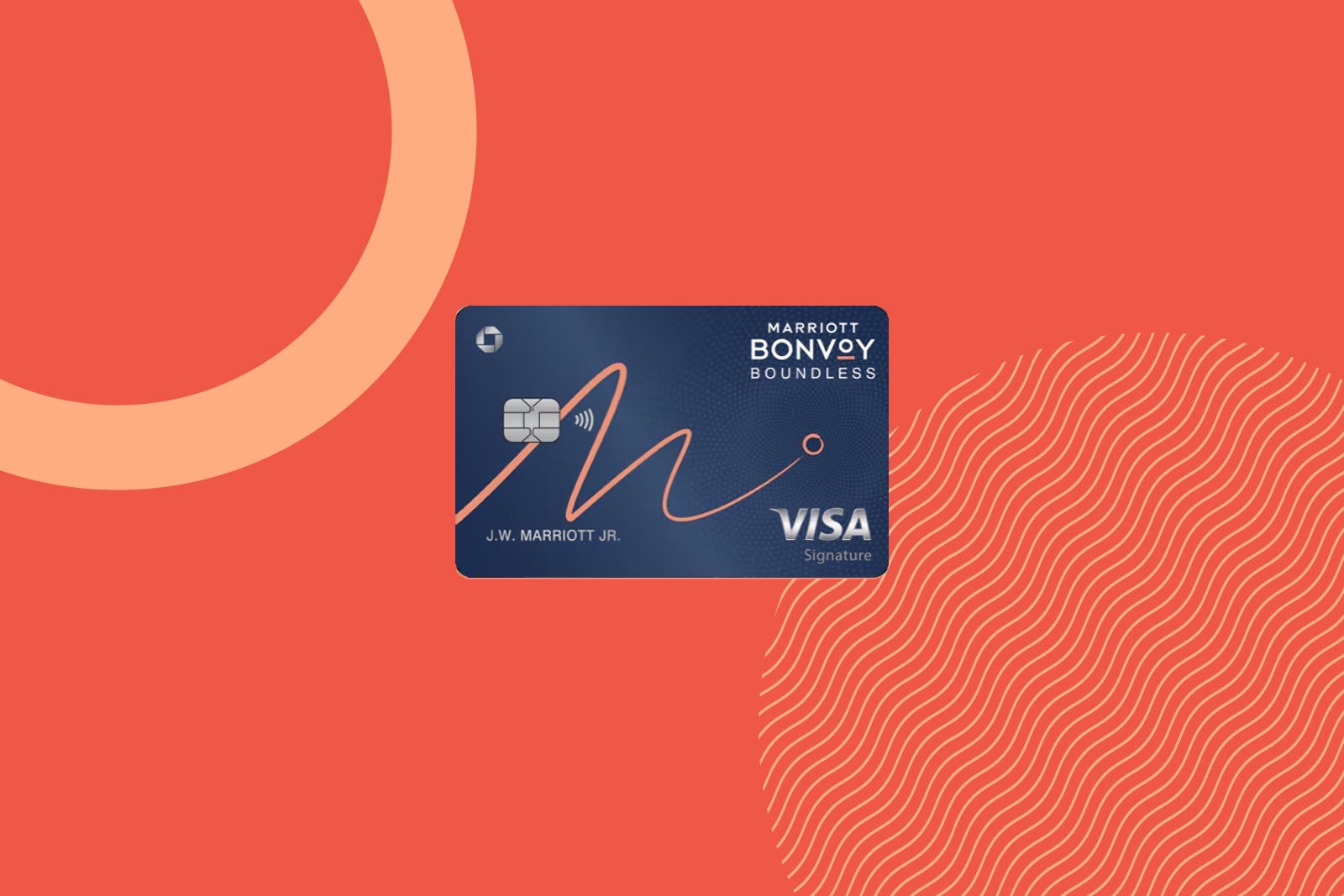
This card provides a fantastic bonus for Marriott loyalists to enjoy.
| Quantifiable benefit | Perk details | Value |
|---|---|---|
|
Earn three free night awards*** after spending $3,000 on purchases in the first three months from account opening. Plus, earn an additional free night award*** after spending a total of $4,000 on purchases in the first four months from account opening. Additionally, earn up to $100 in statement credits (up to $50 biannually) after spending $500 on eligible airline purchases.
***Nights are valued at up to 50,000 points each. Certain hotels have resort fees. |
Up to $1,600^ |
^Per TPG’s valuations.
- Total potential first-year value: Up to $1,600
- Annual fee: $95
- Net first-year value: Up to $1,505
To learn more, read our full review of the Marriott Bonvoy Boundless.
Apply here: Marriott Bonvoy Boundless Credit Card
Marriott Bonvoy Brilliant American Express Card
The premium Marriott Bonvoy Brilliant American Express Card is great for Bonvoy loyalists looking for top-tier perks.
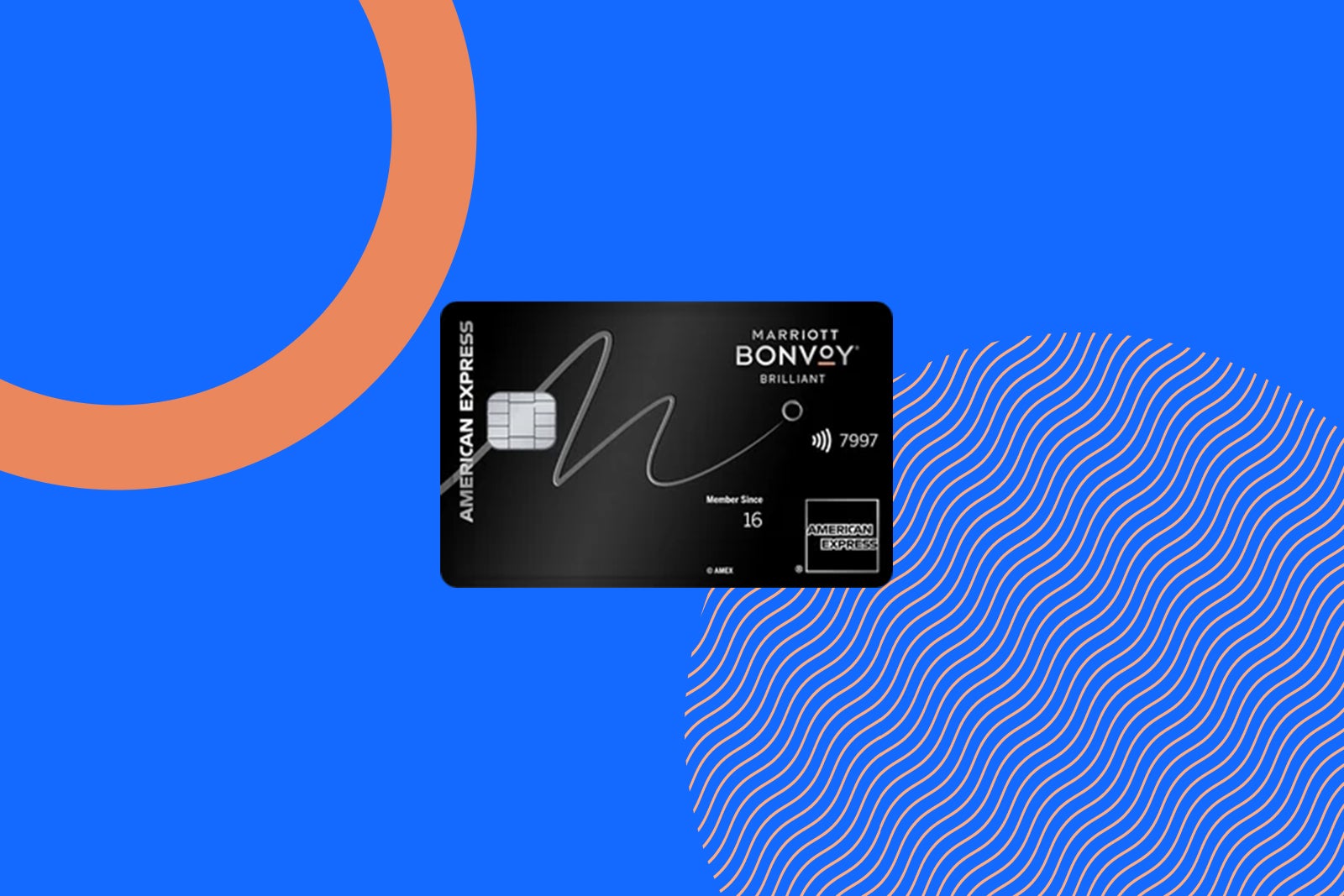
Here’s a breakdown of this card’s first-year value:
| Quantifiable benefit | Perk details | Value |
|---|---|---|
|
Earn 200,000 bonus points after spending $6,000 on purchases in the first six months of card membership. This offer ends May 13. |
$1,500^ |
|
|
Up to $300 in statement credits per calendar year (up to $25 monthly) for eligible dining purchases at restaurants worldwide |
Up to $300 |
|
|
Up to $120 in statement credits per calendar year (up to $10 monthly) on select U.S. ride-hailing service apps** |
Up to $120 |
|
|
Global Entry or TSA PreCheck application fee credits
|
$120 credit for Global Entry every 4 years or up to $85 for TSA PreCheck every four or 4 1/2 years** |
Up to $120 |
|
Ritz-Carlton or St. Regis property credit
|
Up to $100 property credit for a minimum two-night stay with Ritz-Carlton or St. Regis |
Up to $100 |
^Per TPG’s valuations.
**Enrollment is required.
- Total potential first-year value: Up to $2,140
- Annual fee: $650
- Net first-year value: Up to $1,490
To learn more, read our full review of the Marriott Bonvoy Brilliant.
Apply here: Marriott Bonvoy Brilliant American Express Card
Capital One Venture X Rewards Credit Card
The Venture X makes a splash in the premium cards space thanks to its non-quantifiable lounge access perks for a more modest annual fee compared to other similar options.
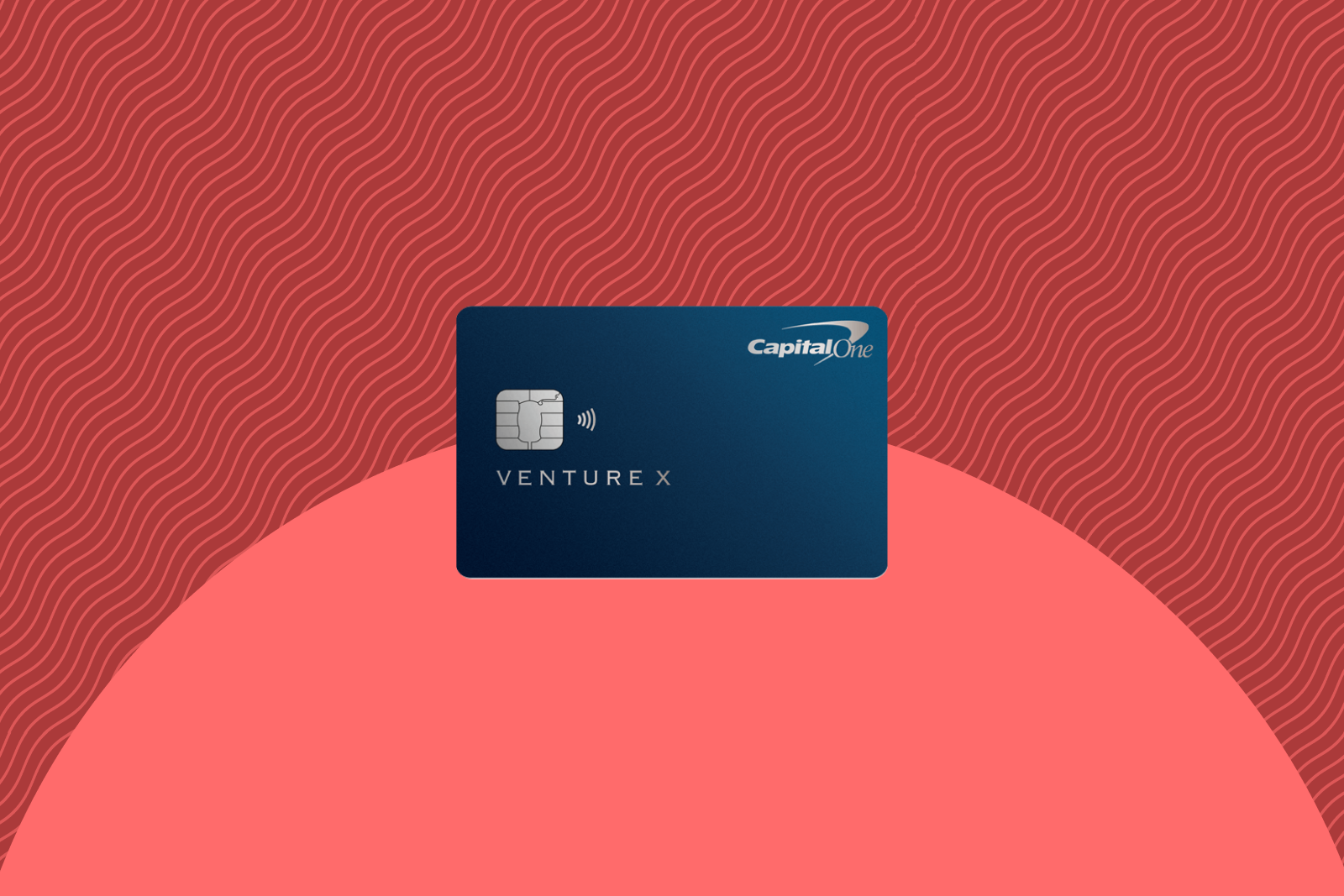
Let’s tally up the value you could receive from this travel card.
| Quantifiable benefit | Perk details | Value |
|---|---|---|
|
Earn 75,000 bonus miles after spending $4,000 on purchases in the first three months from account opening. |
$1,388^ |
|
|
Capital One Travel credit
|
$300 annual credit for travel bookings made through the Capital One Travel portal |
$300 |
|
Global Entry or TSA PreCheck application fee credits
|
Up to $120 every four years |
Up to $120 |
^Per TPG’s valuations.
- Total potential first-year value: $1,808
- Annual fee: $395
- Net first-year value: Up to $1,413
To learn more, read our full review of the Capital One Venture X.
Learn more: Capital One Venture X Rewards Credit Card
Atmos Rewards Summit Visa Infinite credit card
Alaska Airlines and Hawaiian Airlines loyalists can enjoy a premium card with the Atmos Rewards Summit Visa Infinite credit card

Here’s what to know about this excellent airline card:
| Quantifiable benefit | Perk details | Value |
|---|---|---|
|
Earn 80,000 bonus points and a 25,000-point Global Companion Award after spending $4,000 on purchases in the first 90 days from account opening. |
Up to $1,470^ |
|
|
Global Entry or TSA PreCheck application fee credits
|
$120 credit for Global Entry every 4 years or up to $85 for TSA PreCheck every four or 4 1/2 years |
Up to $120 |
^Per TPG’s valuations.
- Total potential first-year value: $1,590
- Annual fee: $395
- Net first-year value: $1,195
To learn more, read our full review of the Atmos Rewards Summit card.
Apply here: Atmos Rewards Summit Visa Infinite credit card
World of Hyatt Business Credit Card
Business travelers who enjoy staying with Hyatt can get high value from holding the World of Hyatt Business Credit Card.
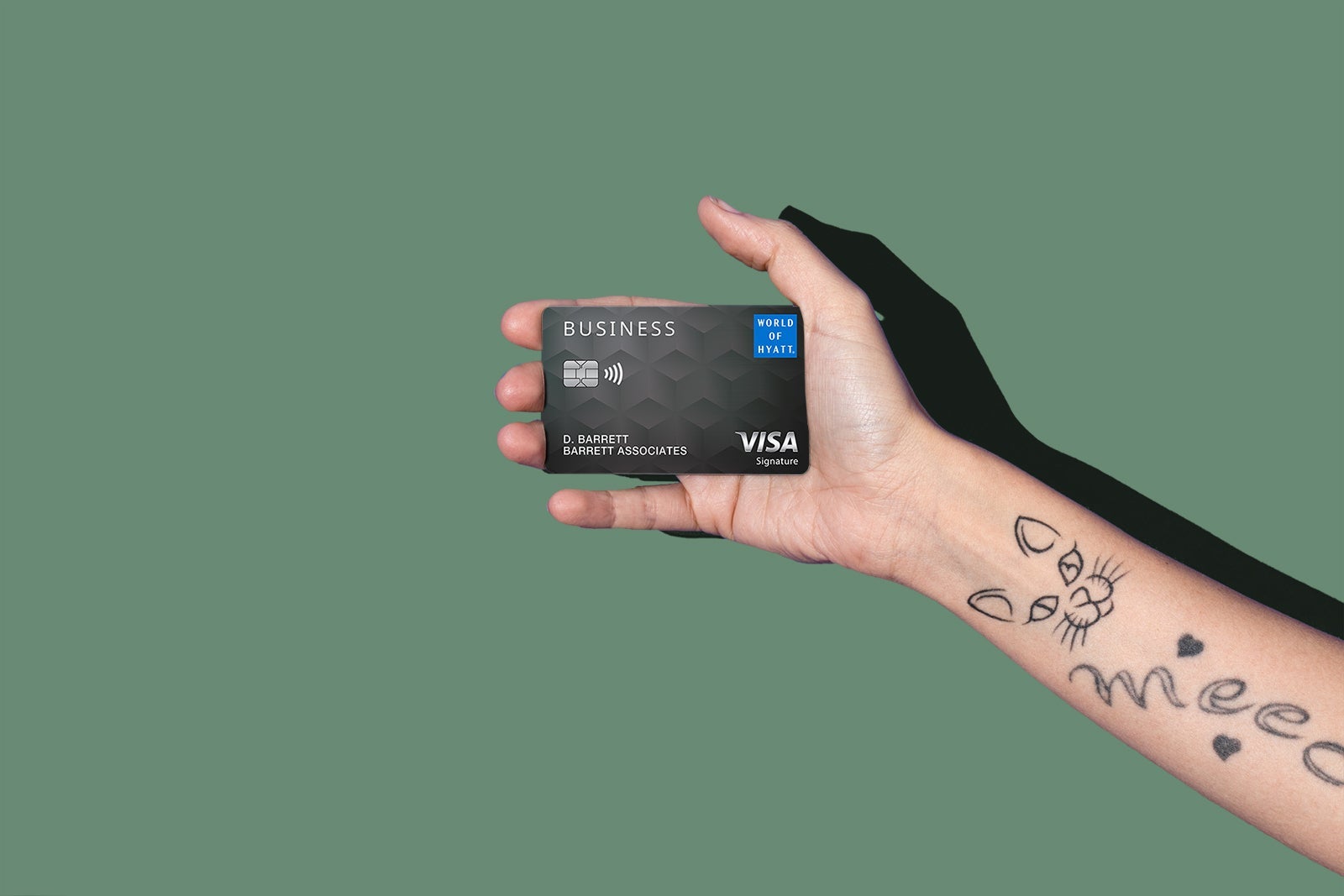
Here’s how to get more than $1,000 in value in the first year:
| Quantifiable benefit | Perk details | Value |
|---|---|---|
|
Earn 80,000 bonus points after spending $10,000 on purchases in the first three months from account opening. This offer ends on April 30. |
$1,360^ |
|
|
Get a $50 statement credit when you use your card to spend $50 or more at Hyatt hotels and resorts (up to two times per year for a total of $100 in annual credits) |
Up to $100 |
^Per TPG’s valuations.
**Enrollment is required.
- Total potential first-year value: Up to $1,460
- Annual fee: $199
- Net first-year value: Up to $1,161
To learn more, read our full review of the World of Hyatt Business card.
Apply here: World of Hyatt Business Credit Card
Bottom line
Many popular travel credit cards can get you well over $1,000 in value in just the first year of card membership.
If you have a card where you spend a lot each year within its bonus categories, you can easily get more than $1,000 in value from it just based on spending alone.
But if you aren’t taking full advantage of the benefits offered by a card (such as lounge access, yearly statement credits or elite status), you could get less value from a specific card, as it isn’t suited to your needs.
Hopefully, this gives you a starting point to see which cards can offer your wallet the most value.
Related: Credit card perks and benefits you should be using each month
For Capital One products listed on this page, some of the benefits may be provided by Visa® or Mastercard® and may vary by product. See the respective Guide to Benefits for details, as terms and exclusions apply.
For rates and fees of the Amex Business Platinum, click here.
For rates and fees of the Amex Platinum, click here.
For rates and fees of the Amex Business Gold, click here.
For rates and fees of the Amex Gold, click here.
For rates and fees of the Marriott Bonvoy Business, click here.
For rates and fees of the Marriott Bonvoy Brilliant, click here.

Stacie Harris is a local resident and reporter of the Maple Grove area. Stacie reports on medicine and science for the Maple Grove Report.










