
The FIFA World Cup 2026™ is set to take over calendars, travel plans and living rooms alike. With 48 nations competing across 16 host cities from June through mid-July, this is one of the biggest sporting events to come to the United States in decades.
Whether you’re flying to a host city, locking in match tickets or simply watching at home, every soccer fandom moment is an opportunity to earn more with Bank of America’s new BofA Rewards™ program.
With no minimum balance required to join, the program is designed to reward everyday banking and spending, from booking a last-minute flight to purchasing your favorite fan gear.
Here’s how to build a simple game plan to maximize your financial rewards during the FIFA World Cup 2026™.
The ultimate game plan: 3 ways to score more with BofA Rewards
Maximizing BofA Rewards doesn’t have to be complicated. If there’s one strategy to follow for taking part in a once-in-a-lifetime global event like the FIFA World Cup 2026™, it’s this: Don’t settle for earning rewards just once.
It comes down to three things: stacking loyalty programs where you can, using a card that aligns with your spending and taking advantage of BofA Rewards’ array of meaningful benefits.
Step 1: Stack your savings with loyalty programs
The first step is the simplest — and the one most people overlook. Whether you’re traveling to a host city or staying local, look for opportunities to double-dip (or even triple-dip) on rewards.

Before you make any FIFA World Cup 2026™ purchases, take a few minutes to enroll in loyalty and reward programs at the retailers and brands you’re already planning to use.
- Traveling to a host city? Sign up for your airline’s frequent flyer program and a hotel loyalty program before you book — you’ll earn points or miles on the same purchases you were going to make anyway.
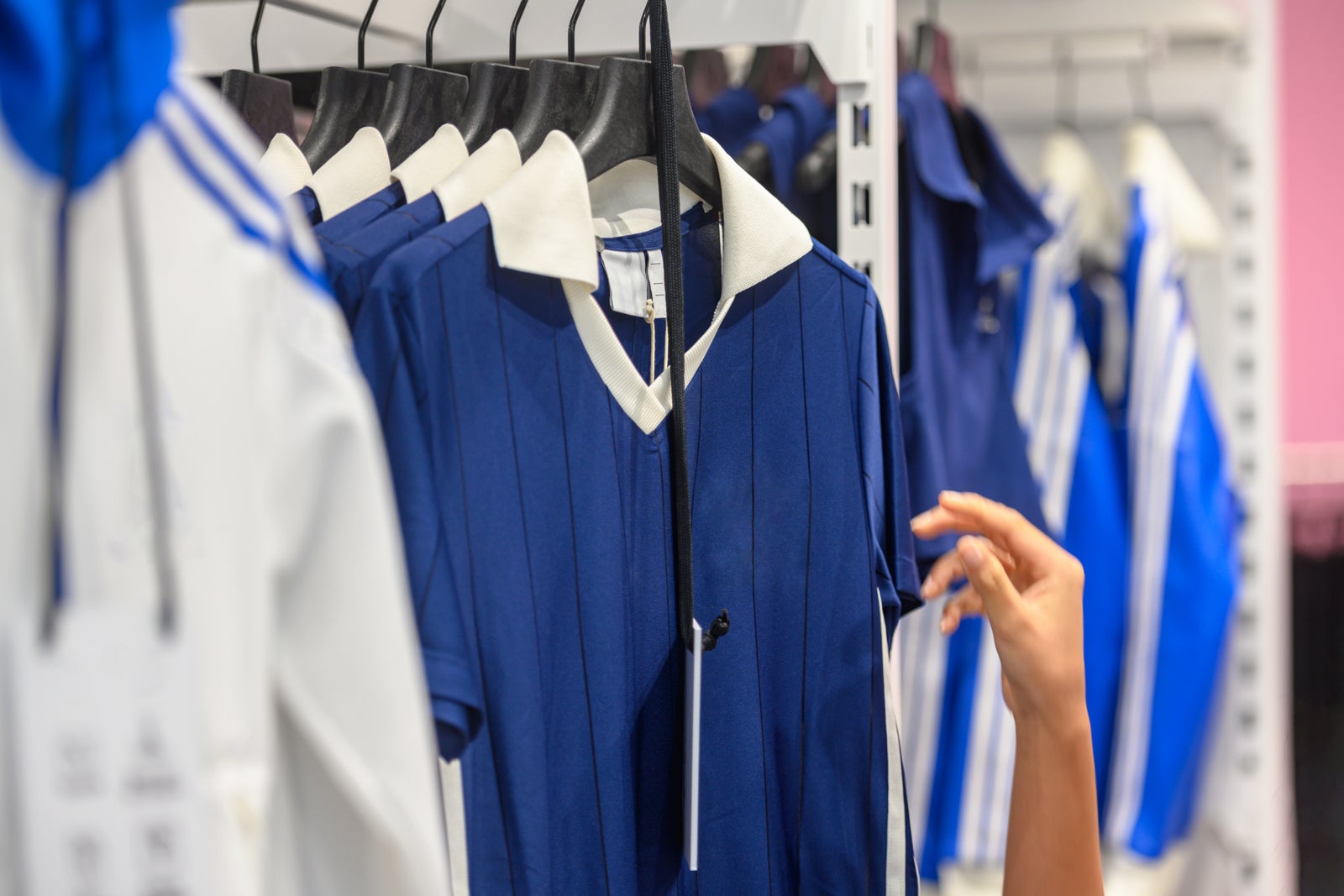
- Shopping for fan gear? Join retailer programs when buying team gear to get discounts or exclusive deals.
- Stocking up for the big game at home? Hosting at home might feel low-key, but game day hosting is a hidden rewards opportunity. Use grocery and food delivery apps with built-in rewards.
- Headed to the bar? Before choosing a spot, check to see if it has a loyalty program for regulars and keep an eye out for event-themed food and drink deals.

Reward your inbox with the TPG Daily newsletter
Join over 700,000 readers for breaking news, in-depth guides and exclusive deals from TPG’s experts
These programs can earn you points, miles or discounts directly with each brand — forming the foundation for a game-winning spending strategy.
Related: How to earn more points and maximize elite status benefits by double-dipping
Step 2: Match your spending to the right card
The second step is finding a credit card that fits your habits. Today, many cards let you align rewards with how you spend by choosing categories based on where you shop most.
FIFA World Cup 2026™ spending tends to fall into a few key areas: travel, dining and online shopping.
That’s where choosing a card — and using it for game day-related purchases — can really matter.
Select eligible Bank of America credit cards offer flexible ways to earn more in the categories that matter most to you, with opportunities for even greater rewards for new cardholders during their first year. The key is simple: Paying attention to where you shop can help you get more from everyday spending.
Related: Bank of America Customized Cash Rewards review: Customize your rewards structure
Step 3: Let BofA Rewards do the rest
Here’s where the BofA Rewards program earns its place at the center of your FIFA World Cup 2026™ strategy.
BofA Rewards can turn each purchase into multiple earning opportunities through its credit card rewards bonus benefit, which layers an additional bonus on top of your eligible Bank of America credit card’s existing bonus.
Depending on your tier, you can earn a 10% to 75% credit card rewards bonus with an eligible Bank of America credit card.
- Member (10% bonus)
- Preferred Plus (25% bonus)
- Preferred Honors (50% bonus)
- Premier (75% bonus)
That means a purchase you were already making can become even more valuable without extra effort.

Beyond the credit card bonus, BofA Rewards members can unlock access to exclusive cash-back offers at more than 15,000 popular brands through Bank of America’s Deals platform. These deals are offered by a wide range of merchants — from grocery stores and food-delivery platforms to travel brands, fan-gear retailers and even local restaurants. Can’t decide where to watch a match? Check Deals for local restaurants where you can earn extra cash back while dining out. A simple night out can rack up more rewards than you might expect.
For members at higher tiers, the program expands even further with benefits like fee-free ATM access and subscription credits for live play-by-play audio coverage with SiriusXM. These members also receive lifestyle benefits across travel, food and wine, arts and entertainment and more — offering a variety of ways to enhance your FIFA World Cup 2026™ experience.
Related: 6 travel tips for attending FIFA World Cup games this summer
Bottom line
The FIFA World Cup 2026™ is a once-in-a-generation moment.
While big trips are where rewards tend to add up fastest, not every FIFA World Cup 2026™ experience requires a flight or match tickets.
Unlock benefits as a member with no minimum balance, access elevated perks as your tier grows and turn everyday purchases into more meaningful wins.
Whether you’re cheering from the stands, streaming from your sofa or watching from your favorite restaurant, a simple, strategic approach ensures the FIFA World Cup 2026™ can pay off for more than just your team.
If you want to learn more about how the program works and what benefits you may qualify for, visit the BofA Rewards website.

Banking services provided by Bank of America, N.A., Member FDIC. For full terms and conditions, visit bofa.com/bofarewards.
BofA Rewards™ Eligibility. Customers can enroll and maintain their membership in BofA Rewards™ if they have an open, qualifying Bank of America® checking account. BofA Rewards tiers are based on each customer’s combined average balance in qualifying deposit and investment accounts. The minimum balance for each tier is: Member, no minimum balance; Preferred Plus, $30,000; Preferred Honors, $100,000; and Premier, $1,000,000. When you enroll, you’ll be placed in the appropriate tier for your combined average balance and then moved to the highest tier you’re eligible for based on one of the following:
- For the 30 calendar days following your first enrollment, the combined end-of-day collected balance of your qualifying accounts (“Daily Balance”), provided that your Daily Balance remains above the required amount for a minimum of three business days; or
- Subsequently, the combined average balance of your qualifying accounts calculated on the third business day of each month.
Eligible customers will be moved to the higher tier within 3 business days. New tier benefits may take up to 30 days to become effective. For full terms, including qualifying accounts and the method of calculation of average balances, refer to your Personal Schedule of Fees.
To participate, you just need an eligible Bank of America checking account. Checking accounts may have a monthly maintenance fee if waiver requirements are not met.
Credit Card BofA Rewards™ Bonus. Certain credit cards are eligible to receive a BofA Rewards™ bonus. Enrolled BofA Rewards members with eligible Bank of America® credit cards can receive a BofA Rewards bonus of 10% for the Member tier, 25% for the Preferred Plus tier, 50% for the Preferred Honors tier, or 75% for the Premier tier. If your card receives the 10% customer bonus, the BofA Rewards bonus will replace the 10% customer bonus. The BofA Rewards bonus for eligible cash rewards credit cards will be applied after all base and bonus cash rewards have been calculated on a purchase. For example, a $100 purchase that earns 3% ($3.00) will actually earn $3.30, $3.75, $4.50 or $5.25 based on your tier when the purchase posts to your account. For all other eligible card types, a purchase that earns 100 base points will actually earn 110, 125, 150, or 175 points, based on your tier when the purchase posts to your account. The BofA Rewards bonus also does not apply to the bonus earn for certain programs and is not applied to any account opening bonus or non-standard rewards that are part of a special offer, unless we indicate otherwise. This information can be found in the Program Rules associated with those credit cards. Other terms and conditions apply. Please refer to your card’s Program Rules for details about how you will receive the BofA Rewards bonus. Program Rules are mailed upon account opening and are accessible through the rewards redemption site via Online Banking or by calling the number on the back of your card. View a complete list of eligible cards.
BofA Rewards™ Subscription Credits. In order to be eligible for the subscription credit benefit, you must: (1) Be enrolled in the BofA Rewards program’s Preferred Honors or Premier tiers (2) Agree to the full terms of the Subscription Credit Benefit via the Subscription Credit Benefit page within BofA Rewards and (3) Make payments directly to eligible merchants using your Bank of America debit card linked to a checking account that you designate via the subscription credit benefit page. Customers may receive statement credits up to $8 per month for Preferred Honors members and $15 per month for Premier members. Eligible merchants are subject to change without notice. Currently eligible merchants can be found on the subscription credit benefit page.
BofA Rewards™ Lifestyle Benefits. You must be enrolled in the BofA Rewards™ program’s Preferred Honors or Premier tiers to be eligible for lifestyle benefits or experiences. Lifestyle benefits are provided by third-party vendors not affiliated with Bank of America®. Terms and fulfillment of the offers are the responsibility of the third-party vendors, not of Bank of America. Bank of America does not provide your customer information to the third-party vendor, but by contacting them to take advantage of an offer you will identify yourself as a Bank of America customer. Some offers may be open only to a limited number of BofA Rewards members. Offers can change without notice. You must be 21 years of age or older to participate in offers which include alcohol.

Stacie Harris is a local resident and reporter of the Maple Grove area. Stacie reports on medicine and science for the Maple Grove Report.