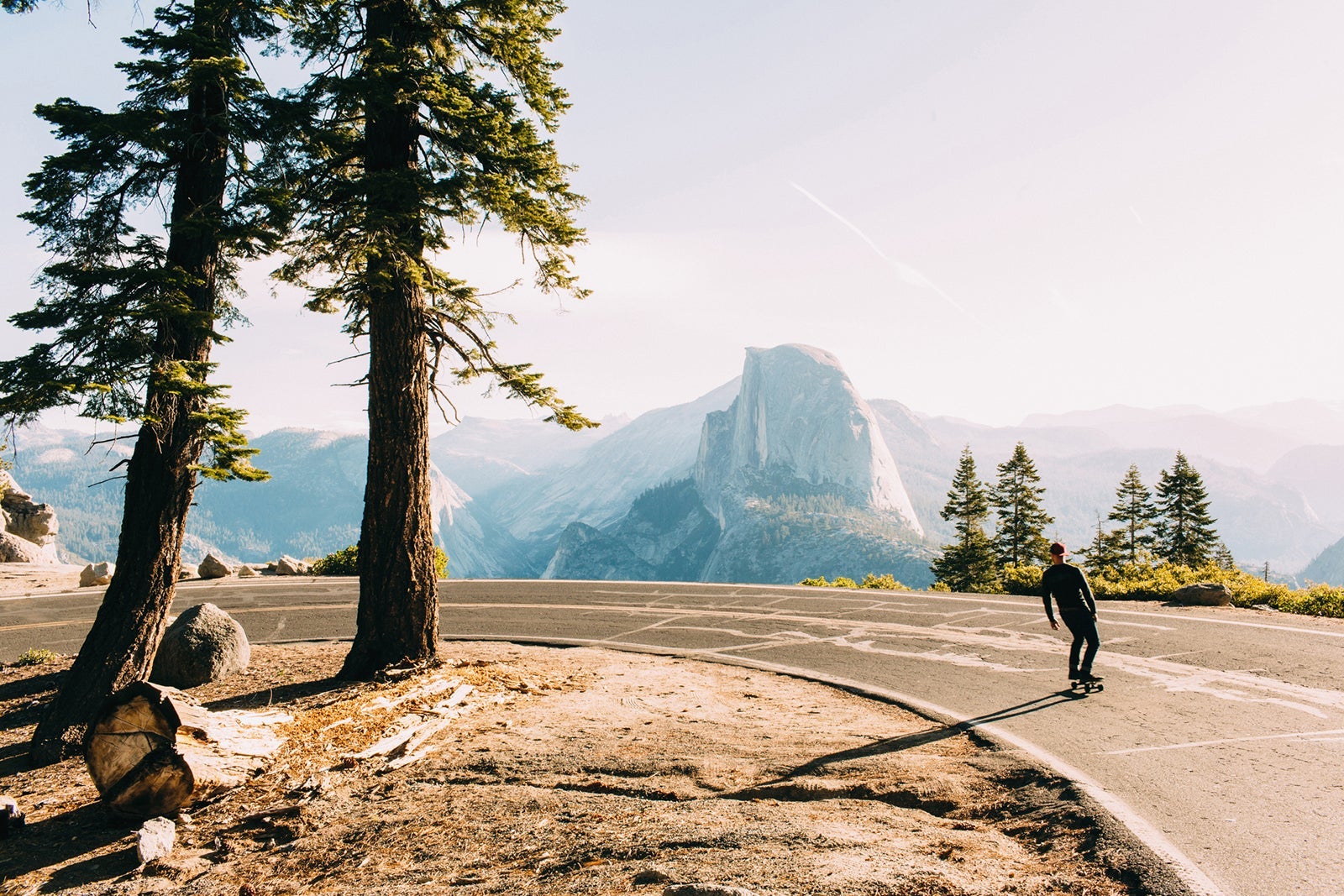

Not to take anything away from flying, cruising or train rides, but there’s nothing like a good old-fashioned road trip. Car travel offers the chance to maintain control over your pace and gives parents a chance to teach their kids about “enjoying the ride.”
It’s also one of the best ways to experience America’s gorgeous collection of national parks. Exploring the parks through road trips can feel like a truly immersive experience for nature lovers and outdoor enthusiasts, as they involve moving through the many unique and diverse ecosystems that can be found in the U.S. Moving at a slower pace can also give you more time to delve into the rich history and culture of each place while creating lasting memories along the way.
From towering mountains and ancient forests to vibrant deserts and cascading waterfalls, our national parks all have their own special charms. Here are the eight best road trips for visiting national parks.
Yosemite National Park
- Nearest airport: Fresno Yosemite International Airport (FAT) in California
- Best time to visit: May through October
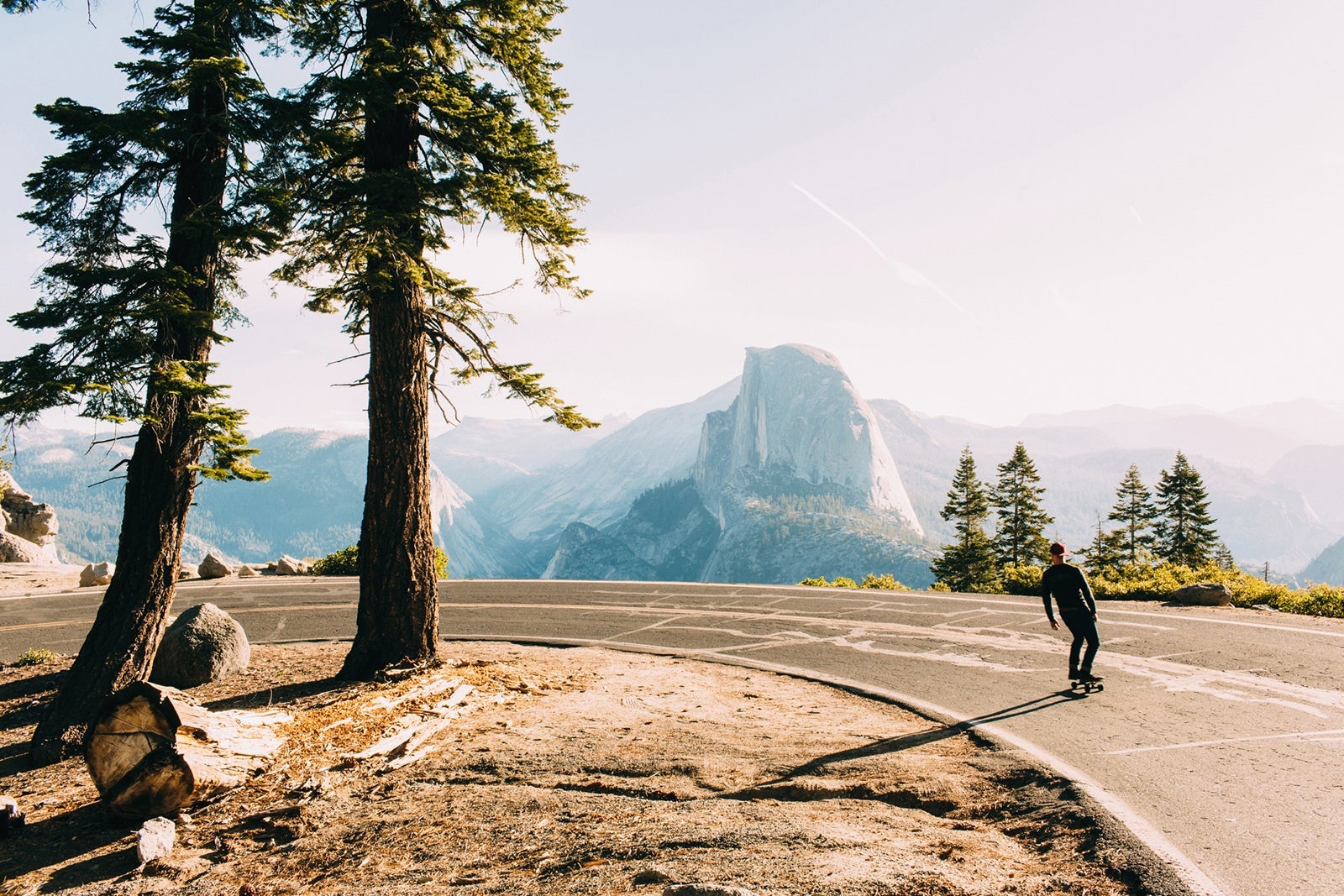
Yosemite National Park in California’s Sierra Nevada mountains is a must-visit destination for road-trip enthusiasts. Here, travelers can experience the park’s iconic granite cliffs, alpine meadows, giant sequoias and waterfalls.
From legendary sights like Half Dome and El Capitan to Mirror Lake and Yosemite Valley, the park offers endless outdoor adventures. Whether you’re hiking, rock climbing or enjoying nature’s serenity, Yosemite inspires exploration. Yosemite also has well-maintained roads, plenty of scenic drives, on-site lodges, well-equipped campgrounds and several nearby, off-site accommodations — you’ll have an unforgettable time, no matter your budget.
Recommended stops around the park:
- Mariposa Grove: Home to more than 500 mature giant sequoias
- Glacier Point: Offers a stunning view of Yosemite Valley
- Curry Village: A great base for hiking, bouldering and rock climbing
Where to stay
Campgrounds with nice facilities are available inside the park, or you can splurge at The Ahwahnee (starting at around $750 per night) for a more luxurious stay. If you want to use points, opt for Fairfield by Marriott Inn & Suites Oakhurst Yosemite. It’s about 36 miles from the park, and you can book rooms from about 50,000 Marriott Bonvoy points or $225 per night during the spring.

Reward your inbox with the TPG Daily newsletter
Join over 700,000 readers for breaking news, in-depth guides and exclusive deals from TPG’s experts
Related: Top-notch Yosemite National Park hotels to plan your visit around
Great Smoky Mountains National Park
- Nearest airport: McGhee Tyson Airport (TYS) near Knoxville, Tennessee
- Best times to visit: June, July and October
Straddling the North Carolina and Tennessee border, Great Smoky Mountains National Park is the most-visited national park in the U.S. It’s known for its diversity of plant and animal life and its rich Southern Appalachian culture.
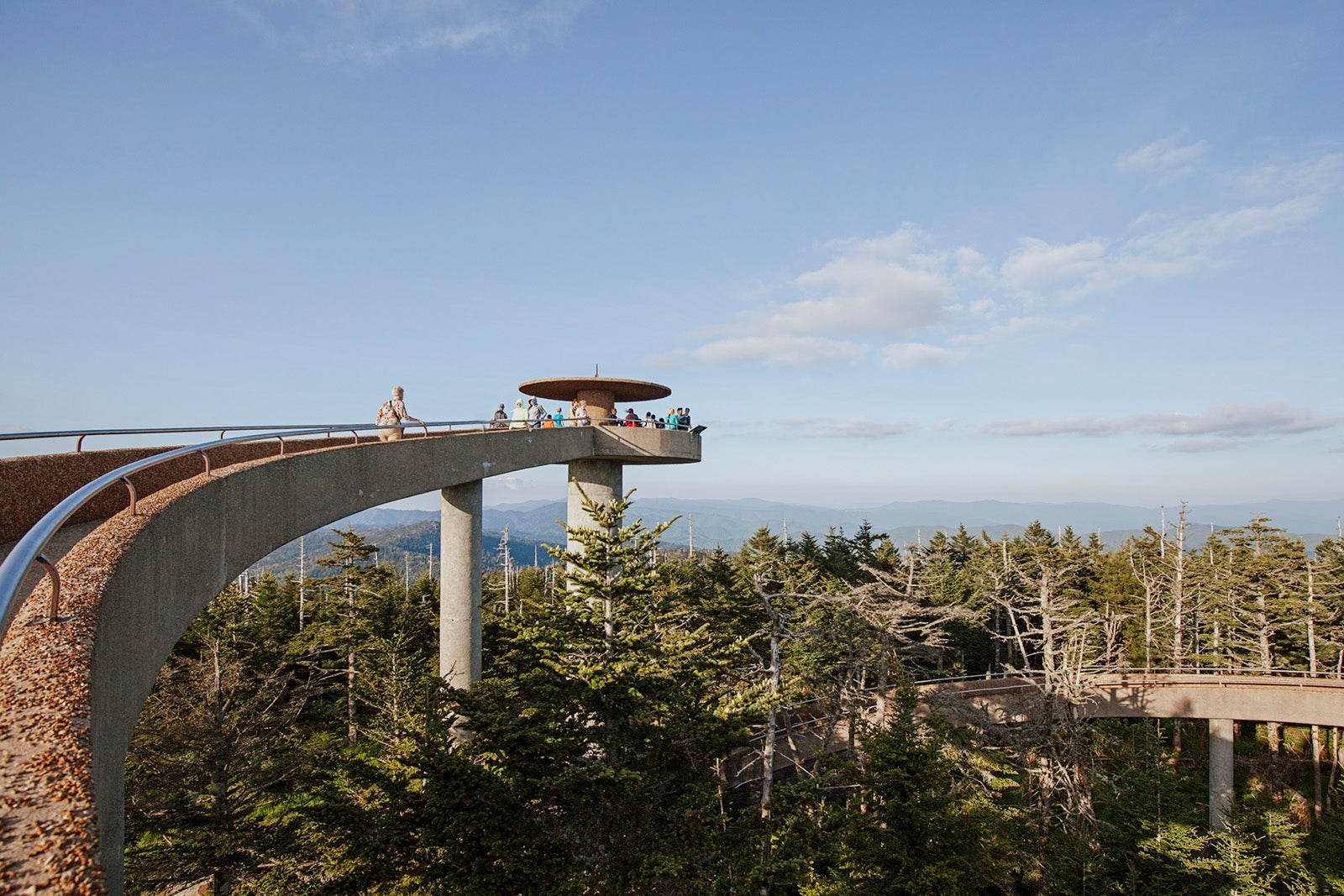
The park offers abundant natural wonders, from the majestic vistas atop Clingmans Dome and the panoramic drives along the Newfound Gap Road to the peaceful serenity of Cades Cove and Laurel Falls. It’s a perfect choice for road trippers who love hiking, photographing wildlife or history.
Recommended stops around the park:
- Cades Cove: Offers wildlife viewing and historical buildings
- Clingmans Dome: The highest point in the park, providing panoramic views
- Roaring Fork: A scenic motor nature trail
Where to stay
LeConte Lodge is the highest guest lodge in the eastern U.S. at 6,400 feet and has rustic charm and spectacular views aplenty. Rates start at $184 per person in a lodge room or cabin. Or, redeem 38,000 Hilton Honors points or $132 per night for a stay at the Hampton Inn Gatlinburg Historic Nature Trail, which sits less than 2 miles away from the park.
Yellowstone National Park
- Nearest airport: Bozeman Yellowstone International Airport (BZN) in Montana
- Best time to visit: May through September
Yellowstone National Park in Idaho, Montana and Wyoming was America’s very first national park — and for good reason. Here, visitors can find geothermal wonders, sprawling meadows and dramatic landscapes.
The park’s kaleidoscope of natural marvels is well documented. There are the mesmerizing eruptions of Old Faithful, the Instagram-worthy colors of the Grand Prismatic Spring, the majestic wildlife sightings in Lamar Valley, the awe-inspiring Grand Canyon of the Yellowstone and so much more beyond the park’s most well-known attractions.
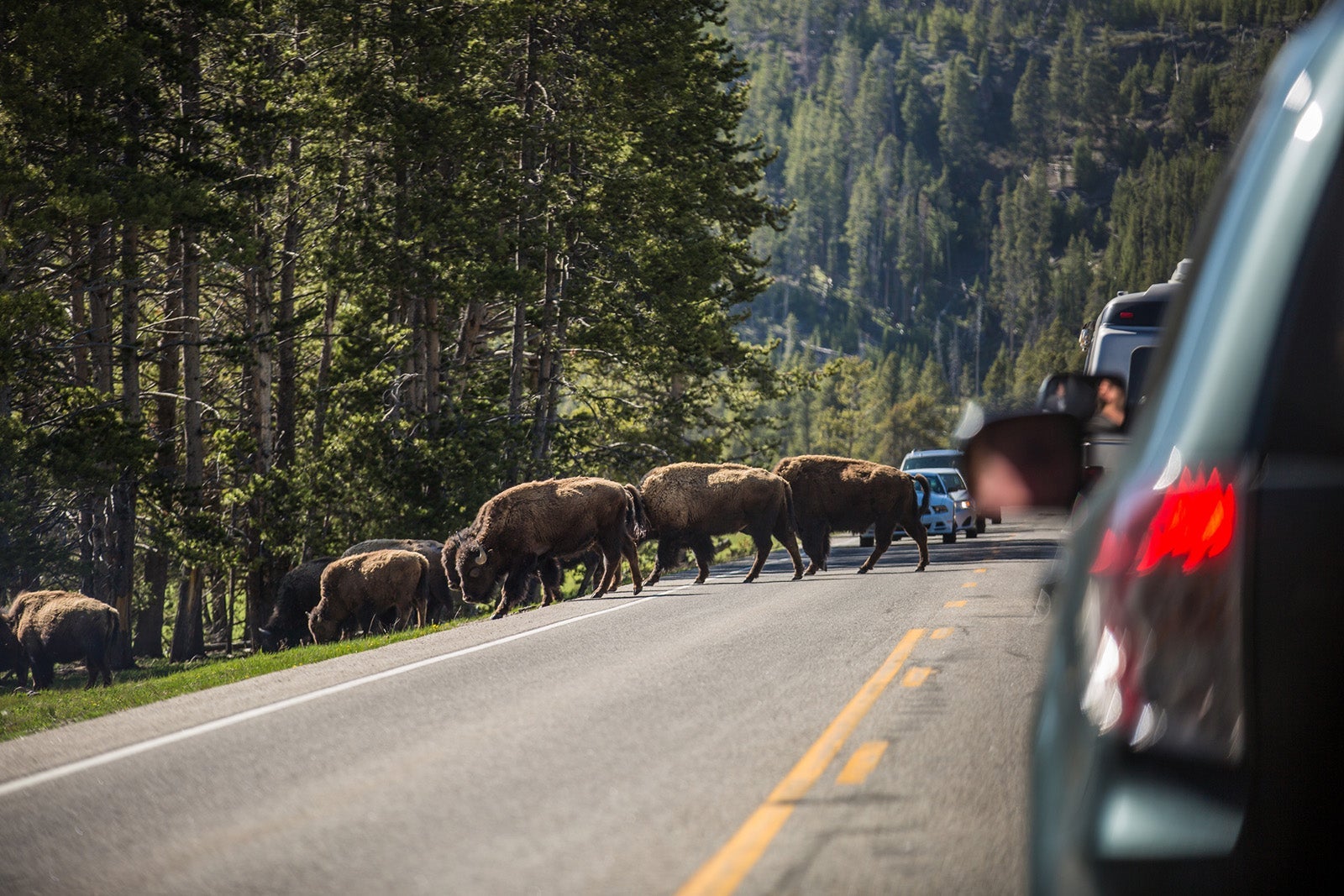
Active types can make use of the intricate network of hiking trails, witness the power of Yellowstone’s geysers and hot springs or embark on wildlife safaris to spot bison, wolves and grizzly bears.
With its scenic drives, well-preserved historic sites and comfortable campgrounds, there’s a little bit of everything for every kind of traveler at Yellowstone.
Recommended stops around the park:
- Old Faithful: The most famous geyser in the world
- Grand Prismatic Spring: The largest hot spring in the U.S.
- Lamar Valley: Referred to as the “Serengeti of North America” for its abundant wildlife
Where to stay
Old Faithful Inn is an iconic historic hotel next to Old Faithful with rooms beginning at $256 per night. There’s also Holiday Inn West Yellowstone, which is just three minutes from the park entrance and has rates from $465 or 76,000 IHG One Rewards points per night.
Related: Where to stay when visiting Yellowstone National Park: Best hotels and lodges
Joshua Tree National Park
- Nearest airport: Palm Springs International Airport (PSP) in California
- Best times to visit: March through May and October through November
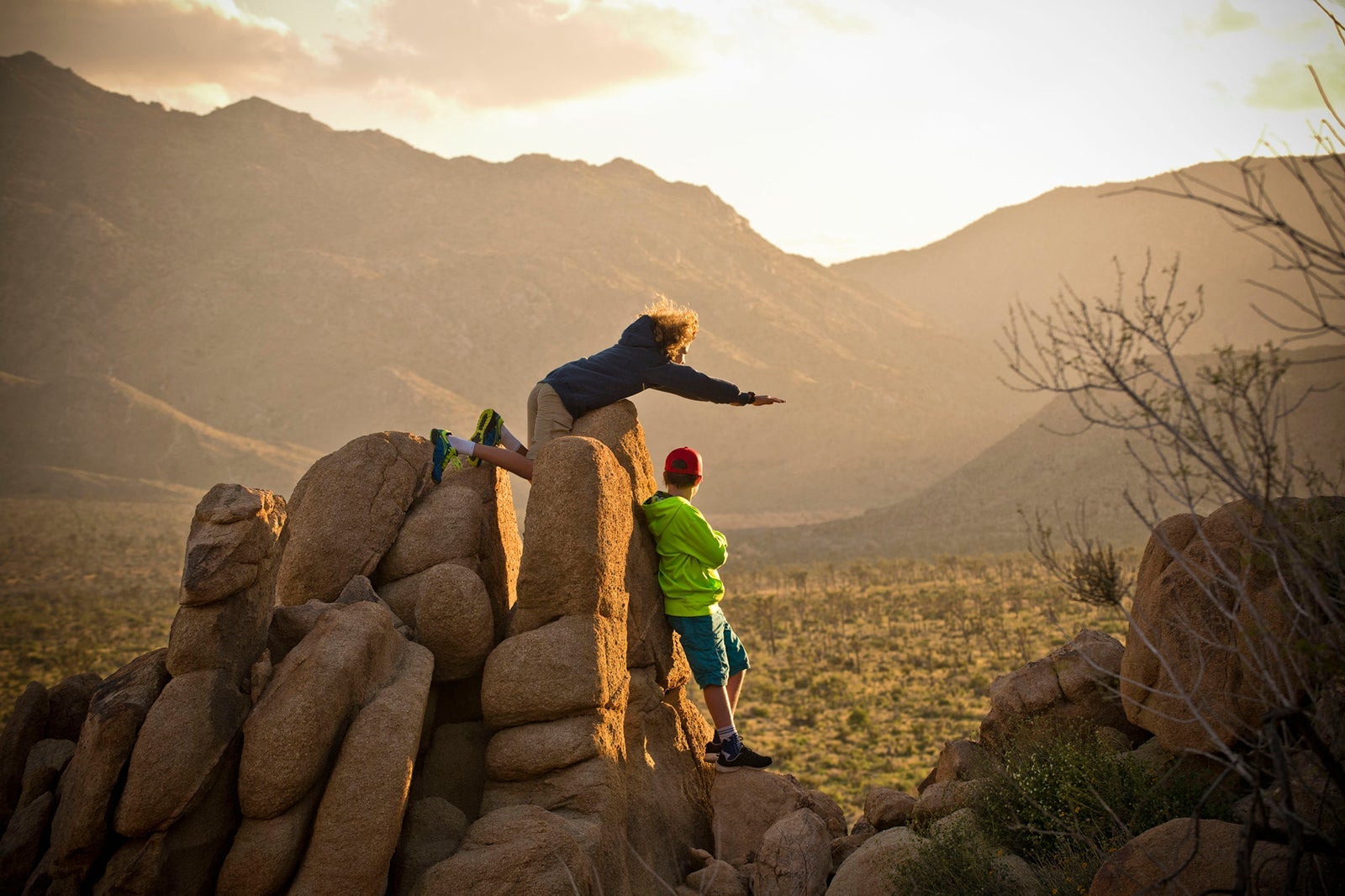
Dramatic rock formations, vast desert vistas and Joshua trees define this southeastern California park.
From the ethereal beauty of Joshua tree “forests” (Joshua trees are not actually trees — they’re succulents) to striking landmarks like Skull Rock and Arch Rock, the park offers an abundance of natural marvels to explore. Stick around to stargaze at night; Joshua Tree National Park is also an International Dark Sky Place.
Recommended stops around the park:
- Joshua Tree National Park Visitor Center: A great starting point for maps, books, gifts and local information
- Keys View: For panoramic vistas of the Coachella Valley
- Cholla Cactus Garden: Best viewed at sunrise or sunset (keep your distance from the jumping chollas!)
Where to stay
Joshua Tree Inn is known for its connection to musician Gram Parsons, a former member of The Byrds and frequent inn guest who passed away in room No. 8, which is still open for bookings. There’s also Sacred Sands, a luxury desert retreat located near the park’s west entrance. The Grand Hyatt Indian Wells Resort & Villas is about an hour’s drive from the park. Rates start from $277 or 20,000 World of Hyatt points per night in the fall.
Related: Best hotels in Palm Springs that are an oasis in the desert
Death Valley National Park
- Nearest airport: Harry Reid International Airport (LAS) in Las Vegas
- Best time to visit: Spring
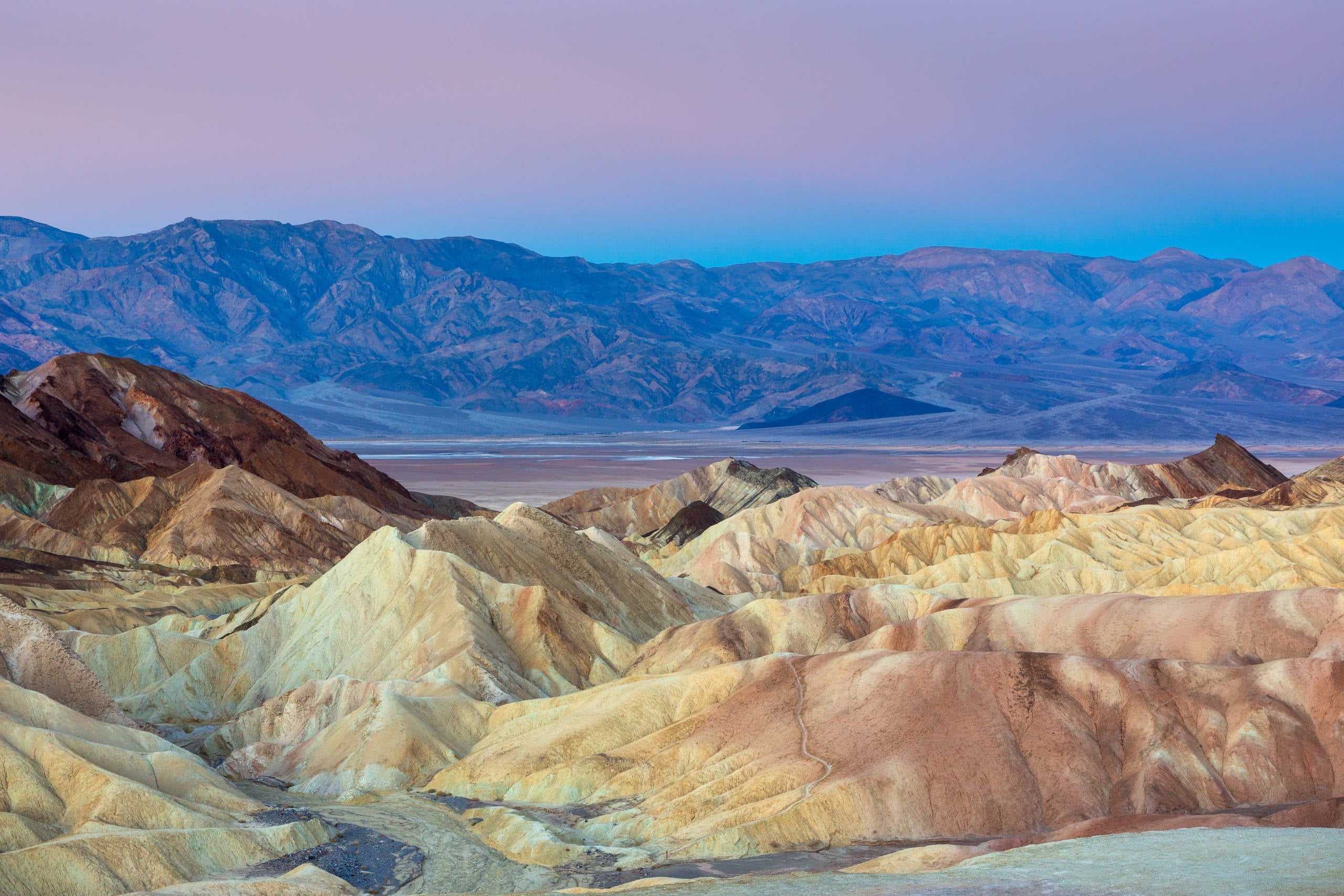
America’s hottest and driest national park, Death Valley, is famous for its oppressively high temperatures. However, it has far more going for it than intense heat. The land is packed with otherworldly topography that is a photographer’s dream. It’s technically a desert, but less than 1% of it is actually covered in sand dunes.
Hikers and runners have any number of great trails to explore, as do mountain bikers — just be sure to bring plenty of water and do not plan on doing any strenuous activities during the peak of summer. One very important thing to keep in mind about Death Valley: It’s huge. Covering 3.3 million acres, the park is only smaller than those found in Alaska. Ensure that you’ve packed and are prepared accordingly.
If you want to stay in air conditioning, the park has hundreds of backcountry roads to explore with a four-wheel-drive vehicle. Just be sure to bring an old-school paper map; GPS in the area is unreliable. For Jedi aficionados, there is even a “Star Wars” driving tour that lets you visit various filming locations used in the original film and “Return of the Jedi.”
Recommended stops around the park:
- Badwater Basin: The lowest point in North America at 282 feet below sea level
- Mesquite Flat Sand Dunes: Some of the easiest dunes to visit in Death Valley and great for sandboarding and spotting animals such as coyotes and desert kit foxes
- Ubehebe Crater: A spectacular site to behold in person, measuring 600 feet deep and half a mile across
Where to stay
The Oasis at Death Valley is located near the park’s visitor center in a lush date palm grove surrounded by natural springs. Thanks to some $250 million in recent renovations, the nearly 100-year-old property includes The Inn at Death Valley, Fiddlers’ Campground and The Ranch at Death Valley. Rooms start from $150 and campsites from $29.
Acadia National Park
- Nearest airport: Bangor International Airport (BGR) in Maine
- Best time to visit: June through October
Acadia National Park in Maine is a must-visit destination for road-trip enthusiasts. Rocky shores, lush forests and granite peaks — it’s everything you would expect from the picturesque New England landscape.
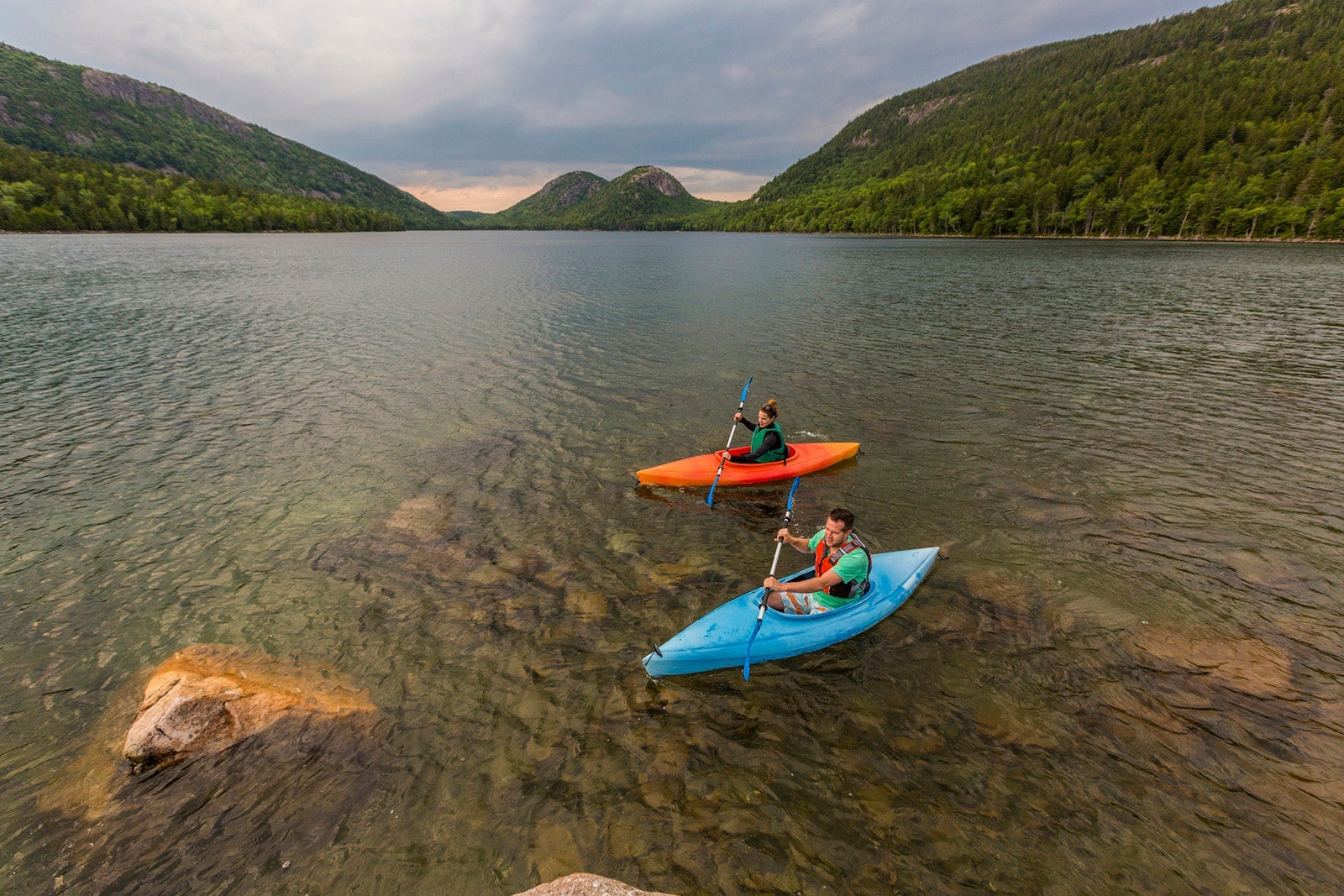
Take advantage of the opportunity to hike to the top of Cadillac Mountain (the highest point on the Eastern Seaboard) and enjoy the tranquility of Jordan Pond and the dramatic cliffs of Thunder Hole.
Whether you prefer hiking or cycling the Park Loop Road, Acadia makes it easy to feel completely immersed in the area’s rich maritime history and natural landscape.
Recommended stops around the park:
- Cadillac Mountain: The tallest mountain on the Eastern Seaboard
- Jordan Pond: Known for its clear water and views of the North and South Bubble mountains
- Bass Harbor Head Lighthouse: A historic lighthouse with beautiful harbor and sea views
Where to stay
The Bluenose Inn offers great views and easy access to Bar Harbor, Maine. The Hampton Inn Bar Harbor is also nearby, with rates starting at $525 or 90,000 Hilton Honors points per night.
Related: A beginners guide to visiting Acadia National Park
Zion National Park
- Nearest airport: LAS or St. George Regional Airport (SGU) in Utah
- Best times to visit: Spring and fall
Zion National Park, nestled in the rugged canyons and towering cliffs of southern Utah, is a must-see destination for any road-trip aficionado.
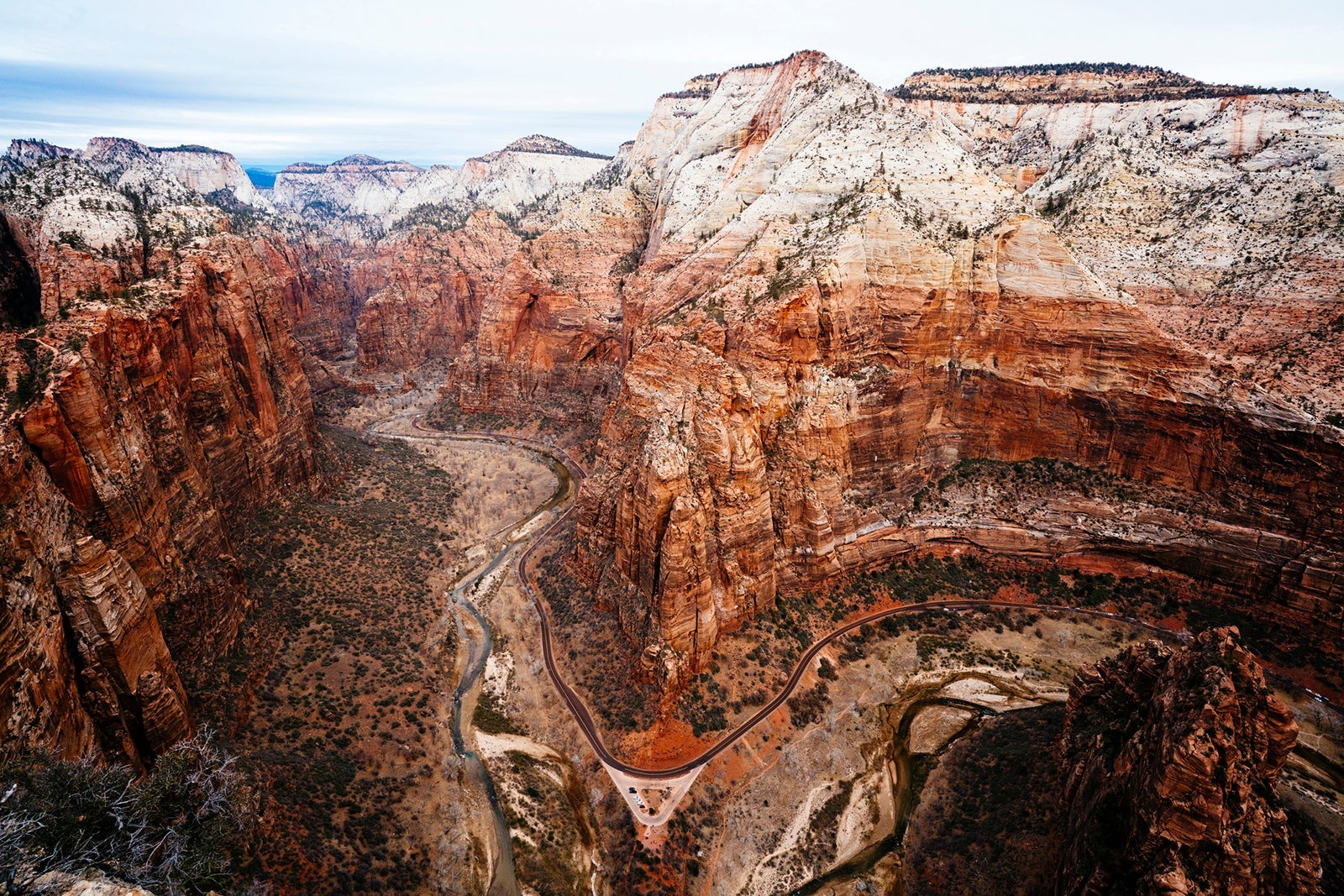
Renowned for its striking red-rock formations, narrow slot canyons and the winding Virgin River, Zion offers a mesmerizing landscape that captivates the senses.
From Angels Landing to the sweeping panoramas of the Zion Canyon Scenic Drive to Emerald Pools and the majestic Narrows hike, the park presents an array of experiences for outdoor enthusiasts. Visitors can hike, rock climb or even explore the park on horseback.
Recommended stops around the park:
- Angels Landing: Offers incredible views of the park (but requires a reservation in advance or winning a lottery to experience it)
- The Narrows: Goes along the Virgin River through towering canyon walls
- Kolob Canyons: A quieter park section that offers stunning scenic drives and hikes
Where to stay
Zion National Park Lodge is the only in-park lodging, offering cabins and hotel rooms. SpringHill Suites by Marriott Springdale Zion National Park is close to the park, with rates starting at roughly $150 a night on some off-peak dates. You’ll find award rates between 50,000 and 75,000 Marriott Bonvoy points per night.
Related: The best places to stay near Zion National Park
Bryce Canyon National Park
- Nearest airport: LAS or Salt Lake City International Airport (SLC)
- Best times to visit: Spring and fall, although summer is the most popular time for visitors
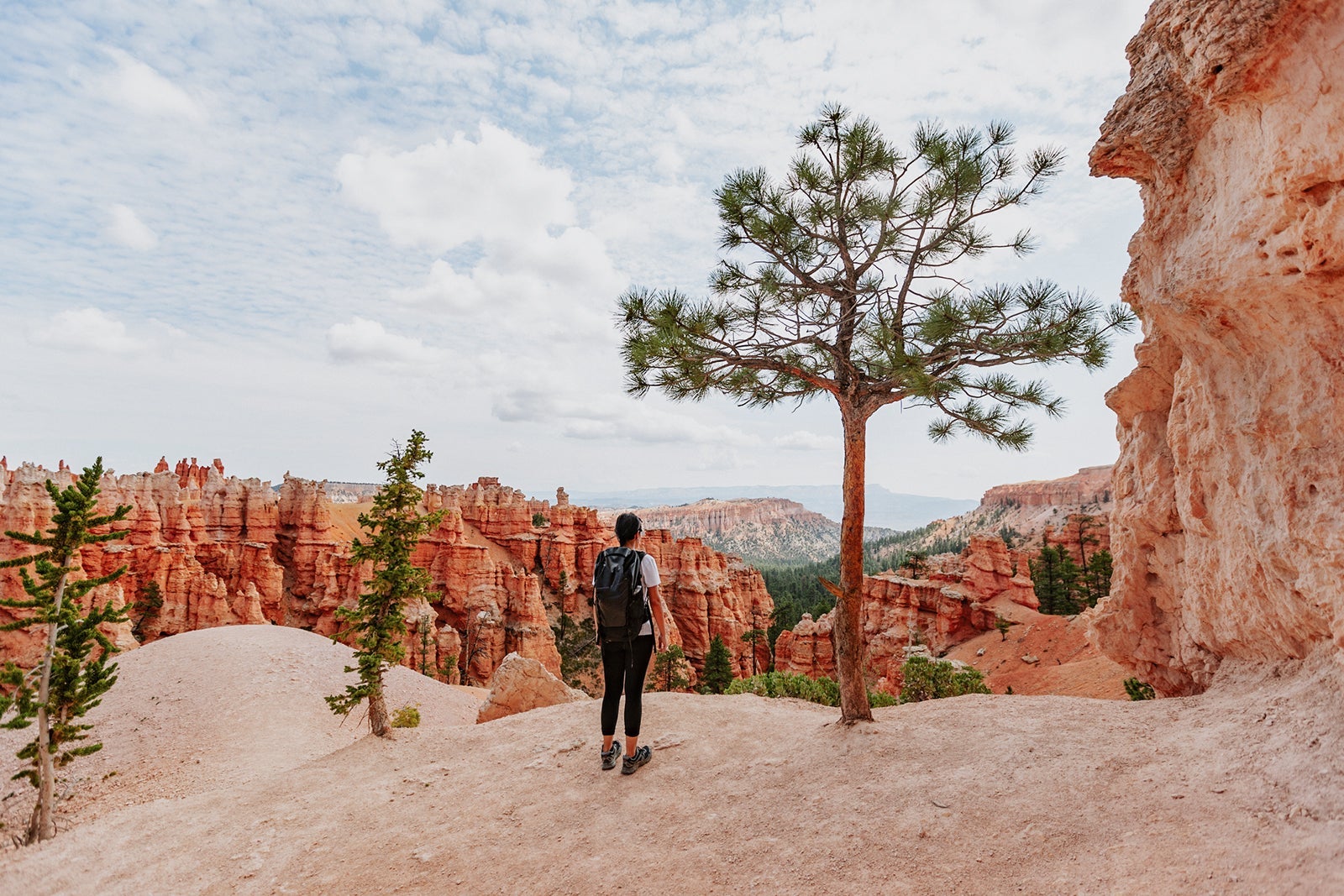
Bryce Canyon National Park is located just 72 miles from Zion in southwestern Utah — close enough to visit both parks on the same day. It is home to some of the most ethereal landscapes in the American West and is best known for its tall, thin geological spires known as hoodoos.
According to Paiute mythology, the hoodoos are the Legend People turned to stone.
Recommended stops around the park:
- The Bryce Amphitheater: A famous section of the park that showcases Bryce Canyon’s iconic assortment of hoodoos
- The Rim Trail: A 5.5-mile stretch that connects the four viewpoints of the Bryce Amphitheater: Bryce Point, Inspiration Point, Sunset Point and Sunrise Point
- The Grand Staircase: A sequence of rock formations stretching from Bryce Canyon to the Grand Canyon that’s especially popular with hikers
Where to stay
Bryce Canyon Lodge is the only lodging available within the park and is just a short walk from the Bryce Amphitheater. Dating back to the 1920s, the Western-style property is perhaps one of Bryce Canyon’s most famous landmarks. The Lodge has 114 rooms, including suites and cabins, that start at $291 per night.
Another option is Best Western Plus Ruby’s Inn, located in Bryce Canyon City, only a mile from the park. Rooms start at $80 or 12,000 Best Western Rewards points per night.
Related reading:

Stacie Harris is a local resident and reporter of the Maple Grove area. Stacie reports on medicine and science for the Maple Grove Report.