

If you’re new to travel rewards, it’s easy to feel like you need a complicated strategy to start earning free flights and hotel stays. Between cash-back cards, airline cards, hotel cards and flexible points, there are dozens of options to choose from.
The good news is you don’t need to figure everything out on day one.
For most beginners, we recommend starting with just two cards: the Chase Freedom Unlimited® (see rates and fees) and the Chase Sapphire Preferred® Card (see rates and fees). Together, they make one of the easiest — and most rewarding — credit card combinations to build a long-term travel rewards strategy.
The Freedom Unlimited earns solid rewards on everyday purchases, while the Sapphire Preferred unlocks valuable Chase Ultimate Rewards points that can be redeemed through Chase Travel℠ or transferred to airline and hotel partners for even greater value.
Whether you start with one card or eventually carry both, this pairing gives you a flexible foundation that can grow with you as your travel goals evolve.
Why this is the best beginner card combo
There are plenty of great travel cards, but this pairing stands out because it checks all the boxes for someone just getting started.
It’s simple
You don’t have to memorize dozens of bonus categories or juggle multiple loyalty programs. These two cards complement each other naturally.
Related: Value simplicity? Why the Chase Sapphire Preferred is now the only card you need
It grows with you
Many beginners start with the no-annual-fee Freedom Unlimited and later add the Sapphire Preferred. Once you have both, you can combine the rewards you earn on each card into a single Ultimate Rewards balance.

Reward your inbox with the TPG Daily newsletter
Join over 700,000 readers for breaking news, in-depth guides and exclusive deals from TPG’s experts

That means the cash back earned on the Freedom Unlimited can become transferable Chase Ultimate Rewards points when paired with the Sapphire Preferred.
Related: Love your Freedom Unlimited? Here are 5 cards you may want to consider
It keeps your options open
Instead of earning rewards with just one airline or hotel, Chase Ultimate Rewards points can be redeemed in multiple ways, including by transferring them to airline and hotel partners like World of Hyatt, United MileagePlus, Southwest Rapid Rewards and British Airways Club.
This flexibility makes it easier to maximize the value of your rewards as your travel style changes.
Related: How (and why) to combine your Chase Ultimate Rewards points into a single account
It’s smart to start with Chase
One more reason to prioritize these cards early is Chase’s well-known 5/24 rule. In general, if you’ve opened five or more personal credit cards across all issuers within the past 24 months, you’re unlikely to be approved for most Chase cards, including the Freedom Unlimited and the Sapphire Preferred.

If these cards are on your wish list, it’s often best to apply before filling your wallet with cards from other issuers.
Related: The best ways to use your Chase 5/24 slots
Chase Sapphire Preferred highlights
Welcome bonus: New cardholders earn 100,000 bonus points after spending $5,000 on purchases in the first three months from account opening. TPG’s July 2026 valuations place this welcome bonus at $2,050, based on the ability to maximize the points earned with hotel and airline transfer partners.
Annual fee: $95.

Earning rates:
- 5 points per dollar spent on travel booked through Chase Travel
- 3 points per dollar spent on dining (including eligible delivery services and takeout), as well as select streaming services, gas and electric vehicle charging, vacation homes at top brands* and online groceries (excludes Target, Walmart and wholesale clubs)
- 2 points per dollar spent on all other travel
- 1 point per dollar spent everywhere else
*Top brands for vacation homes include Airbnb, Vrbo, Plum Guide, HomeAway, Homestay.com and Vacasa.
Why beginners love it: The Chase Sapphire Preferred strikes a great balance between valuable rewards and an approachable annual fee. It earns bonus points on common purchases like travel and dining, with a broad travel category that includes everything from flights and hotels to taxis, tolls, parking and travel agencies — making it easy to rack up points even if you don’t travel frequently.
Those points can be redeemed through Chase Travel or transferred to a variety of airline and hotel partners for even more value. On top of that, the card includes helpful perks for new travelers, including no foreign transaction fees, valuable travel protections and a $100 annual hotel credit for eligible Chase Travel bookings, making it an easy entry point into the world of transferable points.
Related: After more than 16 years, why the Chase Sapphire Preferred should still be your first rewards card
Chase Freedom Unlimited highlights
Welcome bonus: Earn $200 bonus cash back after spending $500 on purchases within the first three months from account opening.
Annual fee: $0.
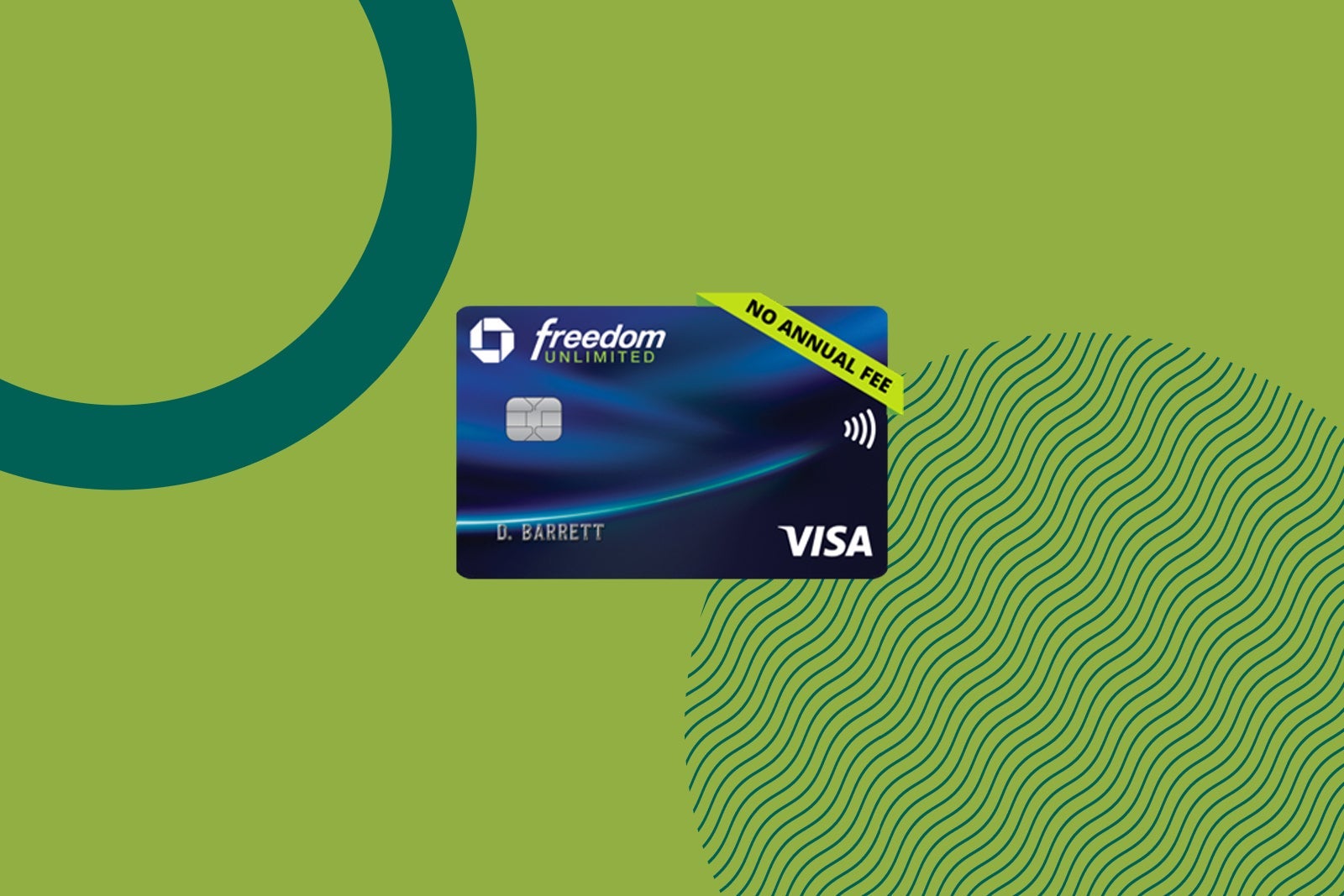
Earning rates:
- 5% cash back on travel purchased through Chase Travel
- 3% cash back on dining and at drugstores
- 1.5% cash back on all other purchases
Why beginners love it: The Chase Freedom Unlimited is an easy card to use every day, thanks to elevated rewards on common spending categories and 1.5% cash back on purchases that don’t earn bonus rewards. It’s a strong cash-back card on its own, but its real value comes when you pair it with a Chase Ultimate Rewards card like the Chase Sapphire Preferred.
At that point, the cash back you’ve earned can be converted into transferable Ultimate Rewards points, giving you access to Chase’s airline and hotel partners or higher-value redemptions through Chase Travel. Even if you start with the Freedom Unlimited, you can always add the Sapphire Preferred later and combine your rewards into one Ultimate Rewards account, making it a simple first card that grows with your travel goals.
Related: The best first credit cards for beginners
How to use these cards together
As mentioned above, rewards earned with the Freedom Unlimited — and its sibling, the no-annual-fee Chase Freedom Flex® (see rates and fees) — become much more valuable when you also hold a higher-end Chase card. This is because you can only convert your cash back into transferable points with a card that earns Ultimate Rewards points outright.
So, to redeem rewards earned with the Freedom cards as points that can be transferred to partners, you need to hold a higher-tier card like the Chase Sapphire Preferred. Another option is the premium Chase Sapphire Reserve® (see rates and fees) for those who think the $795 annual fee is worth the card’s better earnings, additional benefits and $300 annual travel credit.

The Ink Business Preferred® Credit Card (see rates and fees) can also be a great alternative — or addition — for small-business owners.
Even if you don’t plan on transferring points to travel partners such as United Airlines, Hyatt, Southwest Airlines and British Airways, these cards offer extra value when redeeming points through the Chase Travel portal for travel. In other words, rather than redeem each point for 1 cent each with just a Freedom card, you’ll be able to redeem each point at a rate of up to 1.75 or 2 cents by also having the Sapphire Preferred or the Sapphire Reserve, respectively, depending on the card and the specific redemption (see your rewards program agreement for full details).
If you simply want cash back and never plan on pairing your cards, you should check out other cash-back credit cards with higher returns. But those looking to build a long-term card strategy can utilize the Chase Freedom Unlimited pairing capabilities with a card that unlocks Ultimate Rewards redemptions.
Using these two cards strategically puts you in a good position to earn and redeem travel rewards for maximum value.

For starters, all travel purchases not made through the Chase Travel portal (like Uber rides and Airbnb stays) should go on the Sapphire Preferred to earn bonus points and get excellent travel protections. You should also use the Sapphire Preferred for dining, select streaming services, gas, EV charging and online grocery purchases to earn 3 points per dollar spent. And since the card waives foreign transaction fees, you’ll want to use it for all purchases made outside the U.S.
As for drugstore purchases and all other everyday purchases, those should go on the Freedom Unlimited.
When it’s time to redeem your hard-earned points, see our guide to getting the maximum value out of your points and our guide to finding sweet spots in the Ultimate Rewards program.
Related: Chase Sapphire Preferred vs. Sapphire Reserve: Which is better for you?
Should you start with 1 card or both?
If you’re comfortable paying a $95 annual fee and have established credit, the Sapphire Preferred is often the better first application because it earns transferable Ultimate Rewards points immediately.
If you’d rather begin with a no-annual-fee card, the Freedom Unlimited is an excellent starting point. You can always add the Sapphire Preferred later and combine your rewards.
Either path ultimately gets you to the same place: a flexible Chase Ultimate Rewards strategy.
Bottom line
If you’re new to travel rewards, you don’t need a wallet full of credit cards to start earning valuable points.
The Chase Freedom Unlimited and the Chase Sapphire Preferred complement each other exceptionally well. One helps maximize everyday spending, while the other unlocks the full value of Chase Ultimate Rewards points through travel redemptions and transfer partners.
Start with the card that best fits your budget and spending habits today, then add the second when you’re ready. Together, they create a simple, scalable strategy that can grow alongside your travel goals.
For additional information, check out our full reviews of the Freedom Unlimited and the Sapphire Preferred.
Apply here: Chase Freedom Unlimited
Apply here: Chase Sapphire Preferred Card

Stacie Harris is a local resident and reporter of the Maple Grove area. Stacie reports on medicine and science for the Maple Grove Report.