

Airport security lines are an inevitable (and oftentimes stressful) part of the travel experience. Thankfully, there are programs that can speed up the long process through Transportation Security Administration screening.
These include Clear+, an expedited security program available in 60 U.S. airports. Travelers with a Clear+ membership have access to unique security lanes that verify their identity with fingerprint and iris scans. This way, you can skip the TSA’s license or passport check and proceed to the next security step.
Clear+ charges $209 per year, but four travel cards actually include a complimentary membership for this program.
Here’s what you need to know about cards with complimentary Clear+.
Cards with a complimentary Clear+ membership
Here are four popular rewards cards that provide up to $209 in statement credits per calendar year to cover your Clear+ annual membership. While these cards share the Clear+ benefit, they differ in many key aspects. Let’s take a quick look at the other perks these cards provide.
American Express Platinum Card
Best for: Luxury-minded travelers
Welcome offer: Find out your offer and see if you are eligible for as high as 175,000 bonus points after spending $12,000 on purchases in the first six months of card membership. (Welcome offers vary, and you may not be eligible for an offer.)
TPG’s March 2026 valuations place this offer at up to $3,500 in value.

Annual fee: $895 (see rates and fees)

Reward your inbox with the TPG Daily newsletter
Join over 700,000 readers for breaking news, in-depth guides and exclusive deals from TPG’s experts
Earning rates:
- 5 points per dollar spent on airfare purchased directly with the airlines or through American Express Travel® (on up to $500,000 of airfare purchases per calendar year, then 1 point per dollar spent)
- 5 points per dollar spent on prepaid hotels booked with Amex Travel
- 1 point per dollar spent on all other purchases
Why we like it: I love how my American Express Platinum Card® has elevated my travels. The card’s valuable statement credits (including up to $209 annually toward Clear+) and expansive lounge access frequently come in clutch, and I’d recommend it to anyone who enjoys actively maximizing card benefits.
Clear+ requires enrollment and is subject to auto-renewal.
To learn more, read our full review of the Amex Platinum.
Apply here: American Express Platinum Card
The Business Platinum Card from American Express
Best for: Business travelers
Welcome offer: Earn 200,000 bonus points after spending $20,000 on purchases in the first three months of card membership.
This offer is worth $4,000, per TPG’s March 2026 valuations.

Annual fee: $895 (see rates and fees)
Earning rates:
- 5 points per dollar spent on airfare and prepaid hotel purchases booked on amextravel.com
- 2 points per dollar spent on up to $2 million in eligible purchases per calendar year (then 1 point per dollar thereafter) in the following categories: eligible purchases of $5,000 or more, U.S. cloud service providers, U.S. construction materials and hardware supplies, U.S. electronic goods retailers, U.S. shipping providers and U.S. software
- 1 point per dollar spent on all other purchases
Why we like it: The Business Platinum Card® from American Express is an excellent choice for business owners who value luxury travel and don’t mind putting in a little extra effort to get the most out of its statement credits (including up to $209 annually for Clear Plus) in exchange for its high annual fee.
Clear Plus requires enrollment and is subject to auto-renewal.
To learn more, read our full review of the Amex Business Platinum.
Apply here: The Business Platinum Card from American Express
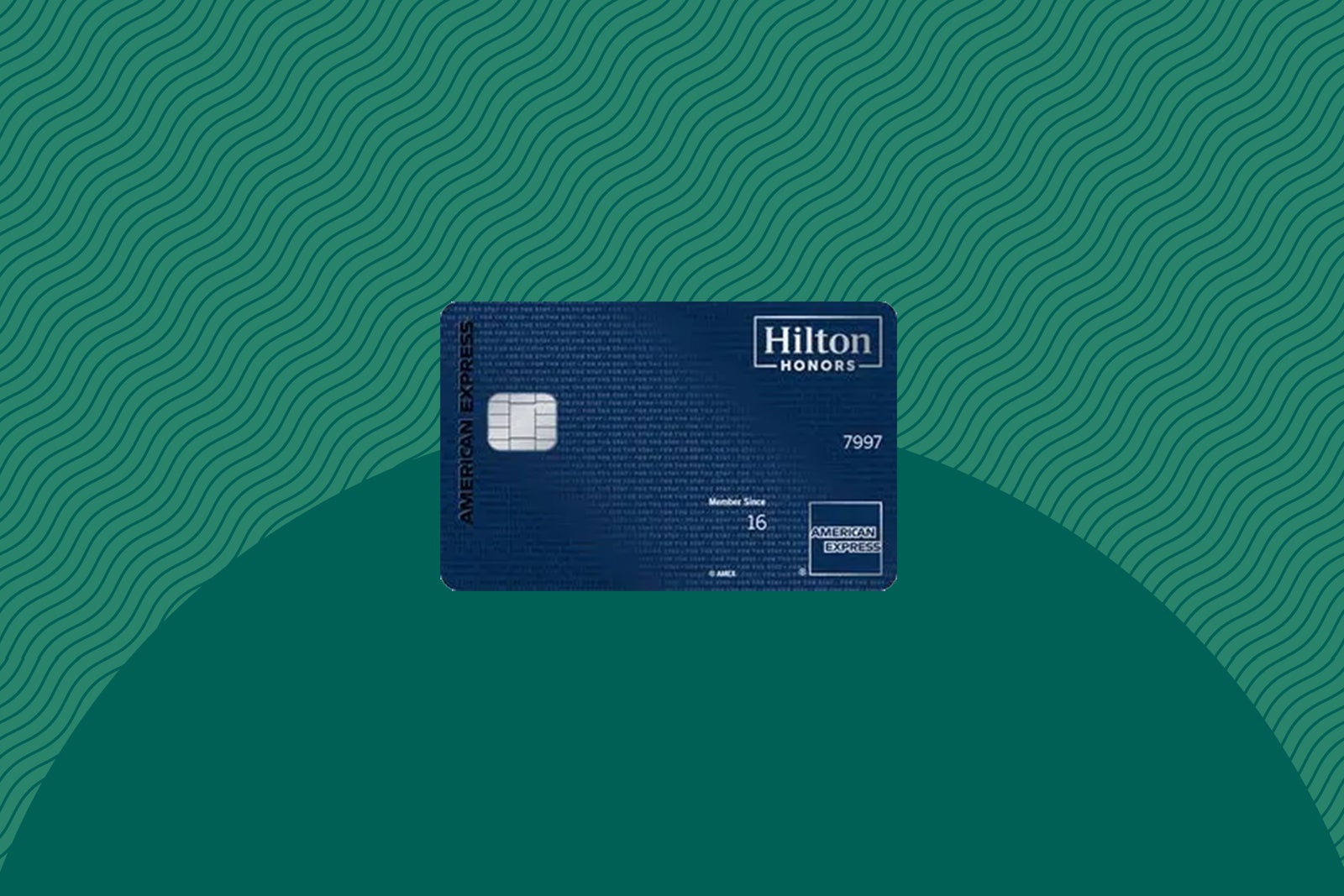
Hilton Honors American Express Aspire Card
Best for: Hilton loyalists
Welcome offer: Earn 175,000 bonus points after spending $6,000 on purchases in the first six months of card membership. This offer ends April 15.
Per TPG’s March 2026 valuations, this offer is worth $875.
Annual fee: $550 (see rates and fees)
Earning rates:
- 14 points per dollar spent on eligible Hilton purchases
- 7 points per dollar spent on flights booked directly with airlines or on amextravel.com
- 7 points per dollar spent on car rentals booked directly with select car rental companies
- 7 points per dollar spent on dining at U.S. restaurants, including takeout and delivery
- 3 points per dollar spent on all other purchases
Why we like it: If you’re all-in on Hilton Honors, the Hilton Honors American Express Aspire Card is a great addition to your wallet. It provides excellent perks when staying at one of the brand’s hotels and includes an up to $209 annual statement credit for Clear+ as an added benefit.
Clear+ requires enrollment and is subject to auto-renewal.
To learn more, read our full review of the Hilton Aspire.
Apply here: Hilton Honors American Express Aspire Card
American Express Green Card
Best for: Frequent travelers
Welcome offer: Earn 40,000 bonus points after spending $3,000 on purchases in the first six months of card membership.
According to TPG’s March 2026 valuations, this offer is worth $800.

Annual fee: $150
Earning rates:
- 3 points per dollar spent on dining at restaurants worldwide (including takeout and delivery in the U.S.)
- 3 points per dollar spent on travel and transit
- 1 point per dollar spent on other purchases
Why we like it: If you’re looking for a card with complimentary Clear+*, the American Express Green Card® has the lowest annual fee of this group. It’s light on other benefits, but it’s a solid earner of American Express Membership Rewards points, especially if you spend frequently on travel.
*Receive a statement credit for up to $209 annually (enrollment required; subject to auto-renewal).
The information for the American Express Green Card has been collected independently by The Points Guy. The card details on this page have not been reviewed or provided by the card issuer.
To learn more, read our full review of the Amex Green.
Related: Clear’s new ‘e-gates’ are now live at 37 airports — with more to come
Should you get a card that covers Clear+?
Since many of these cards come with high annual fees, adding one solely for the complimentary Clear+ membership may not make sense for most people.
However, if you’d enjoy any of these cards’ additional benefits or rewards, it’s likely worth applying for one.
Related: How to decide if a credit card’s annual fee is worth paying
Do any other cards provide Clear+ benefits?
While the four cards mentioned above are the only options that provide a full statement credit for the entire Clear+ membership fee, some other cards provide discounted rates for the service.
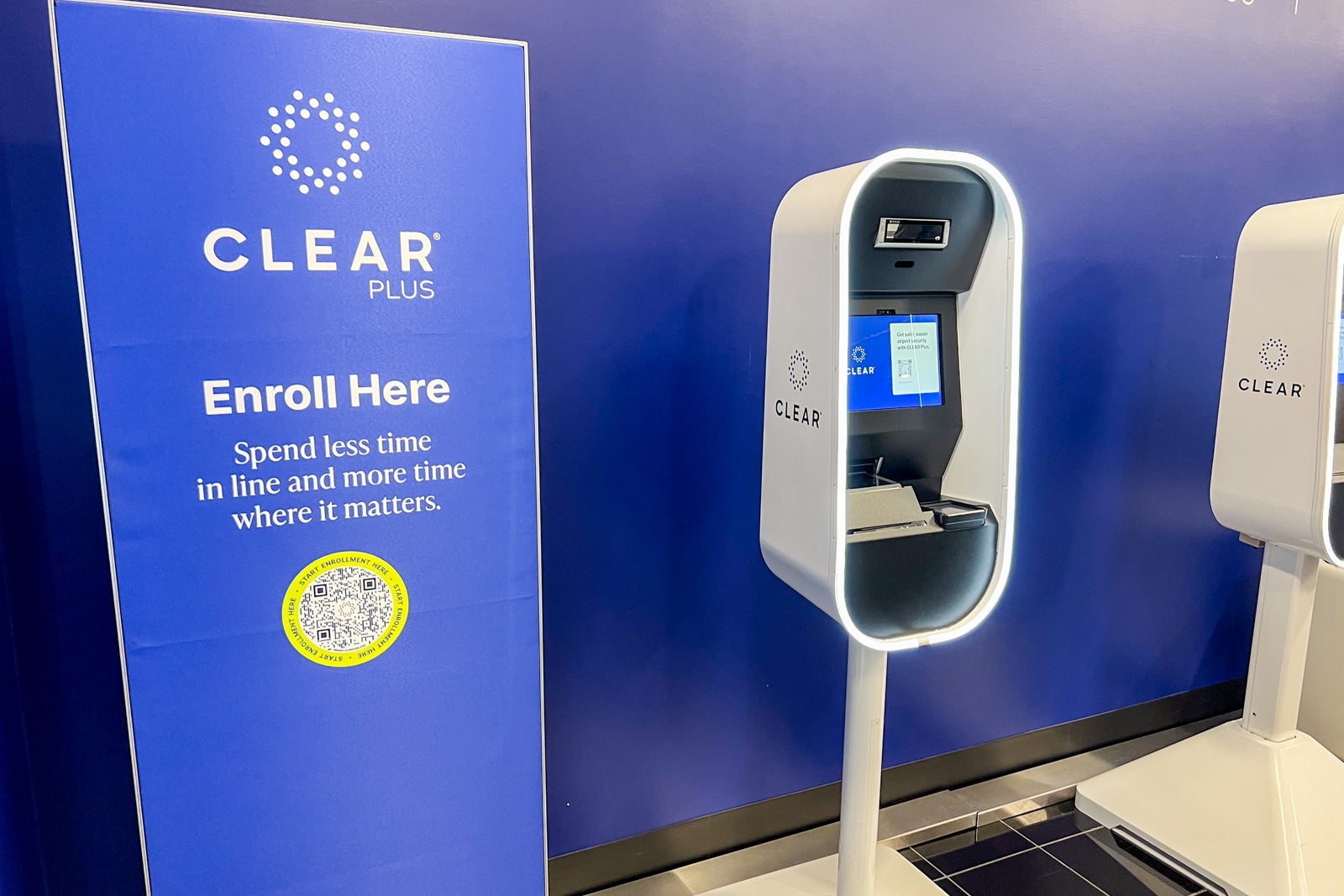
You can get Clear+ with a discount if you have a Delta American Express card (except the no-annual-fee Delta SkyMiles® Blue American Express Card; see rates and fees) or a United Chase card.
Plus, it’s good practice to always check your credit card merchant offers. You may occasionally find targeted discounts on Clear+ there.
Related: Why you should get TSA PreCheck and Clear — and how you can save on both
Bottom line
When security lines get chaotic, it’s nice to have a way to speed up the process.
Complimentary Clear+ is an added benefit on a handful of cards, so take a look at the potential value and see if one of these options is good for you.
These cards vary in benefits and annual fee thresholds, so consider your card strategy when making a decision.
Apply here: American Express Platinum Card
Apply here: The Business Platinum Card from American Express
Apply here: Hilton Honors American Express Aspire Card
Learn more: American Express Green Card review
For rates and fees of the Amex Platinum, click here.
For rates and fees of the Amex Business Platinum, click here.
For rates and fees of the Hilton Aspire, click here.
For rates and fees of the Delta SkyMiles Blue, click here.

Stacie Harris is a local resident and reporter of the Maple Grove area. Stacie reports on medicine and science for the Maple Grove Report.