
I hate to admit it, but I’m frequently guilty of breaking one of TPG’s golden rules: Don’t hoard your points and miles. And I’m the same way with a lot of my credit card benefits, specifically hotel credits, because I’m — sigh — always afraid something better is going to come along.
But this year, I vowed to do better and do what works best for me when it feels right.
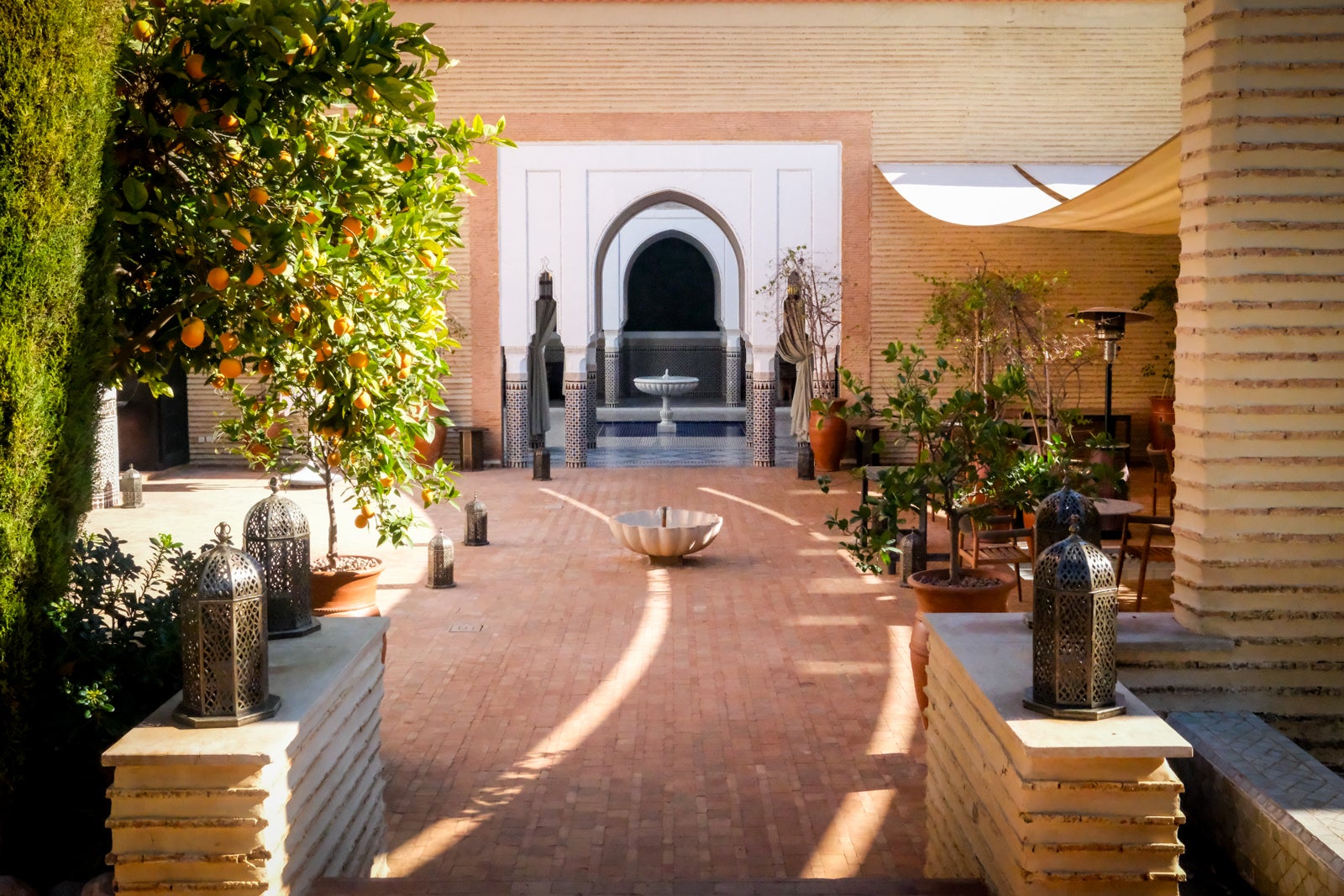
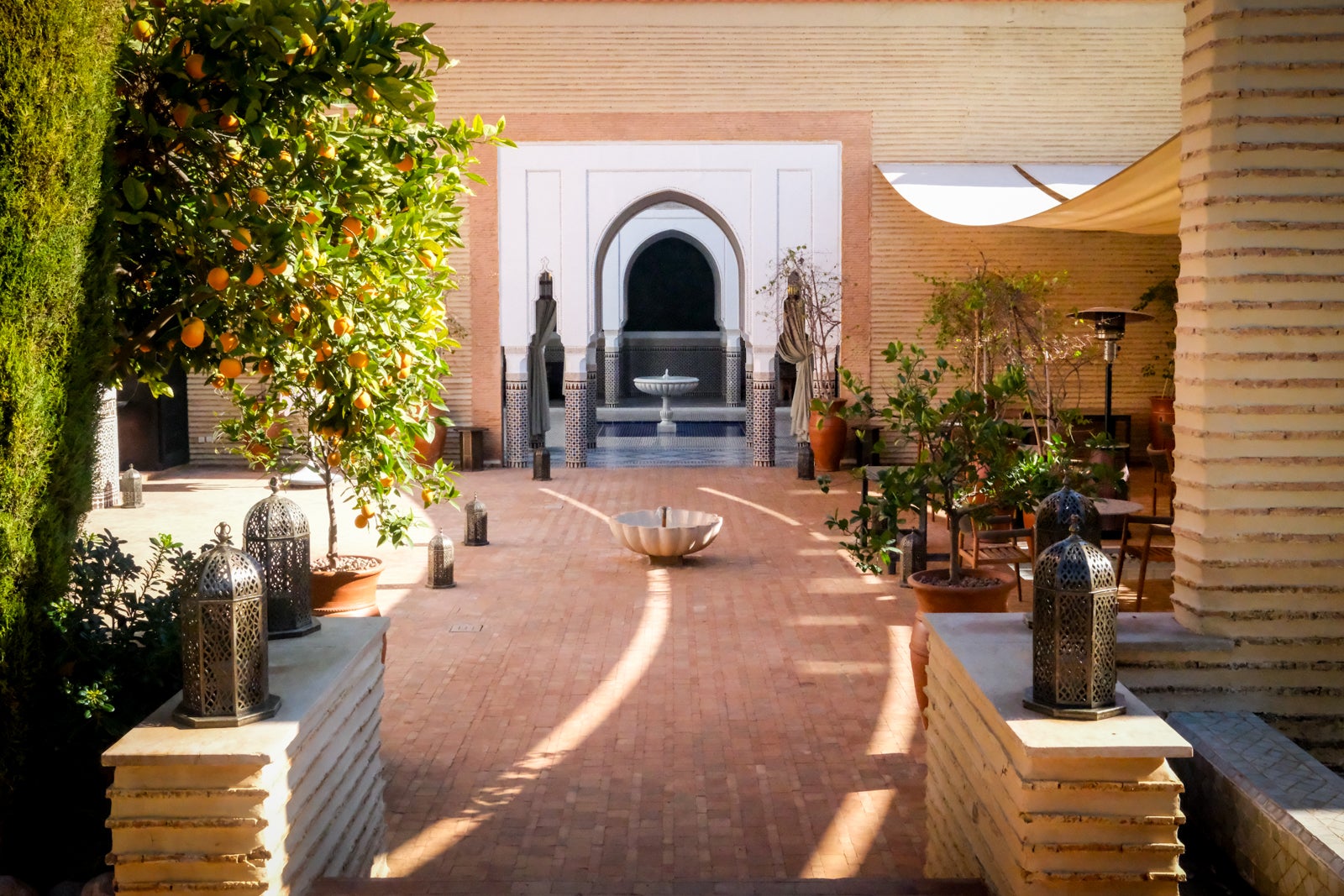
In fact, I started doing just that in early January by taking advantage of the hotel-related perks that come with my new American Express Platinum Card®. After staying a week in Marrakech, Morocco, on assignment for TPG, I decided to stay an extra night at the legendary La Mamounia hotel (of con artist Anna Delvey and Netflix’s “Inventing Anna” fame) and put my benefits to the test to justify the splurge.
From helping me cover the nightly rate to on-property credits that saved some cash — alongside a few other bonuses — here is how my Platinum Card came in clutch during a much-needed (and long-awaited) stay at one of this hotel reporter’s bucket-list properties.
Related: Using your Amex hotel credit? 3 things to know
The hotel statement credit instantly saved me $300
As my colleagues previously wrote in this handy guide that explains how to maximize the Amex Platinum’s myriad benefits, “The hotel credit is arguably the single most valuable credit on the card.” The benefit offers $600 in total each year, split into two up-to-$300 statement credits across the first and second halves of the year, for prepaid stays booked through American Express Travel® at Fine Hotels + Resorts or The Hotel Collection properties (minimum two-night stay required for Hotel Collection bookings).
Knowing I had this credit, alongside a solid opportunity to use it for something I really wanted, I stuck to my goal this year of taking advantage of something that was right in front of me instead of hoping something better would come along.
For my one-night Sunday stay at La Mamounia, direct rates through the hotel and booking through Amex Fine Hotels + Resorts (where you must book and pay directly to get the credit) were above $700 for an entry-level room. I ended up paying $800.57, including taxes and fees, directly to American Express Travel. Expensive, yes. But it was something I really wanted to do — and I had the tools to leverage the price into something that made more sense for me. With the $300 credit (which appeared on my statement the very same day of booking), the cost of the room landed at a much more palatable $500.57.
Early check-in saved me time
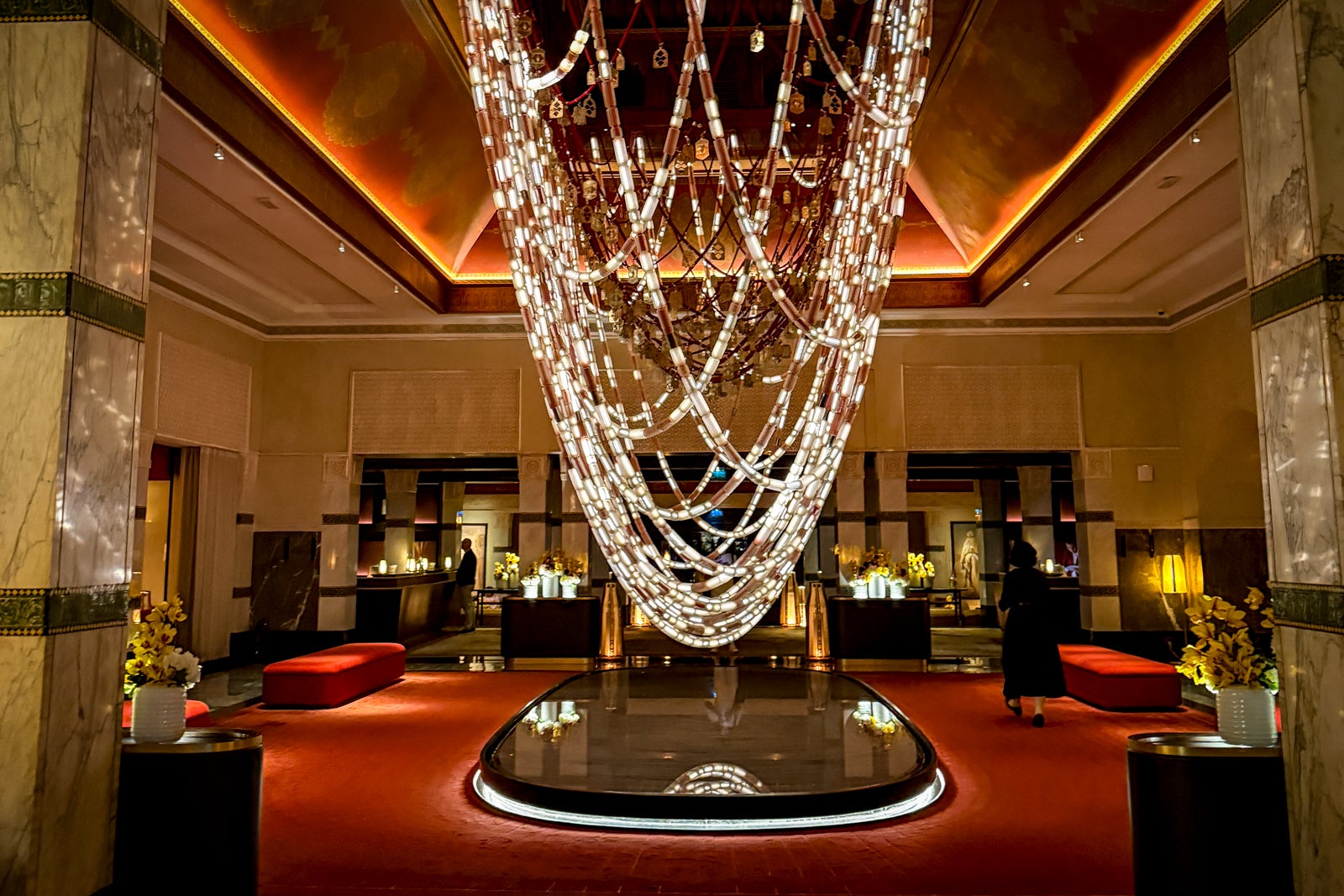
Amex Platinum members who book through Fine Hotels + Resorts get early check-in (when available) and a guaranteed 4 p.m. departure. As they say, time is money, and while I’m not sure I could quantify the dollar amount these perks earned, I can tell you they really helped out in my situation.

Reward your inbox with the TPG Daily newsletter
Join over 700,000 readers for breaking news, in-depth guides and exclusive deals from TPG’s experts
With most of my TPG team leaving on an early flight the day I decided to head to La Mamounia, I knew there was a chance I’d be able to get into my room early after saying goodbye to the team, and even if I couldn’t, my reservation would allow me to roam the lush gardens and probably grab some lunch. At check-in, I was told my room wasn’t quite ready, but that I’d scored an upgrade (more below) and was welcome to enjoy the spa and indoor or outdoor pools until my room was ready. Luckily for me, my room was ready an hour later, around 1 p.m., still a few hours before regular check-in.
The room upgrade made me feel like a king
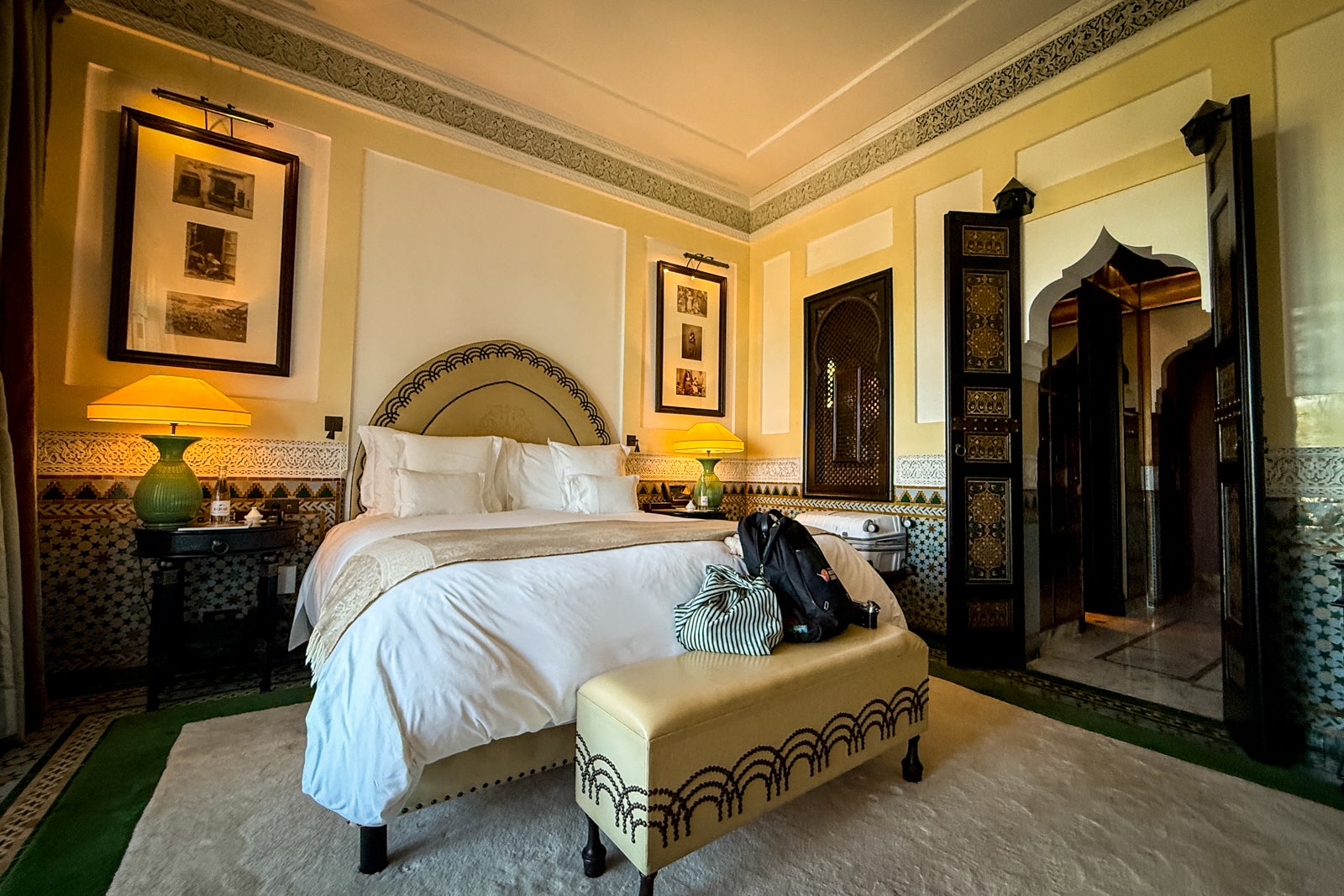
One of the American Express Platinum Card benefits through Fine Hotels + Resorts is a room upgrade upon arrival (subject to availability at check-in; certain room categories are not eligible). Excited to finally visit this iconic hotel, I booked an entry-level room for budget reasons (it was my splurge!) and hoped I’d get an upgrade, but would’ve been happy either way.
It turned out to be my lucky day, and I was shifted from an entry-level room without a balcony to a deluxe room with a balcony looking out at the towering Koutoubia Mosque and a picturesque street lined with horse-drawn carriages.
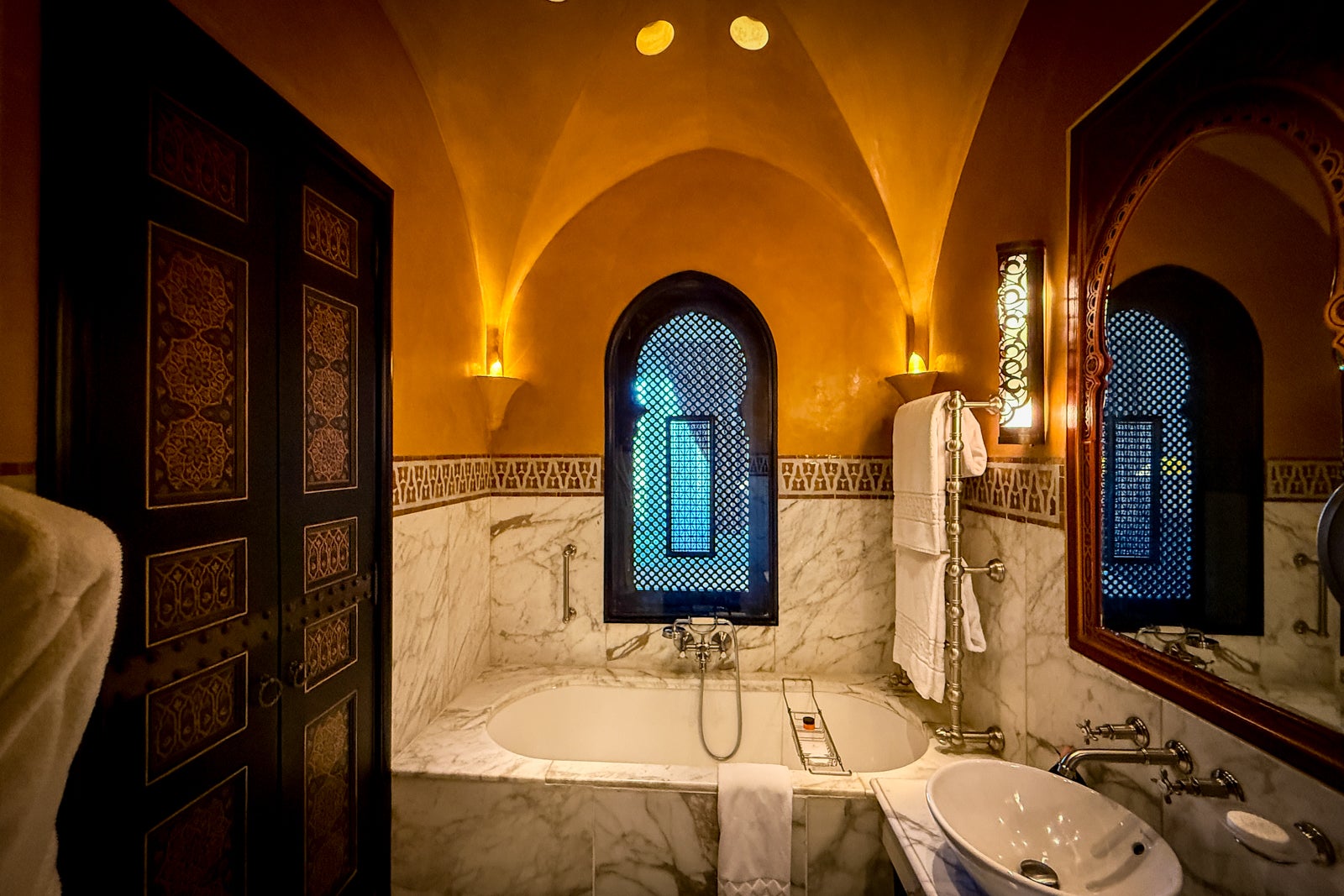
This isn’t a hotel review, but I can’t talk about this beautiful room without mentioning how fabulous it was. With picture-perfect Moorish-style doorways, intricate paneling, a marble-lined bathroom with a soaking tub, and the chance to sit outside in the perfect January sun overlooking one of Marrakech’s most iconic areas, I really felt like royalty.
And in my approximations, this upgrade alone was worth at least $100 (if not more), making my total savings at least $400 so far.
A $150 food-and-beverage credit and free breakfast kept me full

With Amex Fine Hotels + Resorts, members receive a property credit worth at least $100 (what it can be used on varies by property), as well as daily breakfast for two. With things going my way from the get-go, I was stoked to learn that La Mamounia actually offers FHR guests $150 in food-and-beverage credits that can be used across its many bars and restaurants.
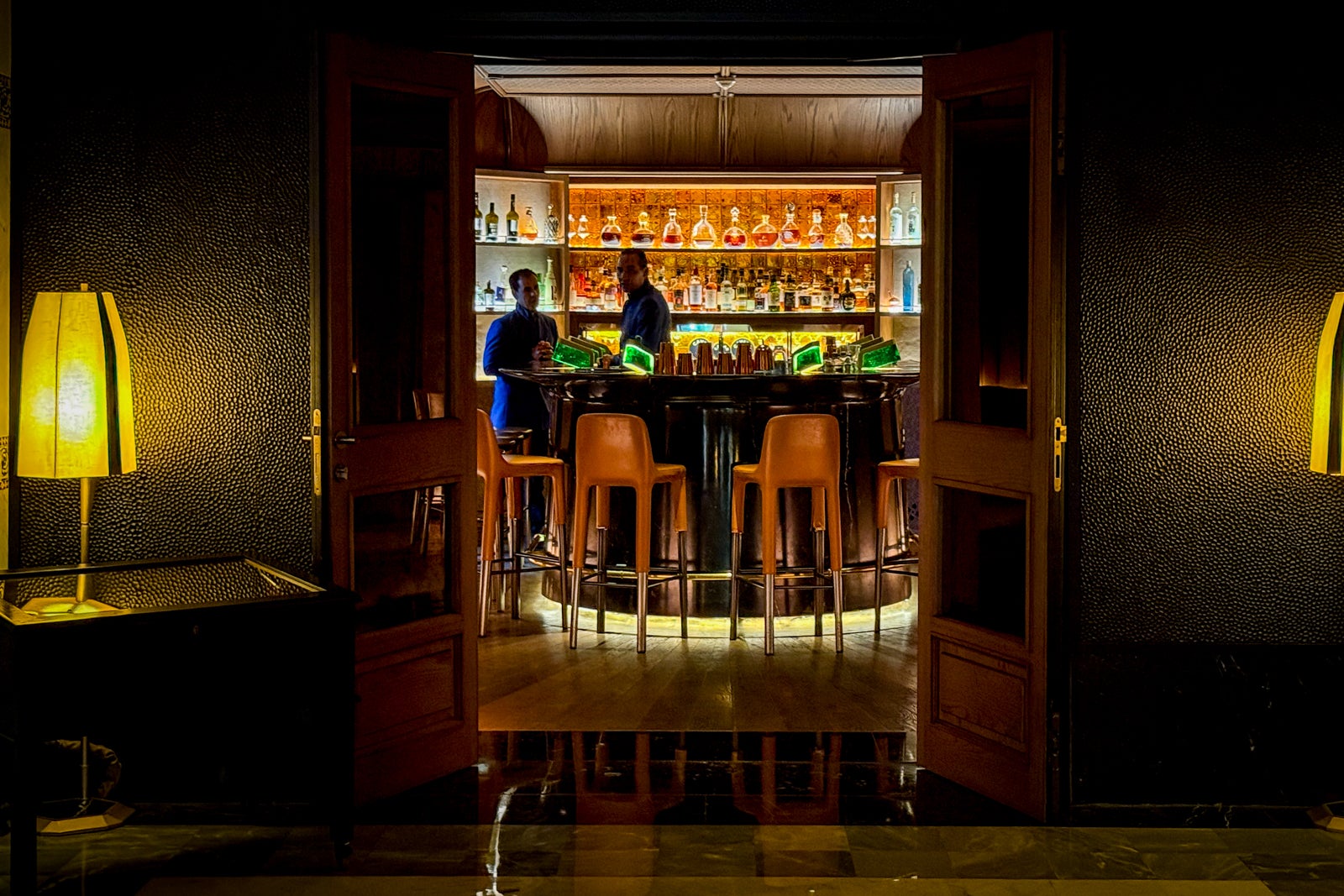
Let me be honest: This is an expensive, luxury hotel, and food and drinks are not inexpensive. I easily drained my $150 credit on Aperol spritzes at the pool (yes, you can pool in January in Marrakech) and while reading outside at Le Bar Majorelle. For dinner, I easily spent $100 of it on delicious pasta, cocktails and dessert at the new restaurant L’Italien par Simone Zanoni, and more on delicious drinks at the sleek, whisky-forward Le Chuchill Bar. But to me, that was the point of this stay: Take advantage of every perk to justify doing whatever else I wanted.
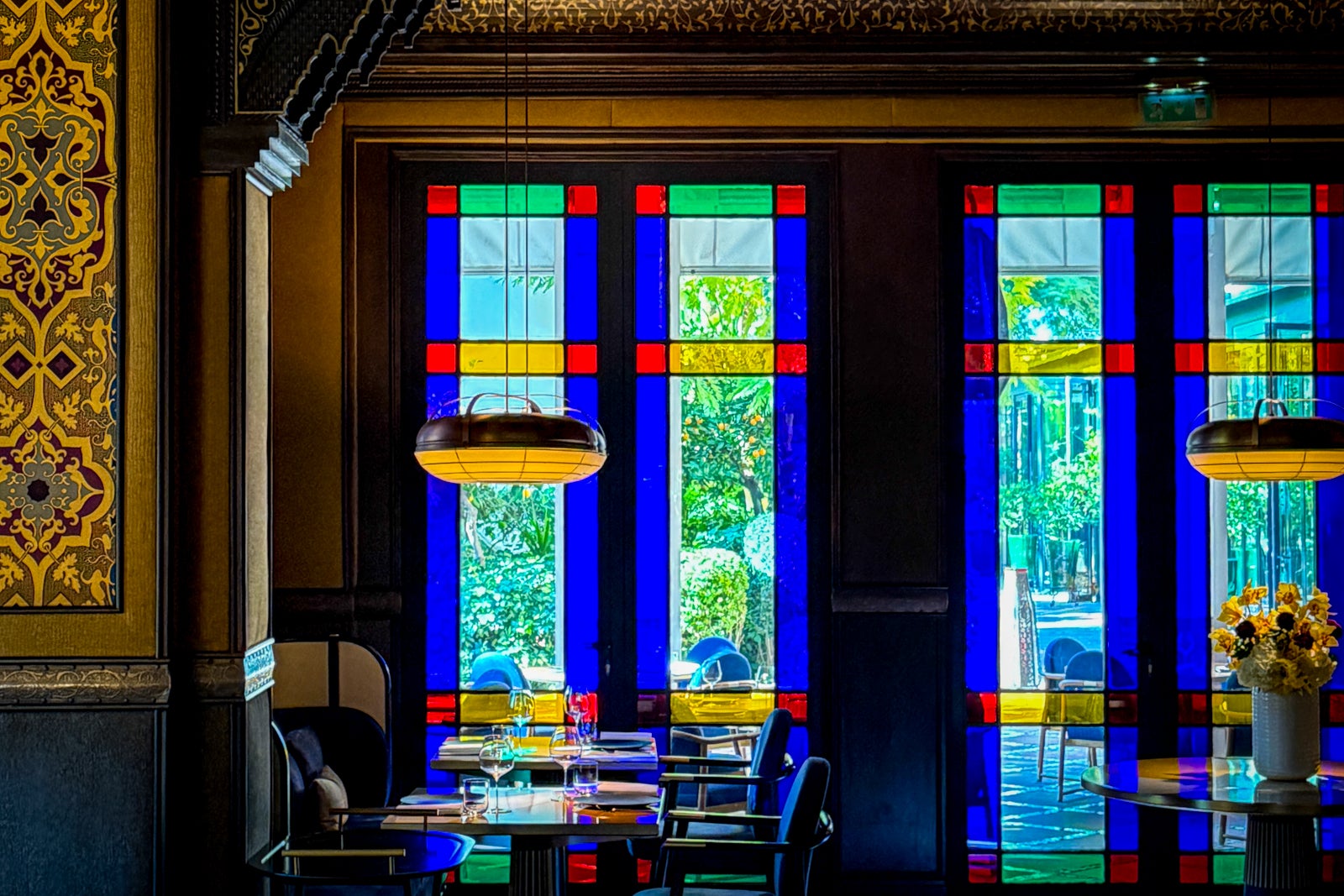
The next morning, I returned to L’Italien par Simone Zanoni to take advantage of my included breakfast, chowing down on fresh fruits and vegetables, an omelette, yogurt, iced coffee, and green juice. Breakfast at the hotel costs 490 Moroccan dirham per person, but booking through Amex Fine Hotels + Resorts saved me about $53. Those two credits, together, bring my total savings to around $603.
The hotel savings ‘justified’ a trip to the spa
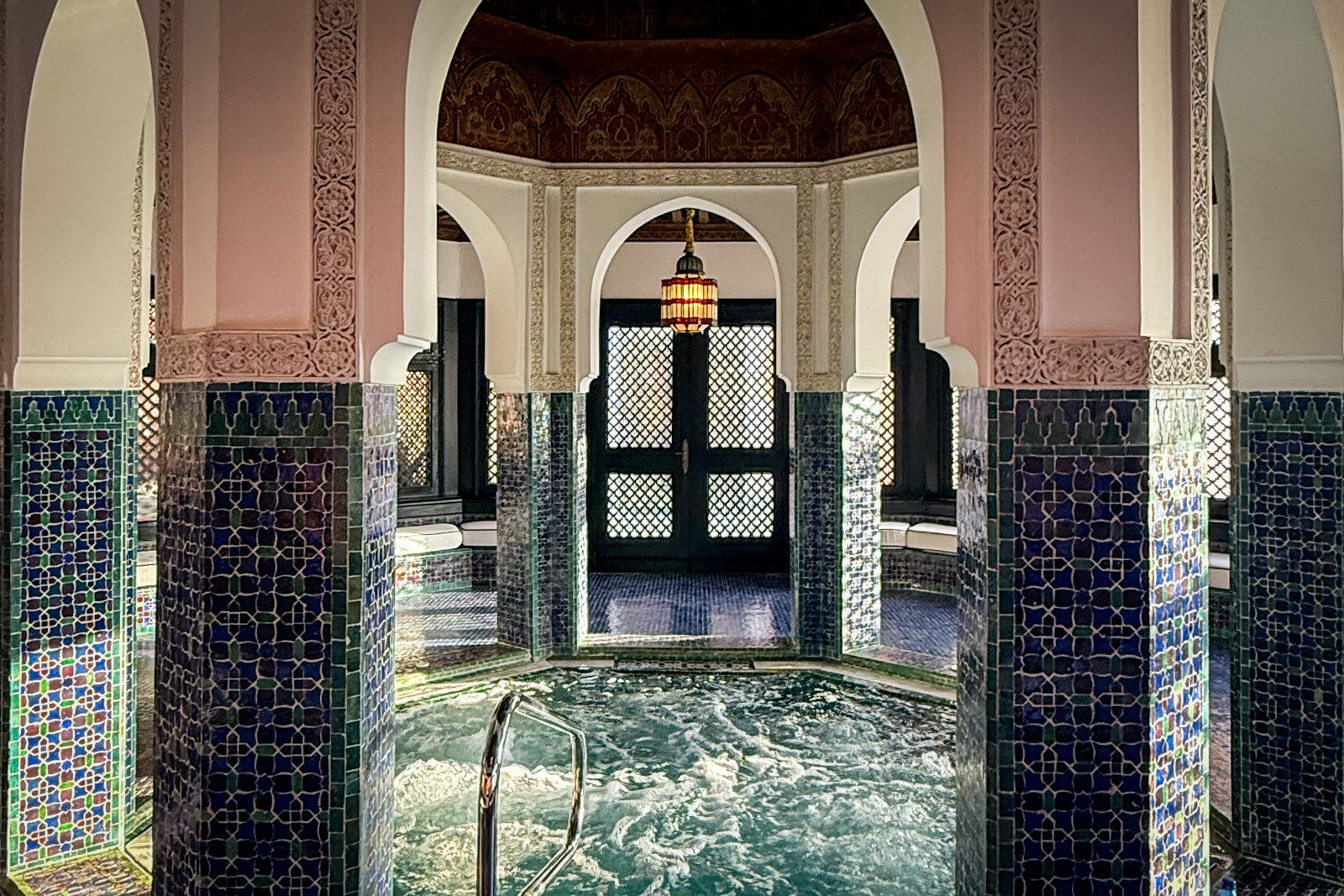
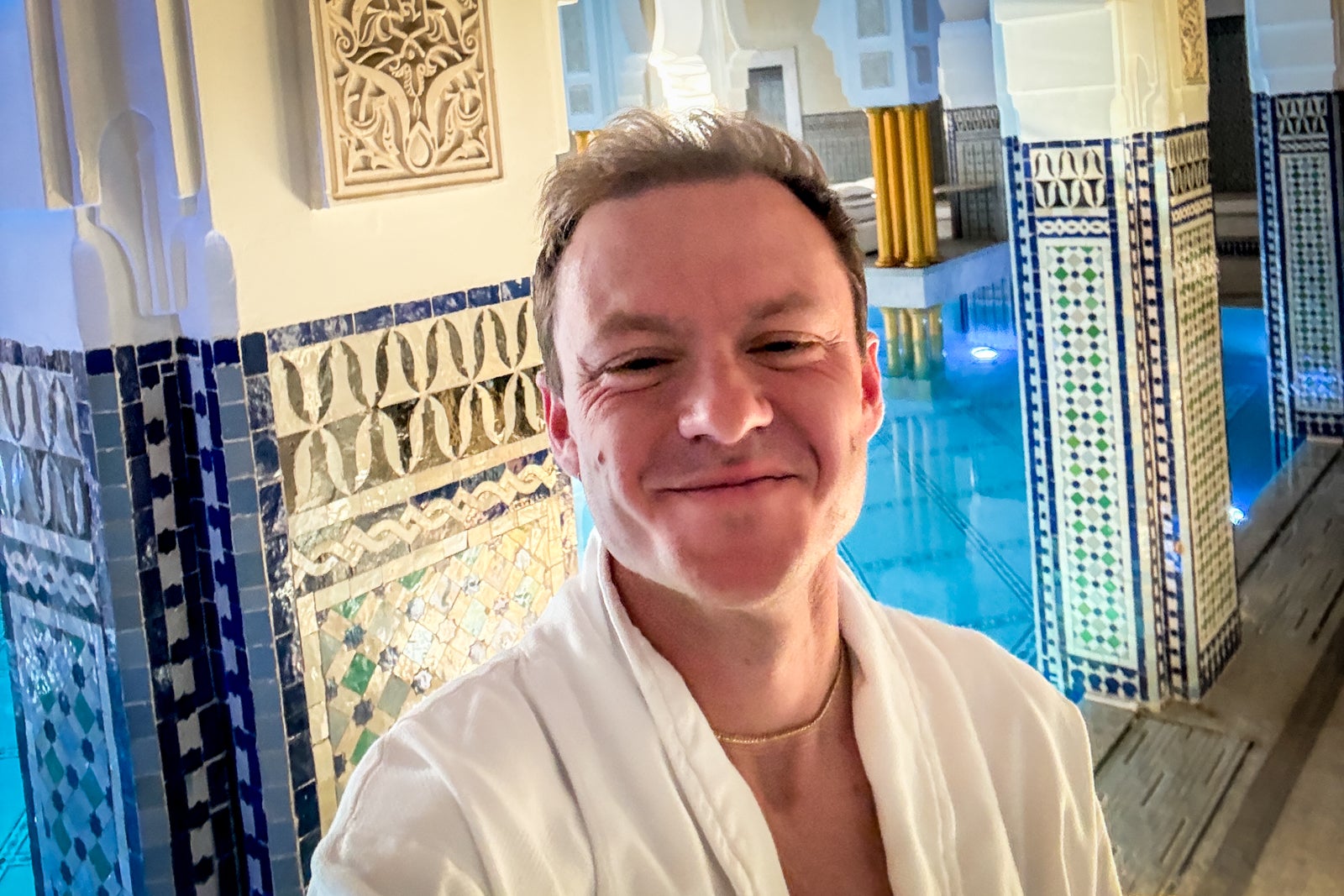
After over a week of long filming days for TPG across Morocco, including an afternoon riding ATVs through the Agafay Desert that left me sore, all I really wanted was a relaxing spa treatment and the chance to experience a Moroccan hammam. I ended up booking the spa’s Royal Signature hammam experience for 2,500 Moroccan dirham, or $270, which felt pretty affordable to me for a luxury hotel. In my mind, it was “free,” considering I’d already saved $300 on the room alone.
The roughly two-hour treatment gave me time in the indoor pools and whirlpool, a steam, an hourlong full-body scrub down in the hammam, and a massage. I left feeling relaxed, rejuvenated and like I’d somehow cheated the system Anna Delvey-style, though I promise I paid (that’s the point of this article!).
Guaranteed late checkout bought me extra time
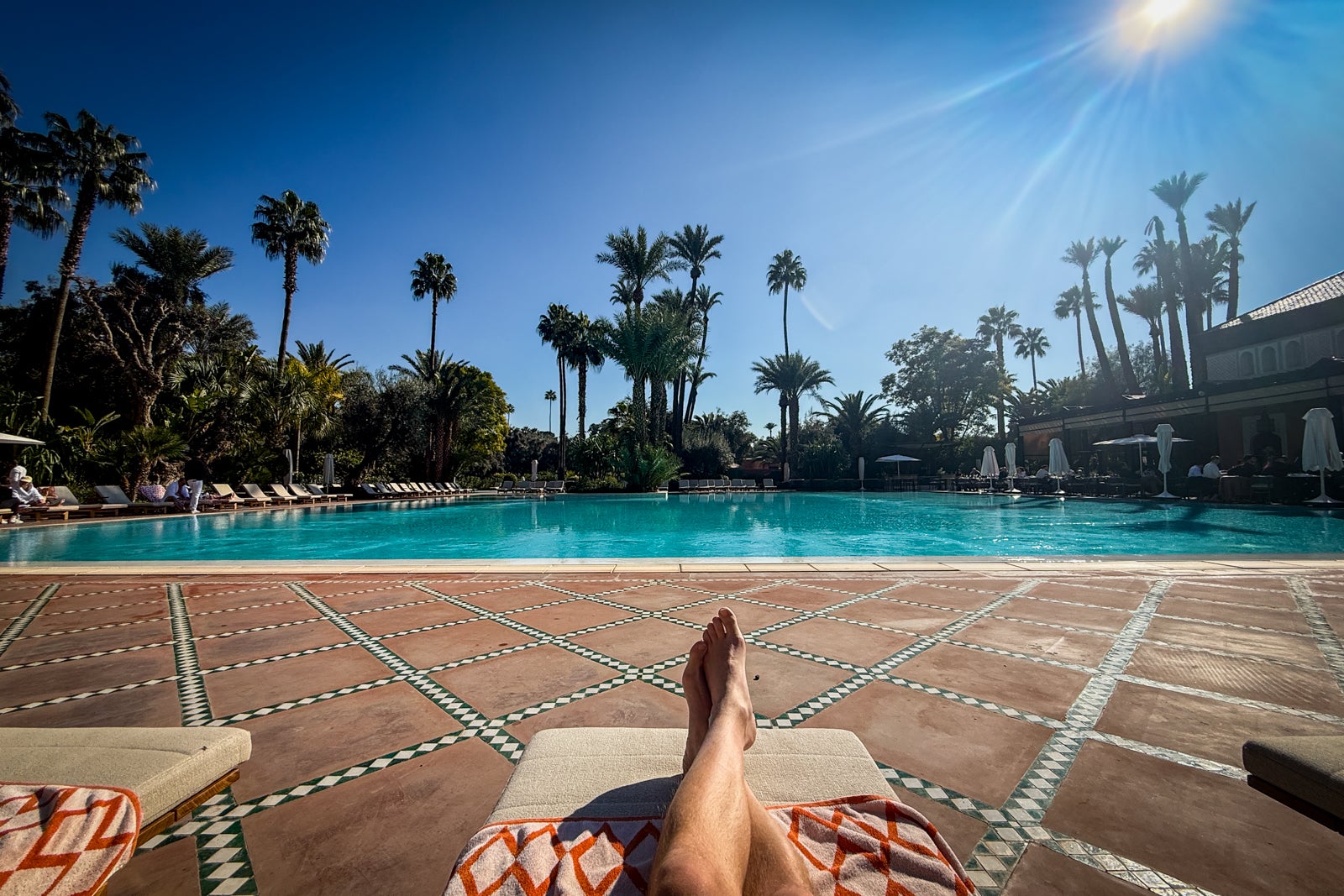
Though checkout time is normally noon at La Mamounia, I took full advantage of the guaranteed 4 p.m. late checkout offered with FHR. In fact, my whole one-night plan hinged on this perk; I booked my spa treatment from 11 a.m. to 1 p.m. on checkout day, knowing I could go straight from the spa to the pool and still have time to get back to my room and freshen up. At 4, I dropped my bags at the front desk and walked to the souks in the Medina, the old city, to spend the rest of the money I “saved” through my booking.
Again, time is money, and these extra hours helped me turn what could’ve been a quick, rushed stay into about 27 hours of luxury, complete with swimming and suntanning (there’s great planespotting from the pool, by the way), multiple meals, delicious cocktails, a great sleep in a plush bed, and a restorative spa experience.
The ‘Tanner math’ added up
The internet has called it “girl math” — the art of justifying this for that, even if it’s not always as clean as it sounds — but I’ll call it “Tanner math” for this trip. In total, I was charged $800.57 for the room through American Express, and got $300 back in statement credits. Plus, booking through FHR earned me 5 points per dollar on the total amount, for a total of 4,005 American Express Membership Rewards points. TPG values American Express Membership Rewards points at 2 cents each in our March 2026 valuations, making those points worth $80. Bam, more savings.
Add that $80 to the $300 hotel credit, the $150 food credit and free breakfast valued at $53, and I saved (or earned back) $583. Adding up everything else I spent on the hotel outside of the credits and with the massage, I was about $20 away from breaking even across the whole stay.
Factor in that, on my return flight home, my American Express Platinum Card got me lounge access at the airport, and we’ll call it as good as even (using Tanner math, you know). Sure, the card has an expensive annual fee of $895 (see rates and fees), but just two weeks into January, this trip alone helped me earn half of that back.
Bottom line
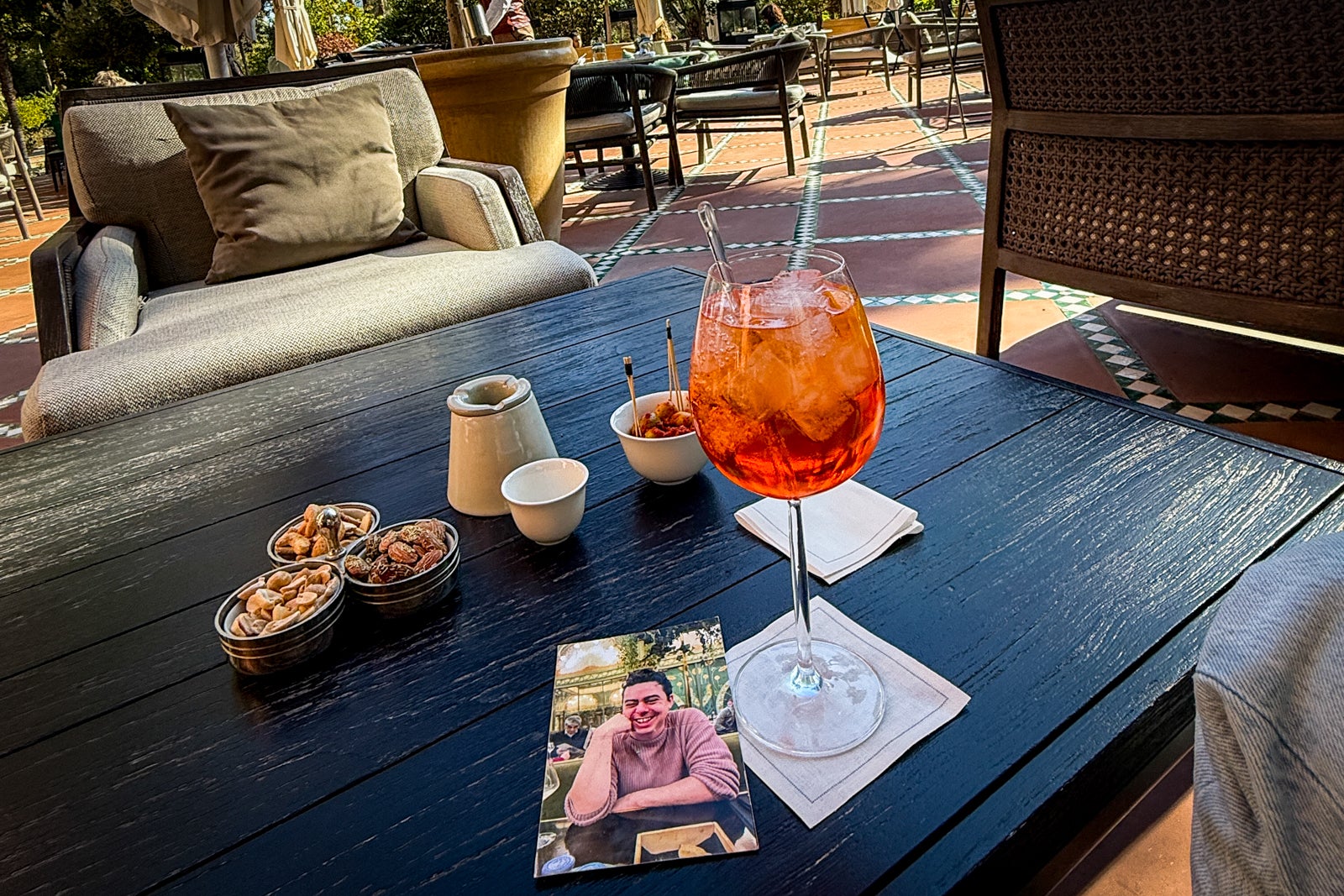
While this might look like a math lesson, the real point is that taking advantage of your card perks, like those mentioned above with the American Express Platinum Card, can help your travel dreams come true. After a tumultuous year that included the death of my spouse and a hard reckoning with my finances following his loss, these perks helped me splurge on a trip that we’d dreamed of taking together, but in a way I could actually manage financially. And, most importantly, those 27 hours were some of the best I’d experienced in months. It wasn’t the trip we’d envisioned together, but it was exactly what I wanted — needed, really — at the time.
Related:
For rates and fees of the Amex Platinum, click here.

Stacie Harris is a local resident and reporter of the Maple Grove area. Stacie reports on medicine and science for the Maple Grove Report.