
:max_bytes(150000):strip_icc():format(jpeg)/Health-GettyImages-1212394978-a8f0cc6b10134e93a0a3461f04aa31fc.jpg "Close-up of lentil hummus topped with sunflower and sesame seeds and cilantro leaves")
Credit: istetiana / Getty Images
- A vegan diet excludes many high-protein food sources, like meat and dairy.
- Eating a variety of plant-based proteins, such as whole grains, legumes, and nuts, can help you meet your daily protein needs.
- Stocking your kitchen with high-protein foods can help you ensure you get enough protein.
A vegan diet excludes animal-based foods like eggs, meat, and dairy, which are high-quality proteins. You can still get enough protein with a well-planned vegan diet that includes whole grains, legumes (lentils, beans, and peas), soy foods, nuts, and seeds.
1. Edamame
Roast edamame with olive oil and spices at 400°F (200°C) for 15–20 minutes. You can also make hummus from boiled edamame. The soybean is low in calories, low in fat, and high in fiber.
2. Peanut Butter and Apple Bites
Spread peanut butter on apple slices for a high-protein, high-fiber snack. Sprinkle hemp seeds for extra protein and added crunch.
Peanut butter can also be high in fat, so be mindful of serving sizes.
3. Trail Mix
Combine your favorite nuts and seeds like almonds, cashews, walnuts, pumpkin seeds, and sunflower seeds. Add dried fruits for some added carbs and sweetness.
You can also make the mix spicy by roasting with a spice mix and a little olive oil.
4. Raspberry Chia Seed Pudding
Chia seeds are rich in protein, healthy fats, and fiber. Soak chia seeds in soy milk for 15-20 minutes to create a pudding-like mixture. Top with a fresh jam made of mashed raspberries and maple syrup.
5. Crispy Chickpeas
Mix chickpeas with spices like cumin, pepper, garlic powder, and salt. Spread the chickpeas on a baking sheet lined with parchment paper and bake until they become crisp. Chickpeas and other beans are high in fiber and low in fat.
6. Vegan Yogurt Parfait
Choose a high-protein vegan yogurt, such as coconut- or cashew-based yogurt, and layer it with your favorite fruits.
You can also make a homemade granola using oats, coconut oil, walnuts, and chia seeds for added protein and healthy fats.
7. Lentil Dip
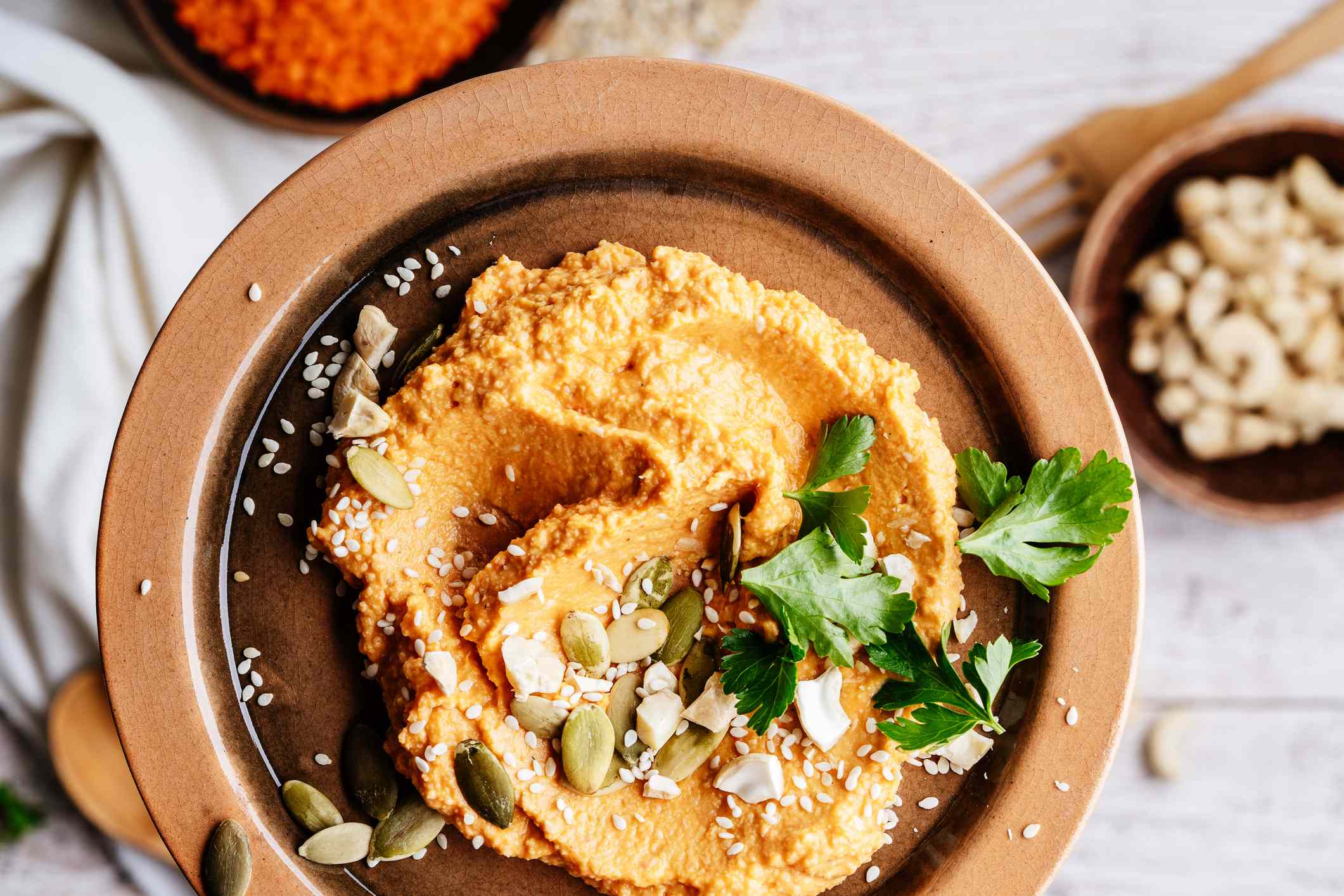
Lentils are an excellent source of plant protein. To make a lentil dip, boil lentils until soft. Then, blend with tahini, olive oil, lemon juice, garlic, cumin, salt, and pepper.
8. Tofu Smoothie
Mix silken tofu with plant-based milk and fruits. You can also include vegetables like spinach for added fiber and flaxseed for extra protein.
9. Sesame Tofu Fries
Press firm tofu and cut into sticks. Toss tofu sticks in a mix of cornstarch, spices, and sesame seeds. Then, bake in the oven at 425°F (220°C) for 20–25 minutes until golden.
You can dip tofu fries in a lentil or bean dip for extra protein.
10. Seitan Nugget Fingers
Cut seitan into bite-sized pieces. Coat with whole wheat flour, then plant-based milk, and breadcrumbs. Cook in a pan for 3–4 minutes until crispy.
Seitan is made from wheat gluten, so it is not suitable for people with gluten intolerance, wheat allergy, or celiac disease.
11. Buckwheat and Quinoa Crackers
Mix cooked quinoa and buckwheat, and add ground flaxseeds, spices, herbs, and olive oil. Spread the mixture onto parchment paper and bake until golden. Cut into small cracker pieces and dip them in hummus for extra protein.
12. Whole-Grain Canapés
Cut whole-grain bread into large cubes. Top with avocado, vegan cheese, or tempeh cubes, and sprinkle with pumpkin or hemp seeds.
13. Sweet Potato Toast
Slice sweet potatoes into thin, long pieces and bake at 400°F (200°C) for 15–20 minutes.
For a sweet version, spread nut butter and top with bananas, nuts, and seeds. For a savory version, spread hummus and top with spiced vegetables and vegan cheese.
14. Brown Rice Balls
Cook brown rice and flatten a portion in your hand. Then place tempeh and a roasted vegetable mix in the center, and roll into a ball. Serve with soy sauce.
15. Vegan Protein Muffins
Blend firm tofu, add chickpea flour, plant-based milk, vegetables, and spices, and portion into muffin cups. Bake at 375°F (190°C) for 25–30 minutes.
16. Almond Butter Dates
Slice open pitted dates and spread almond butter in the middle. Close the dates and coat them with a thin layer of melted dark chocolate. Place the dates on parchment paper and leave them in the refrigerator until the chocolate hardens.
17. No-Bake Vegan Protein Bars
Mix rolled oats, flaxseeds, nut butter of your choice, pumpkin seeds, chopped nuts, and dried fruits. Spread the mixture in an even layer on a parchment-lined tray and refrigerate. Once set, slice into bars.
18. Falafel
Blend drained chickpeas with parsley, cilantro, onions, garlic, and spices. Add chickpea flour to the mixture and form small balls. Fry until golden brown.
19. Bean Nachos
Layer tortilla chips on a baking sheet, add beans, salsa, and vegan cheese. Bake at 375°F (190°C) until the cheese melts. You can add seitan, tofu, or lentils for extra protein.
How Can You Make Sure You’re Getting Enough Protein?
First, calculate how much protein you need. Adults need at least 0.8 grams of protein per kilogram of body weight, or 0.36 grams per pound, each day. This means a 70-kilogram (154-pound) person should eat at least 56 grams of protein daily to support overall health.
Many factors, such as age, sex, genetics, muscle mass, hormones, physical activity levels, and health conditions, affect your optimal protein intake.
People following a vegan diet tend to consume less protein compared with those following a vegetarian or omnivorous diet. A study found that people on a vegan diet get 13% of their calories from protein, compared with 14% for those on a vegetarian diet and 17% for an omnivorous diet.
You can ensure you get enough protein by following a few simple steps:
- Add a protein source to every meal and snack.
- Add nuts and seeds to savory and sweet dishes.
- Use plant-based protein supplements if needed.
- Get protein from a variety of foods.
- Make a meal plan or prep meals ahead.
Stocking Your Kitchen
Stock these foods in your kitchen to make high-protein vegan snacks anytime:
- Canned beans and lentils
- Nuts and seeds
- Whole grains
- Tofu
- Tempeh
- Edamame
- Sweet potatoes
- Plant-based yogurt
- Vegan cheese









