
Medically reviewed by Lindsey DeSoto, RD
:max_bytes(150000):strip_icc():format(jpeg)/Health-GettyImages-2188246050-7cc128c4d1ec4db795eed107d1ba9468.jpg "Halved avocado resting on a wooden cutting board, both halves showcasing their seed cavity on a dark surface.")
Credit: Aurelian Buse 500px / Getty Images
- Potassium is an essential mineral involved in nearly all of the body’s processes.
- Avocados are a great source of potassium, however, certain foods contain more per serving.
- Try increasing your consumption of beet greens, potatoes, and other foods to hit your daily potassium goals.
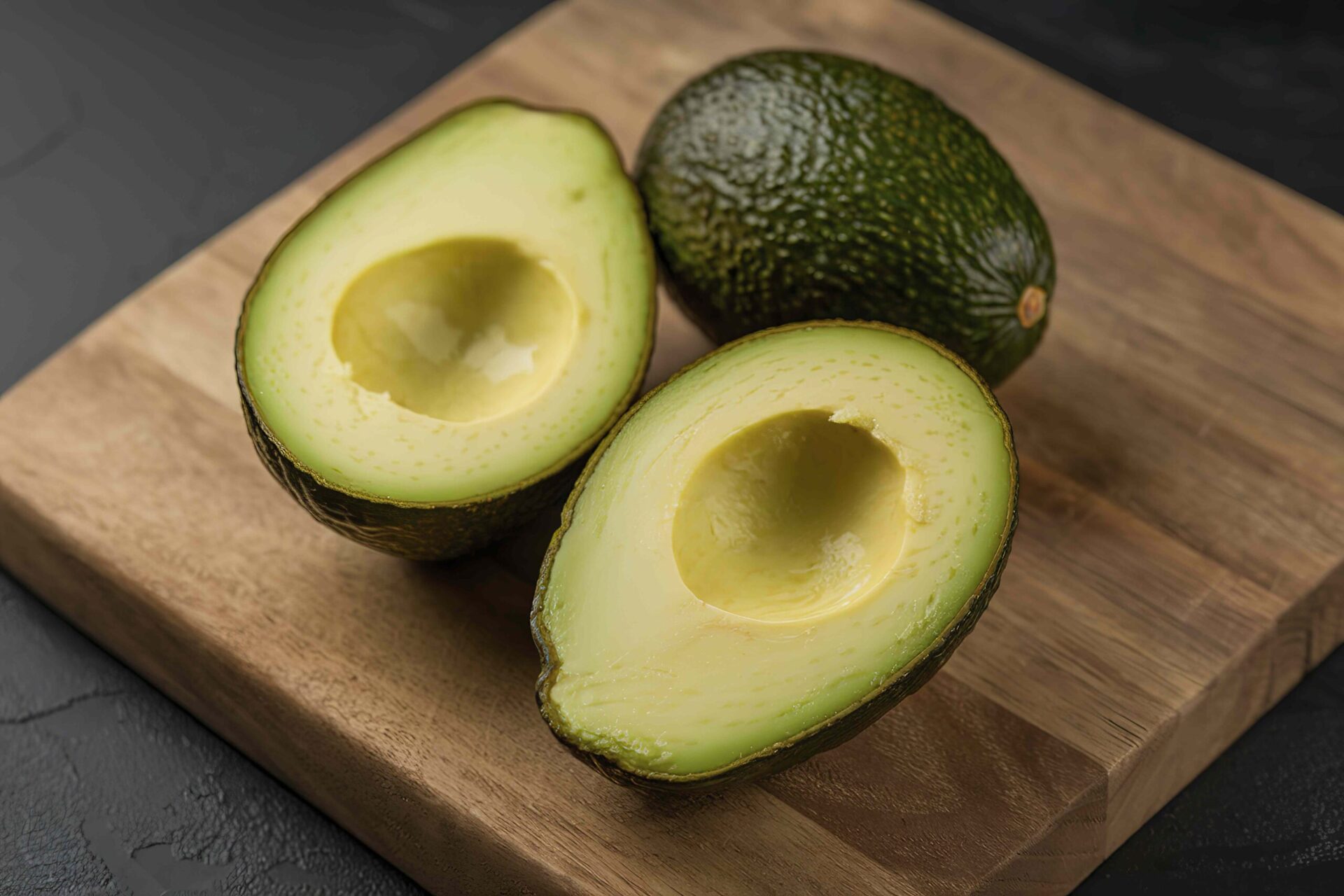
If you’re trying to get more potassium in your diet, reaching for an avocado is a good choice—one half of a standard-size avocado (100 grams) contains about 485 milligrams of potassium. That's 10.3% of the recommended daily value (DV). But many foods have more potassium per serving than avocados.
1. Beet Greens

- Potassium content: 1,310 milligrams
- Serving size: 1 cup, cooked and sliced into 1-inch pieces
Beet greens include the leaves and stems of the beetroot plant. If you’ve eaten beets before, you’ve eaten the root of this plant—the greens are the stalks and leaves that grow above the surface of the ground.
Though beet greens are less popular, they're a great source of antioxidants and nutrients—especially when it comes to potassium. One cup of beet greens contains 27.9% of the recommended DV for potassium.
Beets themselves have significantly less potassium, however, you'll still find more potassium in one cup of sliced cooked beats than in half of an avocado.
Beyond potassium, beet greens are rich in essential micronutrients including vitamin A, vitamin K, and folate (vitamin B9).
Beet greens can be boiled, mixed into soups, or sautéed alongside olive oil, garlic, and lemon.
2. Lima Beans

- Potassium content: 956 milligrams
- Serving size: 1 cup, cooked
Lima beans are a type of legume. They are flat, moon-shaped, and have a sweet, buttery flavor, particularly when they're fresh or dried, rather than canned. Lima beans are also called butter beans, faba beans, or sugar beans.
They’re packed with fiber and folate, plus one cup of cooked lima beans contains 20.3% of your recommended daily potassium intake.
Lima beans are also pretty versatile. They can be mixed into soups or stews, mashed to make butter bean dip, incorporated into salads, or added to dishes with ground meat, such as tacos.
3. Jackfruit

- Potassium content: 739 milligrams
- Serving size: 1 cup, raw and sliced
Jackfruit is a tropical fruit that grows on trees and looks like an enormous melon—in fact, it’s the world’s largest tree fruit (even though it’s in the same family as smaller fare like figs and mulberries).
This fruit boasts high amounts of vitamin C, fiber, and calcium. Plus, when it comes to potassium, a one-cup serving of jackfruit contains 15.7% of the DV for potassium.
Jackfruit can sometimes be difficult to find in the United States (though it can be grown in warm climates such as Florida). Canned or frozen versions are more readily available. Jackfruit can be added to smoothies or desserts, or used as a meat substitute in vegan or vegetarian dishes.
4. Potatoes (With Skin)

- Potassium content: 941 milligrams
- Serving size: One medium-sized baked potato with the skin on
Potatoes often get a bad rap, but depending on how they're prepared, they can be a nutritious addition to your diet.
A medium, white baked potato with the skin still on contains a substantial amount of potassium. In fact, it provides about 20% of your recommended daily intake. Skin-on baked potatoes are also a good source of vitamin C, magnesium, and iron.
When incorporating potatoes into your diet, keeping it simple often leads to the most nutritious results. Bake, boil, or steam potatoes, leave the skin on, and limit the amount of salt or full-fat dairy products you add on top.
5. Plain Nonfat Yogurt

- Potassium content: 514 milligrams
- Serving size: 1 cup
Like other dairy products, yogurt is best known for being a good source of protein, calcium, and vitamin D. But plain, nonfat yogurt (not Greek yogurt) contains a substantial amount of potassium, too.
A 1-cup serving provides 11% of the recommended DV for potassium.
Nonfat yogurt also has an endless number of uses, making it easy to incorporate into your diet. You can top it with granola, nut butter, or berries, blend it into smoothies, use it as a substitute for cream or mayo in sauces or dips, and add it into baked goods.
Potassium Is Crucial for Health
Potassium is an essential mineral involved in nearly all of the body's processes. In particular, potassium helps:
- Maintain heart, kidney, and nerve function
- Contract muscles
- Strengthen bones
- Manage blood pressure and blood sugar levels
Adults and children ages 4 and up should try to get 4,700 milligrams of potassium per day—that's considered the recommended DV. However, an adequate daily intake is 3,400 milligrams for men and 2,600 milligrams for women.
There are lots of foods that contain potassium, so severe potassium deficiency is rare among healthy people. However, many people in the U.S. fall short of their daily goals.
Eating a balanced, nutritious diet ensures that you're getting the potassium you need, whether it's from avocados, yogurt, beets, or other potassium-rich foods, including raisins, orange juice, potatoes, and lentils.










