Best travel deals in Amazon’s Big Spring Sale


Amazon’s Big Spring Sale is back with a wide variety of deals, including plenty of travel items — from packing cubes to the hottest new tech devices. Whether you just need to replace your travel toiletry bottles or you’re ready to invest in a premium suitcase or high-quality headphones, this sale probably has something for you.

Here are the top deals we’ve spotted so far during the Amazon Big Spring Sale. These 18 items are bestsellers with real-world travelers for good reason, so consider adding them to your cart while they last.

Related: What to pack in a carry-on bag every time you travel

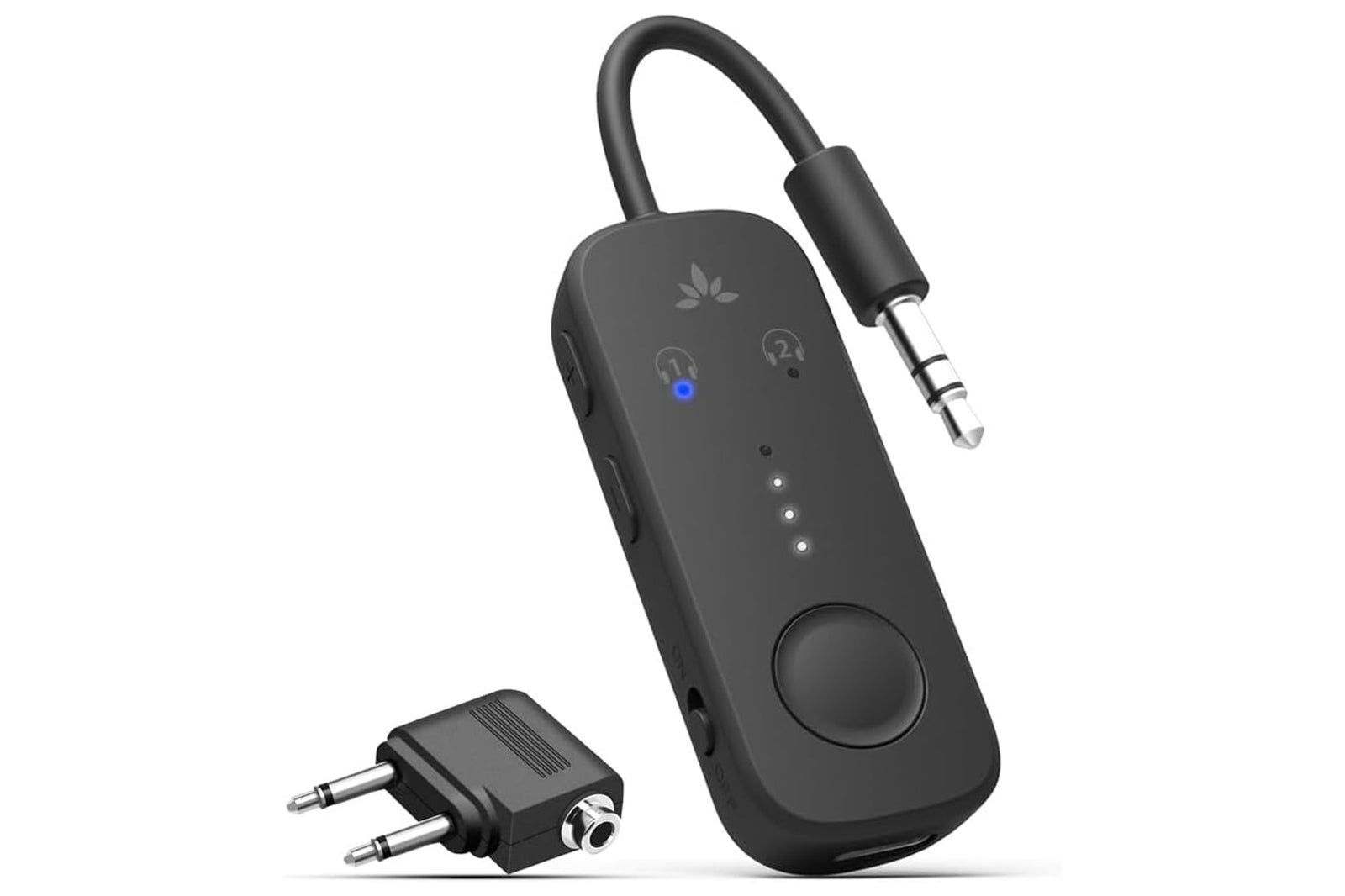
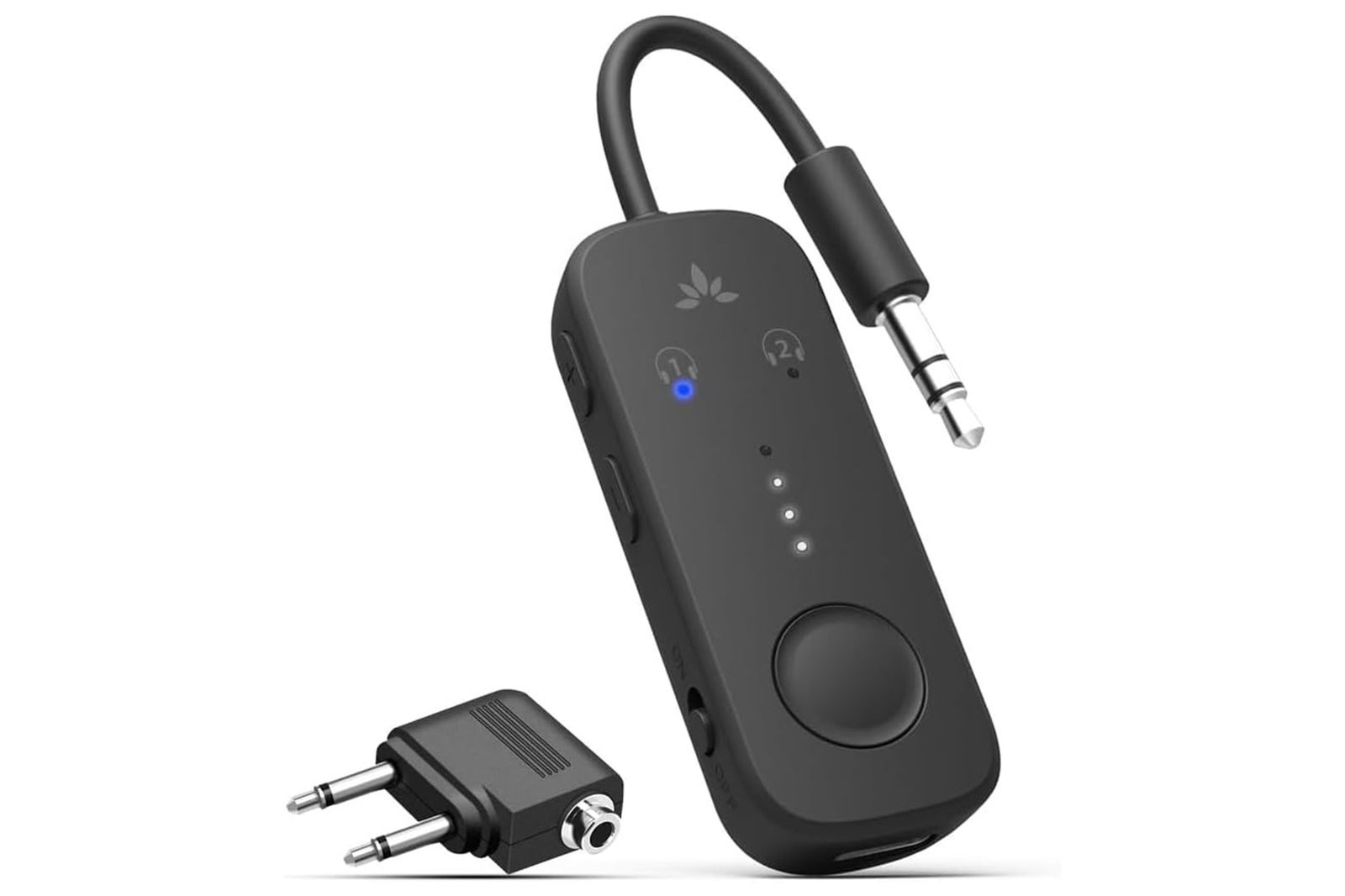
Avantree Relay Bluetooth adapter — $29.99 (normally $39.99)
AMAZON

This pocket-sized gadget lets you connect your own Bluetooth headphones to inflight entertainment systems — meaning you don’t need to put up with the cheap earphones provided by the airline.

Buy: Avantree Relay Bluetooth adapter on Amazon for $29.99 (normally $39.99)

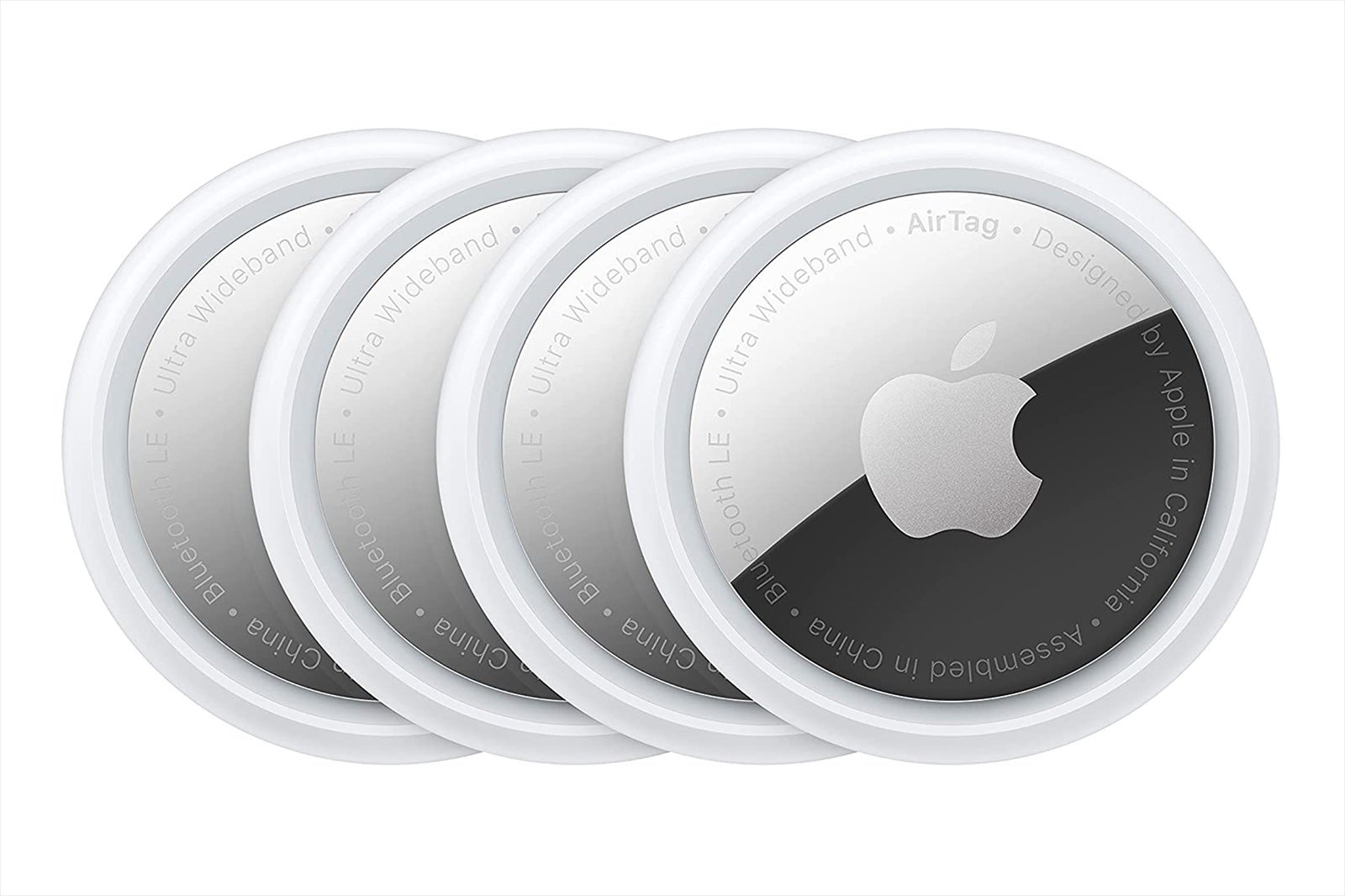
Apple AirTags, pack of 4 — $59.99 (normally $99)
AMAZON

Losing luggage is every traveler’s nightmare. Apple AirTags help you keep track of your belongings wherever they may be, and TPG staffers swear by them. Right now, they’re at their lowest price ever, roughly 40% off.

Buy: Apple AirTags on Amazon for $59.99 (normally $99)

Apple AirPods Pro — $199.99 (normally $249)

AMAZON

With crystal-clear audio and top-tier noise cancellation, AirPods Pro are a firm favorite with TPG staffers and readers alike. They charge via USB-C and even include “Conversation Awareness” so you’ll never miss an announcement at the gate.

Buy: Apple AirPods Pro 3 on Amazon for $199.99 (normally $249), AirPods 4 for $99 (normally $129)

Reward your inbox with the TPG Daily newsletter

Join over 700,000 readers for breaking news, in-depth guides and exclusive deals from TPG’s experts

VRURC portable charger — $26.99 (normally $36.99)
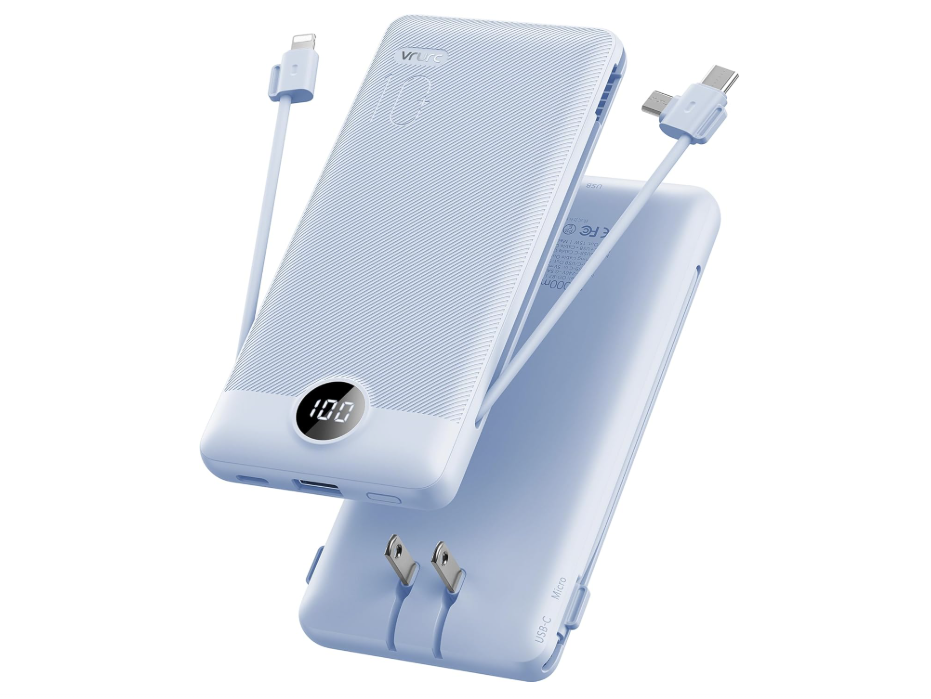
power bank
AMAZON

This compact charger delivers fast, reliable power for your phone, tablet or earbuds — a must for flight delays, long layovers or when you’re out exploring and away from power outlets. Plus, it offers built-in cables and an AC wall plug.

Buy: VRURC portable charger on Amazon for $26.99 (normally $36.99)

Tessan universal travel adapter — $20.69 (normally $24.43)
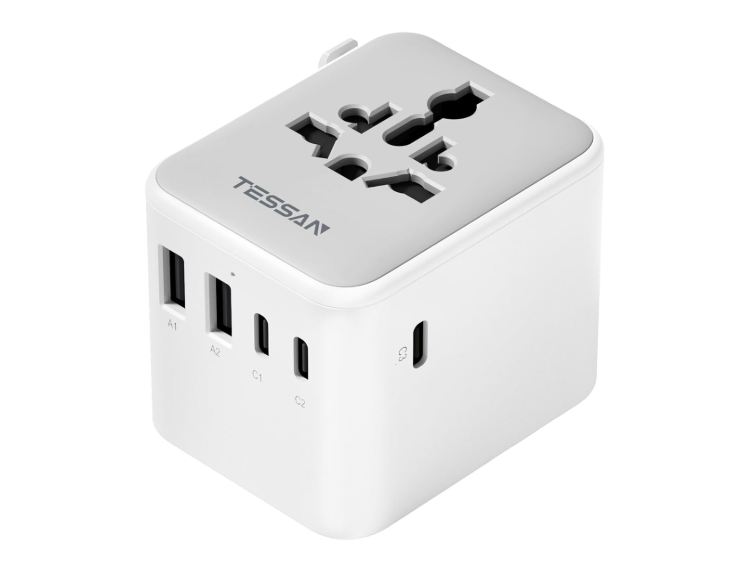
travel adapter
AMAZON

Traveling internationally? This adapter works in over 150 countries and includes two USB-A ports and three USB-C ports — so you can charge all your devices at once.

Buy: Tessan universal travel adapter on Amazon for $20.69 (normally $24.43)

Foldable 3-in-1 Apple charging station — $26.57 (normally $42.99)
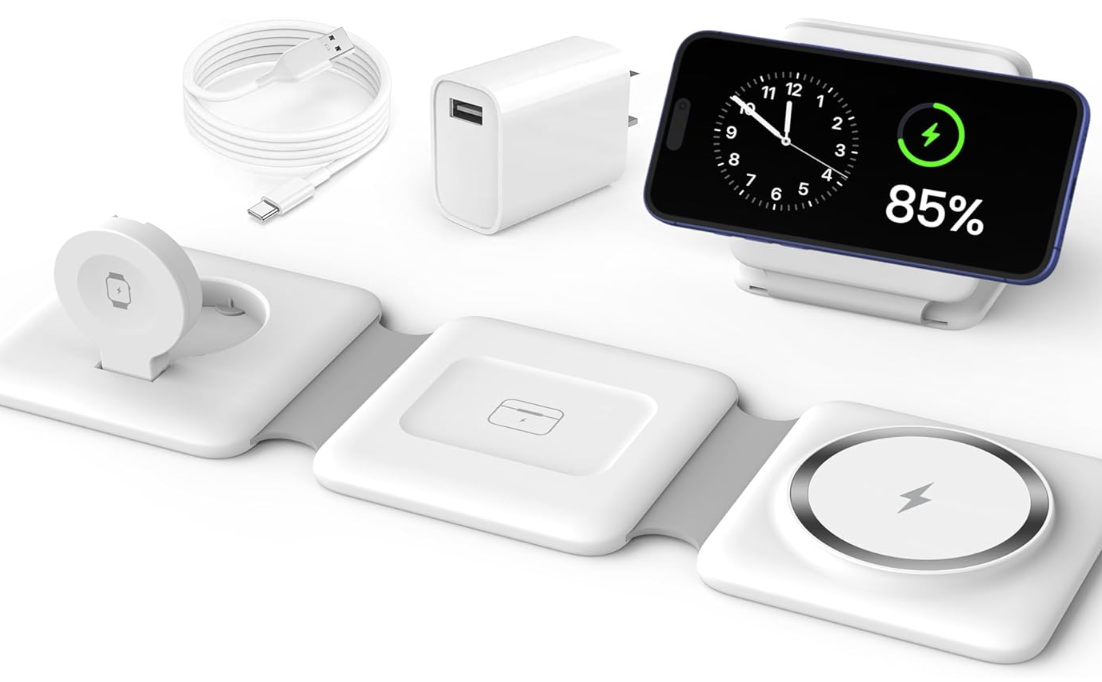
charging station
AMAZON

Charge your iPhone, AirPods and Apple Watch at the same time and banish messy cords forever. This foldable, magnetic wireless charging dock is a tidy addition to any hotel nightstand, and you can save 38% with Amazon’s Big Spring Sale.

Buy: Foldable 3-in-1 charging station on Amazon for $26.57 (normally $42.99)

Jisulife rechargeable hand-held fan — $23.74 (normally $28.99)
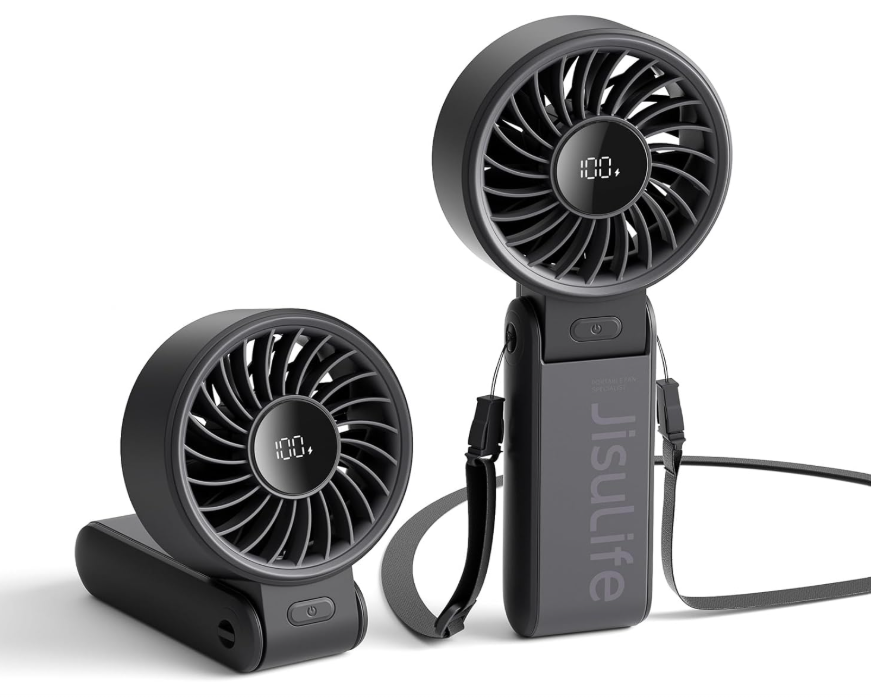
handheld fan
AMAZON

This five-speed, three-in-one fan can be held in your hand, worn around your neck or set on your desk to help you beat the heat anywhere. It’s the perfect companion for steamy summer travel, and it comes highly recommended by TPG senior writer and resident theme park expert Tarah Chieffi.

Buy: Jisulife hand-held fan on Amazon for $23.74 (normally $28.99)

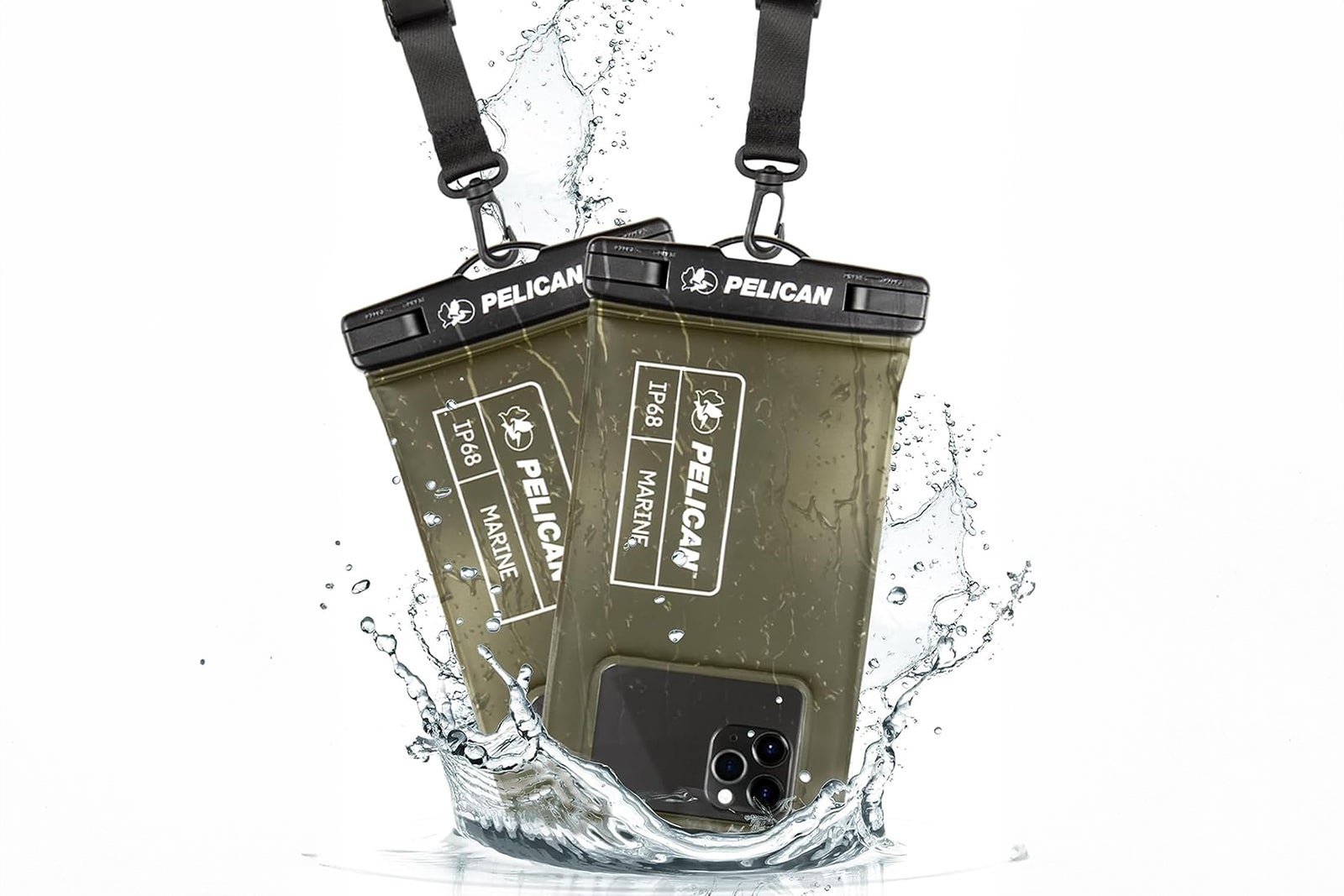
Pelican Marine waterproof phone pouch, pack of 2 — $20.99 (normally $29.99)
AMAZON

Protect your phone from splashes, spills and full-on dunks with this set of waterproof cases. It’s an ideal solution for beach trips or water sports, and it’s 30% off right now.

Buy: Pelican Marine waterproof phone pouches on Amazon for $20.99 (normally $29.99)

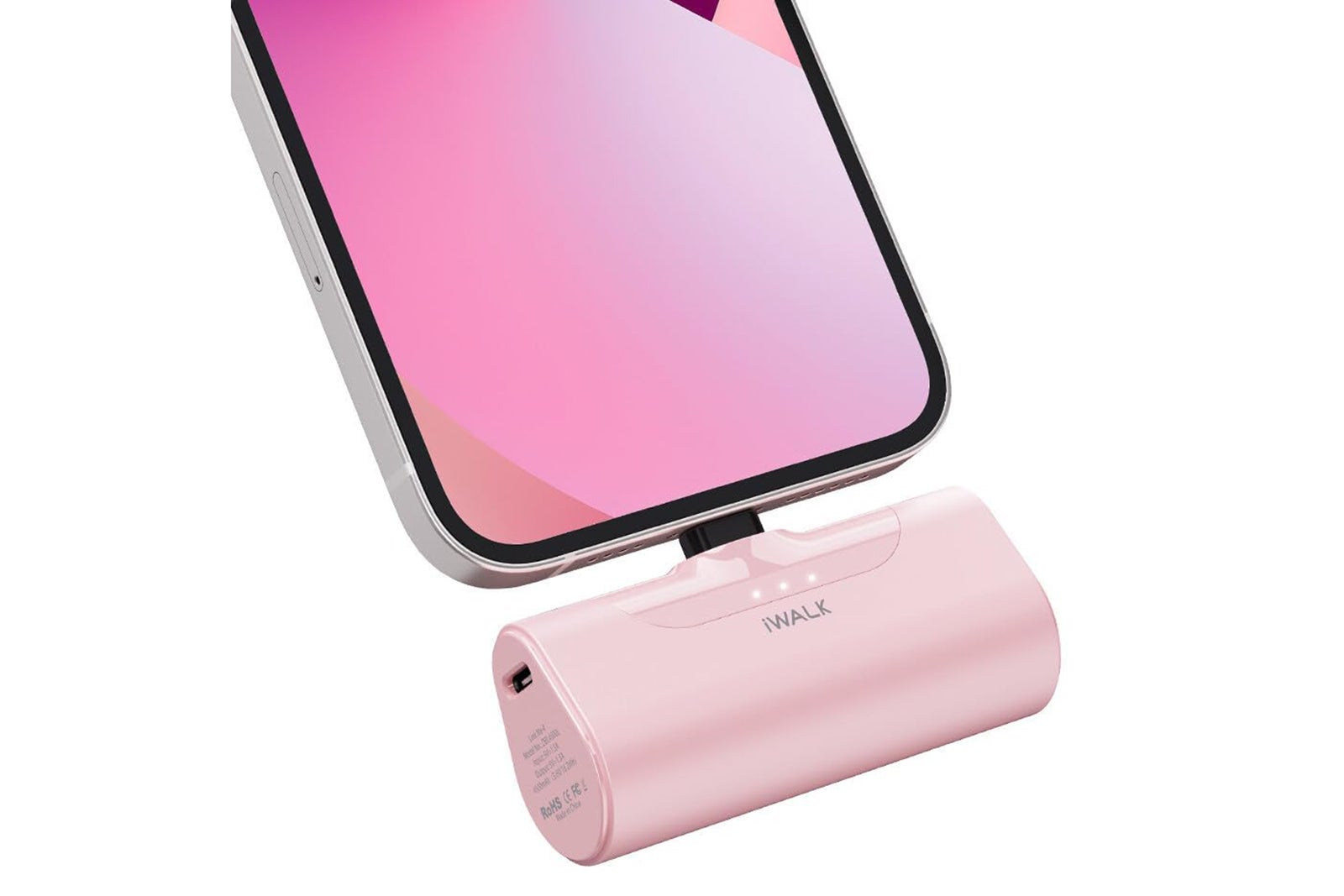
IWalk portable charger for iPhone — $19.98 (normally $26.99)
IWalk portable charger
AMAZON

This pocket-size power bank plugs directly into your iPhone’s Lightning port — no cords needed. It even supports 20-watt fast charging. When you’re done, it’s small enough to store in your pocket.

Buy: IWalk portable charger for iPhone on Amazon for $19.98 (normally $26.99)

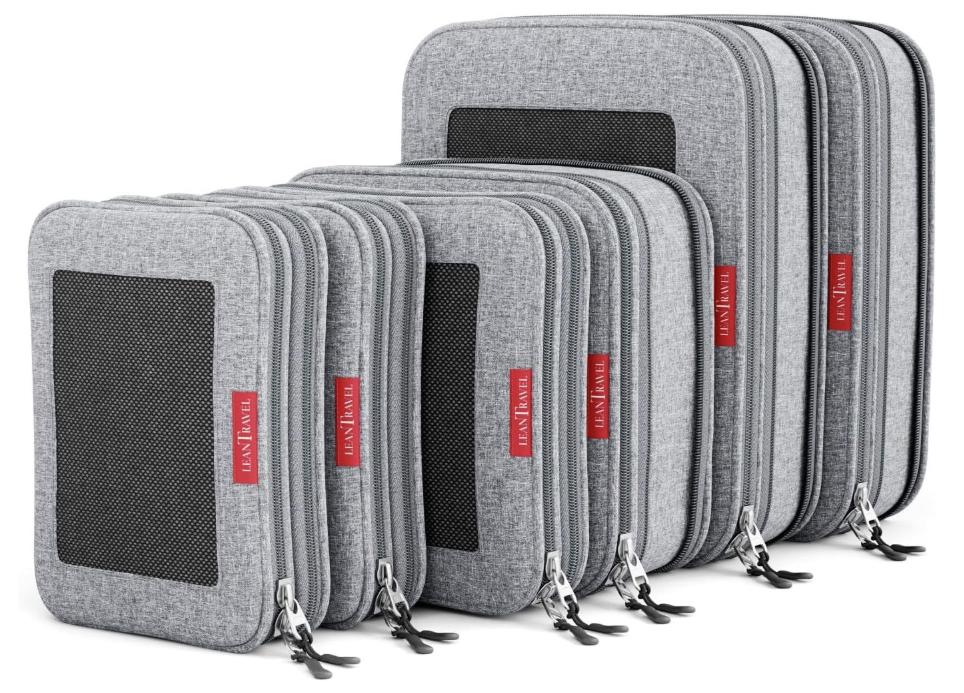
LeanTravel compression packing cubes, set of 6 — $44.99 (normally $56.99)
packing cubes
AMAZON

Make packing (and unpacking) easier with these bestselling cubes. Their double-zipper design lets you compress your clothes to maximize luggage space. The three- and four-packs are on sale too, but the six-pack (two small, two medium and two large cubes) has the biggest discount and comes in a variety of colors and prints.

Buy: LeanTravel compression packing cubes on Amazon for $44.99 (normally $56.99)

3.4-ounce travel bottles, pack of 5 — $5.99 (normally $9.99)

AMAZON

Leakproof, squeezable and Transportation Security Administration-compliant, these travel bottles are perfect for shampoo, sunscreen or lotion.

Buy: 3.4-ounce travel bottles on Amazon for $5.99 (normally $9.99)

Cadence toiletry capsules — 15% to 20% off

cadence capsules
AMAZON

If you’re ready to level up your travel routine, Amazon’s Big Spring Sale includes some great deals on Cadence capsules. These sturdy little gems will last longer than your typical plastic bottle, and they’re magnetic — so no matter how much your suitcase gets tossed around, they’ll stay neatly stacked together.

There are several different sets available, and most are discounted right now. For instance, you can get a set of three small capsules for $33.60 (normally $42), three medium capsules for $57.60 (normally $72) or four medium and three small capsules for $110.40 (normally $138).

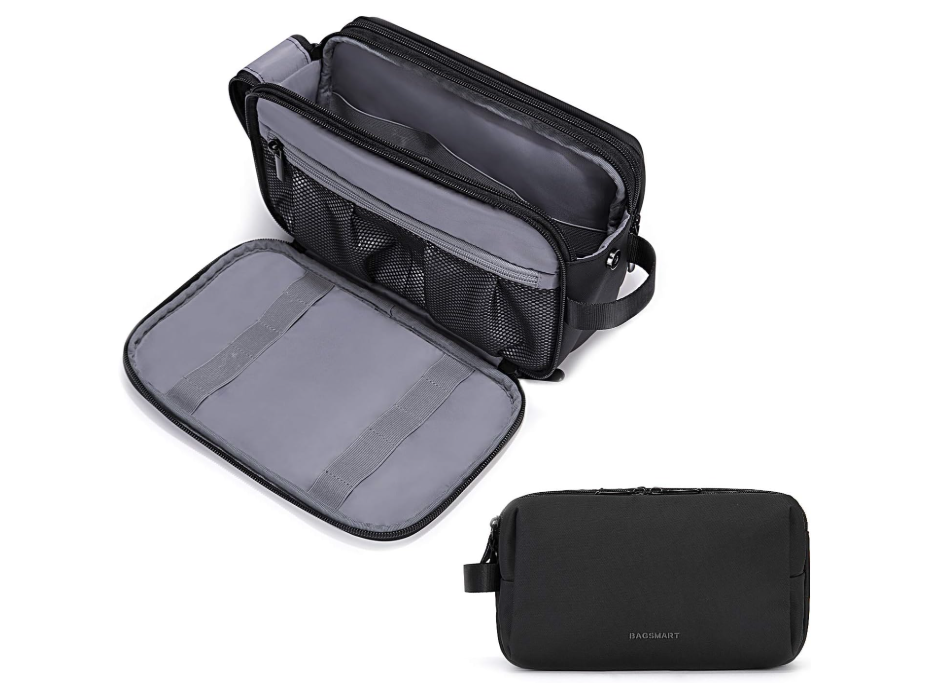
Bagsmart toiletry organizer — $14.23 (normally $22.99)
toiletry bag
AMAZON

Tired of opening your toiletry bag to find a jumble of containers, tubes and brushes? This organizer might be just the ticket. It has compartments and elastic straps galore to keep your toiletries in check, and it’s on sale for 38% off.

Buy: Bagsmart toiletry organizer on Amazon for $14.23 (normally $22.99)

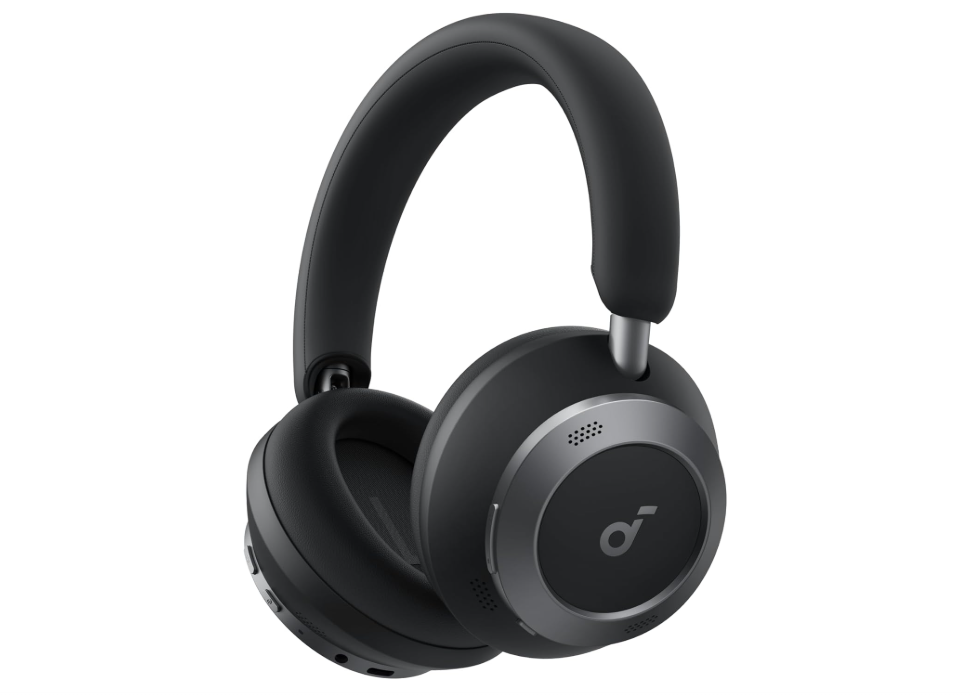
Soundcore by Anker noise-canceling headphones — 25% to 30% off
headphones
AMAZON

For noise cancellation at a reasonable price, look to Soundcore by Anker’s suite of headphones during the Big Spring Sale. The Space One Pro headphones are on sale for $149 (usually $199.99), the Space One headphones have dropped to $69.99 (usually $99.99) and the Q30 headphones are reduced to $59.98 (usually $85.99).

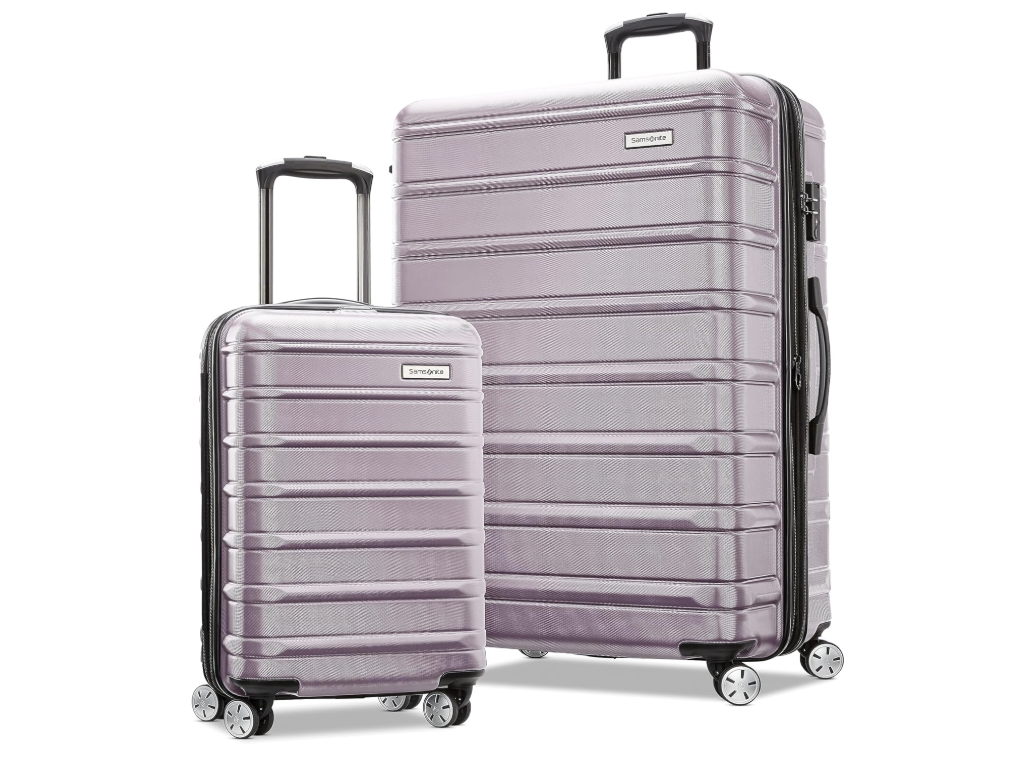
Samsonite Omni 2 hard-sided luggage — $168.55 (normally $459.98)
luggage
AMAZON

A sturdy and stylish luggage set from one of the best in the business, these Omni 2 suitcases are currently available for a whopping 63% off the usual retail price.

Buy: Samsonite Omni 2 hard-sided two-piece set on Amazon for $168.55 (normally $459.98)

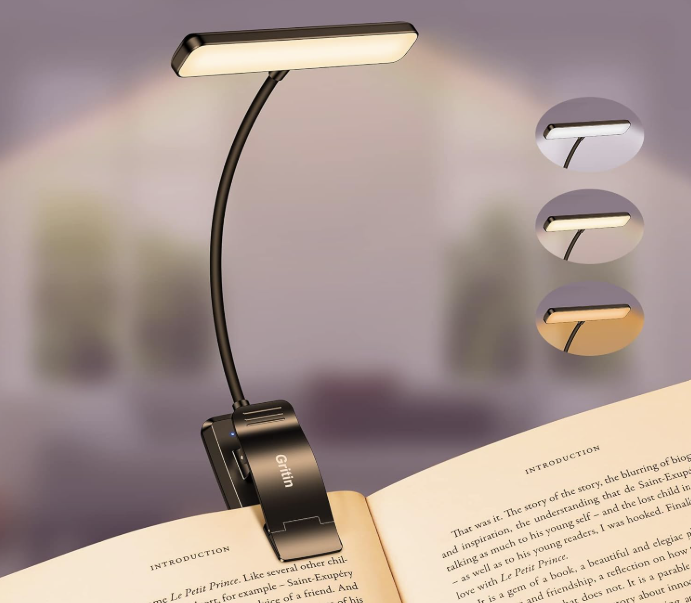
Gritin 19 rechargeable reading light — $9.99 (normally $19.99)
book light
AMAZON

Book lights aren’t just for reading at home — they can also be a lifesaver in dimly lit hotel rooms and Airbnbs, and they can double as a night-light. TPG travel writer Rachel Craft takes hers everywhere she goes. This bestselling option is half off during Amazon’s Big Spring Sale.

Buy: Gritin 19 rechargeable reading light on Amazon for $9.99 (normally $19.99)

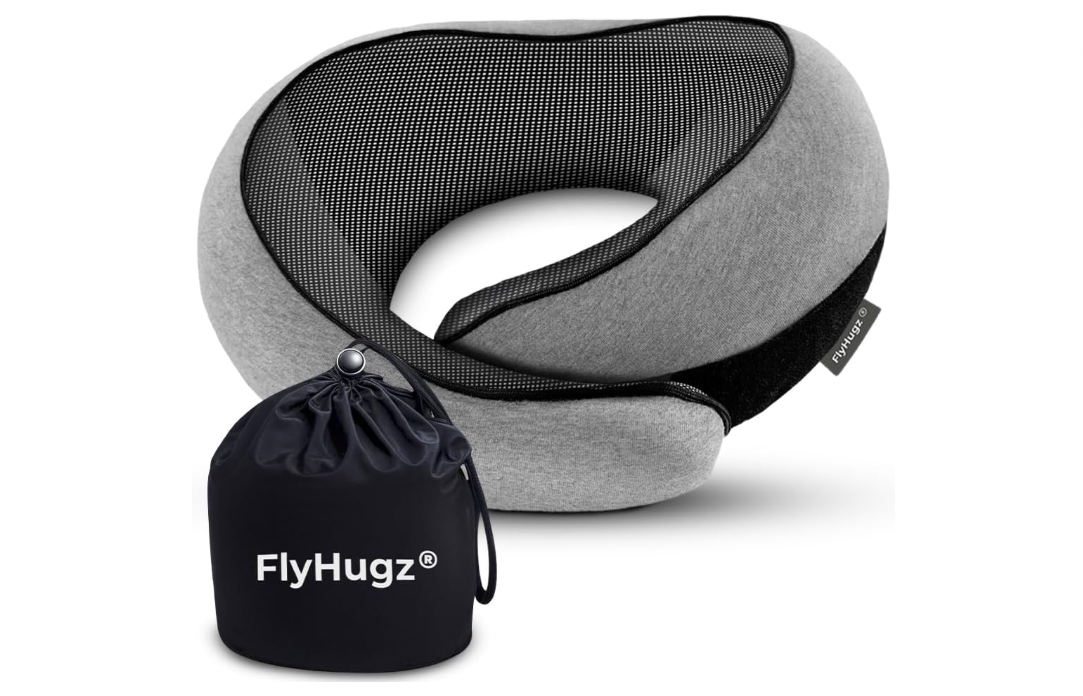
FlyHugz neck travel pillow — $29 (normally $39)
neck pillow
AMAZON

On long-haul flights, the right travel pillow can help you avoid a major pain in the neck — literally. This popular style is made of memory foam to mold to your neck, and it can be rolled up and attached to your luggage for easy transport.

Buy: FlyHugz neck travel pillow on Amazon for $29 (normally $39)

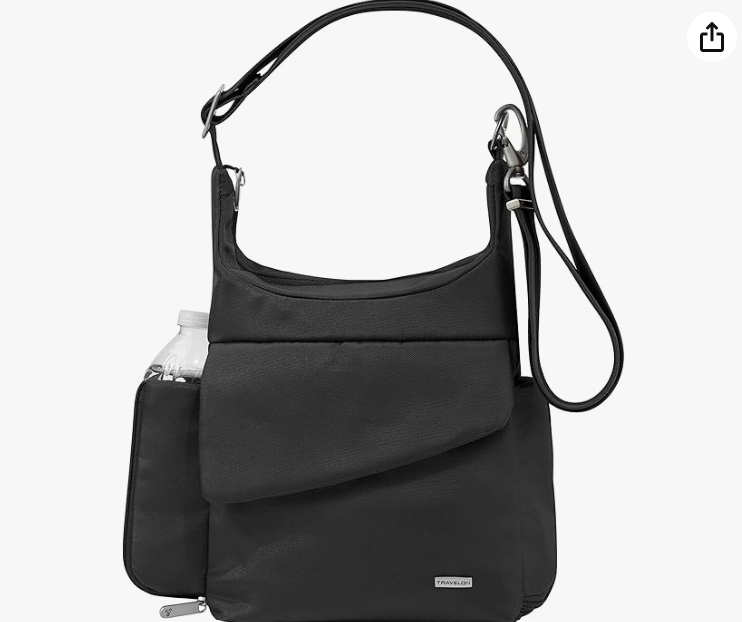
Travelon anti-theft messenger bag — $32.44 (normally $88)
messenger bag
AMAZON

This bag has everything you need for a day exploring the city: plenty of room for snacks, souvenirs and a water bottle, plus five-point anti-theft protection to deter pickpockets. The black color is a whopping 63% off during the Big Spring Sale.

Buy: Travelon anti-theft messenger bag on Amazon for $32.44 (normally $88)

Bottom line

These are just a few of the best deals we’ve spotted so far. Amazon will unveil new deals each day over the weeklong Big Spring Sale event, so keep your eyes peeled for more deeply discounted travel must-haves. And be sure to maximize your purchase with one of the best credit cards for shopping at Amazon.

Continue reading:


Source link

Leave a Reply

Subscribe to Our Newsletter

Get our latest articles delivered straight to your inbox. No spam, we promise.

Recent Reviews


Introduction to Kali Linux:

Kali Linux is an open source system available in the Linux operating system. Nowadays, it is considered as a one of the best security Linux packages mainly used for ethical hackers. In this Kali Linux system, all the tools can be differentiated on the basis of different categories. Kali Linux is an advanced penetration testing and security auditing Linux distribution. Kali Linux is named after one of the Hindu Goddesses namely “Maa Kali”. This type of Linux system was first developed by Mati Aharoni is one of the lead Linux developers, trainers, and founders of offensive security. 

Features of Kali Linux:

The following are the important features of Kali Linux:

1. Offers complete customizations.

2. Supports multiple languages.

3. Provides vast wireless device support for multiple machines and compatible with USB devices.

4. Helps to switch from Ubuntu to Debian.

5. Easy upgrade to future versions.

Become a Linux Certified professional by learning this HKR Linux Training !

Why do people use Kali Linux?

The following are the key features of Kali Linux that will benefit the people:

1. Offers advanced penetration testing tool:

Kali Linux supports more than 500+ advanced penetration testing tools across multiple devices. The tools which are used in Linux sometimes cannot be repeated much like “Backtrack”.

2. Available as a free Linux tool:

The kali Linux system is totally free and offers better time services for multiple users. This is one of the huge factors to use this Linux system.

3. It is an open source GIT tool:

The kali Linux is an open source system and can be accessed by multiple users. All the codes which we have developed can be accessed by anyone. The open development source of Kali Linux can make an easy view to the development team.

4. Supportive tool:

Kali Linux offers hierarchical file systems, allows users to locate binaries, packages and supporting files, etc. This is also an important feature of kali Linux when compared to other Linux systems.

 Kali Linux installation and configuration guide:

In this section, we are going to explain the installation and configuration of Kali Linux:

A Back track was the older version of Kali Linux and the latest version of Kali 2016. 1 and it will be updated often.

Kali Linux installation and configuration

To install Kali Linux we have to follow these two steps:

1. Firstly, we have to download the Virtual box and then install it.

2. Then, we have to download and install the Kali Linux distribution software.

Want to know more about Linux, visit here Linux Tutorial !

Now we will discuss each step in brief:

1. Download and install the virtual box:

A virtual box is very useful when you want to test the codes in Kali Linux. Running Kali Linux codes on a Virtual box is safe and you can also know the unknown packages to test the codes.

By using the virtual box you can install Kali Linux on your device along with primary operating systems (like MAC, Windows, and Linux).

Now see the steps to download and install the virtual box:

Step1: To download the virtual box, go to the web page https: //www.virtualbox.org/wiki/Downloads. Now depending on your operating system, you need to select the right package. If you are using windows, you have to follow the below screen shot to know more,

download the virtual box

Step2: Now click on the Next button:

setup Wizard

Step 3: On the next page, you have to choose the location where you want to save the executable file. Now leave that as default and click next,

executable file

Step 4: Click Next and the following custom setup screenshot will pop up ->then select the features that you want to install -> now click the next button.

 custom setup

Step 5: Now click on yes to proceed with other installation processes.

installation processes.

Join our Embedded Systems Product Design Life Cycle Training today and enhance your skills to new heights!

Linux Certification Training

  • Master Your Craft
  • Lifetime LMS & Faculty Access
  • 24/7 online expert support
  • Real-world & Project Based Learning

Step 6: Now ready to install screen will pop up-> then click install.

install screen

Step 7: Now click on the finish button.

 finish button.

The virtual box application screen will pop up. Now we are all set to install the rest of the host file for the manual device and also recommended for professional usage.

 virtual box application

Installing Kali Linux:

We have already installed the virtual box, now move to the next stop then install Kali Linux.

Step1: It’s time to download the Kali Linux package from the Kali official web page https: //www.kali.org/downloads.

Installing Kali Linux

Step2: Now click on virtual box -> select new as shown in the following screenshot,

 click on virtual box

Step 3: Now choose the correct virtual hard disk file -> click on open.

virtual hard disk file

Want to gain knowledge in Gradle? Then visit here to learn Gradle Training!

HKR Trainings Logo

Subscribe to our YouTube channel to get new updates..!

Step 4: you can see the following screenshot, then click on the create button.

 create button.

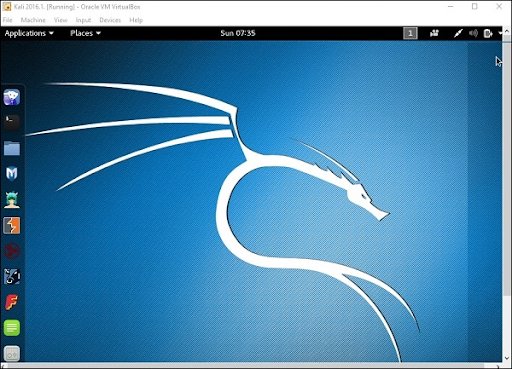
Step 5: Now start the Kali Operating system, the default username is a root and the password is toor.

 Kali Operating system

Update the kali software:

Once you finish installing, now it’s time to update the Kali Linux and provide a newer version to get advanced functionalities. The below are the steps involved update the Kali software;

Top 30 frequently asked Linux Interview Questions !

Step1: First go to the application -> then click on terminal-> after that, type “apt-get an update”-> then update the location as shown in the following screenshot.

 Update the kali software

terminal

Step 2: Now it’s time to upgrade the applications and tools -> then type “apt-get upgrade” -> then the packages/libraries will be downloaded.

applications and tools

Step 3: The below screenshot will ask, if you want to continue -> then type “Y” and click “Enter”.

continue

Step 4: To upgrade any newer version of the Linux operating system -> then type “apt-get distupgrade”.

upgrade newer version of the Linux

Laboratory set up:

In this section, we are going to set up the testing machine to perform any test-related applications with the help of Kali Linux tools.

Step1: You need to download metasploitable (this is a Linux machine). This can be downloaded from the official web page of Linux machine Rapid7 : https: //information.rapid7.com/ metasploitabledownload.html? LS (Linux system) = 1631875 & CS = Web.

Laboratory set up

Step 2: Register by supplying the details (as shown in the above screenshot). Once you finish filling the above form, you need to download the software.

Register by supplying

Step 3: Click on the virtual box -> then select new.

he virtual box

Step 4: click on the use of an existing virtual hard disk file -> browse the appropriate file (where you have downloaded the Metasploitable -> then click on open.

 virtual hard disk file

Step 5: Then you will get a screen where you need to create a virtual machine -> click on create.

 create a virtual machine

The default username you have to give is msfadmin and the password is msfadmin.

msfadmin

Linux Certification Training

Weekday / Weekend Batches

 Is kali Linux better than Ubuntu?

The answer would be yes, Kali Linux system is better in the view of a pentester for the basic users it doesn’t require for general-purpose operations go with Ubuntu will all features. If you are in a dilemma about choosing Ubuntu software and having a thought of installing Kali Linux then there are other ways you can do it.

The following are the major points when you want to choose Kali and Ubuntu.

1. If you are looking for the operating system for network security, penetration testing, and other testing techniques, etc. Ubuntu cannot compete with the Kali Linux system.

2. If you are looking for the user –friendly, general-purpose operating system with the best GUI, Ubuntu is the best choice.

Ubuntu system is more suited for personal uses while Kali is best for Hackers, vulnerability testers and nerds, because of the tools they both come bundled with or (you can also install the same set of “Hacking” tools while installing on Ubuntu). Kali was a product of backtrack. Here all the binary packages only meant for Debian could be installed on Kali Linux and this is the power of the Kali Linux system. Kali has come with a number of penetration tools be it Wifi or any other database to be built instantly. One more point to be remembered is that Kali uses the APT for package management.

Become a Msbuild Certified professional by learning this HKR Msbuild Training! 

Conclusion:

In this blog, we have explained the complete installation guide of the Kali Linux system, and also help our audience how to use it. The blog contents have been designed to help beginners who want to start their career as a Linux developer. This blog is also helpful for penetration testing experts. Once you finish this blog, you will be able to work on the moderate level to advanced applications of the Kali Linux system. 

Related Articles:


Source link