Fact checked by Nick Blackmer
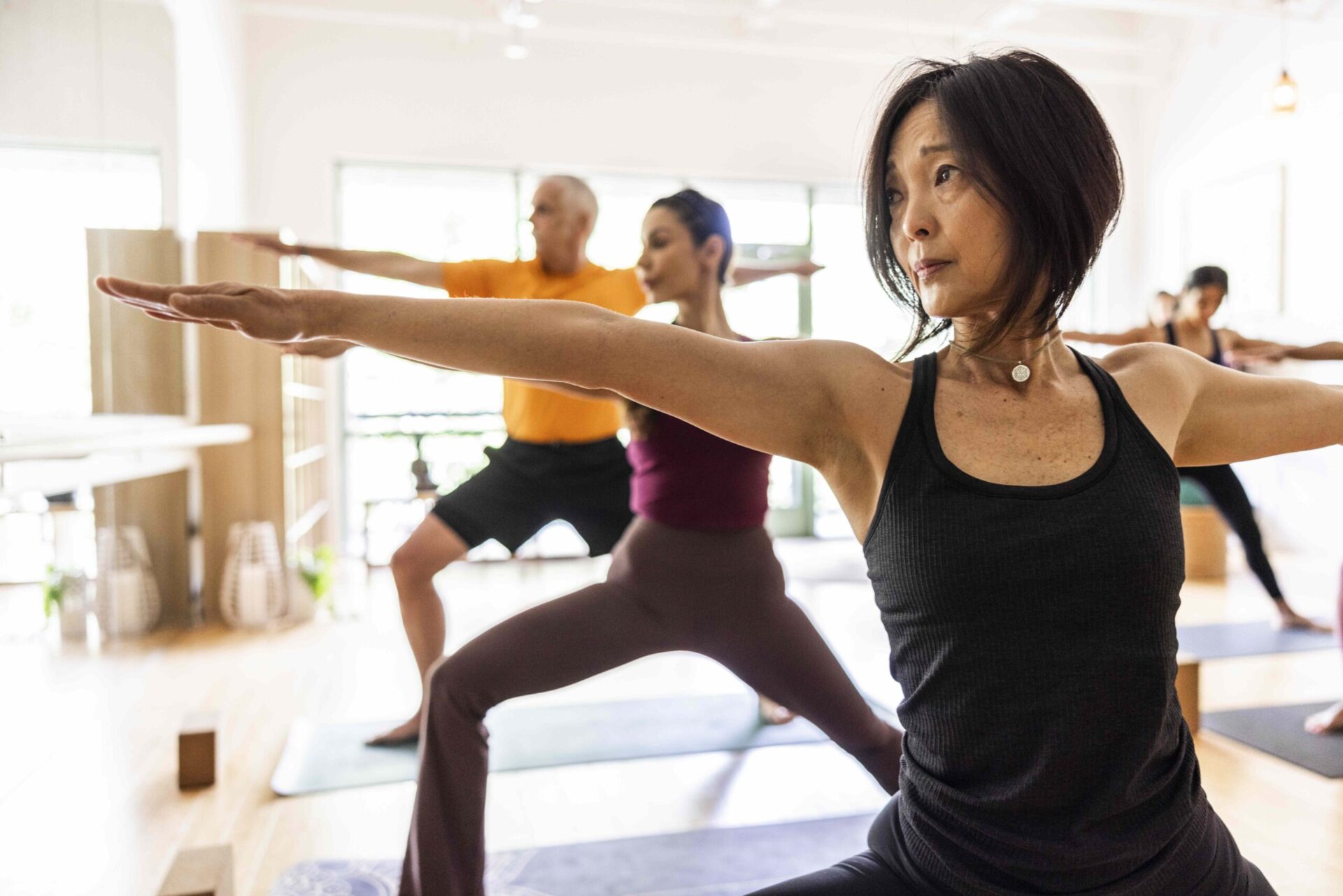
:max_bytes(150000):strip_icc():format(jpeg)/Health-GettyImages-2155324459-eb083fcf759f4fb294f2fc53fd170584.jpg "Diverse group of yoga students doing warrior pose in yoga class")
Credit: MoMo Productions / Getty Images
- Yoga is an effective way to build strength and improve flexibility.
- However, it’s unlikely to significantly increase muscle mass or address more complex mobility limitations.
- To reach your full potential, experts recommend combining yoga with strength training.
If you stick with yoga long enough, there’s a good chance your downward dogs, cobras, and other poses will start to feel easier. While that ease can signal gains in strength and flexibility, is yoga alone really enough to help you reach your potential in these areas? We tapped two fitness experts to weigh in.
What Yoga Can (and Can’t) Do for Strength
Yoga can certainly help you feel stronger—and relatively quickly, said Sasha Hanway, CPT, RYT, a certified personal trainer and yoga coach. If you practice regularly, you’ll likely feel more stable overall—especially in your core—within just a few weeks.
Noticeable increases in strength and muscle mass, however, can take a bit longer—about six to 12 weeks, Hanway noted. A 2015 study supports this idea, finding that people who participated in a 12-week yoga program showed improvements in curl-up and push-up tests.
But in general, explained Desi Bartlett, CPT, E-RYT, creator of the Bodymind Workout, there’s a limit to how much yoga can boost muscle power. That’s because yoga is designed to primarily enhance stability and muscular endurance, not to build significant muscle mass. For that, you’d need to incorporate strength training, which involves something called progressive external load—the process of increasing weight, reps, or intensity over time.
“Because the practice of yoga generally does not involve progressive external load, there is a natural ceiling,” Bartlett said. “If building significant muscular strength and/or muscle mass is the goal, adding resistance training is key.”
What Yoga Can (and Can't) Do For Flexibility
Yoga is highly effective at improving flexibility, mobility, and overall range of motion, Bartlett said. “It combines many postures that involve stretching with breathwork, which helps the muscles relax and lengthen more effectively over time,” she explained.
Many people notice reduced stiffness and improved mobility within one to two weeks of consistent practice, Bartlett added. More noticeable improvements in flexibility typically occur within four to six weeks. A small 2014 study found that low to moderately active middle-aged women who did as little as one 90-minute yoga session per week improved flexibility in their hamstrings and lower back after six weeks.
Keep in mind that in these early stages, your muscles aren’t physically lengthening, Hanway said. Rather, “your brain is essentially deciding how much range of motion it feels safe allowing you to access,” she explained. “As you practice yoga, you’re repeatedly exposing your body to end ranges of motion, and over time your nervous system becomes more tolerant of those positions.”
That said, yoga alone may not fully address deeper mobility issues, especially if joint limitations, past injuries, or significant muscle imbalances are involved, Bartlett said. “In those cases, more targeted mobility work or therapeutic intervention may be needed.”
How To Craft an Exercise Routine for Strength and Flexibility
To reap the strength and flexibility benefits of yoga, consistency is key—but Bartlett said you don’t need intense, hour-long sessions for yoga to be effective.
What matters more, she added, is the quality of your practice. To that end, she recommended moving with intention rather than rushing through poses, incorporating longer holds that last about 20 to 60 seconds, and choosing styles like vinyasa or power yoga that blend strength and mobility.
But it's important to remember that yoga alone isn’t enough to meet all fitness needs, Bartlett stressed. “I always encourage people to incorporate some form of external resistance in addition to yoga,” she said. “Yoga helps with mobility, stability, and mind-body awareness, while resistance training helps build muscle, bone density, and overall strength. Together, they create a more balanced and resilient body.”
To start resistance training, Bartlett recommended incorporating weightlifting, resistance bands, or progressive bodyweight exercises into your routine. Strategies for building muscle over time include increasing weight, reducing rest time, or adding reps. Aim for two to four days per week, Hanway suggested.
To enhance flexibility, yoga can offer a strong foundation, but pairing it with targeted mobility movements can help address specific limitations, especially in tight or restricted areas, Bartlett said.
“Movements like split squats, Romanian deadlifts, and lunges build strength in lengthened positions, which directly improves mobility,” Hanway said. “That combination— strength plus mobility—is what creates a body that not only moves well, but is strong, resilient, and built to last.”