9 Surprising Foods You Can Make in Your KitchenAid Stand Mixer


I’ve been an avid cook and baker since childhood and have heard only great things about the KitchenAid stand mixer, but I spent decades believing I didn’t need one. Why purchase a device that costs hundreds of dollars when I have an entire set of kitchen tools, plus my hands, for mixing, whisking and kneading?

But last year, I reached a point of cooking and baking fatigue. And I’ll admit it: I was swayed by watching videos of my favorite chefs and food content creators effortlessly making delicious desserts and more with their KitchenAid mixers. So my partner and I combined our holiday gift cards and purchased a five-quart, tilt-head KitchenAid Artisan Series in the dreamy almond cream color. 

I can admit when I’m wrong, and I was wrong about a KitchenAid stand mixer not being worth the cost — especially because I’ve learned that it’s not just for baking. In fact, there are many surprising foods you can make in your KitchenAid mixer to take some effort out of your time in the kitchen.

1. Chicken salad

The idea for this article came to me when I saw TikTok creator Jenna Denise use their KitchenAid mixer to shred chicken for chicken salad. Even though I’m a vegetarian, I did the same with Quorn’s Meatless Diced ChiQin Pieces, and it worked perfectly. After shredding the “chicken” with the included coated flat beater, I added the remaining ingredients and had the KitchenAid mix the entire salad.

A white bowl of chicken salad and lettuce on light blue table settings.

Along with shredding chicken on its own, you can use your stand mixer to make chicken salad.

Brent Hofacker/Shutterstock

2. Egg salad

Once I successfully made vegan chicken salad in my KitchenAid mixer, that got me thinking: What about egg salad? Turns out, it works just as well. I simply peel boiled eggs, add them to the mixer, use the flat beater to mash them and then add the rest of the ingredients for a delicious, effortless egg salad.

3. Butter

Using the wire whisk, I whipped 4 cups of heavy cream to make butter in my KitchenAid mixer. Bonus: Once you have your butter, use the flat beater to add different flavors, such as cinnamon and sugar or garlic and herbs. 

A wide stick of butter on white wrapping paper next to a knife.

Using your KitchenAid mixer, you can easily make both butter and buttermilk. All you need is heavy cream.

detry26/Shutterstock

4. Buttermilk 

When you make butter in your KitchenAid mixer, it’s a two-for-one experience because the liquid that forms is buttermilk. Make sure you save this for use in pancakes or biscuits. 

5. Pulled pork

Your mixer can be used to shred most cooked, boneless meats, including pork. Simply employ the flat beater to shred your pork for dishes like tacos, sandwiches, soups, nachos and more. 

A pulled pork sandwich on a wood board with fries and coleslaw in the background.

Pork is another type of cooked meat that can be shredded in your mixer.

keetazalay/Shutterstock

6. Guacamole 

If you’re not in the mood to mash avocados by hand, your KitchenAid’s flat beater can do that work for you. Add your avocado meat to the mixer to mash, then add the other ingredients for a hands-free guac. 

7. Meatballs

Not a fan of mixing ground meat by hand? Instead, use your KitchenAid mixer’s flat beater to prepare the mixture for meatballs, meatloaf or burgers. Just throw all your ingredients into the mixer and let it handle the rest.

A black cast iron filled with six meatballs and sauce.

Make mixed-meat dishes like meatballs and meatloaf.

ahirao/Shutterstock

8. Mashed potatoes

Mashing potatoes can be an arm workout, especially if you want the perfect texture that doesn’t turn into gluey, sticky mash. By letting your mixer’s flat beater mash your potatoes, you can focus on watching them until they reach your ideal fluffy texture. 

9. Mayo

One of the perks of using a KitchenAid mixer to make food from scratch is knowing exactly what’s going into the dish. The same goes for mayo, which can be made with your mixer’s whisk and only six ingredients: egg yolks, Dijon mustard, vinegar, sunflower oil, salt and pepper. No food processor required.

A jar of mayo with an open-faced sandwich in the background.

That’s right — you don’t need a food processor to make homemade mayo.

New Africa/Shutterstock

However, since it doesn’t contain any preservatives like store-bought mayonnaise, just make sure to refrigerate your homemade mayo and use it within four days. 


Source link

Leave a Reply

Subscribe to Our Newsletter

Get our latest articles delivered straight to your inbox. No spam, we promise.

Recent Reviews


What are Socket Programming in Java

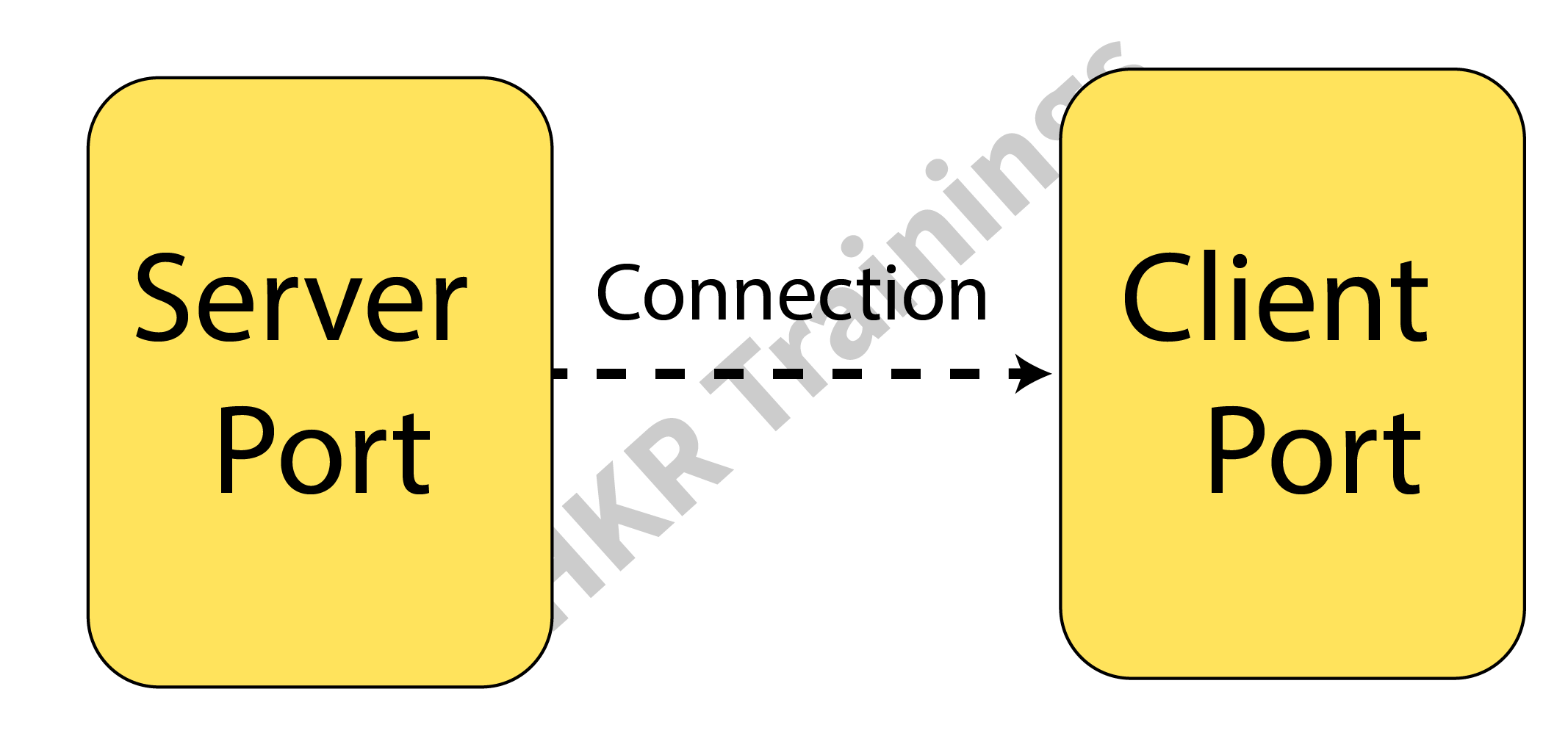
Socket programming is a method where two nodes on a network can connect and communicate with one another. While another socket reaches out to the first socket to establish a connection, one socket (or node) listens on a specific port at an IP address.
While the customer reaches out for the server, the server creates the listener socket. For connection-oriented socket programming, the classes Socket and Server Socket are utilized.

Programming using Java Sockets can be either connection-oriented or connection-less. For connection-oriented socket programming, While the customer reaches out for the server, the server creates the listener socket. For connection-oriented socket programming, the classes Socket and Server Socket are utilized. and DatagramSocket classes are used, while Socket and ServerSocket are used for connection-less socket programming.

What Is Java Socket

A Java socket is one terminal of a 2-way networked communication relationship between two programs. For the TCP layer to recognize the program that data is intended to be transferred to, a socket is tied to a port number.

Java Socket

A port number and an IP address make up an endpoint. An implementation of one side of a 2-way connection between the Java program and another program on the network is made possible by the class Socket, which is part of the Java platform’s package. The class resides on top of the platform-specific implementation, shielding your Java program from the specifics of every given system. Your Java programs can interact over the web in a platform-independent manner by utilizing the class rather than depending on native code.

Client-Side Programming

When using the client side, in the programming, the client initially watches for the server to launch. The requests will be sent to the server once it is operational. The client will then watch for the server’s answer. So, this is how server and client communication functions overall. Let’s now go deeper into client-side and server-side programming.

For starting with the requests from the client-side, the user needs to process the following steps:

Establish a connection :

Creating a socket connection is the initial action. The socket connection signifies that the 2 machines are aware of each other’s IP address and TCP port on the network.

The following statement will let you construct a socket:

Socket s = new s(“127.0.0.1”, 5000)

The first input in this case denotes the server’s IP address.

The TCP Port is represented by the second parameter. (A number that indicates which server-side program should be running.)

Communication :

Streams are utilized for both data input and output when communicating via a socket connection. You must shut down the connection after opening it and sending the requests.

Closing the connection :
Once the message has been transmitted to the server, the socket connection will explicitly close.

Wish to make a career in the world of Java? Start with HKR’S Java Training !

Java Certification Training

  • Master Your Craft
  • Lifetime LMS & Faculty Access
  • 24/7 online expert support
  • Real-world & Project Based Learning

Server-Side Programming

In essence, the server will create its object and await a request from the client. The server will reply with the response once the client will send the request.
Two sockets are required in order to program the server-side application, and they are as follows:

When a client calls newSocket(), a ServerSocket that is waiting for the requests from the client is created. There is a straightforward socket for client communication.
Following that, you must inform the client of the outcome.

Communication

The output is sent across the socket using the getOutputStream() function.

Closing the connection

Once everything is finished, it’s crucial to shut off the connection by shutting the socket and any active input/output streams.

  • You can run the server-side program first after configuring the client and server ends. After that, you must transmit the request and start client-side software. The server will reply as the client sends the request. The image below shows the same.

Closing the connection

  • The client will establish a connection and enter the request as a string.

Closing the connection 2

  • The server will reply to the request sent by the client.

Closing the connection 3

You must run a Java socket program in the given manner. These programs can also be run via a command window or terminal. However, as Eclipse is very feature-rich, you can easily run both apps on a console.

Top 30 frequently asked JAVA Interview Questions !

HKR Trainings Logo

Subscribe to our YouTube channel to get new updates..!

Testing The Applications

The testing of applications is done using the IntelliJ application or any other IDE. 

  • Put the two programs together.
  • Start the client application after starting the server software.
  • Write a message in the client window, and the server window will simultaneously receive and display them.
  • Type BYE to leave.

This can be done using a command prompt also:

  • Create a new folder called project (this is the name of your package).
  • Place the project folder’s Server.java and Client.java files.
  • Go to the root path on the command prompt after opening it.
  • Run java project.Server first, then javac projectServer.java.
  • Use the same process to run the client and server programs.
  • Messages can then be typed in the window of the client.

The application can fail when a port has already been in use. Modify port no to a special number to resolve this problem.

Acquire Jenkins certification by enrolling in the HKR Jenkins Training program in Hyderabad!

Java Certification Training

Weekday / Weekend Batches

Conclusion

In this article, we have talked about socket and socket programming. Socket programming is a method where two nodes on a network can connect and communicate with one another. While another socket reaches out to the first socket to establish a connection, one socket (or node) listens on a specific port at an IP address. We have also discussed client-side and server-side along with testing the applications.

Related Article:

Drools Interview Questions


Source link