Which USB Port Should You Use For Your Mouse And Keyboard?


Save your best ports for your most demanding devices.
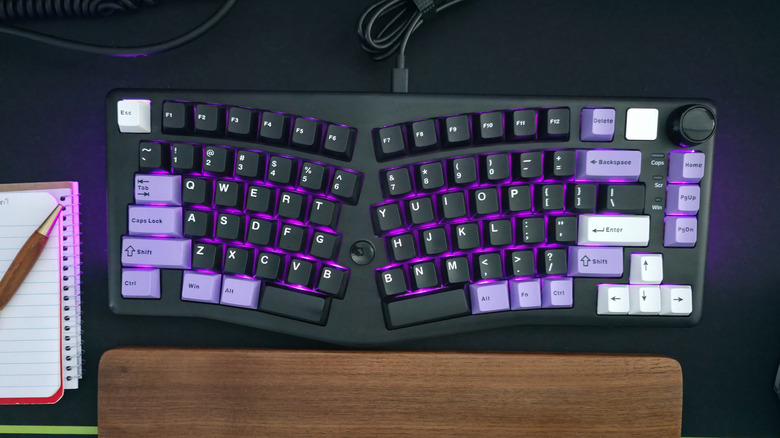
Setting up your computer can be a complicated process, but one thing you’d assume to be simple is plugging in your USB accessories and peripherals such as a keyboard and mouse. Unfortunately, even that seemingly simple act requires a bit of technical knowledge without which you’ll end up hamstringing yourself in the long run.

If you’re unfamiliar with the intricacies of various USB standards, it can be difficult to know which ports are best suited to a mouse or keyboard. Your computer may have anywhere between a single USB port and over a dozen of them. But they’re not all created equal. One may be a high-powered USB 3.2 Gen 2×2 or USB4 port capable of blazing fast speeds, while another might be a low-powered USB 2.0 port.

Your keyboard and mouse are most likely to be your least demanding accessories, requiring very little bandwidth. While any port will power your input peripherals and allow them headroom to perform at their best, choosing the wrong ports will leave you with worse options for other, more demanding accessories such as portable SSDs and storage drives, external monitors and USB hubs. To leave those ports free, your keyboard and mouse should be plugged into any open USB 2.0 ports. Here’s why.

Save your high-speed USB ports for SSDs and bandwidth-hungry devices
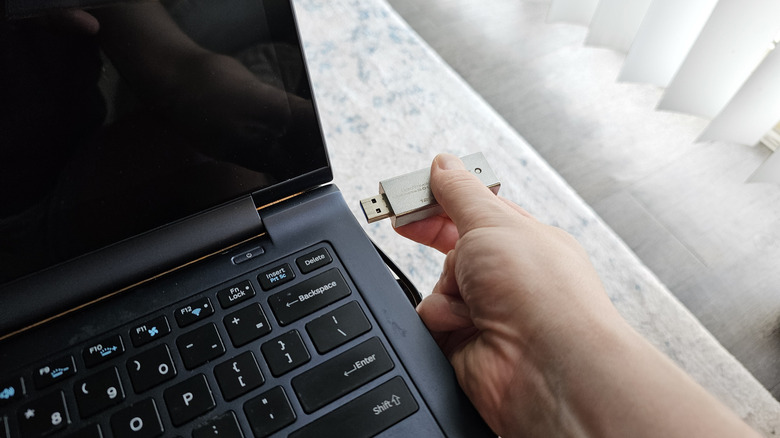
In general, you should connect a mouse or keyboard to your least powerful USB ports. Input peripherals require very little power and data to work properly, so they do not require the high charging speeds and data transfer capabilities of USB 3.x or USB4 ports. Those ports should be saved for flash drives, SSDs, and other storage devices which require a USB port’s full capabilities to achieve their best performances.

There are a few caveats to that rule of thumb, though. First, if you’re connecting your mouse and keyboard through one of the best USB-C hubs or docks, and also plan on connecting storage devices or other high bandwidth gadgets to the hub, you should choose a high-speed USB port that is suited to those devices. If the USB hub itself has multiple port types, connect the mouse and keyboard to the lowest-speed ports among them.

If your computer has both USB Type-A and Type-C ports, the USB-C ports are likely (though not guaranteed) to deliver higher speeds. Therefore, if your keyboard or mouse uses a USB-C connection, it can be a good idea to connect those devices to your computer with a USB-C to USB-A cable.

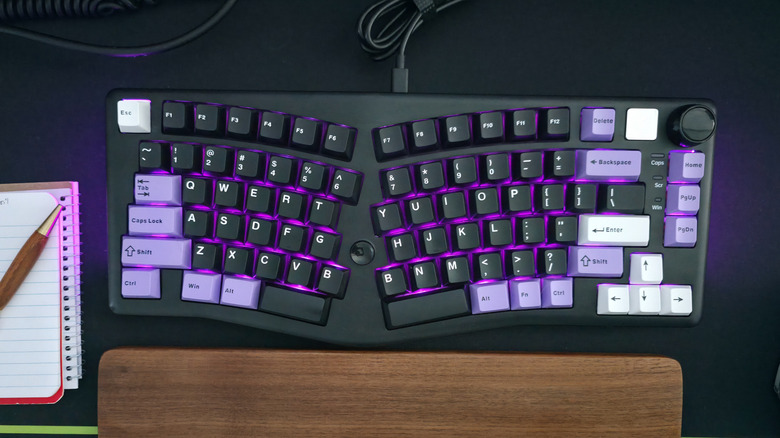
Lastly, if your keyboard itself has a built-in USB hub with USB 3.x ports, you should connect the keyboard to a high-powered port on your computer in order to support devices plugged into the keyboard. If you only plan to run a mouse out of the keyboard, you may still be okay using a lower-spec port, so choose whichever arrangement best supports your ideal use case.


Source link

Leave a Reply

Subscribe to Our Newsletter

Get our latest articles delivered straight to your inbox. No spam, we promise.

Recent Reviews


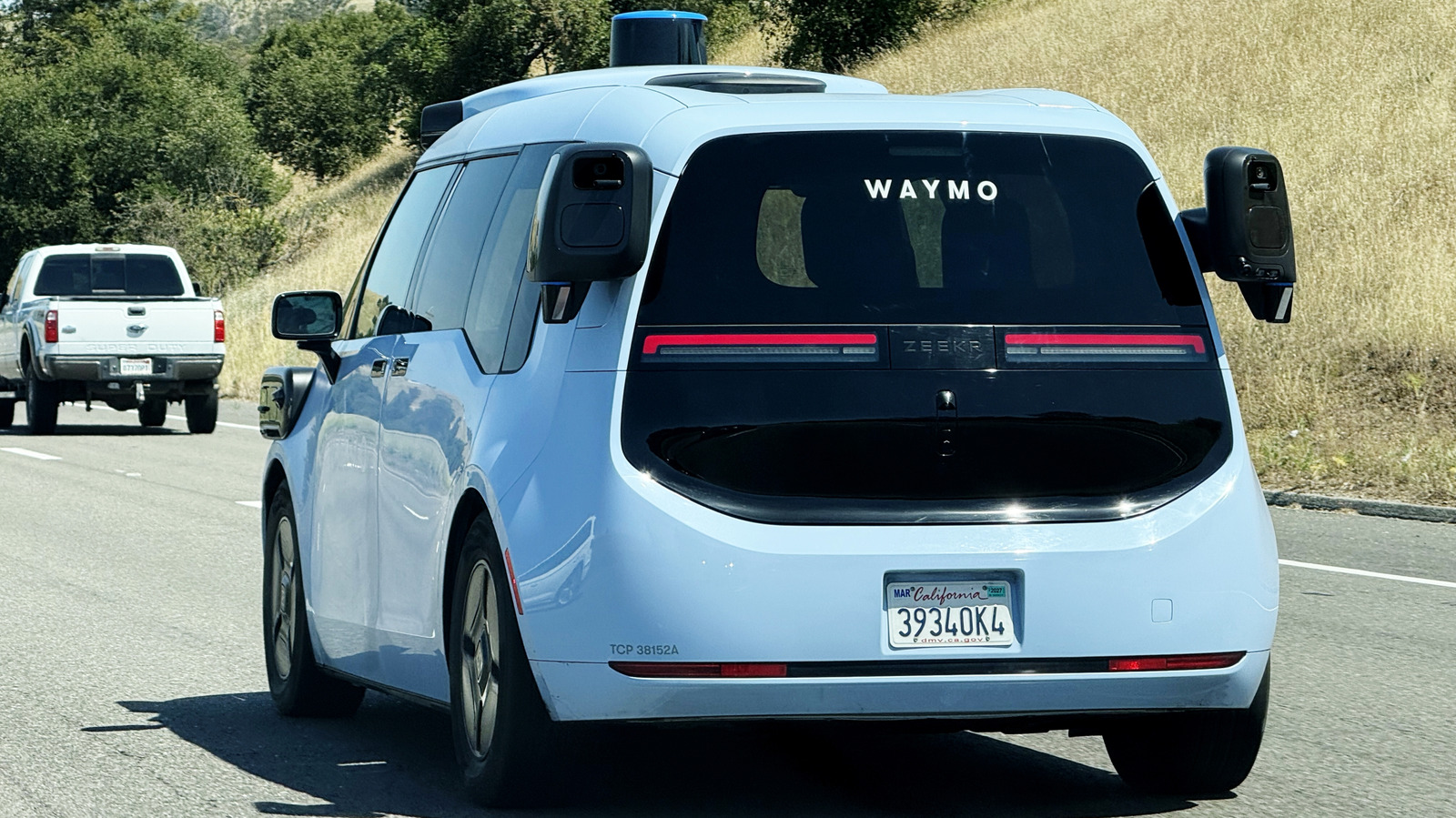
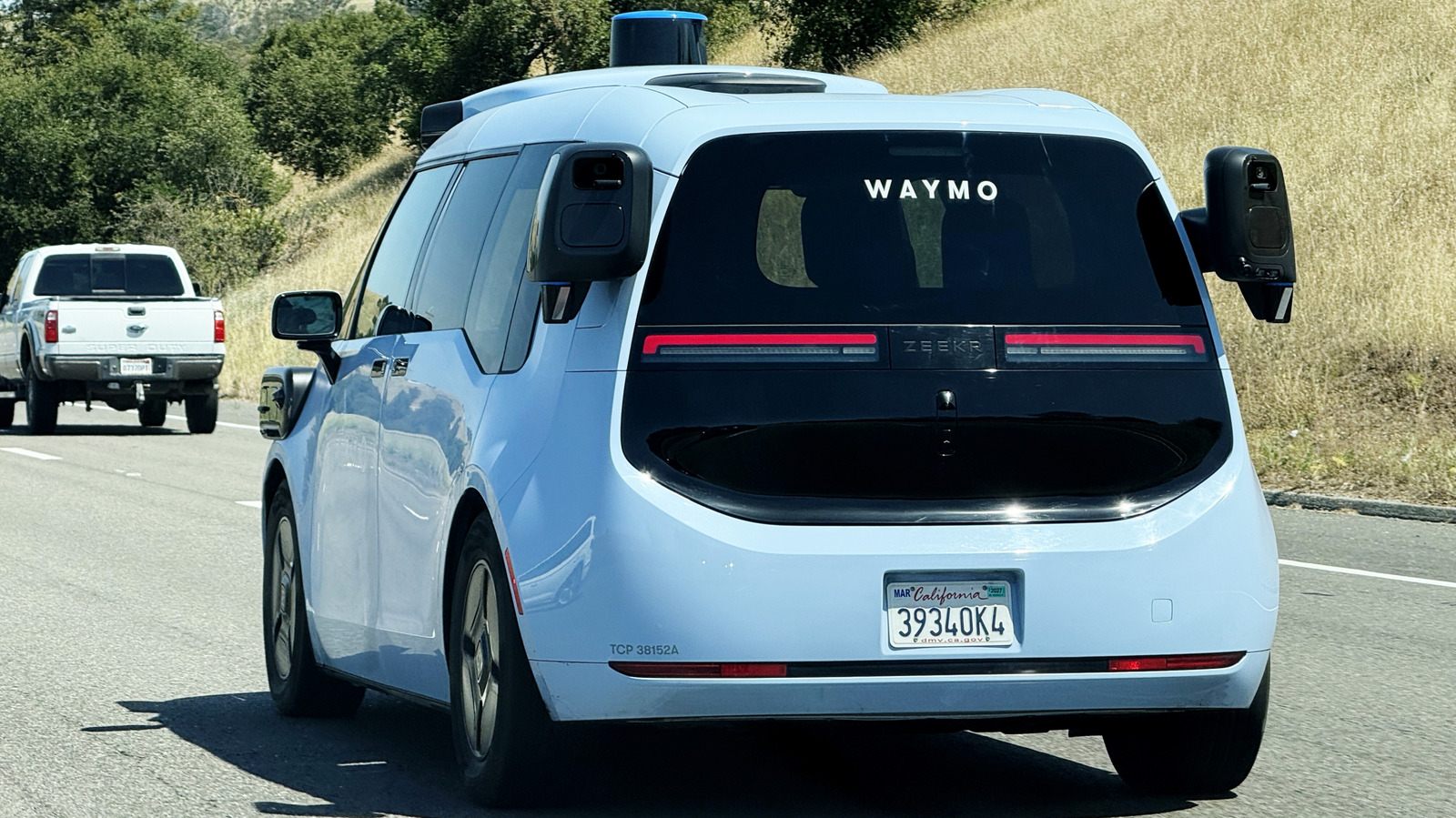
Waymo — the Alphabet-owned driverless taxi service which has seen a rapid expansion in recent years — is rolling out a new rewards program today. 

The service is called Waymo Premier, and it promises priority pickups along with a 10 percent in-app rebate applied to future rides. Subscribers will also get fee-free cancellations, though only up to five a month. Lastly, Premier gives subscribers the chance to be among the first to use Waymo in new cities as the service expands, which is certainly one way to reframe the concept of paying to beta test those new coverage areas.

The asking price for all of this is $30 a month, and that’s where Waymo Premier feels like it’s jumping the shark. Uber One, the loyalty service for Waymo’s human-driven competitor, is only $10 a month but gets you discounts on hotels, car rentals and food delivery, in addition to 6 percent in-app credits on rides. You even get 10 percent of a car rental cost credited to your Uber account. 

Meanwhile, Lyft offers Lyft Pink, which also costs $10 a month and gets you 5 percent off Standard rides along with free priority pickup. The whole point of eliminating the driver from a taxi service was supposed to be saving on human labor costs, but when you’re putting drivers out of a job and charging the customer three times as much, it’s fair to question where the value of Waymo Premier is hiding.

It’s not as if you’ll offset the inflated price of Waymo Premier by riding with robots, either. As found by rideshare data analytics firm Obi in a June 2025 report, a ride with Waymo is much more expensive on average than the same ride taken with Uber or Lyft. So, you’re paying more for the subscription and more per-ride, all to be carted around by a self-driving system that still needs human intervention from remote workers. It’s not exactly the deal of the century, and you never know when your ride will crush a beloved neighborhood cat to death.

Which brings us to the many, many times Waymo has been in the news for the wrong reasons recently. It’s not that Uber and Lyft are problem-free  — late last year, the New York Times uncovered that Uber allowed violent felons to drive with its platform, not to mention all the sexual assault complaints and lawsuits against the company. There are valid reasons to want no one else in the car with you, especially if you’re a lone woman or a member of a marginalized community. If a bear is preferable to a man, so is a car that might drive directly through a guns-drawn police standoff or flee from police with you inside. But there’s no reason to pay $30 more for the privilege each month on top of the already inflated ride fees, especially when Waymo has had to recall software for its entire fleet as recently as last month following dangerous behavior during a flood in San Antonio, Texas.


Source link