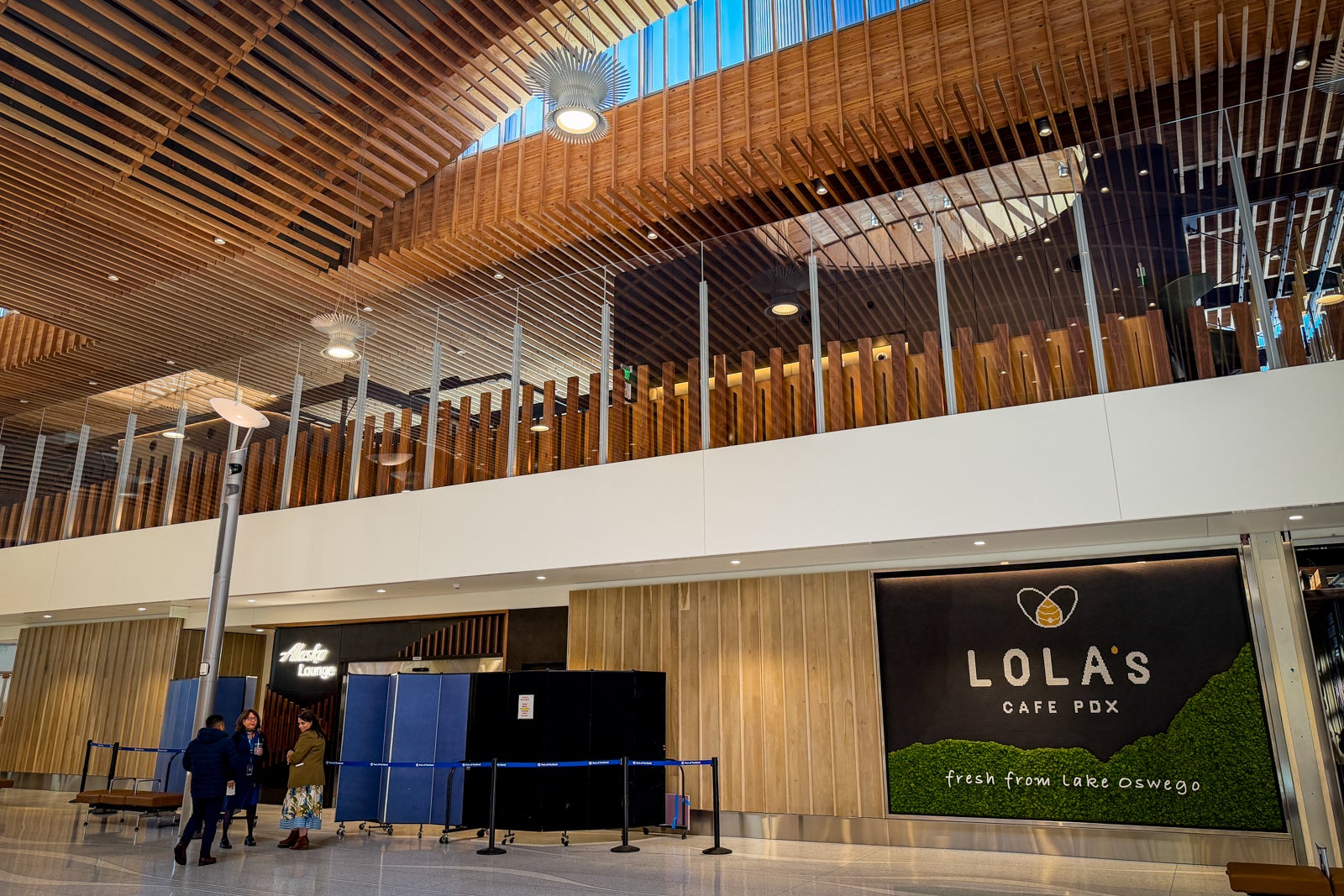

Alaska Airlines is bringing a new, elevated lounge experience to Portland International Airport (PDX) — in more ways than one.
Perched one floor above ground level, the space overlooks the airport’s stunning departures hall, and it will easily become its nicest lounge when it officially opens on Thursday after more than two years of construction and nearly $18 million in investment.
The lounge marks a major aesthetic upgrade over Alaska’s previous PDX outposts and will also debut an enhanced food program as part of a push toward more premium experiences across the airline’s lounge network.
Here are the details from the sneak peek TPG had before opening.
Alaska Lounge location at PDX
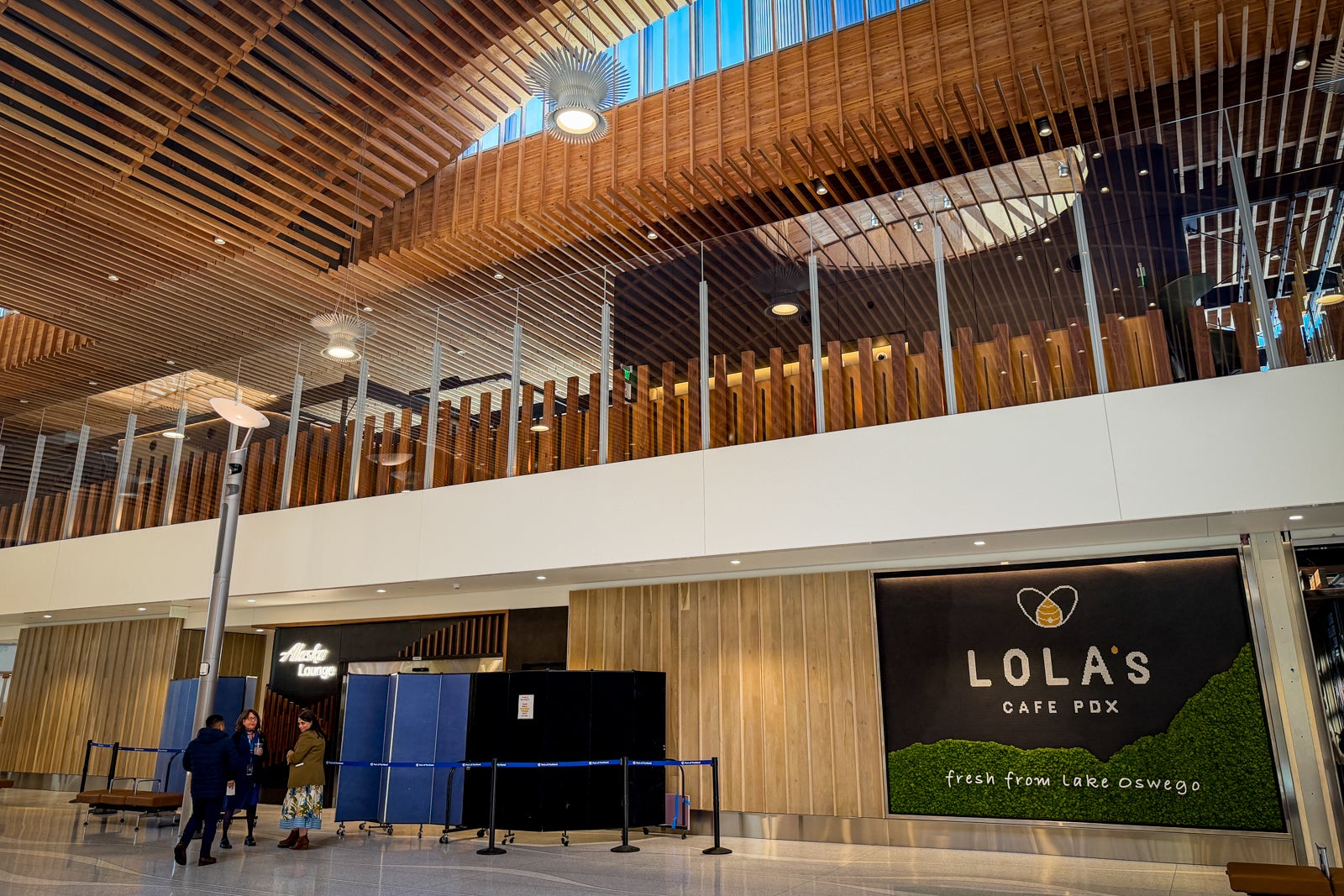
The lounge sits just steps past the airport’s south security checkpoint, which serves the B and C concourses. With the airline’s flights using both the B and C gates, it’s a convenient location for all Alaska travelers, regardless of which concourse they’re departing from. It will operate daily from 4:30 a.m. to 10:30 p.m.
With the advent of the new lounge, the airline will shutter the PDX lounges it currently operates: the Alaska Lounge on Concourse C and a smaller Alaska Express Lounge on Concourse B.
Alaska Lounge PDX size and layout
Measuring approximately 14,000 square feet and featuring more than 230 seats, the new space is twice the size of the old one in terms of both square footage and capacity.
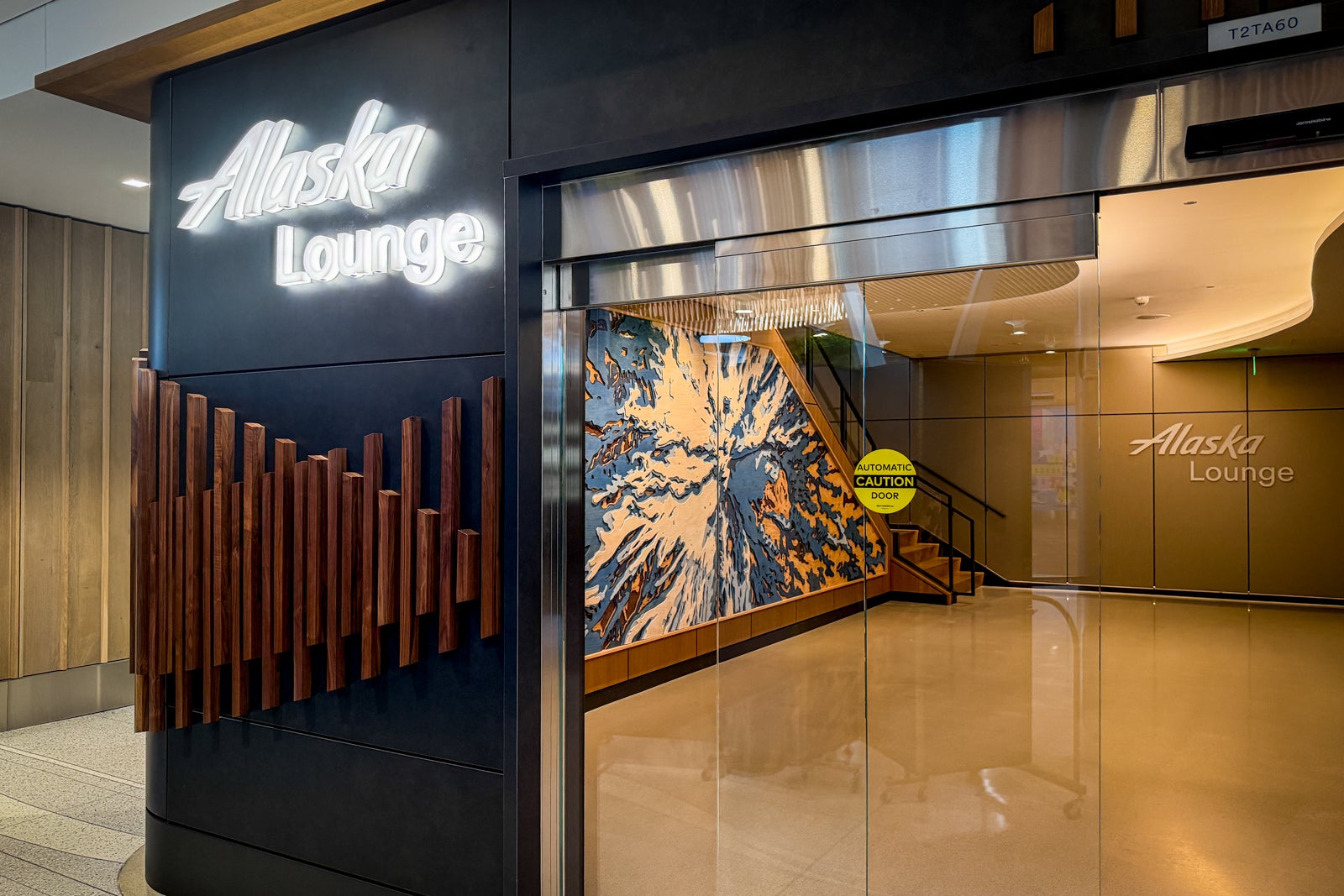
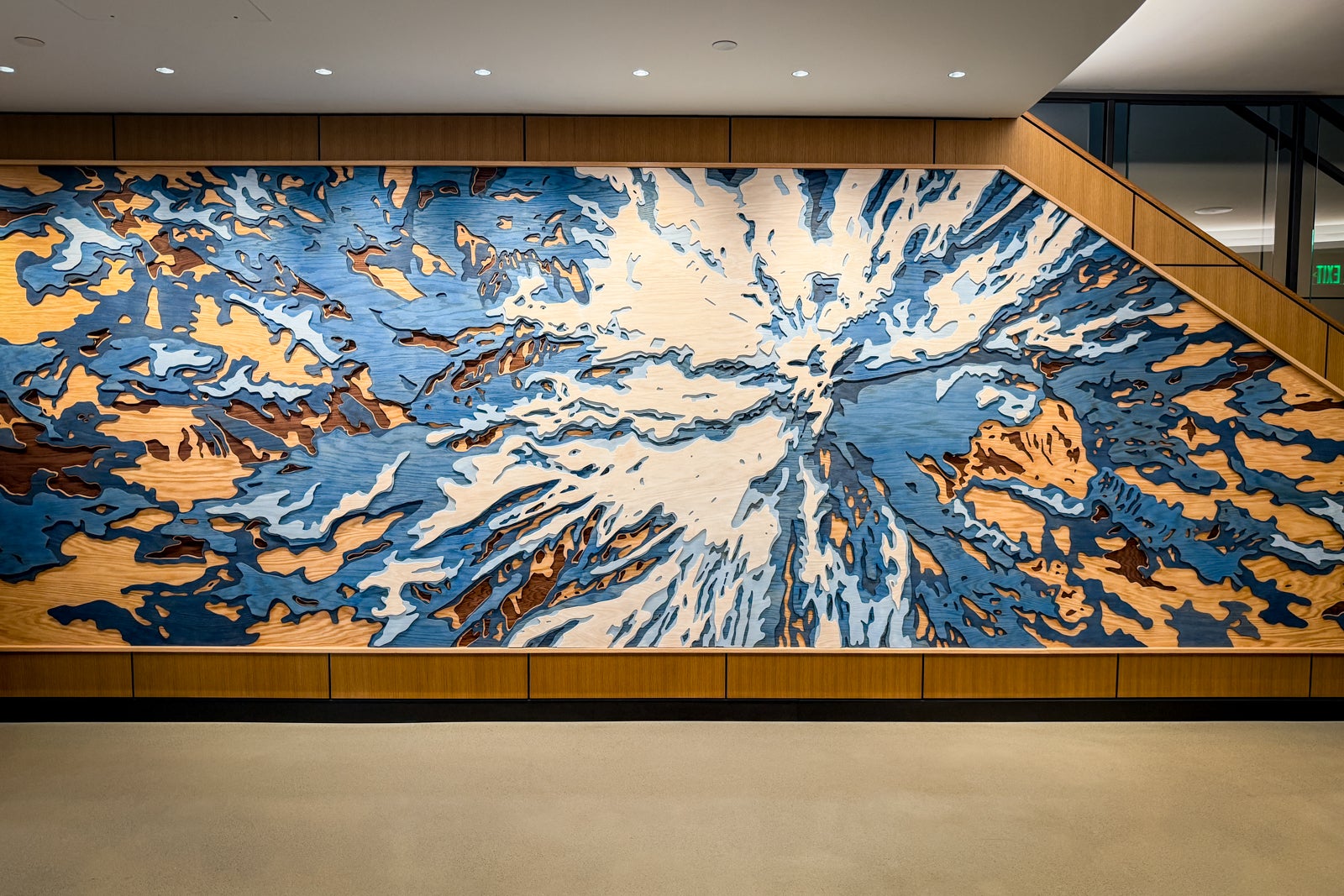
Like the airport that houses it, the new lounge takes every opportunity to incorporate a sense of place — beginning with the massive, six-layer wooden mural of Oregon’s iconic Mount Hood that greets guests as they enter on the ground floor.
1 of 2
CARLY HELFAND/THE POINTS GUY
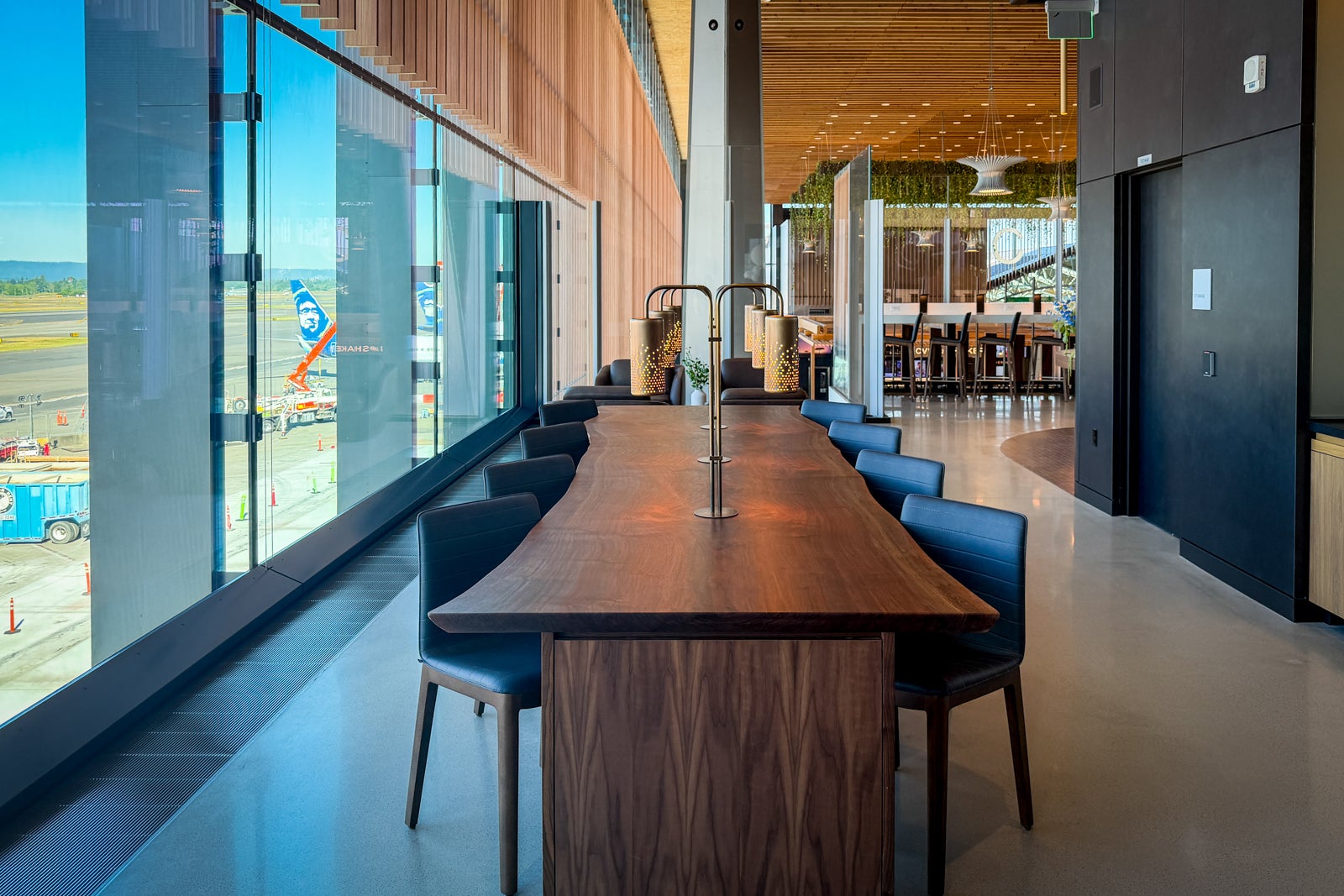
After taking the stairs or elevator up, visitors will find Pacific Northwest tie-ins throughout the space, from the natural woods to the themed decorative book stacks on the shelves. All of these elements blend seamlessly with the blues and greens of the airline’s color scheme, which are subtly repeated throughout the space.

Reward your inbox with the TPG Daily newsletter
Join over 700,000 readers for breaking news, in-depth guides and exclusive deals from TPG’s experts

1 of 2
CARLY HELFAND/THE POINTS GUY
Food and drinks are centered in two areas: a swanky bar with TVs and hanging light fixtures, and a wraparound buffet that sits across from a soda and water station.
1 of 3
CARLY HELFAND/THE POINTS GUY
The lounge has no shortage of seating options, from Alaska’s signature loungers to private booths perfect for working; nearly all offer power outlets and charging ports, and Wi-Fi is readily available throughout. I predict some of the most coveted spots will be those clustered around a cozy, glass-enclosed fireplace and those with prime runway views, where you can watch Alaska planes as well as fighter jets taking off and landing.
1 of 7
CARLY HELFAND/THE POINTS GUY
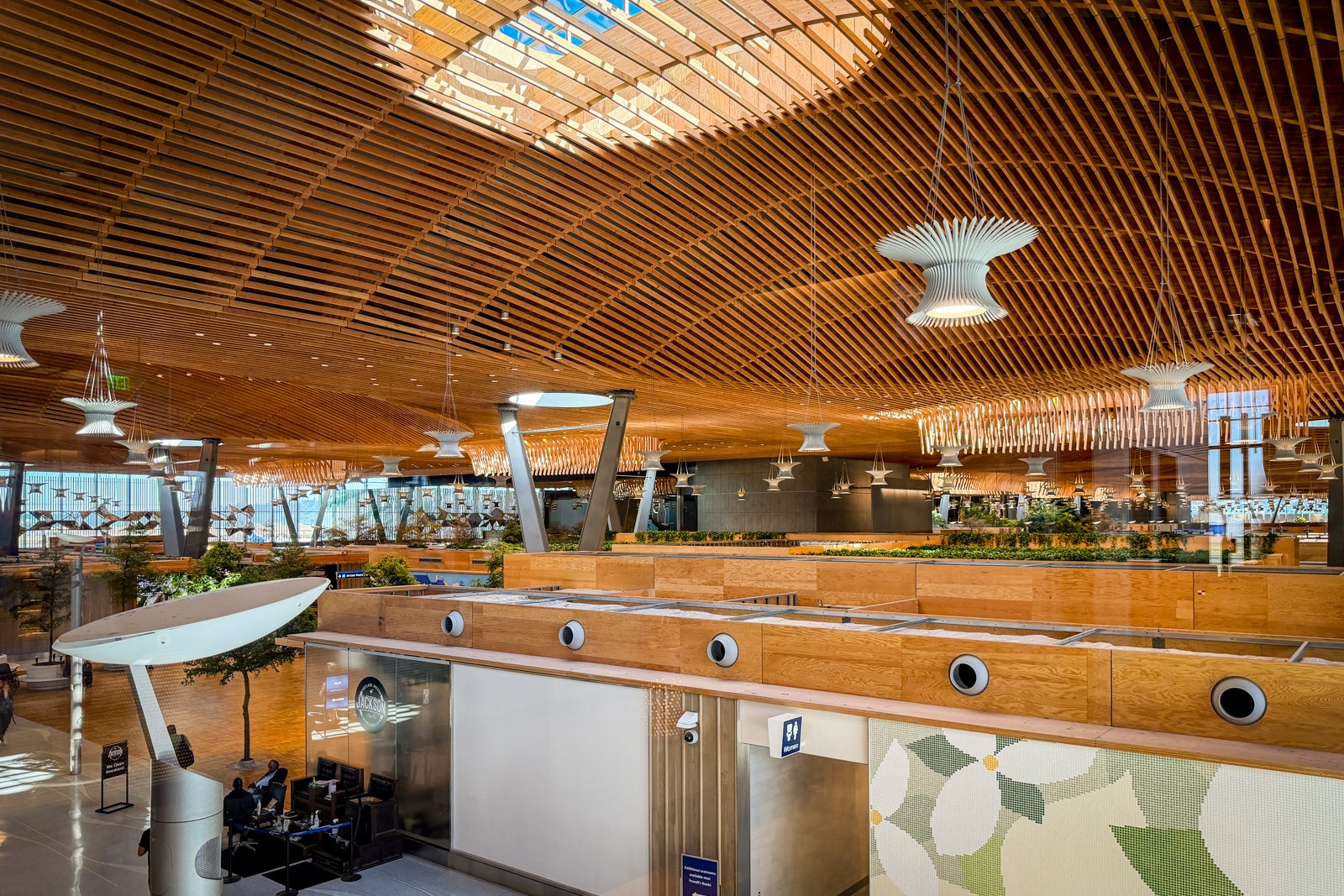
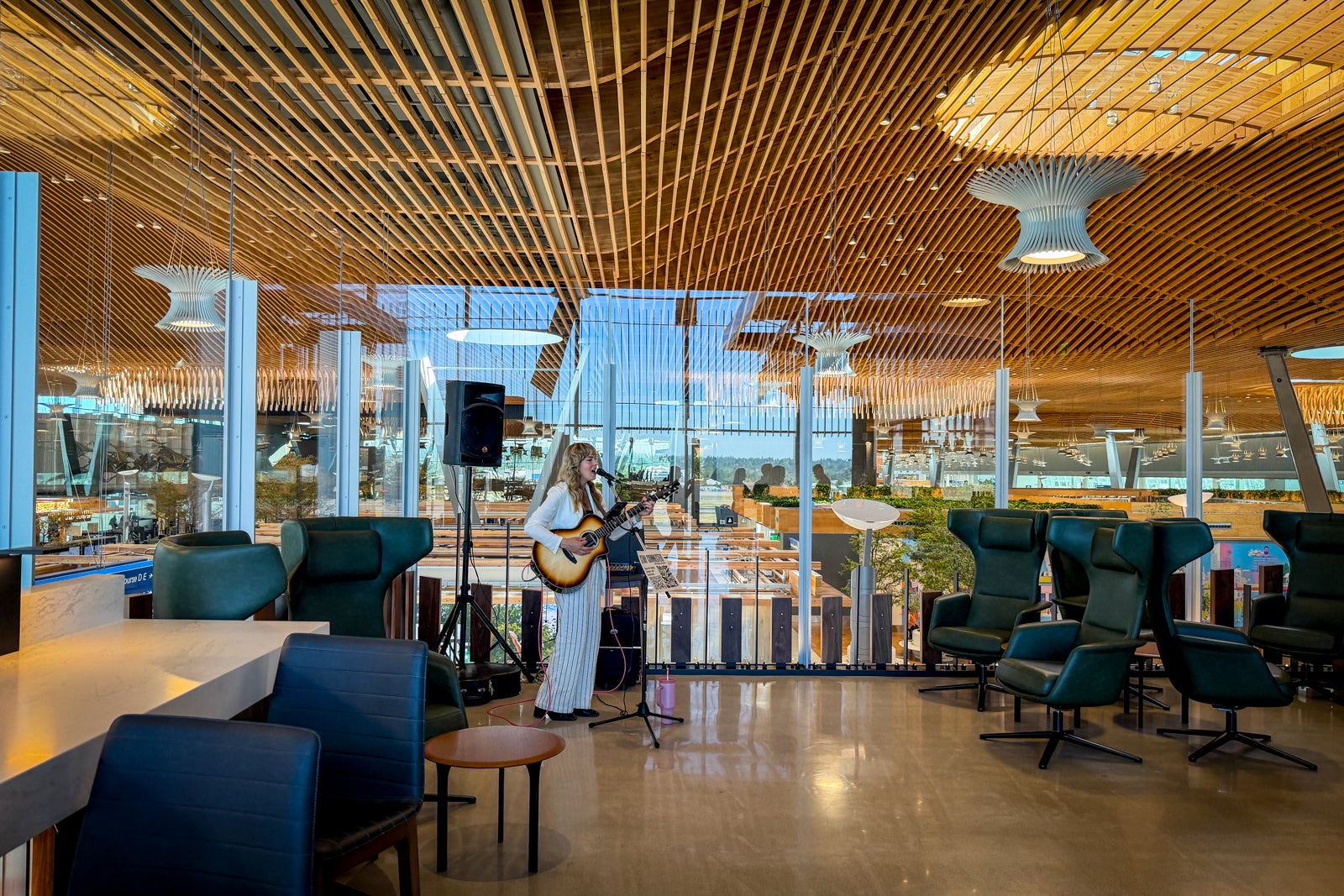
Guests will also have a unique opportunity to sit facing the airport’s interior. Perhaps the most striking feature of the lounge is its open-air design, which allows visitors to look out over a departures hall with a 9-acre timber roof and live trees — hallmarks of an ongoing multi-billion-dollar renovation.
“We looked at different ceiling options, but we kept coming back to the fact that, ‘why would you cover that up?” Shane Jones, Alaska’s senior vice president of fleet, revenue products and real estate, told TPG in an interview. “It was just an amazing way for us to do something unique in Portland.”
Alaska Lounge PDX food and beverage
The PDX lounge is the first to open with Alaska’s new elevated food program, in partnership with Sodexo Live. Right now, the program is only live in Anchorage and Honolulu, and it will come to Seattle in July before rolling out to the rest of the lounge network.
Expect to find selections like roasted carrots with orange blossom and cracked pepper, and rosemary-cherry-glazed chicken on the hot buffet, as well as a make-your-own crepe section with both sweet and savory options.
1 of 5
CARLY HELFAND/THE POINTS GUY
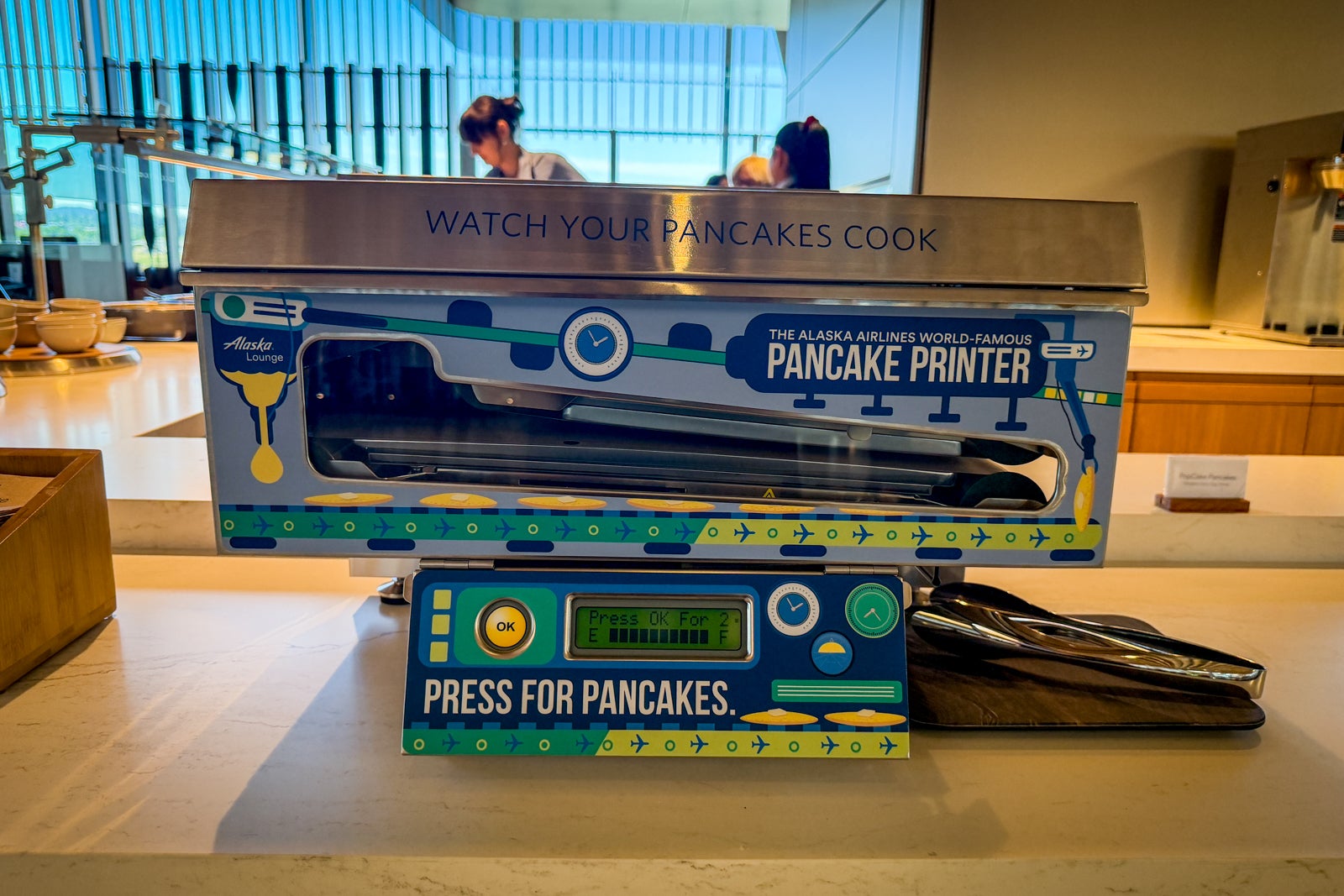
But not all the food at the lounge is new — and that’s a good thing. Like its predecessor, this lounge features a guest-favorite pancake-printing machine, which is a fun novelty.
TPG credit cards editor (and fellow Portland local) Olivia Mittak and I loved all the food we tried. In particular, she called out the leek and wild thyme strata with hollandaise and egg and cheese breakfast bites.
My winners, meanwhile, were the spring pea tortellini with lemon herb cream and the oatmeal, which was strangely addictive even without toppings.
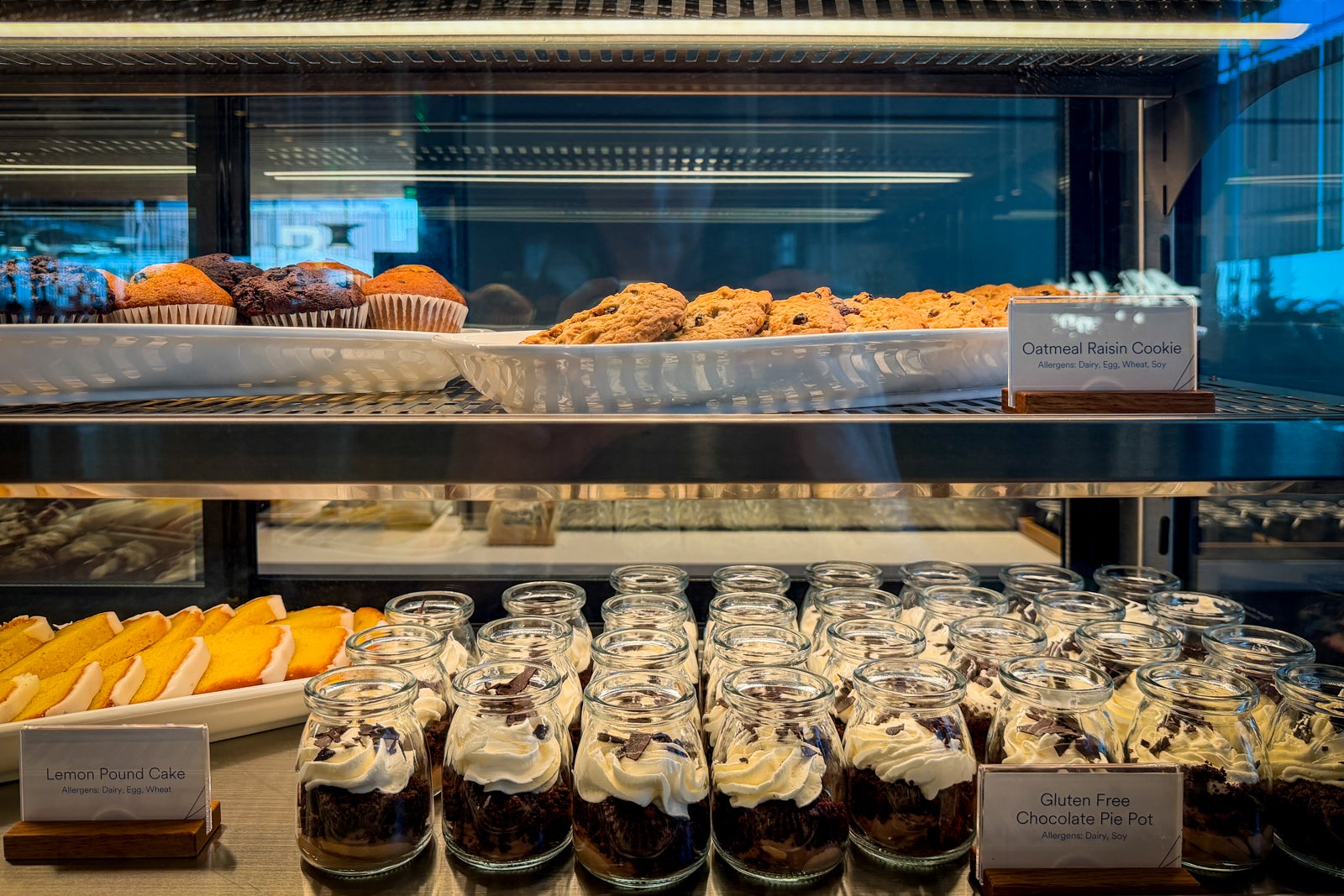
On the dessert front, a pastry case included cookies, scones, chocolate pie pots and tiny portions of blackberry cheesecake crumble, which were my personal favorite.

1 of 2
CARLY HELFAND/THE POINTS GUY
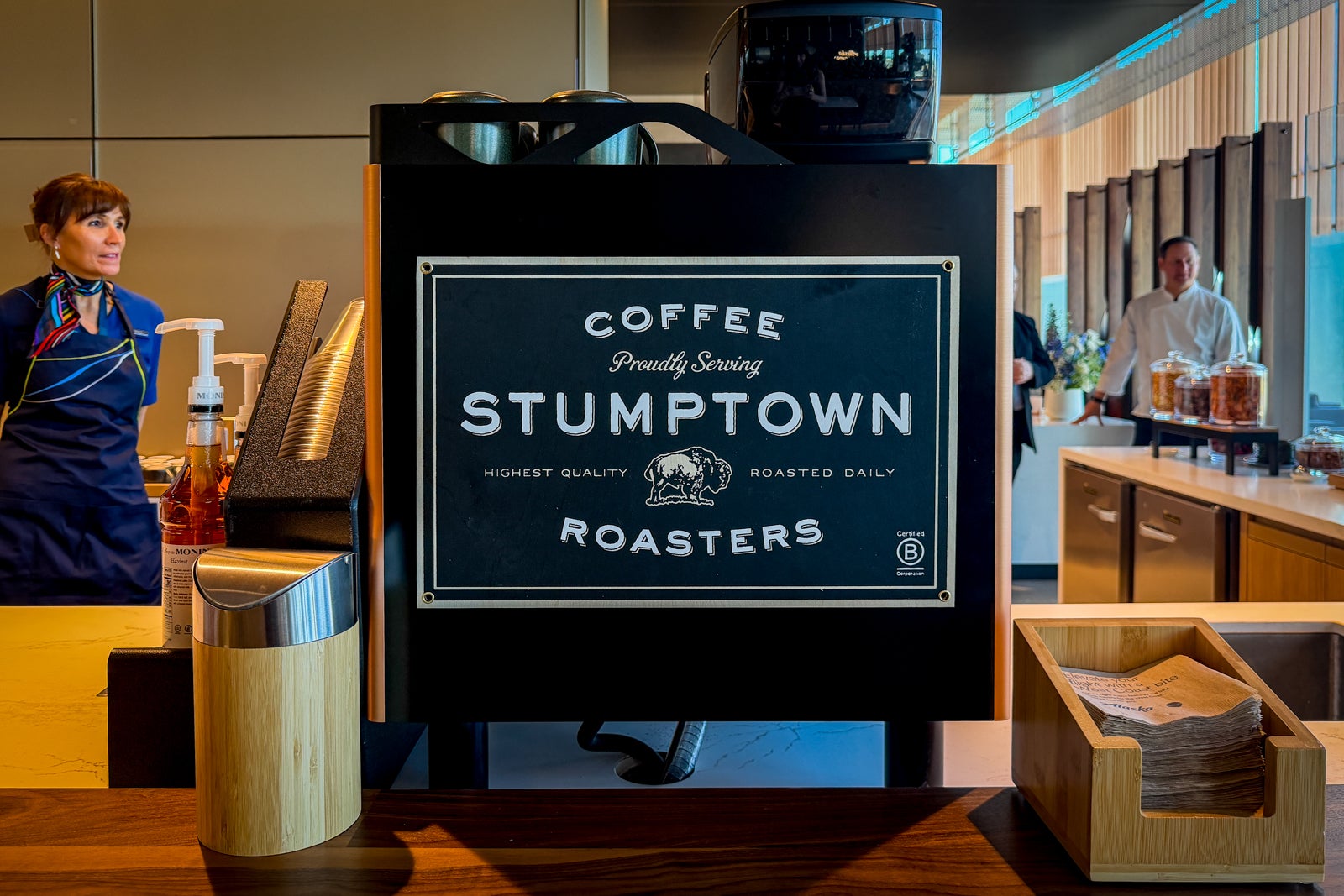
And in a city known for its beer, wine and coffee, the lounge doesn’t skimp on beverages. It serves drinks from Stumptown Coffee Roasters, which partners with Alaska to supply a custom coffee blend on all the airline’s flights, along with a list of West Coast wines and local beers on draft.
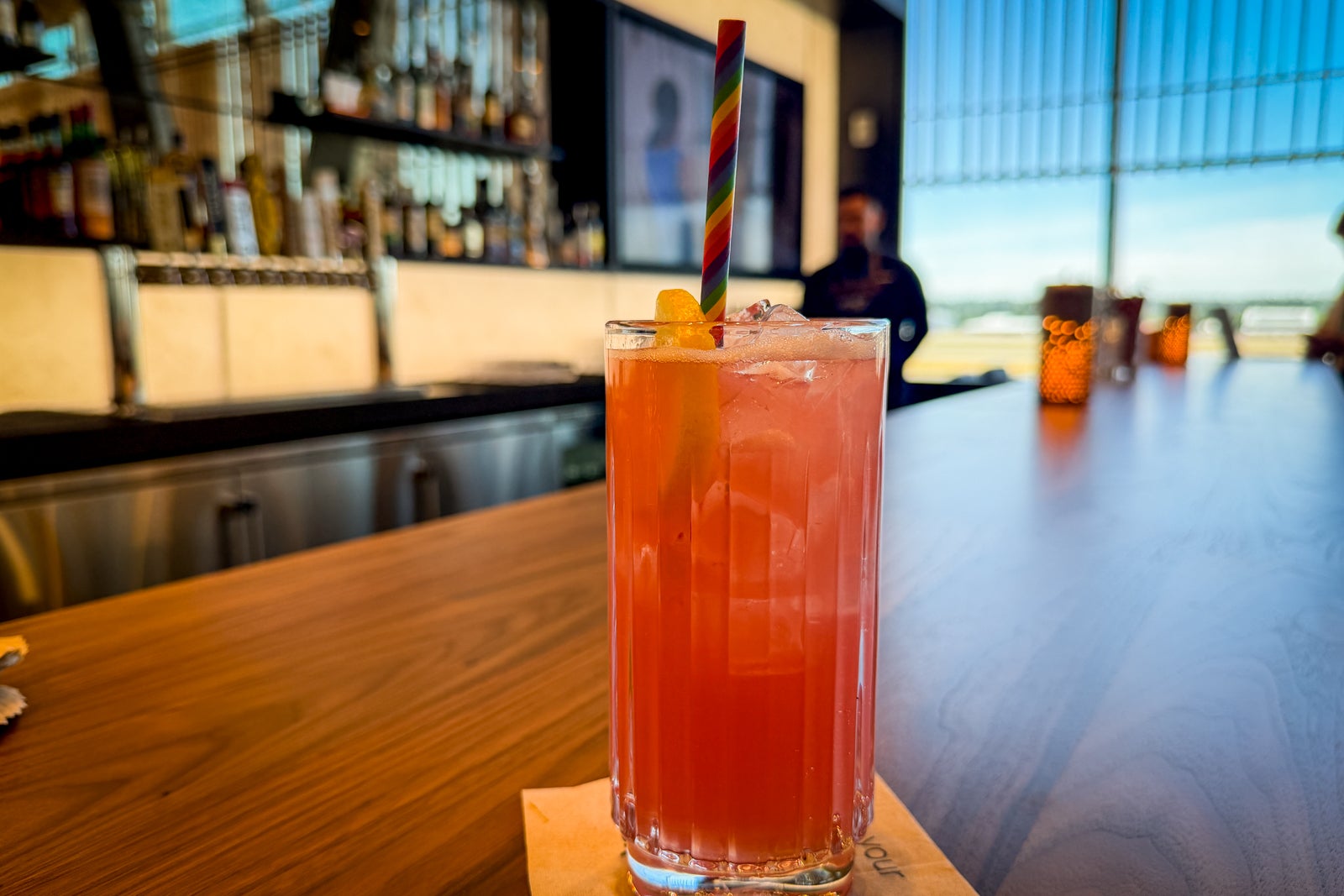
The complimentary cocktail menu, meanwhile, includes classics like martinis and mimosas, as well as the seasonal “Summer Crush” — a pink, tequila-based drink with an opalescent shimmer — and the “Summit Sunset,” a special bourbon and amaro concoction exclusively for Atmos™ Rewards Summit Visa Infinite® credit card cardholders. Premium spirits are available for a charge.
1 of 2
CARLY HELFAND/THE POINTS GUY
Related: Atmos Rewards Summit cardholders now get free, fancy cocktails at some Alaska Airlines lounges
Alaska Lounge PDX access
If you want to check out the lounge yourself, you have a few options (which are consistent across Alaska’s lounge network).
Alaska Lounge and Alaska Lounge+ members can access the space as part of their memberships, which cost $595 and $795 a year, respectively.
Eligible first-class passengers and eligible passengers flying Oneworld partners can also enter without charge (see our complete guide to Alaska Lounge access for more details).
If you don’t fall into any of these categories, you can use the following credit cards to gain access:
- Atmos™ Rewards Summit Visa Infinite: Get up to eight lounge passes per year (two per calendar quarter) to be used on same-day Alaska, Hawaiian or other Oneworld partner flights.
- Citi® / AAdvantage® Executive World Elite Mastercard® (see rates and fees): Cardholders receive complimentary Admirals Club access. Therefore, with this card, you can access Alaska lounges when flying on a same-day Alaska Airlines, American Airlines or Hawaiian Airlines flight. Note that access is limited to primary cardholders and is not extended to authorized users. You must have your physical card to enter the Alaska lounge.
Related: Why the Atmos Rewards Summit was our favorite new personal credit card last year
Bottom line
Alaska’s new PDX lounge is a welcome addition at an airport without comparable premium lounge options. It’s a great place to relax, do some work or enjoy the view of your choosing. And in an airport chock-full of local eateries, its food still manages to stand out.
With more and more passengers set to connect through Portland in the coming years, Alaska flyers should have increasing opportunities to see the lounge for themselves, and it’s worth setting some extra time aside to take advantage.
In the meantime, Alaska is hard at work on a trio of forthcoming lounge openings: a gargantuan 41,000-plus square-foot landmark lounge in Seattle, opening in 2027; a new lounge in San Diego, opening in early 2028; and an expanded lounge in Honolulu, also slated for early 2028.
Related reading:

Stacie Harris is a local resident and reporter of the Maple Grove area. Stacie reports on medicine and science for the Maple Grove Report.