Chinese-Style EV Battery Swap Stations Are Coming To Europe


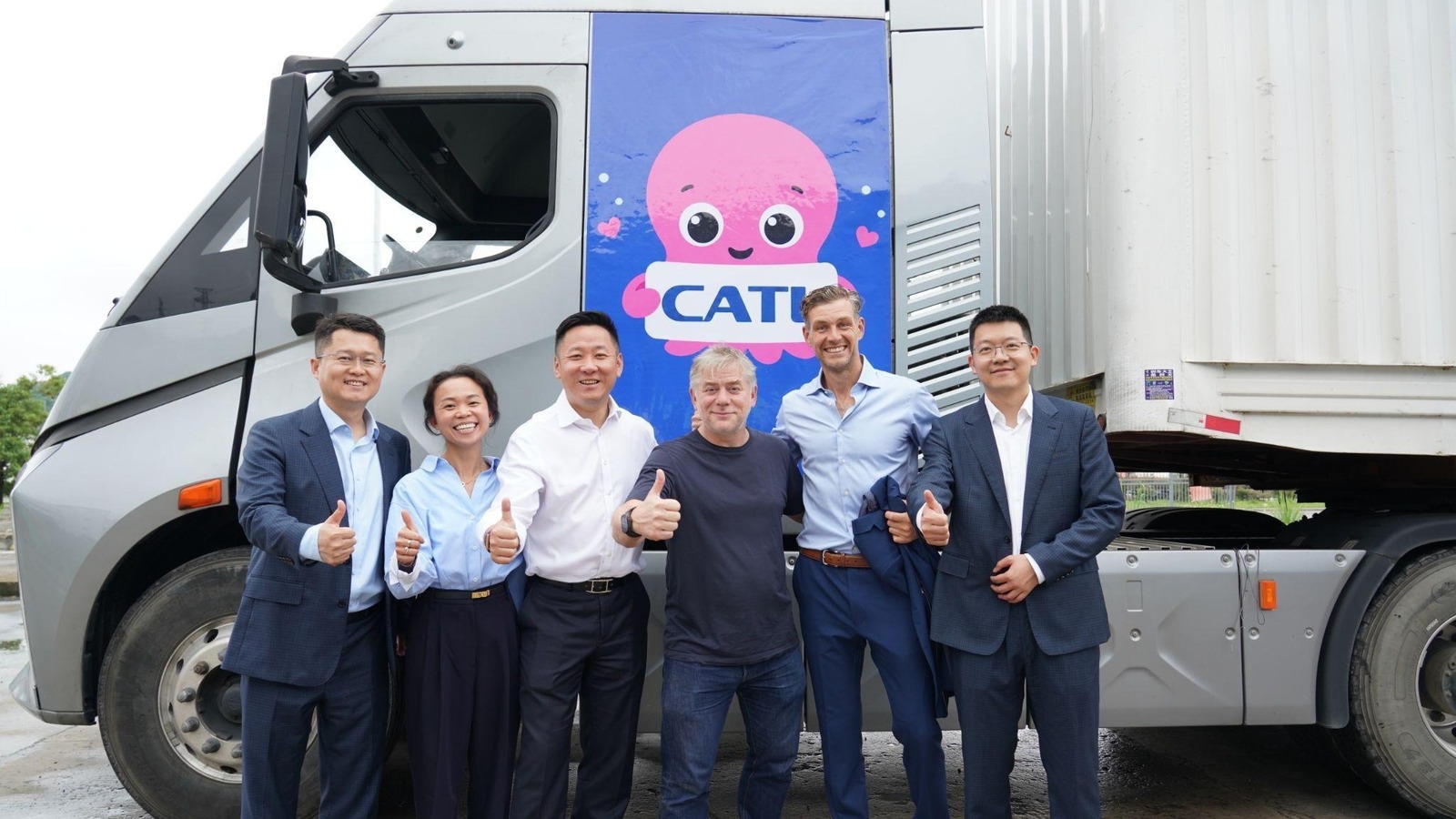
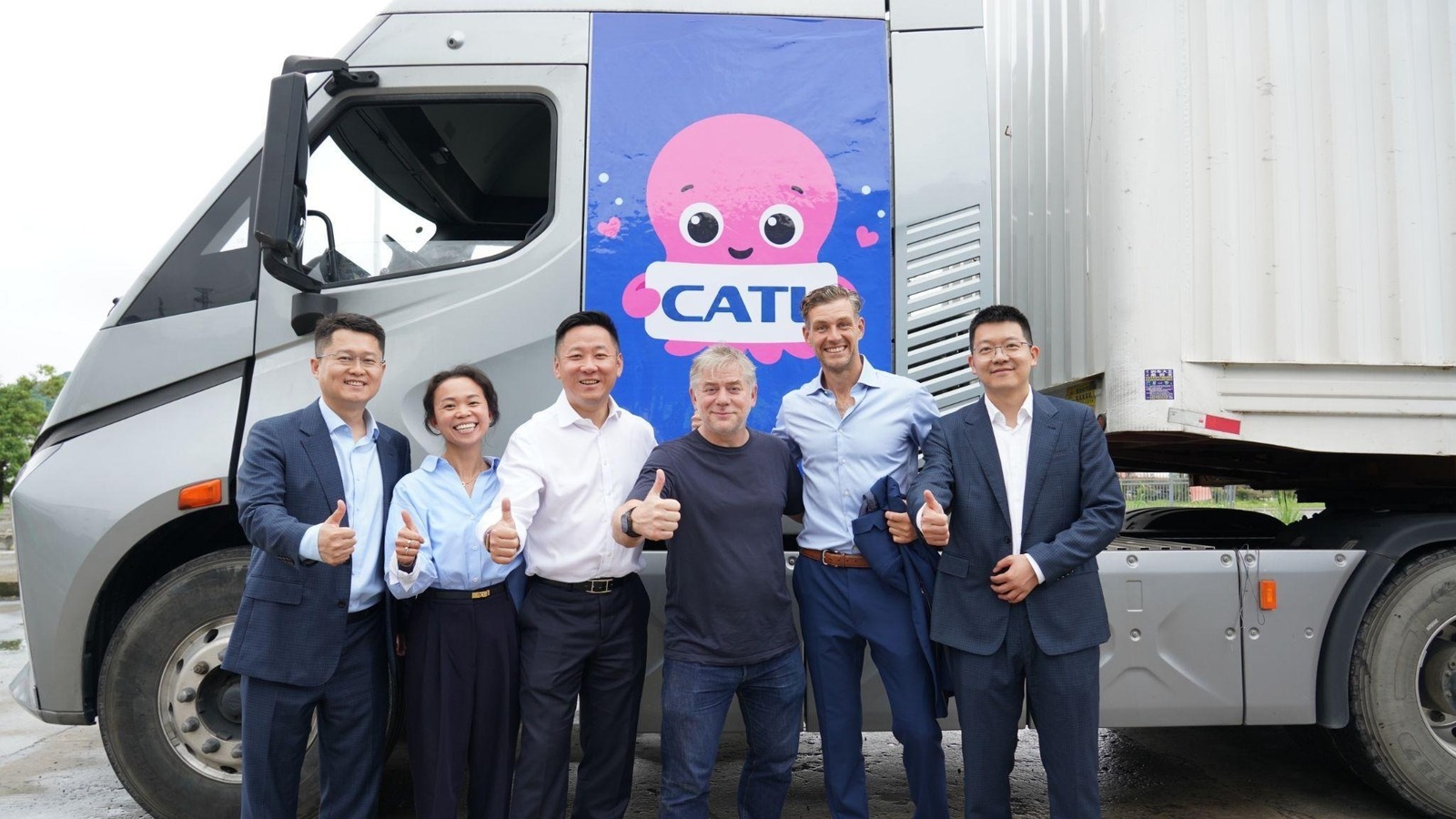
Octopus Energy, the UK’s largest energy provider, has teamed up with CATL, the world’s biggest EV battery maker, to bring Chinese-style battery swap stations to Europe. The pair claim they want to roll out a network of facilities across the continent, targeted at keeping electric trucks on the road for longer. Each hub would be capable of servicing thousands of trucks a day, replacing depleted cells with fresh ones in “minutes.” Such a system may even be faster than filling a conventional truck with diesel, and it’s certainly a lot cheaper.

We’ve all heard EV boosters talk up battery swapping as the inevitable solution to range anxiety, especially without having to rinse your equipment with fast charging. In theory, you could just rock up at a station, dump your drained cells and put freshly-charged ones in, all in the time it takes you to visit the bathroom. Of course, the truth was never as simple: The high price of batteries and the engineering required meant it never quite worked as well as they had hoped, and even Tesla abandoned the idea a decade ago.

But the system has plenty of uptake in Asia, with trucks able to dump off and pick up new batteries in a matter of minutes. In 2025, CATL partnered with Asian oil company Sinopec to roll out a massive battery-swap network across China. There are even consumer-facing battery swap facilities, including those run by car maker Nio and Taiwanese scooter company Gogoro, which has installed a vast network of swap stations.

Octopus and CATL, however, think that it’s probably far more viable for trucking, and I’m tempted to agree. After all, if there’s one part of the global transport ecosystem in which EVs don’t yet make sense, it’s heavy industry. Big trucks and ships carrying equally hefty loads require a lot more energy to move around, and batteries add even more weight to the picture. It’s the rocket equation: The heavier your load, the more energy you need, and in EVs that means more batteries, increasing your weight even further. It’s why this sector is more likely to be won over by hydrogen fuel cells, given the energy densities and refuel times.

But if trucks use smaller batteries, and drivers are confident that they can get a fully-charged replacement at every stage of their journey, then the equation starts to shift. William Rowe, CEO of the Octopus / CATL joint venture, named Swaptopus, says that the battery stations can charge their cells “when the grid needs it.” In fact, having a large volume of batteries potentially sitting idle would also enable each hub to act as a small power plant. Of course, that may not thrill the logistics and transport companies who are renting the cells and might take issue with their cycle life being used to boost Octopus’ energy network.

Swaptopus says the first UK “mega hubs” will open in 2027, and it’ll be interesting to see how many major truck companies sign up. After all, their purchasing decisions are taken over a much longer period of time and often rely upon guarantees of infrastructure being in place for them to use. But given Octopus and CATL’s weight, you’d expect more than a handful to throw their lot in with the new enterprise.


Source link

Leave a Reply

Subscribe to Our Newsletter

Get our latest articles delivered straight to your inbox. No spam, we promise.

Recent Reviews


What is Salesforce approval process ?

Approval Process in Salesforce is an automated process that automates the approval of Salesforce records in your org. In Salesforce, an approval process is a series of steps that allow a record to be approved or rejected by a user, queue, or public groups. An approval process also specifies the actions to be taken when a record is approved, rejected, recalled, or submitted for approval for the first time.

For instance, when an employee requests time off, Salesforce should automatically send an approval request to the employee’s manager. 

Wish to make a career in the world of salesforce? Start with HKR’S  salesforce online training !

Why the salesforce approval process?

Salespeople are frequently required to confirm their transactions with internal departments (for example: legal, accounting).

Typically, it entails sending numerous emails to various people, after which you must ensure that it is confirmed.It’s no secret that this process could take a long time.As a result, Salesforce created a built-in approval process that you can use to automate approval requests.Once configured, you can request approval with the click of a button.

Salesforce Training

  • Master Your Craft
  • Lifetime LMS & Faculty Access
  • 24/7 online expert support
  • Real-world & Project Based Learning

Steps for approval process in salesforce:

Here are the important steps in the salesforce approval process. They are:

  • Setup -> Create -> Workflow and Approval -> Approval Process
  • Select object for approval process to be written
  • Click on Create New Approval Process
  • Select Standard Setup Wizard from drop down
  • Enter the Process name, Unique Name and description for your process
  • Specify Entry criteria 

Salesforce approval process example:

The following are the sections that must be configured in the salesforce approval process:

  • Process Definition Detail – Approval Process Header level information such as name, email template, and so on.
  • Initial Submission Actions – It would be executed whenever the customers click on the object record’s ‘Submit for Approval’ button.
  • Approval Steps – Specifics on the Steps criteria and approvers
  • Final Approval Actions – It will be carried out once all of the approval process steps have been approved.
  • Final Rejection Actions – This action will be taken if one of the approval process steps is rejected.
  • Recall Actions – This will be carried out if one of the approval process steps is recalled.

Create an Approval Process:

Let’s create an approval process in which the sales manager approves possibilities with a total opportunity value greater than $500,000. The opportunity’s approval status should be reflected: Approved or Rejected.

Planning:

Carefully plan ahead of time before you begin configuring the Approval process in Salesforce, as this will allow you to design the approval process in the most efficient manner. Preparation entails the following steps:

  • creation of mandatory fields
  • Determine the object for the Approval procedure.
  • Final Approval of the Email Template Actions such as unlocking the record or changing the record’s status

Wish to make a career in the world of salesforce? Start with HKR’S  salesforce training in London !

HKR Trainings Logo

Subscribe to our YouTube channel to get new updates..!

Creating approval process:
  • Log in to Salesforce; however, if you are already logged in, you can skip this step.
  • To Manage Approval Processes, go to Setup and search for ‘Approval Process’ in Quick Find, or go to ‘Create’->Workflow & Approvals -> Approval Process. For, choose Opportunity.

Create an Approval Process

  • Select Create New Approval Process | Use Jump Start Wizard from the drop-down menu.
  • By making some decisions for you, the Jump Start Wizard assists you in creating a simple approval process.
  • Set up the approval procedure.

Set up the approval procedure

  • Keep the approval process in mind.
  • View the Approval Process Detail Page by clicking the View Approval Process Detail Page button.
  • Click Add New | Field Update under Final Approval Actions and fill in the blanks with these values.

Field Update under Final Approval

  • Then click on the save option.
  • Under Final Rejection Actions, tap Add New | Field Update and fill in the blanks with the following principles.
  • Click on save.so that your approval process has been successfully configured.

Click here to get frequently asked Salesforce interview questions & answers

Approval Actions:

In the preceding example, we only used ‘Field Update.’ I’d like to go over Approval Actions in more detail, such as Final Approval Actions and Final Rejection Actions, which include:

Task – If a job is selected, the user will input a task for a record, such as Opportunity, once the application process has indeed been approved/rejected.

If an Email Alert is selected, the message will be displayed via email once the approval process has been approved or rejected.

Field Update – You already saw an example within the preceding section, but once the approval process has indeed been approved/rejected, the framework would then update the field towards the specified value.

Outbound Message – This will assist in notifying third-party systems. Consider a scenario in which you would like to inform the derived or provisioning system of the approval results; for instance, once orders are approved, begin generating bills; this will assist you in meeting the requirement.

Approval Actions

Wish to make a career in the world of salesforce? Start with HKR’S  Salesforce Training in Atlanta !

Salesforce Training

Weekday / Weekend Batches


Email to approve request:

We can configure the approval process via email; to allow email approval response, follow the directions below.

Setup -> Process Automation Settings -> Enable Email Approval Response checkbox, and then click Save.

Some words could be used in the first line of a response to an approval request with periods or exclamation marks. Approved, Approved, and Yes are used for approval, while Reject, Rejected, and No are used for rejection.

Conclusion:

In the above blog post we had discussed the salesforce approval process steps in depth. Had any doubts drop your queries in the comments section to get them clarified.

Related Articles:


Source link