
Current Delta American Express credit card welcome bonuses


Delta Air Lines and American Express offer a slate of cobranded credit cards for everyone from occasional flyers to frequent travelers.

Depending on which card is right for you, the haul of SkyMiles you’d earn could fund your next trip or help you get to a dream redemption.

And, right now is an excellent time to consider applying for the Delta Amex cards, since many of them are matching the highest number of miles we’ve seen in this card family’s offer history.

Let’s dive into each of these offers to see which one may be a good fit for you.

Comparing Delta credit card welcome offers

Here’s an overview of the offers at first glance:

Card Welcome offer Annual fee Bonus value*

Earn up to 125,000 bonus miles: 100,000 bonus miles after spending $6,000 on purchases in the first six months of card membership, plus earn 25,000 bonus miles after spending an additional $3,000 on purchases (for a total of $9,000) in the first six months of card membership.

Up to $1,500

Earn up to 100,000 bonus miles: 80,000 bonus miles after spending $4,000 on purchases in the first six months of card membership, plus earn 20,000 bonus miles after spending an additional $2,000 on purchases (for a total of $6,000) in the first six months of card membership.

Up to $1,200

Earn up to 90,000 bonus miles: 70,000 bonus miles after spending $3,000 on purchases in the first six months of card membership, plus earn 20,000 bonus miles after spending an additional $2,000 on purchases (for a total of $5,000) in the first six months of card membership.

$0 introductory annual fee for the first year, then $150 (see rates and fees)

Up to $1,080

Earn 10,000 bonus miles after spending $1,000 on purchases in the first six months of card membership.

$120

Earn 125,000 bonus miles after spending $15,000 on purchases in the first six months of card membership.

$1,500

Earn 100,000 bonus miles after spending $8,000 on purchases in the first six months of card membership.

$1,200

Earn 90,000 bonus miles after spending $6,000 on purchases in the first six months of card membership.

$0 introductory annual fee for the first year, then $150 (see rates and fees)

$1,080

*Bonus value is based on TPG’s June 2026 valuations and is not provided or reviewed by the issuer.

Delta personal cards

Delta offers four personal cards. The card that is right for you depends on how frequently you fly with Delta and how much you’re willing to pay for an annual fee.

Let’s take a look at what differentiates each of the Delta SkyMiles personal cards.

Delta SkyMiles Reserve

The Delta SkyMiles Reserve is ideal for hardcore Delta fans and frequent flyers.

Reward your inbox with the TPG Daily newsletter

Join over 700,000 readers for breaking news, in-depth guides and exclusive deals from TPG’s experts

Current welcome offer: Earn up to 125,000 bonus miles: 100,000 bonus miles after spending $6,000 on purchases in the first six months of card membership, plus earn 25,000 bonus miles after spending an additional $3,000 on purchases (for a total of $9,000) in the first six months of card membership.

This bonus is worth up to $1,500, according to TPG’s valuations, matching the highest number of miles we’ve seen in the card’s offer history.
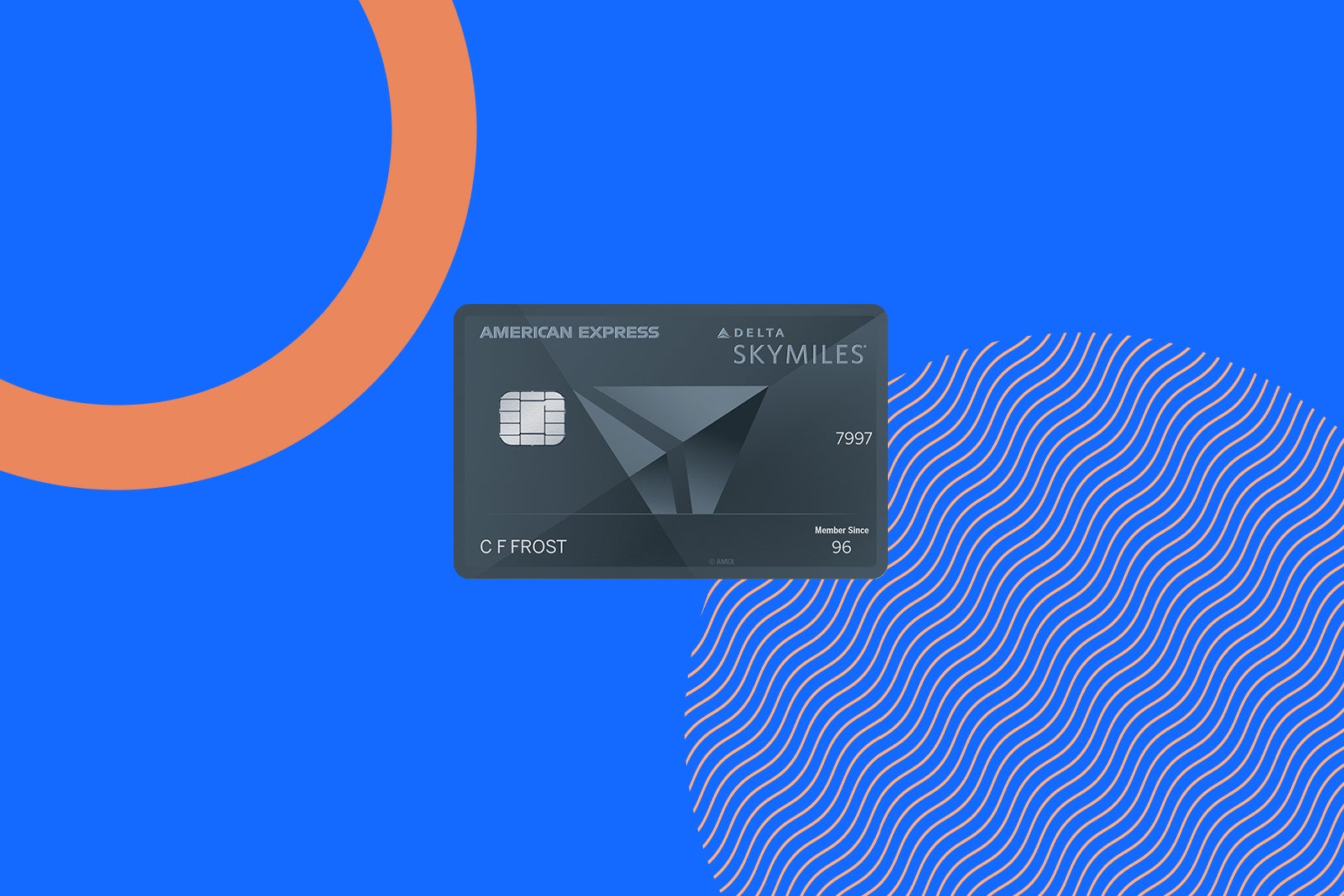
Delta Reserve Amex card art
THE POINTS GUY

Annual fee: $650

Key benefits: Delta’s premium consumer credit card offers a range of valuable perks. For loyal Delta flyers who enjoy visiting the Sky Club, this card can pay for itself through lounge access, spending boosts and other benefits.

With this card, you’ll earn 3 miles per dollar spent on Delta purchases made directly with the airline. Plus, you’ll enjoy a slew of Delta-related perks, including:

  • Access to complimentary upgrades (for non-Medallions) and priority boarding
  • Annual companion certificate upon card renewal for round-trip travel in first class, Comfort or Main Cabin within the U.S. (including Alaska and Hawaii) as well as other select destinations. (Delta Basic experiences are not eligible for this benefit.)
  • Complimentary access to American Express Centurion Lounges when flying on a same-day Delta flight with a ticket purchased on the card
  • Delta Sky Club access, plus four one-time guest passes each year (you’ll receive 15 visits per year; earn an unlimited number of visits when you spend $75,000 or more between Jan. 1 and Dec. 31 of each calendar year)
  • Earn 1 Medallion Qualification Dollar per $10 spent on your card, plus 2,500 MQDs at the start of each Medallion qualification year
  • Two free checked bags, first checked bag free worldwide, second on U.S. domestic Delta flights
  • 15% off award redemptions for Delta flights for eligible cardmembers (when paying taxes and fees with this card and booking through delta.com or the Fly Delta app)

To learn more, read our full review of the Delta SkyMiles Reserve.


Apply here: Delta SkyMiles Reserve American Express Card


Delta SkyMiles Platinum

If you fly frequently with Delta but can’t justify the pricier Delta SkyMiles Reserve, the Delta SkyMiles Platinum is worth considering.

Current welcome offer: Earn up to 100,000 bonus miles: 80,000 bonus miles after spending $4,000 on purchases in the first six months of card membership, plus earn 20,000 bonus miles after spending an additional $2,000 on purchases (for a total of $6,000) in the first six months of card membership.

Per TPG’s valuations, this bonus is worth up to $1,200. This matches the highest number of miles we’ve seen in the offer history.
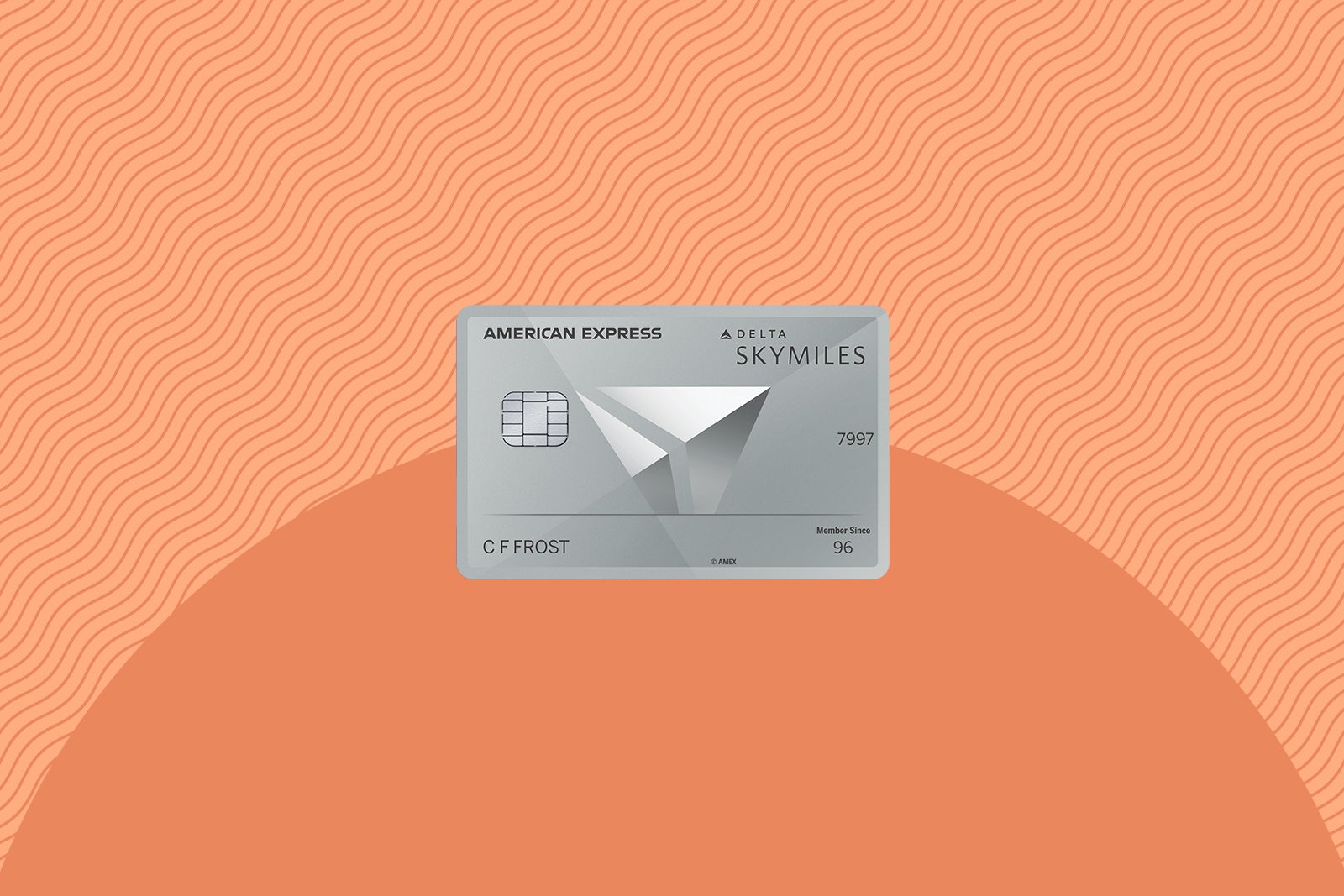
Delta Amex Platinum card art
THE POINTS GUY

Annual fee: $350

Key benefits: This card is a good option if you fly Delta regularly and want to earn miles on purchases and reach elite status. However, even if you aren’t pursuing status, the companion certificate alone can make the annual fee for this card worth it.

With this card, you’ll earn 3 miles per dollar spent on Delta purchases made directly with the airline.

It also includes the following perks:

  • Annual companion certificate upon card renewal for Main Cabin round-trip flights within the U.S. (including Alaska and Hawaii), as well as destinations in Mexico, and select destinations. (Delta Basic experiences are not eligible for this benefit.)
  • Earn 1 MQD for every $20 spent on your card, plus a 2,500 MQD Headstart at the beginning of each Medallion qualification year
  • Priority boarding
  • Two free checked bags, first checked bag free worldwide, second on U.S. domestic Delta flights
  • 15% off award redemptions for Delta flights for eligible cardmembers (when paying taxes and fees with this card and booking through delta.com or the Fly Delta app)

To learn more, read our full review of the Delta SkyMiles Platinum.


Apply here: Delta SkyMiles Platinum American Express Card


Delta SkyMiles Gold

If you want to take advantage of a welcome bonus but don’t fly Delta frequently, the Delta SkyMiles Gold is a strong option.

Current welcome offer: Earn up to 90,000 bonus miles: 70,000 bonus miles after spending $3,000 on purchases in the first six months of card membership, plus earn 20,000 bonus miles after spending an additional $2,000 on purchases (for a total of $5,000) in the first six months of card membership.

TPG’s valuations place this bonus at up to $1,080, matching the highest total of miles we’ve seen provided in the offer history.
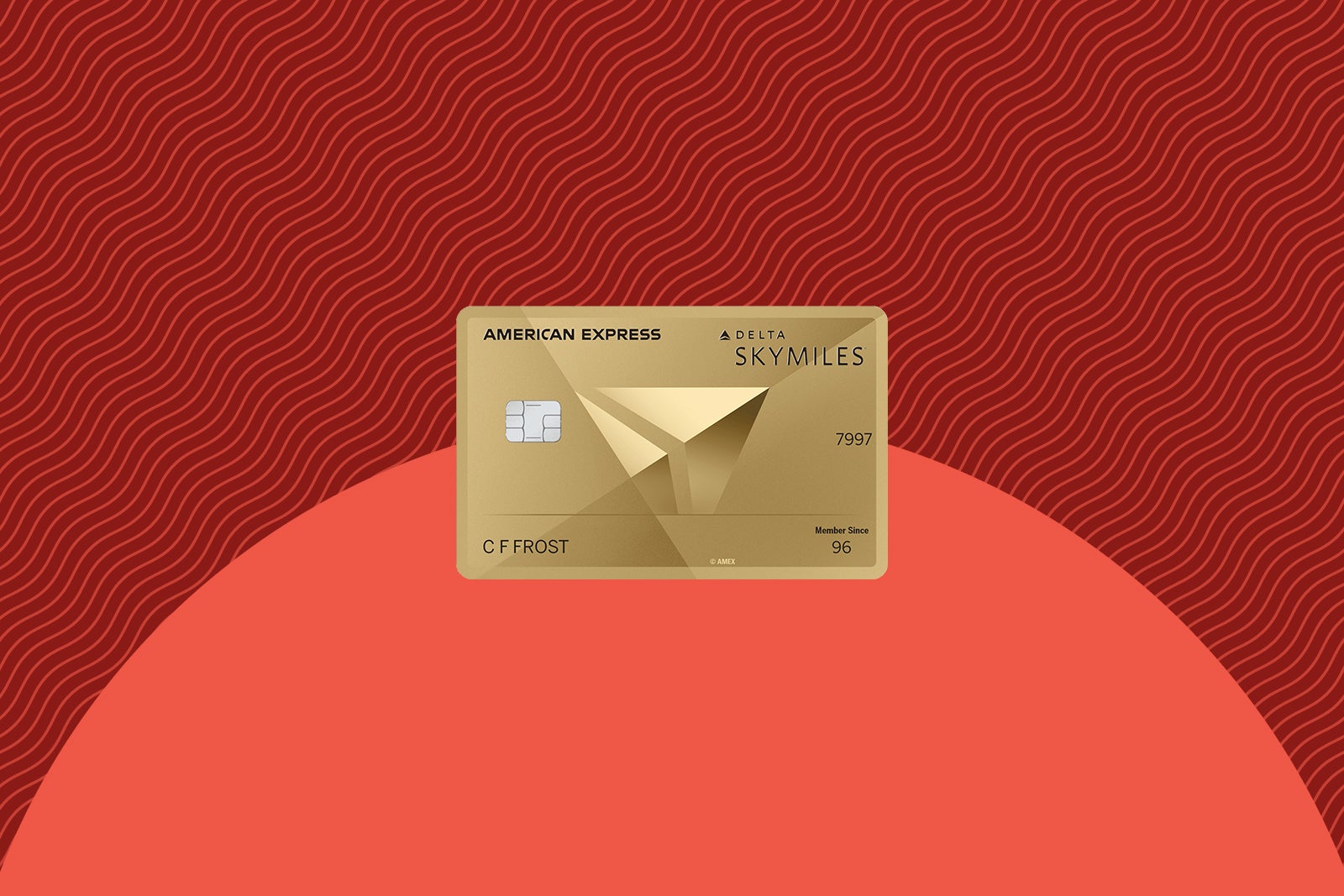
Delta Amex Gold card art
THE POINTS GUY

Annual fee: $0 introductory annual fee for the first year, then $150

Key benefits: This card is ideal for occasional Delta flyers seeking a few extra perks when flying with the airline.

With this card, you’ll earn 2 miles per dollar spent on Delta purchases made directly with the airline.

Other perks include:

  • Two free checked bags, first checked bag free worldwide, second on U.S. domestic Delta flights
  • Priority boarding
  • $200 Delta flight credit annually after spending $10,000 in a calendar year
  • 20% inflight discount (in the form of a statement credit)
  • 15% off award redemptions for Delta flights for eligible cardmembers (when paying taxes and fees with this card and booking through delta.com or the Fly Delta app)

To learn more, read our full review of the Delta SkyMiles Gold.


Apply here: Delta SkyMiles Gold American Express Card


Delta SkyMiles Blue

If you want an entry-level card to start earning SkyMiles and fly less frequently with Delta, then Delta SkyMiles Blue is the card for you.

Current welcome offer: Earn 10,000 bonus miles after spending $1,000 on purchases in the first six months of card membership.

According to TPG’s valuations, these miles are worth $120. The SkyMiles Blue typically doesn’t receive an elevated offer, so we recommend applying whenever you’re ready.
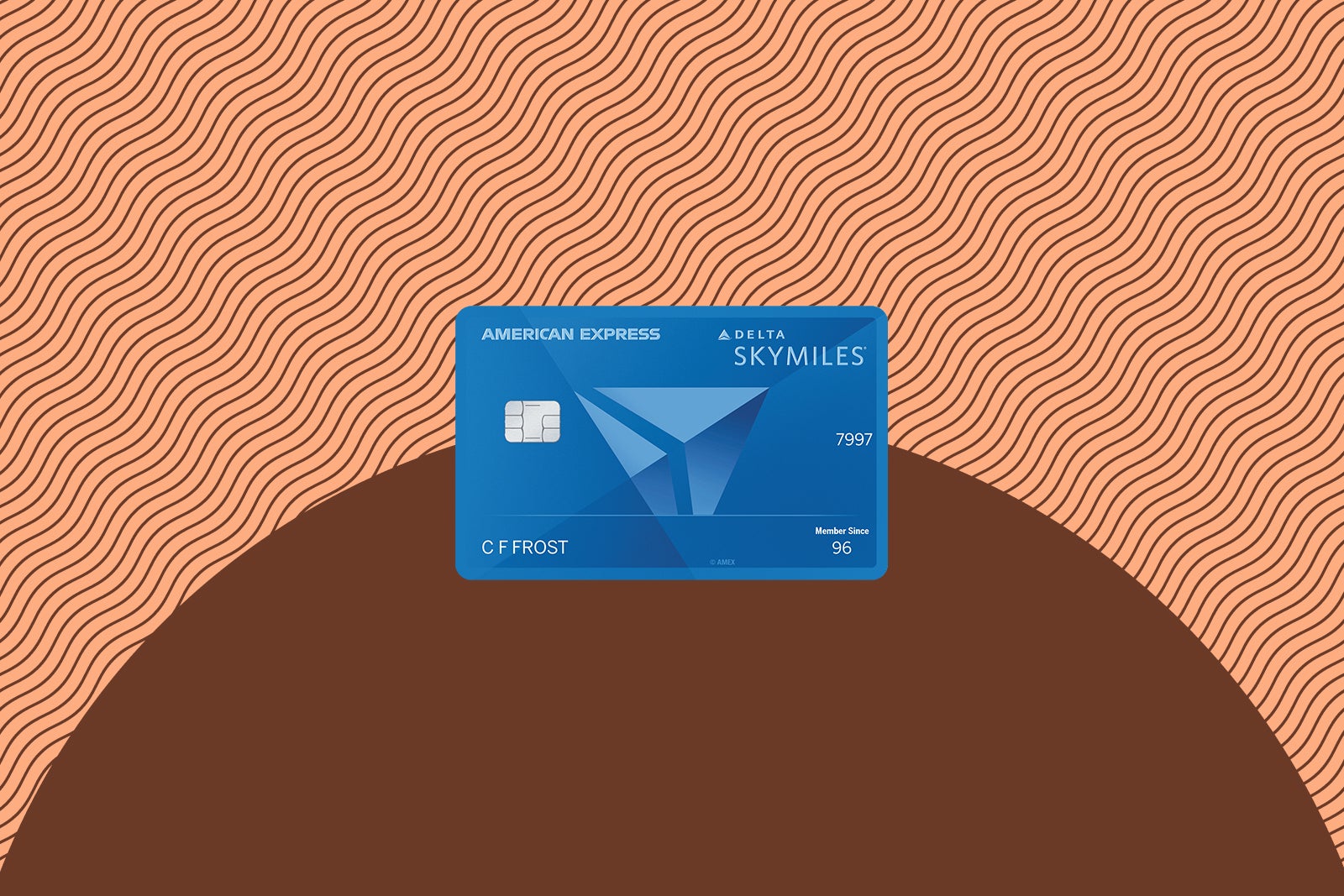
Delta Blue Amex card art
THE POINTS GUY

Annual fee: $0

Key benefits: As a no-annual-fee card, it offers fewer benefits than the others. Still, there are some simple perks for cardmembers.

With this card, you’ll earn 2 miles per dollar spent on Delta purchases made directly with the airline.

Other benefits include:

  • Pay with Miles (take up to $50 off the cost of your flight for every 5,000 miles you redeem when booking on delta.com)
  • 20% inflight discount (in the form of a statement credit)

To learn more, read our full review of the Delta SkyMiles Blue.


Apply here: Delta SkyMiles Blue American Express Card


Delta business cards

If you own a small business or have a side hustle through which you pay business expenses, one of these offers may be a great addition to your work wallet.

Delta SkyMiles Reserve Business

As the most expensive business card Delta offers, the Delta SkyMiles Reserve Business comes packed with great perks for Delta loyalists.

Current welcome offer: Earn 125,000 bonus miles after spending $15,000 on purchases in the first six months of card membership.

Per TPG’s valuations, this bonus is worth $1,500, matching the highest bonus we’ve seen in the offer history.
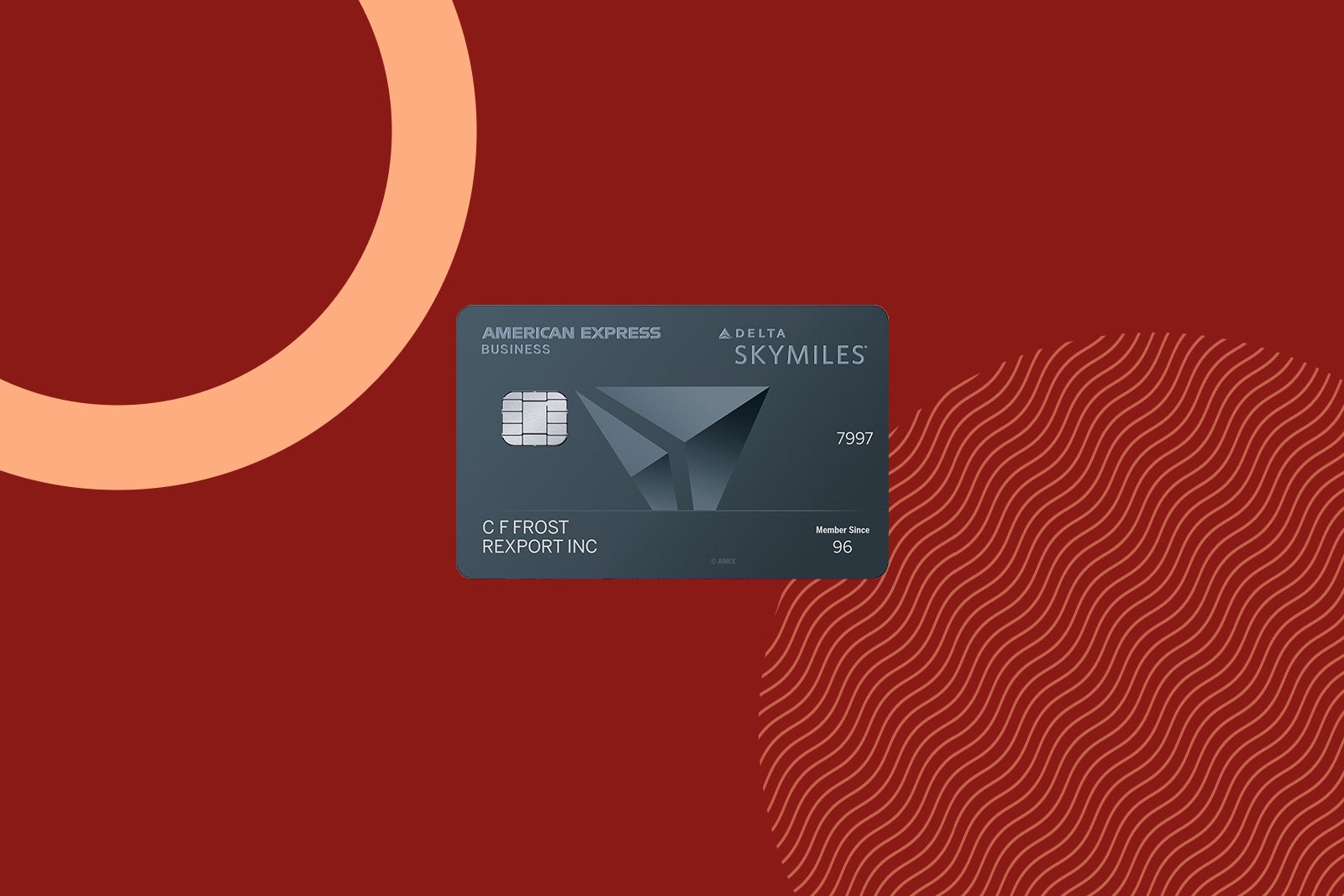
Delta SkyMiles Reserve Business card art
THE POINTS GUY

Annual fee: $650

Key benefits: This card offers a range of useful perks for Delta-loyal small-business owners.

With this card, you’ll earn 3 miles per dollar spent on purchases made directly with Delta.

Its suite of Delta-related benefits includes:

  • Access to complimentary upgrades (when available) for non-Medallion members and priority boarding
  • Annual companion certificate upon card renewal for round-trip travel in first class, Comfort or Main Cabin within the U.S. (including Alaska and Hawaii) as well as other select routes, including some destinations in Mexico. (Delta Basic experiences are not eligible for this benefit.)
  • Complimentary access to American Express Centurion Lounges when flying on a same-day Delta flight with a ticket purchased using the card (up to two guests may also enter for a fee of $50 each)
  • Delta Sky Club access (you’ll receive 15 visits per year; earn an unlimited number of visits when you spend $75,000 or more between Jan. 1 and Dec. 31 of each calendar year)
  • Earn 1 MQD per $10 spent on your card, plus 2,500 MQDs at the start of each Medallion qualification year
  • Two free checked bags, first checked bag free worldwide, second on U.S. domestic Delta flights
  • 15% off award redemptions for Delta flights for eligible cardmembers (when paying taxes and fees with this card and booking through delta.com or the Fly Delta app)

To learn more, read our full review of the Delta SkyMiles Reserve Business.


Apply here: Delta SkyMiles Reserve Business American Express Card


Delta SkyMiles Platinum Business

Business owners who are looking for a good mid-tier airline business card should consider the Delta SkyMiles Platinum Business for its earnings potential and benefits.

Current welcome offer: Earn 100,000 bonus miles after spending $8,000 on purchases in the first six months of card membership.

According to TPG’s valuations, this offer is worth $1,200, which makes it match the highest bonus we’ve seen in the offer history.
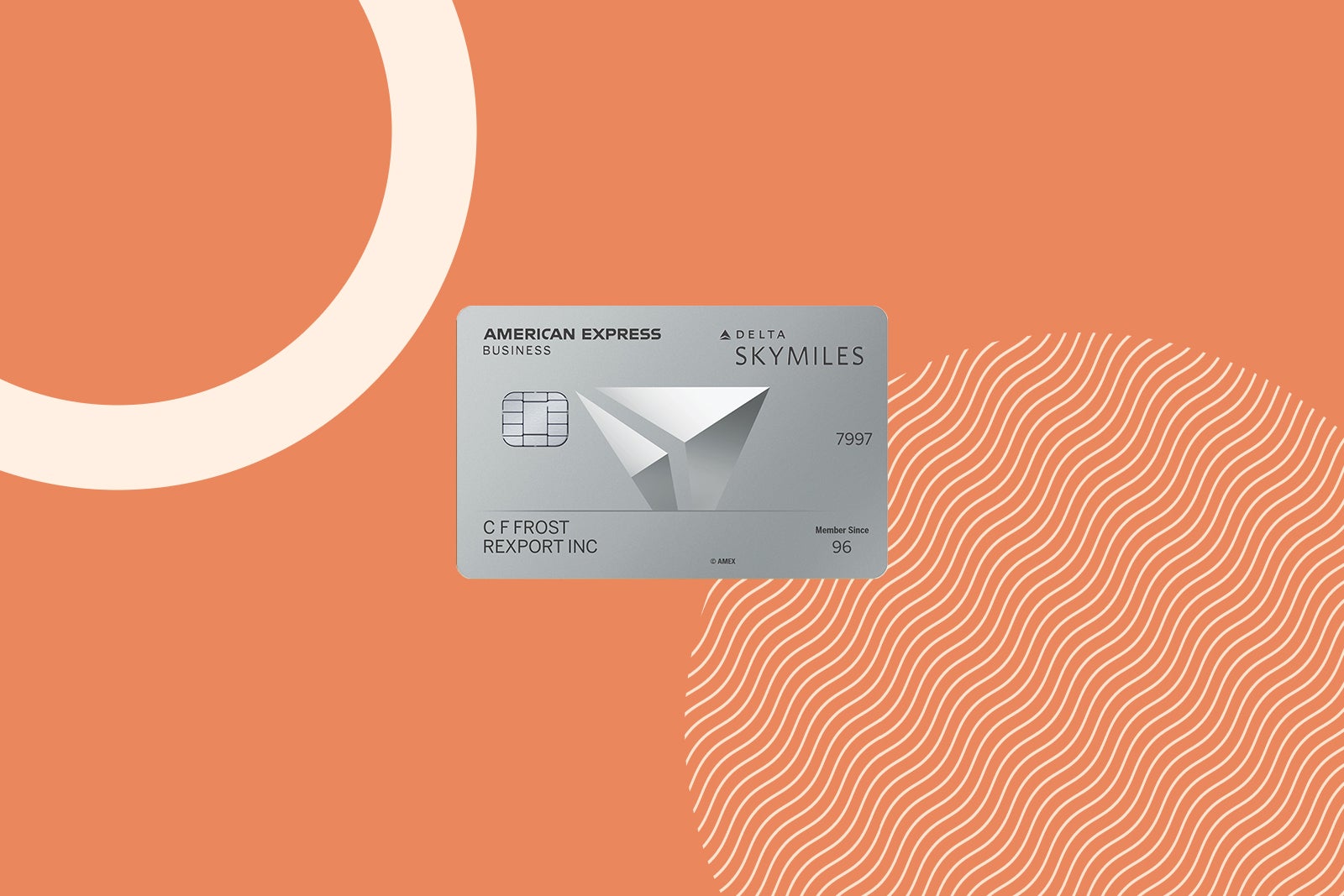
Delta SkyMiles Platinum Business card art
THE POINTS GUY

Annual fee: $350

Key benefits: This is a solid mid-tier option for business owners who travel with Delta semi-frequently.

With this card, you’ll earn 3 miles per dollar spent on Delta purchases made directly with the airline.

Other Delta-related perks include:

  • Annual companion certificate each year upon card renewal for Main Cabin round-trip flights within the U.S. (including Alaska and Hawaii), as well as other select routes, including some destinations in Mexico. (Delta Basic experiences are not eligible for this benefit.)
  • Complimentary upgrades (when available) for non-Medallion members and priority boarding
  • Earn 1 MQD for every $20 spent on your card, plus a 2,500 MQD Headstart at the beginning of each Medallion qualification year
  • Two free checked bags, first checked bag free worldwide, second on U.S. domestic Delta flights
  • 15% off award redemptions for Delta flights for eligible cardmembers (when paying taxes and fees with this card and booking through delta.com or the Fly Delta app)

To learn more, read our full review of the Delta SkyMiles Platinum Business.


Apply here: Delta SkyMiles Platinum Business American Express Card


Delta SkyMiles Gold Business

The Delta SkyMiles Gold Business is ideal for smaller businesses or business owners who aren’t Delta loyalists.

Current welcome offer: Earn 90,000 bonus miles after spending $6,000 on purchases in the first six months of card membership.

The bonus is worth $1,080 when factoring in TPG’s valuations. This matches the best bonus we’ve seen in the offer history.
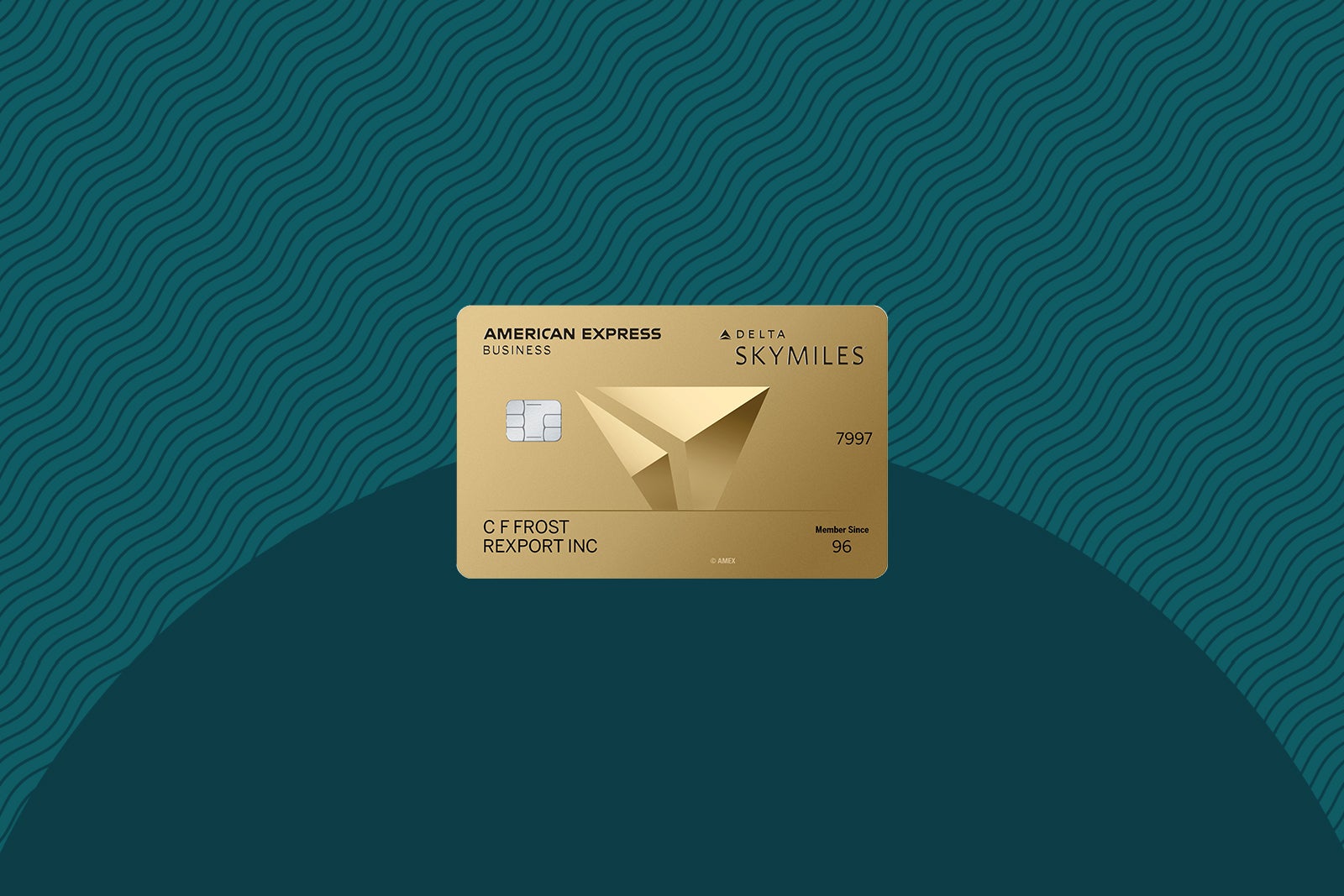
Delta SkyMiles Gold Business card art
THE POINTS GUY

Annual fee: $0 introductory annual fee for the first year, then $150

Key benefits: Even if they don’t fly Delta often, small-business owners can still benefit from this card’s perks.

With this card, you’ll earn 2 miles per dollar spent on Delta purchases made directly with the airline.

Other perks include:

  • Two free checked bags, first checked bag free worldwide, second on U.S. domestic Delta flights
  • Priority boarding
  • Up to $200 annual Delta flight credit after spending $10,000 in a calendar year
  • 20% inflight discount (in the form of a statement credit)
  • 15% off award redemptions for Delta flights for eligible cardmembers (when paying taxes and fees with this card and booking through delta.com or the Fly Delta app)

To learn more, read our full review of the Delta SkyMiles Gold Business.


Apply here: Delta SkyMiles Gold Business American Express Card


Which Delta credit card is right for you?

With a full lineup of Delta cards, you may wonder how to pick the best offer for your needs. While it might be tempting to go with the highest offer, you should also consider its long-term value to your wallet.

ZACH GRIFF/THE POINTS GUY

The good news is that many of these offers can be a great fit, depending on your travel habits:

  • Reserve: Loyal Delta flyers who want lounge access
  • Platinum: Regular Delta flyers
  • Gold: Occasional Delta flyers
  • Blue: Infrequent Delta flyers

Related: Why the Delta SkyMiles Reserve card is still one of the best cards I’ve added to my wallet

Bottom line

There is plenty of value in the Delta SkyMiles program, and thanks to these current elevated offers, now is a great time to apply if you’ve been considering a Delta Amex card. Many TPG staffers prefer flying Delta over any other U.S. carrier.

Remember that American Express has a once-per-card-per-lifetime rule in place regarding welcome offers. If you’ve had one of these cards in the past, you likely won’t be eligible for a welcome offer on the same card again. Amex will also consider any Delta cards you have or had when determining whether you’re eligible for a welcome offer, as well.

If now is a good time for you and your strategy, consider applying today.


Apply here: Delta SkyMiles Reserve
Apply here: Delta SkyMiles Platinum
Apply here: Delta SkyMiles Gold
Apply here: Delta SkyMiles Blue
Apply here: Delta SkyMiles Reserve Business
Apply here: Delta SkyMiles Platinum Business
Apply here: Delta SkyMiles Gold Business


For rates and fees of the Delta Reserve Amex, click here.
For rates and fees of the Delta Platinum Amex, click here.
For rates and fees of the Delta Gold Amex, click here.
For rates and fees of the Delta Blue Amex, click here.
For rates and fees of the Delta Reserve Business Amex, click here.
For rates and fees of the Delta Platinum Business Amex, click here.
For rates and fees of the Delta Gold Business Amex, click here.


Source link

Leave a Reply

Subscribe to Our Newsletter

Get our latest articles delivered straight to your inbox. No spam, we promise.

Recent Reviews


Apigee Tutorial – Table of Content

Introduction to Apigee

Apigee is an API management and predictive analytics software tool developed by Sonoa Corporation as Sonoa systems in 2004. Now, Apigee is maintained by Google corporations to help them build cloud-based interfaces. Apigee helps companies secure, design, and scale their application programming Interfaces.

What is Apigee?

Apigee operates through APIs(Application Programming Interface). The APIs created help define interactions occurring between multiple software applications. The original Apigee model operates on cloud, but an Apigee hybrid model may be used to operate on-premise to limit access as per a corporation’s boundaries. Provides solutions for all types of enterprises and industries like education, retail, healthcare, telecommunications, the government, etc.

What is Apigee Edge?

Apigee Edge is a platform for managing and developing application programming interfaces (APIs). This platform uses the proxy layer and edge to abstract the protocol and also helps for your backend services APIs. Apigee Edge platform offers security, rate limiting, data quotas, and analytics.

The above diagram gives the quick view of Apigee edge, now most of the companies use this Apigee Edge as HTTP for their backend services used in their web services or mobile service development applications. This tool makes it easy for application developers to consume the services and enables them to change the backend service implementations without affecting already existing APIs. And also supports the developers to take advantage of the data analytics, monetization process, portal development, and also other advanced features in Apigee Edge.

 Want to get certified in Apigee. Learn from our experts and do excel in your career with hkr’s Apigee Online Course

Why should you use Apigee?

Apigee enables you to provide secure access to your services with a well-defined API that is consistent across all of your services, regardless of service implementation.  

A consistent API makes it easy for app developers to consume your services. 

Apigee allows easy transfer of data among multiple applications and is widely used for legacy applications.

Robust features like full life-cycle management of APIs, i.e., their development, creation, and deployment, make it the best tool.

Its top-notch security alerts you of intrusions and unauthorized access.

Apigee offers unparalleled compatibility making it easier to work on different devices and across multiple platforms.

Measures and monitors what services are being used by your users.

Calculates services used by a user to generate a bill and simplify payment procedures.

Apigee terminology

The following are the fundamental terminologies used by app developers in their day-to-day development services.

API – An Application Programming Interface is a set of protocols, rules, or definitions. These APIs make it easier to consume the application capabilities or data from another application by providing stability and simplicity to the entry points to application logic or data. APIs enable developers to access and reuse the already existing application developed by other developers. 

API proxy – This is a kind of façade available on Edge for APIs, HTTP services, and application developments. An API is a set of configuration files, policies, and codes provided by Apigee edge. These API proxies are generated and configured using the Apigee Edge management user interface applications, or they can also be configured locally in any text editor or IDE. API proxy is mainly used as a façade backend service or HTTP services that are developed for mobile applications or web service applications.

API base path and resources – An API is made up of a ‘base path’ and a set of ‘API resources.’ Each API proxy finds a default base path point and optionally available multiple API resource paths. You can simply consider an API as a set of multiple URLs, and all of these URLs share a common base path.

API product – It is a collection of URLs with a combined quota or service plan, which is published by the developer at the time of design. API products can be used as an API package for monetization.

API Package – A collection of API products is represented as a bundle and associated with the rate of plans described in the Monetization process.

App – This is an abbreviation of ‘Application’. It refers to mobile applications that consume APIs. These apps are developed by developers using a variety of programming languages and platforms.

Environment – Environment is a runtime context where you can execute the API proxies. Each API must be added to this environment before any proxy is exposed over the system network.

Organization – It is a container holding Apigee objects like details of Apigee Edge account, API proxies used in Apigee, application interface products, application interface Apigee packages, apps development, and developers.

Policy – A policy is a set of executed atomics, the reusable unit of logic data, and proxy processing flow.

API resource path – A resource path is a uniform resource identifier (URI) used to identify the network path.

Versions –  The version of the developer-facing API interface.

Revision – It is a numbered, version-controlled package of policies and configurations used in API proxy. This revision term comes from the various Apigee software upgrades. 

Development tools in Apigee Edge

If you are an API developer, you develop it for the consumption of client apps. These APIs are used to create, configure, and monitor API products, API proxy, and also services that enable the creation of HTTP server requests. There are two types of development tools available in Apigee Edge they are,

1) Use the UI

2) Use the Apigee API

1) Use the UI:

This is browser-based tools, developer can use this tool to create, configure, and manage all kinds of API products, API proxies, and HTTP services. The following table describes how to access this UI;

Use the UI, others, apigee-tutorial-description-0

Using this Apigee UI you can perform the following tasks

You can create the API proxies by editing API code and this helps you to trace the request flows through your API proxies.

You can also create API products that store the bundle of proxies to exposure to the client requests.

This manages developers and developer apps.

Helps you to configure your app test and environment products.

This enables the developer to implement javaScript and Node.js applications.

2) Use the Apigee API:

Developers can use this Apigee edge API’s to manage all the API resources in Edge. This API also provides the access request to low-level capabilities that are not used by the Apigee UI.

The following table describes how to use this Apigee API;

Use the UI, others, apigee-tutorial-description-0, Use the Apigee API, others, apigee-tutorial-description-1

This API also stores the data configuration information and also authentication information (for example; username and password). The following API methods are used to access any kind of request, HTTP GET, POST, PUT and DELETE methods.

There are two types of access available under this Apigee Edge API:

a) Authenticating Access:

Before calling any APIs you should authenticate yourself to the respective API. The following are simple ways:

OAuth2

SAML

Basic Auth

Apigee Training

Master Your Craft

Lifetime LMS & Faculty Access

24/7 online expert support

Real-world & Project-Based Learning

b) Understanding the Apigee API base path:

The following are the path required to access the request;

A base path: this contains your organization name.

An edge point: This tends to the edge resource you’re accessing.

API Development lifecycle

The development of APIs is managed through the lifecycle to ensure maximum functioning from the beginning to the end of the phases mentioned below:

  • Planning: Any API needs to be strategized to address an issue or requirement. Planning what services the API you are building is the first step.
  • Building: After a plan is put in place, the next step is to build and assemble the API for service. 
  • Testing: Once an API is built, multiple tests like penetration testing, load testing, UI testing, functional testing, validation testing, security testing, runtime error detection, performance testing, etc., need to be performed to ensure its successful operation across different factors. 
  • Deployment: Stable and secure APIs are deployed or published after all testing is cleared for other developers to use. 
  • Management: The journey doesn’t just end at the deployment phase. Deployed APIs need to be managed and maintained regularly to prevent compromising of security and integrity of APIs.
  • Monetization: You can choose if you want to offer your APIs for free or monetize them by calculating the need and demand for a particular API.
  • Retirement: There could be many reasons behind a developer team deciding to retire an API. An API can be retired when :   

Technology has advanced, and the API is incompatiblenwith the new systems or software. 

The API needs to be updated frequently, and the company is reluctant to incur unnecessary expenditures. 

The API’s security has been compromised, and the risk is unresolved. 

Key Points of API proxy development

Here are the few major points on characteristics of API Proxies, let me explain the main points,

API’s are the entry points for one application to use the capabilities of another

Here developer implements the APIs to create API proxies with the use of API logics as a sequence of steps that executes in response to the requests from the client’s code. Developers can expose the API proxy by defining the endpoint that contains the URL, resource paths, and HTTP requests, and so on.

You can arrange the sequence of API proxy logics using flows:

While developing any application, data that we used are flows through the application development with the help of Condition logic. In Apigee Edge, the processes are made up of data flows. Flows are nothing but a sequence of stages or steps that are used in the making of an API proxy’s processing path.

You can access the state of data through flow variables created by API proxies

An API proxy can able to access the variable that represents the execution state. Any API user can access these variables from the XML that manages and configures the API proxies and policies. You can even access these variables with the help of any procedural languages like Java, javascript, and python.

You can have API Proxies execute conditionally:

Like other programming languages, the API proxies also have the facility to execute the code conditionally. Conditions are consists of API proxy state and accessible flow variables.

You implement most logic in an API proxy using policies:

Most of the logic that is used in API proxy is considered as Policies. A policy is an Apigee Edge component that encapsulated logic for functional areas such as traffic management, security management.

You can include reusable sets of functionality:

When you created an API proxy that contains logic this logic will be used for multiple places at the time of code execution. Developers can collect other API proxies from multiple places.

You can debug a proxy with the trace tool:

Apigee Edge contains a trace tool mainly used to examine the API proxy execution flow. This tool also supports debugging and testing of proxy execution codes.

You can handle API proxy errors as Faults:

Developers can customize the API client errors just by configuring the fault handler in Apigee Edge. You will get notified by messages when the system finds any fault in API proxy.

The transition from classic Edge UI

Now all the interactions in the Apigee Edge managed by a newly developed Edge user interface (UI). Few major enhancements of this Edge UI are as follows;

API proxy management phase and navigation: this enables users to easily navigate through different API proxy management phases using the new side navigation bar.

Integrated Open API specification editor: You can create and edit open API specifications using the Spec editor which is integrated into the Edge UI design flow.

Simplified API proxy creation using Open API specification: you can easily and quickly create API proxy using any open API specifications that you have already created and imported.

Self-service SAML: this SAML enables the proper authentication for the members of the organizations can be adapted to your identity service.

Hosted targets: run the script language node.Js in any runtime environment hosted by Apigee Edge.

Virtual host management: The user can host multiple domains on a single server to handle and manage the API requests to multiple domain names.

Integrated portal development: Apigee Edge includes tools like simple-to-use and robust portal development tools to build your developer portal and documents.

Improved developer program management: this identity provider used for authentication of the portal that includes information like user registration and sign-in experience.

Asynchronous Custom reports: run these custom reports asynchronously as a background job to analyze and create reports that span a large time interval.

API monitoring: enable the operations team to increase the API availability for mainly application developers and customers.

Security monitoring: now you need to understand how your API proxies are configured for security and also check the runtime conditions that impact the proxy security.

Extensions: integrate the external resources into your API proxies. So that you could integrate google cloud platform services such as Google cloud storage. API uses this Extension at the run time to exchange the requests and interacts with external resources.

Use the UI, others, apigee-tutorial-description-0, Use the Apigee API, others, apigee-tutorial-description-1, , others, apigee-tutorial-description-2, , others, apigee-tutorial-description-3

Subscribe to our YouTube channel to get new updates..!

How to create your Apigee Edge Account

Now it’s time to create your first ever Apigee Edge account in your organization. Apigee Edge offers free account creation for a limited time.

To create a free 60-days trial Apigee edge account:

Steps:

1) Go to the link https://login.apigee.com/sign_up.

2) Open the link-> enters the required information.

3) Click the create account button (or sign up).

4) The user account information will send to your email account-> then go to your mail inbox-> click the account Verification.

After that just click the email link, then the browser tab is opened to the login page that is, https://login.apigee.com/login.

5) Now log in with the email and password that you used to sign up.

Apigee activates your account and just log in to the Apigee Edge UI.

Point to be noted:

a) In a few cases, this may take a few minutes for the activation to complete and you will see the progress dialog.

Once your account is activated, the following message appears:

6) Now click the get started to access the Apigee Edge UI.

Sign in and manage your Apigee edge account

The following methods describe how to manage your Apigee Edge account,

To sign in to your Apigee Edge account follow the below steps;

a) First, navigate to the Edge UI:

Edge UI: Apigee login

Classic Edge UI (this is for private cloud only): http://ms-ip:9000 where IP is the IP address or server management DNS name.

b) Now enter your Apigee Edge login details (Apigee username and password) -> click the Sign in button.

Apigee Training

Weekday / Weekend Batches

Reset your password

Steps:

1) Sign out of your Apigee Edge account.

2) Click the Reset Password -> on the sign-in page-> then it displays the Reset your password page.

3) Enter your Email Address.

4) Click the Send Reset password Link-> that is sent to your email address.

5) Then click the Reset password link -> follow the prompts to reset your password.

6) Now sign in using your new password. 

                       If you want to build your career as a Apigee certified professional, then visit Apigee Community.

Advantages of using Apigee Edge

Apigee is designed to suit individuals and small, medium, and large-sized businesses alike. 

Apigee offers Apigee Edge pricing plans depending on the number of users: Evaluation Plan, Team Plan, Business Plan, and Enterprise Plan. 

Developers are constantly in need of new APIs. Apigee lets producers create API products and make them available for other developers to consume.

Apigee implements consistent government policies to protect APIs and minimize the risk of mal attacks and authenticates access for better monitoring. 

Analysis of APIs determines the traffic surges and helps developers track the activity of their applications to enhance the digital experience for users. 

Apigee monitors APIs to address concerns and prevent service delays immediately. 

The developer portal is an Apigee feature that is much appreciated by many developers. The customizable portal allows quick testing, exploration, and gathering co-related API keys for quick innovation. 

Apigee manages microservices rendered to partners and customers through APIs. 

Conclusion

Apigee is the most optimal app for developers to create, analyze, secure, deploy, and manage APIs. Apigee helps businesses manage scalability and respond to issues without directly affecting the public APIs and before it reaches the backend servers. It helps run and collaborate with multiple applications and platforms.

Apigee is the key towards digital excellence. 

Related Article


Source link