
From bonus points on your next hotel stay to sales on award tickets, we’re always looking for travel deals that help you earn more points and miles and redeem them for maximum value. In other words, we want to help you book the vacation of your dreams.
This week, we found premium economy seats to Paris from just 34,000 Chase points, major savings with the American Express® Gold Card’s 60th anniversary offers, and a special discount on a Clear+ membership. Plus, learn how Sapphire and Freedom cardholders can earn an additional 10 points per dollar spent and how Air France-KLM cardholders can earn 3 miles per dollar on rent.
We help our readers each week by rounding up promotions so they don’t have to scour the internet for the best reward redemptions and offers. This includes everything from frequent flyer programs and hotel rewards programs to credit card offers and rental car deals. Here’s our latest list of noteworthy new points and miles promotions for May.
Airline loyalty program promotions (May 2026)
Airline loyalty programs can offer trip discounts on specific dates, the opportunity to earn more points or miles for future travel and exclusive deals to accumulate points or miles toward elite status. Below are some of the best offers we found for May.
Save 20% on award flights in Australia
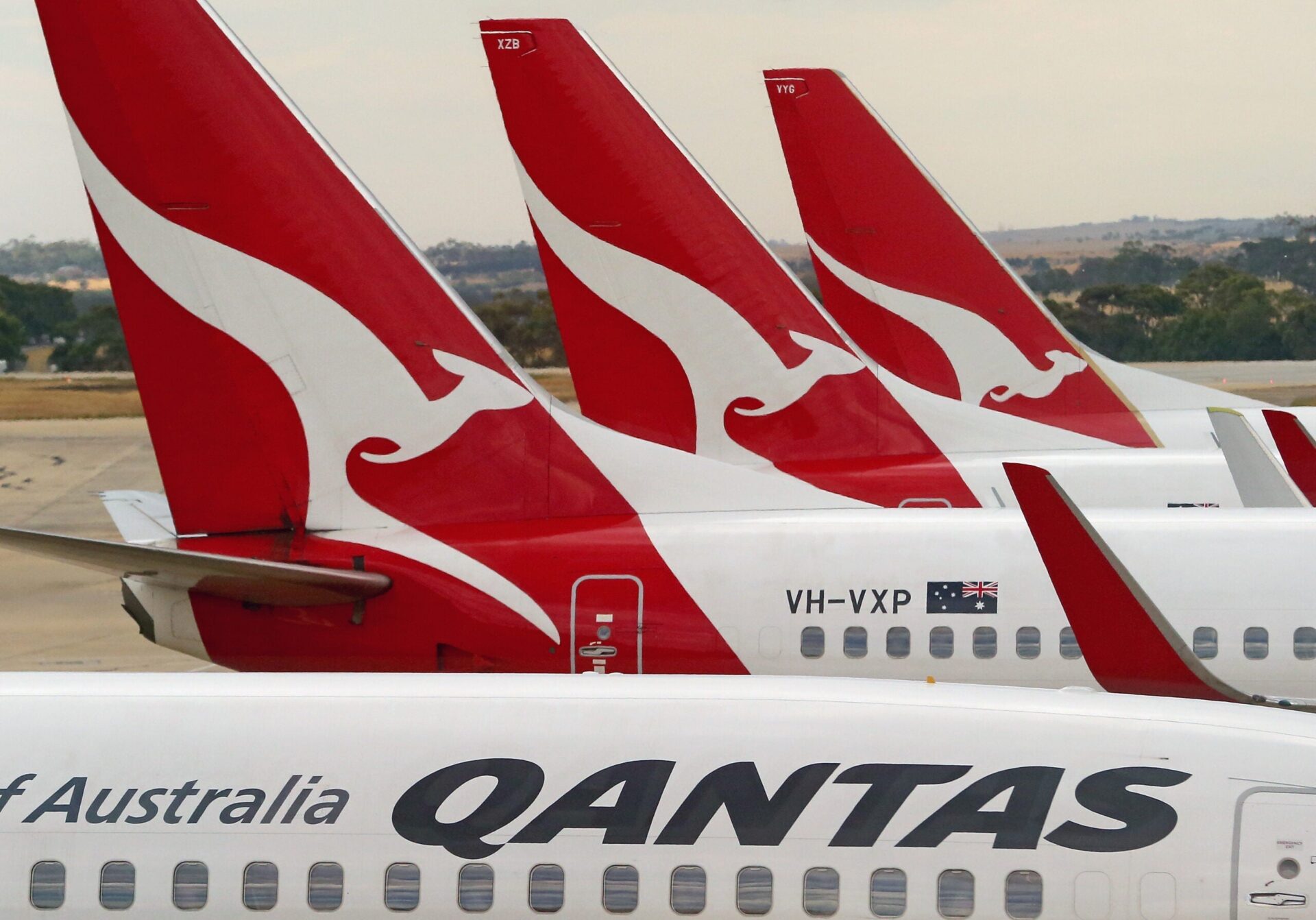
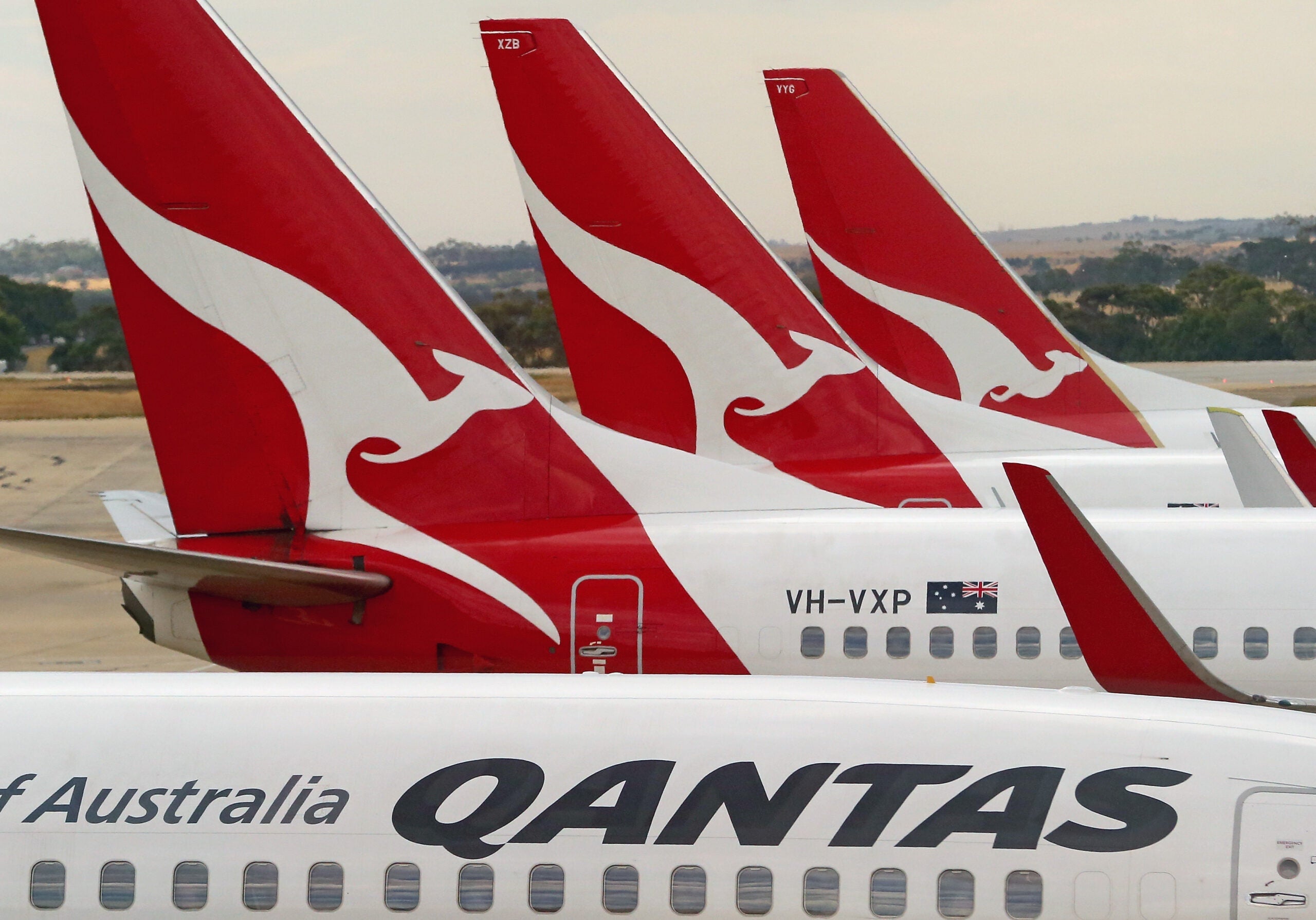
If you’re planning a trip to the Land Down Under, this Qantas Frequent Flyer deal could save you points on domestic award flights within Australia — but you’ll have to act fast.
For a limited time, you can save 20% on Classic Flight Rewards in economy class across Australia. Book a Qantas-operated flight (with a QF flight number) by May 25, and travel between June 1, 2026, and May 9, 2027.
If you don’t have enough Qantas points, you can transfer them from three major credit card currencies.
Fast-track your way to Emirates status
For travelers pursuing elite status with Emirates Skywards this year, this offer could make it easier to reach your goals.
You can earn 20% bonus tier miles on flights through Aug. 31, regardless of your booking date. Plus, until Aug. 31, you can earn status with just 80% of the usual requirements:

Reward your inbox with the TPG Daily newsletter
Join over 700,000 readers for breaking news, in-depth guides and exclusive deals from TPG’s experts
- Silver: 20,000 tier miles or 20 qualifying flights
- Gold: 40,000 tier miles or 40 qualifying flights
- Platinum: 120,000 tier miles with one flight in first or business class
Related: How to choose an airline credit card
Hotel loyalty program promotions (May 2026)
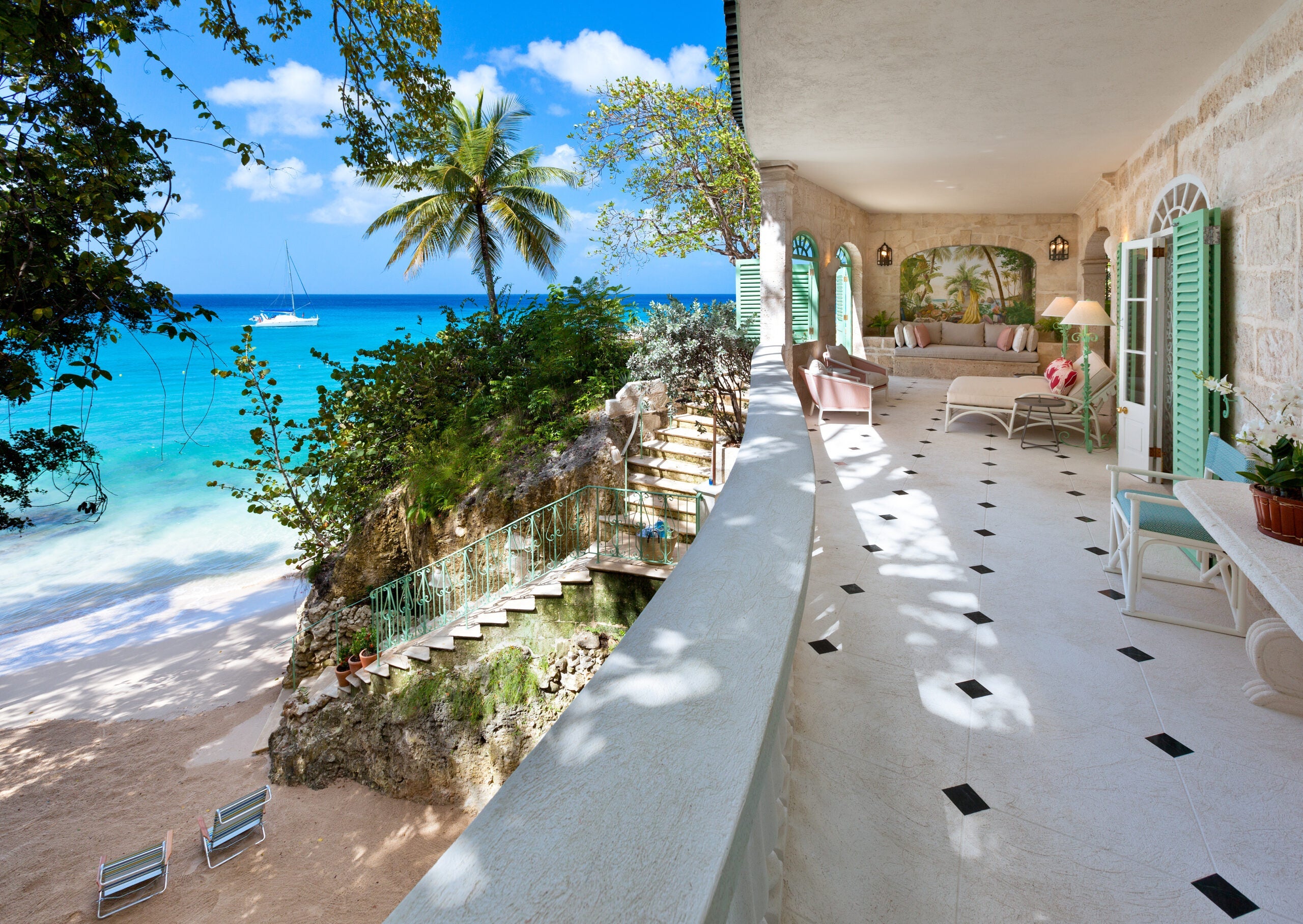
Hotel loyalty programs regularly offer discounted award stays and new ways to earn extra points. Here are some May deals to consider when booking your next stay.
Earn triple Marriott points in the Caribbean and Latin America
Dreaming of a beach escape? This deal from Marriott Bonvoy is for you.
You can earn triple the usual points on vacation rentals in the Caribbean and Latin America, as long as you stay five or more consecutive nights.
Check out the list of eligible destinations here, then sign in and book by June 26 for stays between June 1 and Dec. 31.
Earn unlimited bonus points at WorldHotels
After Best Western Rewards launched a promotion for 1,000 bonus points per night this summer, WorldHotels — an independent brand within the BWH Hotels portfolio — followed up with a similar deal.
WorldHotels Rewards members can earn 1,000 bonus points per night, with no maximum, at participating properties through Sept. 7. Log in here to register before booking.
You can redeem WorldHotels Rewards points at participating WorldHotels properties, as well as all Best Western branded properties worldwide.
Related: Best hotel credit cards
Credit card promotions (May 2026)

Card issuers offer deals and discounts on a wide range of products, from airfare to dining. Here are some of the offers we’ve rounded up this week; these are targeted, so they may or may not be available on your account. Note that you must activate these offers on your card and use the enrolled card to make the purchase in order to earn bonus rewards.
Targeted Amex Offer at WorldHotels
If you’re planning to take advantage of the above WorldHotels promotion, check your Amex account. This Amex Offer, which we found on the American Express® Gold Card, could be stacked with the promotion to earn you bonus points and save you money on your stay.
Earn a $125 statement credit when you spend a minimum of $500 on room rate and room charges at select WorldHotels properties. Book at worldhotels.com and complete your purchase by Aug. 31.
Targeted Chase Offer at Cambria Hotels
Here’s another offer that could earn you money back on your next stay. We’ve seen it on several Chase cards, including the Chase Freedom Flex® (see rates and fees) and Ink Business Preferred® Credit Card (see rates and fees).
Earn 5% cash back at 75-plus Cambria Hotels properties in the U.S., with a $12.25 cash back maximum. This offer expires June 26.
Targeted Chase Offer at Airalo
One way to save money on international travel is by avoiding steep roaming fees. Airalo eSIMs offer data-roaming coverage in over 200 countries and regions, and you can save even more if you’re targeted for this Chase Offer, which we spotted on the Chase Sapphire Preferred® Card (see rates and fees).
Earn 15% cash back, up to $25 back total, on one Airalo purchase of $15 or more by May 31.
Related: Your ultimate guide to saving money with Amex Offers
Ongoing travel deals
In addition to these new offers, many others from previous weeks are still available:
- Alaska Airlines Atmos Rewards members who live within 75 miles of Snapdragon Stadium can get 100 bonus points for every goal scored at home by the local professional soccer teams. Register for the San Diego FC (men’s team) promotion and the San Diego Wave FC (women’s team) promotion separately.
- Earn 5,000 bonus Frontier miles for every round-trip flight you take, up to 20,000 miles total. Register by May 31, then book and fly by Aug. 31.
- Double your base point earnings at Homes & Hideaways, World of Hyatt’s vacation rental brand, for qualifying stays completed by May 31. No registration is required for this promotion.
- Save up to 25% on select flights to and from Europe with Flying Blue’s May Promo Rewards, with economy deals starting from 18,750 miles each way. Book by May 31 for travel through Oct. 31.
- With this offer, you can earn five times the usual number of Lufthansa Miles & More miles on stays at over 8,000 Wyndham Rewards properties. Sign in to your Wyndham Rewards account and change your earning preference to Miles & More miles, then book by May 31 and stay by Aug. 31.
- With National Car Rental Emerald Club‘s “One Two Free” promotion, you can earn one promotional free day for every two eligible rentals through June 7. To qualify, a rental must be at least two consecutive days in the midsize or larger vehicle class. Preregister online.
- Earn Southwest Rapid Rewards bonus points when you rent a car at a participating Budget airport location in the U.S. and Canada. Earn 600 points for rentals of one to three days or 2,400 points for rentals of four days or longer. Book with coupon number “MUAY174,” and complete your qualifying rental by June 30.
- Earn up to 3,000 bonus Miles & More miles when you fly the program’s newest member, ITA Airways. Activate this offer, book eligible flights and travel by June 30.
- Earn 2,000 World of Hyatt bonus points per night stayed — up to 60,000 bonus points total — at Under Canvas locations and select other properties. Register for this offer by June 30, and complete your stay(s) by July 1.
- Earn 15,000 Wyndham Rewards bonus points when you stay five or more consecutive nights at select extended stay brands. Register and book by June 30, and complete your stay by Sept. 30.
- Earn 8,000 extra Choice Privileges points every time you stay twice at participating Choice hotels, up to 32,000 bonus points maximum. Register and book by July 6, then complete your stays by July 7.
- IHG One Rewards members can earn triple American Airlines AAdvantage miles on IHG hotel stays. Register with your AAdvantage number, then book and stay by July 6.
- Earn up to $80 toward future Uber rides when you fly Delta premium economy. Enroll in the Promotions section of your Delta SkyMiles account, then book and fly by July 19.
- Get 20% of your World of Hyatt points back on award stays at participating Las Vegas hotels and resorts when you register, book and stay by July 31.
- Earn double Accor Live Limitless base points on an eligible stay of two-plus nights at a participating hotel in the U.S., Canada, Mexico, the Caribbean, Panama or Brazil. Activate this offer first, then book by Aug. 8 and complete your stay by Sept. 8.
- With IHG One Rewards’ “Pick Your Points” offer, you can choose to receive 2,000 bonus points for every two nights you stay this summer or 8,000 bonus points for every four nights, with no earning cap. Register, then book and stay by Aug. 31.
- From June 1 to Aug. 31, you can earn 50% more Miles & More miles and elite status qualifying points when you fly premium economy on Lufthansa or its partners. To take advantage of this promotion, simply book through the participating airline’s website with your Miles & More number.
- Best Western Rewards members can earn 1,000 bonus points per eligible night (with no cap) for stays through Sept. 7. No registration is required.
- New members of the Alaska Airlines Atmos Rewards program can save up to $50 on their next flight simply by joining the program by Dec. 31. U.S. residents outside Alaska, California and Hawaii can register here for their discount code; residents of Alaska, California and Hawaii can register here.
- Earn 5,000 bonus Hyatt points on each stay of five-plus nights at participating Hyatt House and Hyatt Studios properties. Register, book and stay by Dec. 31.
- If you’re targeted for Hilton’s “Stay More, Earn More” offer, you can earn up to 15,000 bonus points in total on your next five stays. Check to see if you’re targeted and register here by Dec. 31, then complete your stay(s) within six months of registration.
Targeted Amex Offers
- Get $225 back as a statement credit after you spend at least $1,500 on flight purchases made on Icelandair’s website. Flights must originate in the U.S. and be purchased by May 24.
- Earn a $250 statement credit after you spend a minimum of $1,000 at participating Homes & Villas by Marriott Bonvoy properties. This offer expires May 24.
- Earn a $40 statement credit after spending at least $200 at participating Caesars Rewards properties in Atlantic City, New Jersey, and Las Vegas, Reno and Lake Tahoe, Nevada, by May 24.
- Earn 5 additional Membership Rewards points per dollar, up to 50,000 bonus points total, on qualifying Regent Seven Seas purchases made at RSSC.com, through AmexTravel.com or with a Regent Seven Seas personal consultant by May 25.
- Earn a one-time $50 statement credit after spending a minimum of $250 on qualifying room rate and room charge purchases at select IHG Hotels & Resorts by May 26. Eligible locations include properties in the U.S., Canada, Mexico, the Caribbean, the U.K., Japan and Germany.
- Get a $100 statement credit when you make a single Sixt car rental purchase of $500 or more on the Sixt website by May 31.
- Get $100 back after spending at least $500 on qualifying purchases of cruise reservations booked through Carnival Cruise Line (or a Carnival travel adviser) by June 2.
- Earn an additional 5 points per dollar spent on qualifying purchases of cruise reservations made online at the Oceania Cruises website, by calling 855-623-2642 or through an Oceania Cruises travel adviser by June 10.
- Get $60 back after spending $600 on one or more qualifying purchases at participating Sonesta hotels in the U.S. and U.S. territories. Book at sonesta.com by June 20.
- Earn 10% back on purchases of prepaid hotel bookings (“pay now”) online at expedia.com/amex by Aug. 4, up to a maximum of $125 in total statement credits.
- Get $100 back after spending $500 or more with Omni Hotels & Resorts. Enroll by July 13 and make your purchase by Aug. 14.
- Earn a $150 statement credit after you spend a minimum of $375 at participating Marriott Bonvoy properties in the U.S., the Caribbean, Canada and Mexico before July 22.
- Earn a $200 statement credit after you spend a minimum of $1,000 on qualifying Norwegian Cruise Line purchases by June 30.
- Get $75 back as a statement credit when you spend a minimum of $300 at select Hyatt Hotels & Resorts worldwide by June 30.
- Earn 10 additional points per dollar spent on qualifying prepaid hotel bookings at Hotels.com through June 30, up to a cap of 10,000 points.
Targeted Chase Offers
- Earn 10% cash back, up to $32, after spending $100 or more at participating Best Western brands in the U.S. before May 24.
- Get 10% cash back on room rates and room charges at select Caesars Rewards properties in Atlantic City, Las Vegas, Reno and Lake Tahoe; you can get up to a maximum of $50 cash back. This offer ends May 31.
- Earn $50 cash back on your Cruise America U.S. purchase of $400 or more by May 31.
- Earn 8% cash back on your first two payments at Viator or Trip Advisor Experiences through May 31, up to $10 cash back total. This offer is valid only at viator.com and/or tripadvisor.com/Attractions.
- Earn $30 cash back after spending $150 or more on the Turo app or at turo.com by May 31.
- Earn 10% cash back, up to $62 maximum, on your IHG Hotels & Resorts purchase of $400 or more by June 30. A handful of properties are excluded, so check the terms before booking.
Related reading:

Stacie Harris is a local resident and reporter of the Maple Grove area. Stacie reports on medicine and science for the Maple Grove Report.