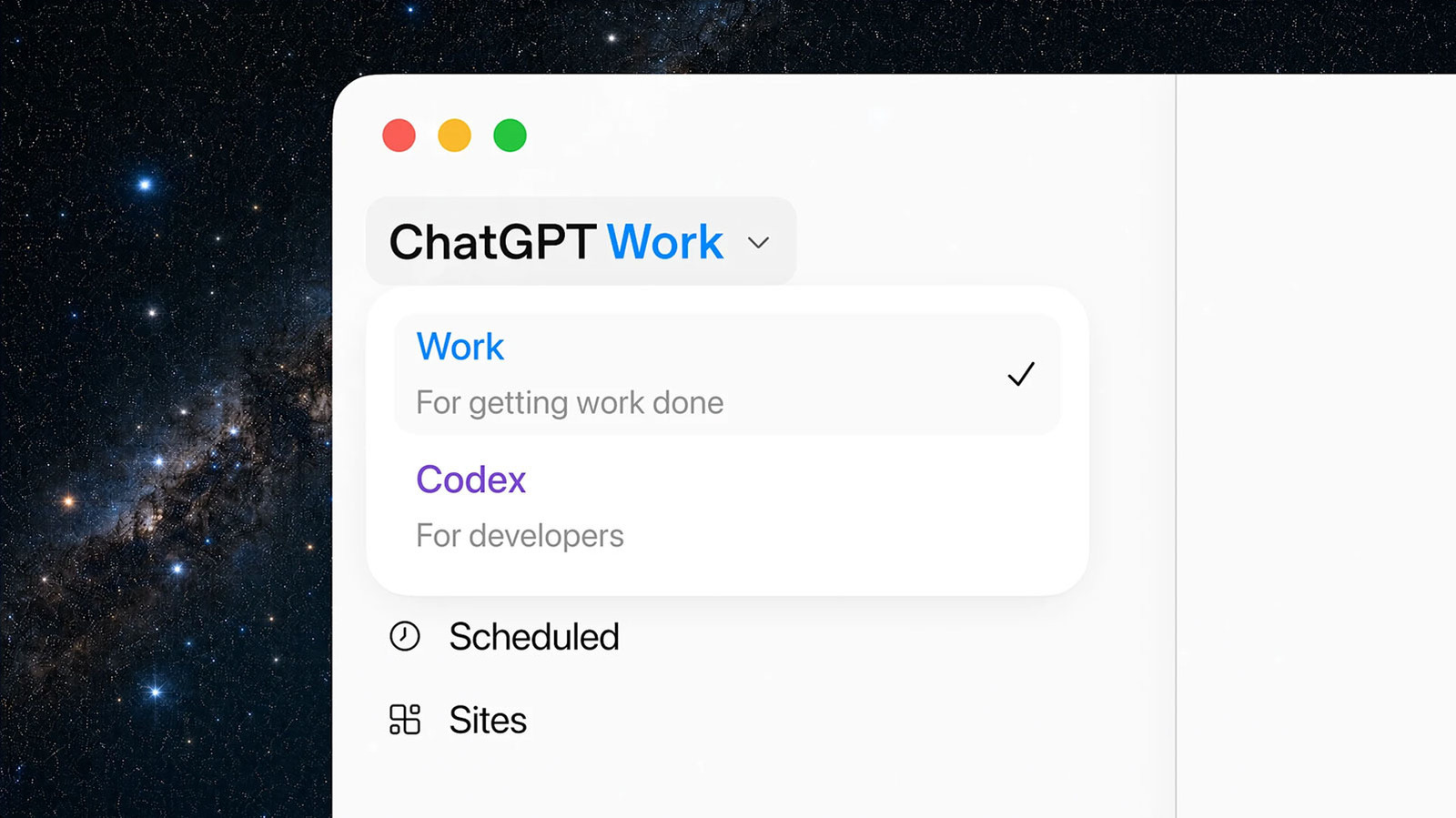

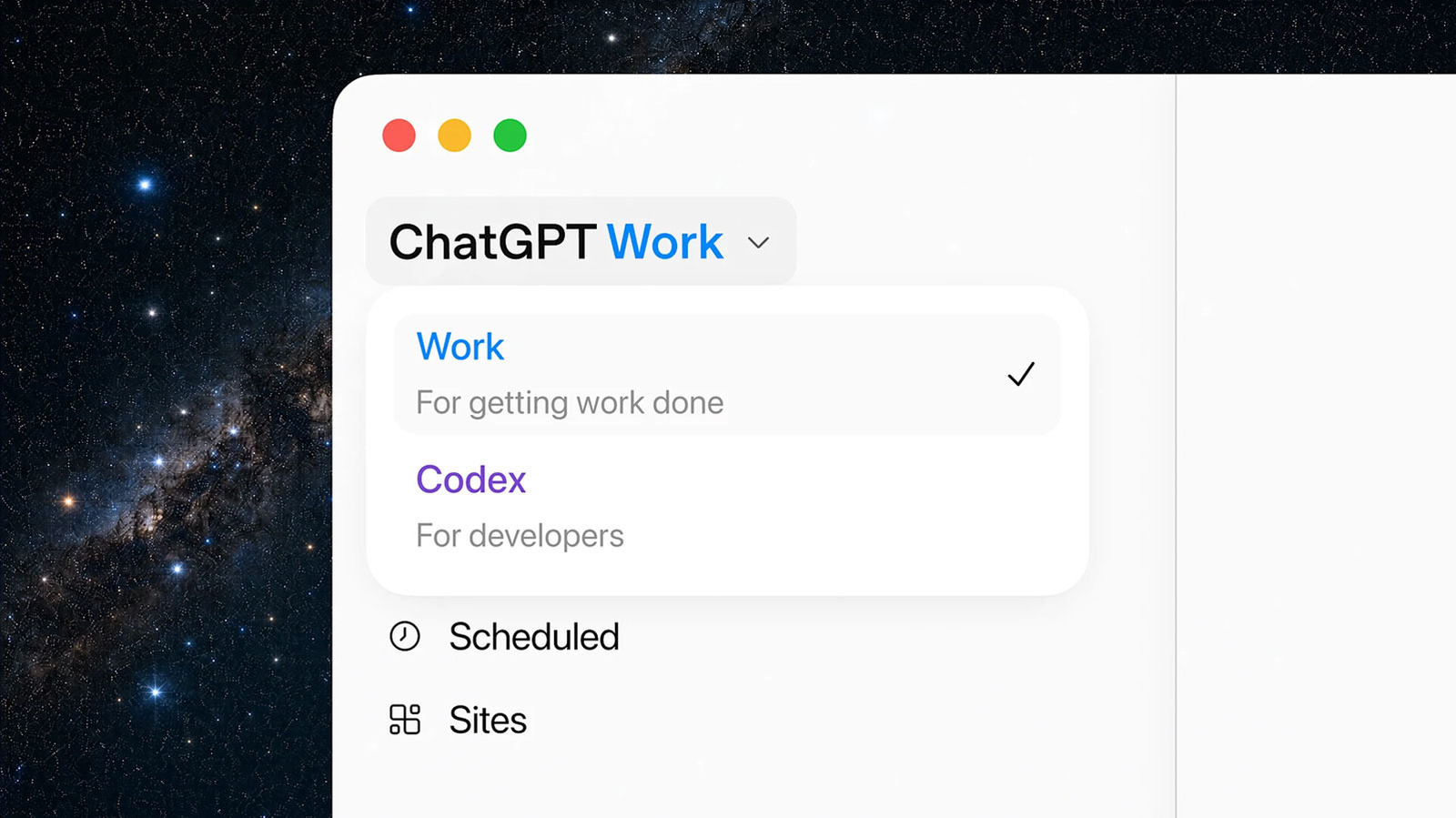
Since the start of March, OpenAI has been publicly working on a desktop “super” app designed to bring together ChatGPT, its Codex coding agent and Atlas web browser under one roof. In April, the company began laying the groundwork for that project, and now it’s taking its biggest step toward realizing that vision with the release of ChatGPT Work. OpenAI describes its latest offering as something of a general purpose productivity agent. Where Codex was designed primarily for coding projects, OpenAI says Work is here to help people with some of their most ambitious tasks.
To that end, ChatGPT Work integrates nearly major technology the company has working on in recent months. To start, it’s powered by OpenAI’s new family of GPT-5.6 models, the release of which was temporarily delayed by the Trump administration. Most people will access ChatGPT Work through the redesigned ChatGPT app, where you can now find ChatGPT, the new agent and Codex all in one place. Building on the mobile integration OpenAI released in May for Codex, ChatGPT Work includes support for task scheduling, meaning you can tell the agent to start working on something from your phone and it will chip away at the assignment remotely. After you return to your desk, you can then track its progress through either your web browser or the ChatGPT desktop app. Through the latter, ChatGPT Work can take advantage of its built-in computer use capabilities to carry out tasks across your apps and web browser, allowing the agent to move files if needed.
A new unified plugin directory allows you to connect ChatGPT to your favorite apps and tools. When you’re writing a prompt, you can type “@” followed by the name of the app you want ChatGPT to either use or pull context from to complete your request. The chatbot will also recommend relevant apps during your conversations. As part of that integration, OpenAI notes you can also use task scheduling to automate busywork. For example, the company suggests ChatGPT can review your Slack updates and generate a summary of all the messages you got during the week. “You remain in control of how ChatGPT works with you,” the company says. “You decide what it can access, when it should check in, and when it needs your approval before taking action.”
As mentioned, the redesigned ChatGPT desktop app now includes a built-in browser. In addition to pulling information from websites, the chatbot can generate web apps through a feature called Sites. “Sites are useful when you want to create things like live dashboards, project trackers, launch calendars, prototypes, internal portals, and interactive reports,” OpenAI explains. As part of today’s announcement, the company says it plans to discontinue Atlas. OpenAI’s James Sun, who worked on Atlas, said the company is targeting August 9 for deprecation, and promised to share more information about that in the future.
OpenAI is starting the rollout of ChatGPT today; the company expects to complete the rollout within the next 24 hours. If you’re using ChatGPT through a free account, you can try out the new agent through the ChatGPT desktop app, available on Mac and Windows. Plus and Pro subscribers, meanwhile, can use ChatGPT Work through ChatGPT’s web client, in addition to the aforementioned desktop app.

Stephan is the sports journalist for the Maple Grove Report.