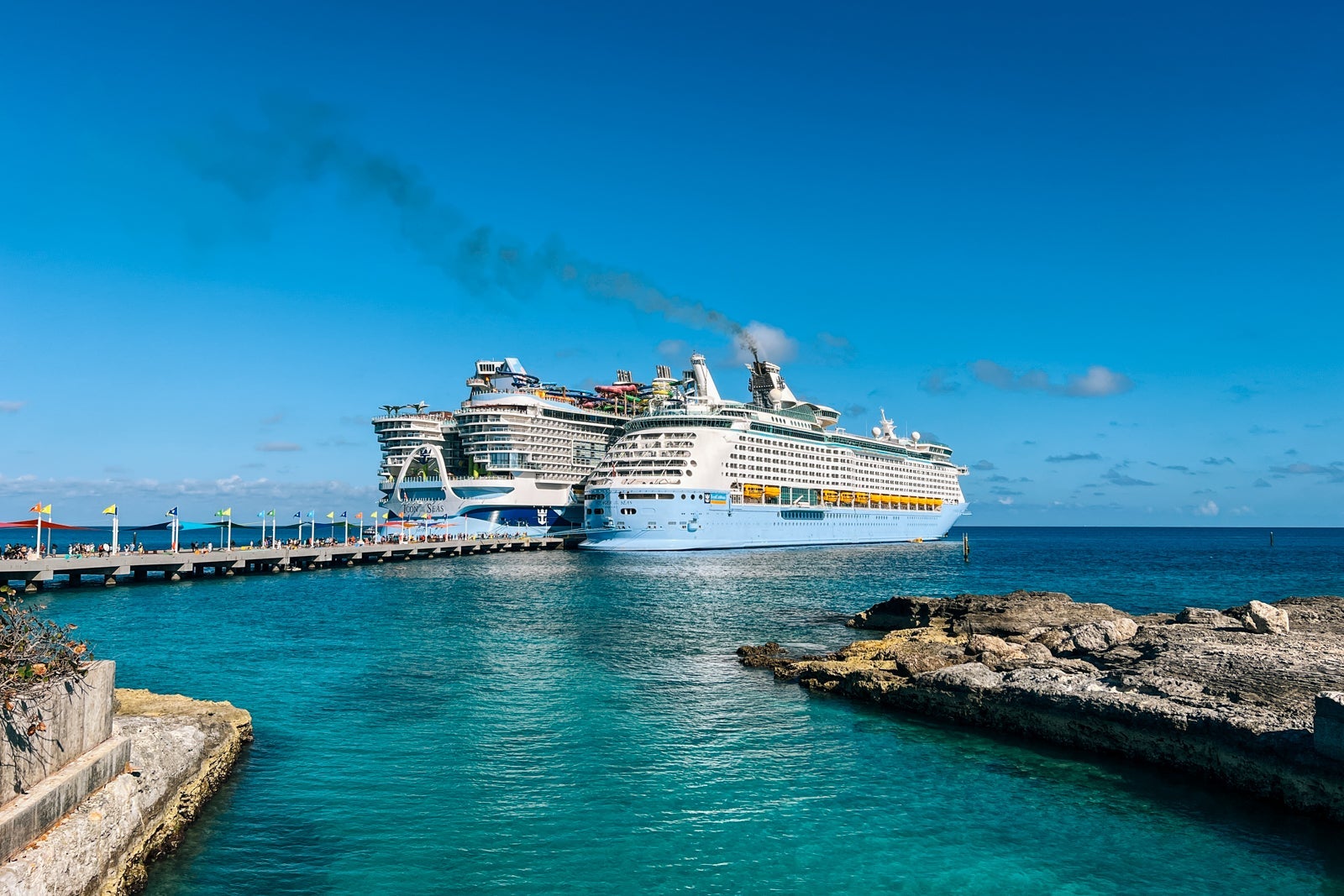

Fans of Royal Caribbean, Celebrity Cruises and Silversea Cruises now have a faster way to earn cruise rewards and the flexibility to redeem points across the three sister cruise brands with the Royal ONE™ Visa Signature® credit card.
While the card does not sync with the loyalty programs of these cruise lines, it does let cruise aficionados earn points on both cruise and everyday purchases with no annual fee. Cardholders receive special perks, such as priority boarding, and can redeem points for cruise discounts and onboard credit.
The Royal ONE Visa Signature can be a good option for devoted Royal Caribbean fans focused on cruise vacation savings, but a more flexible rewards card has the potential to offer greater value.
Card rating*: ⭐⭐⭐
*Card rating is based on the opinion of TPG’s editors and is not influenced by the card issuer.
Royal ONE Visa Signature: The basics
Royal Caribbean Group is getting rid of its individually branded credit cards in favor of two new tri-branded cards, including the Royal ONE Visa Signature.
This card is targeted at cruise fans who predominantly book sailings on Royal Caribbean, Silversea and Celebrity Cruises. It offers the flexibility to earn and redeem points across all three cruise lines.
The Royal ONE Visa Signature credit card has no annual fee. Cardholders who spend $2,000 with the card in the first 90 days after account opening will earn a welcome bonus of 45,000 points.
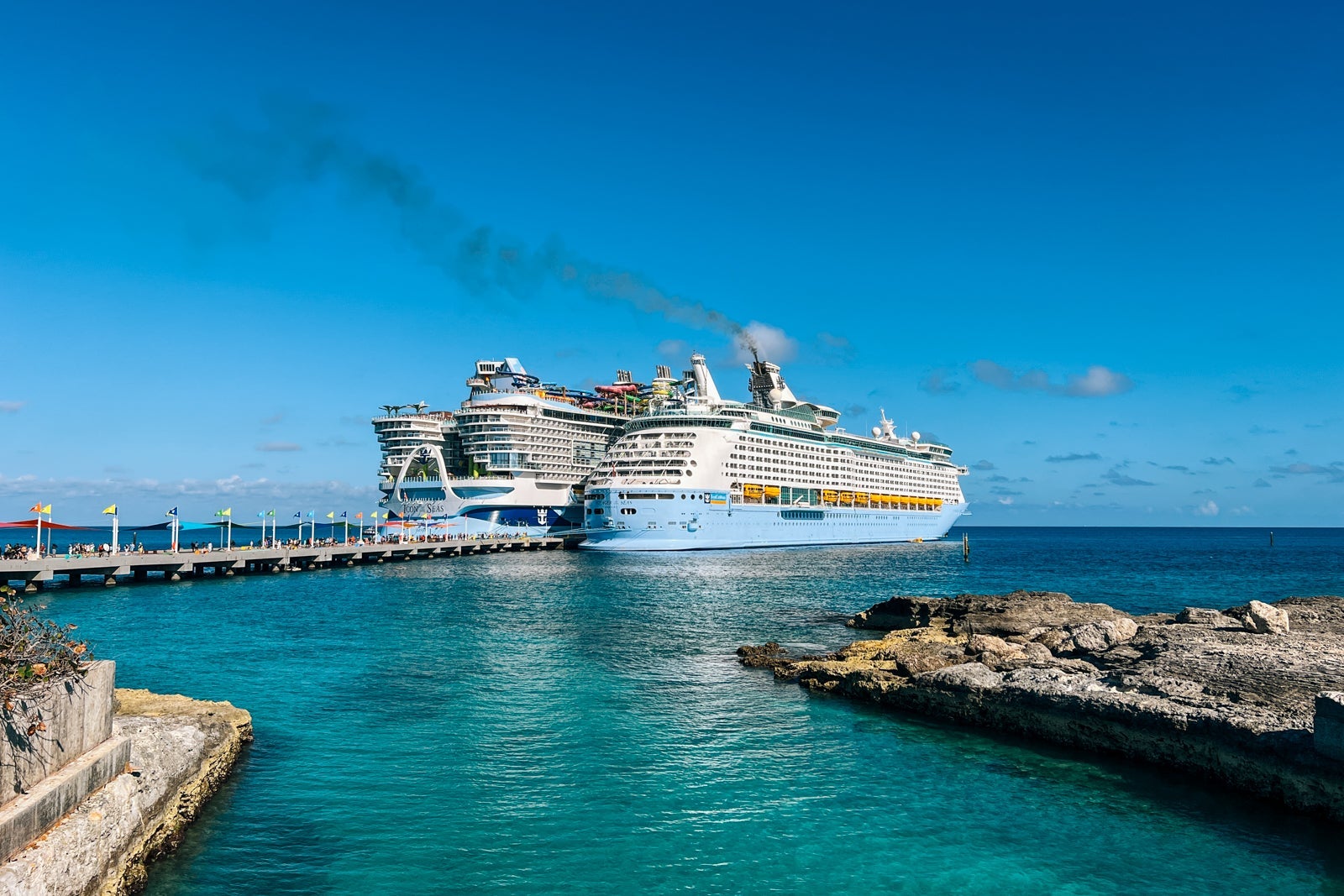
Cardholders can earn extra points on both cruise and non-cruise purchases. You’ll earn 3 points per dollar spent on Royal Caribbean, Celebrity Cruises and Silversea purchases, and 2 points per dollar spent on gas, grocery and EV charging purchases. All other purchases earn 1 point per dollar spent.

Reward your inbox with the TPG Daily newsletter
Join over 700,000 readers for breaking news, in-depth guides and exclusive deals from TPG’s experts
You can redeem points across the three Royal Caribbean Group brands for cruise discounts and onboard credit (money added to your shipboard account to pay for vacation expenses such as specialty dining, beverage packages, Wi-Fi and shore excursions). One point equals one cent, and the minimum redemption is 5,000 points (equal to a $50 discount or credit). Points cannot be used to pay for taxes, fees or gratuities.
Additional perks include a $100 cruise discount, credited to your account on your account opening anniversary, if you spend $10,000 or more with the card in the previous year. Cardholders can also access priority boarding on embarkation day in a special cardholder line (not available on all cruise departures).
This card makes the most sense for frequent cruisers who are loyal to Royal — especially if they spend a lot on board.
Royal ONE Visa Signature pros and cons
| Pros | Cons |
|---|---|
|
Rewards limited to cruise-related discounts |
|
|
Elevated earnings on cruise purchases
|
No connection with cruise loyalty programs |
|
Bonus categories for everyday spending
|
|
|
No foreign transaction fees
|
Royal ONE Visa Signature benefits
The Royal ONE Visa Signature’s benefits are fairly straightforward for Royal Caribbean cruise fans.
No annual fee and elevated welcome bonus
The most obvious perk of the Royal ONE Visa Signature is that you get all the benefits with no annual fee.
In addition, the 45,000-point welcome bonus is higher than the typical welcome bonus on the old Royal Caribbean Visa Signature credit card (no longer available), which was often around 30,000 points. However, you do need to spend more ($2,000 vs. $1,000) to earn it.
The information for the Royal Caribbean Visa Signature credit card has been collected independently by The Points Guy. The card details on this page have not been reviewed or provided by the card issuer.
Bonus earnings on cruise and non-cruise purchases
Compared to the previous Royal Caribbean and Celebrity Cruises Visa Signature® credit cards, the Royal ONE Visa Signature offers more ways to earn extra points.
Whereas the previous cards earned 2 points per dollar spent on cruise purchases and 1 point per dollar on everything else, the current card offers 3 points per dollar on Royal Caribbean Group purchases and 2 points per dollar on groceries, gas and EV charging. All other purchases continue to earn 1 point per dollar.
The information for the Celebrity Cruises Visa has been collected independently by The Points Guy. The card details on this page have not been reviewed or provided by the card issuer.

Note that you can earn 3 points per dollar when you book a cruise, on pre-cruise purchases through the cruise line (such as shore excursion reservations or drink packages) and onboard expenses. If you book your cruise through a travel agent or another independent seller, you’ll need to make sure the transaction codes as a Royal Caribbean purchase to receive the additional points.
Also, unlike previous cards, there is no limit to the number of points you can earn each year. Points never expire, so you can save up for a big discount on your next cruise.
Flexible redemptions and perks across Royal Caribbean Group brands
Previously, Celebrity Cruises and Royal Caribbean offered individual cobranded credit cards, even though you could redeem points across both lines on each card. The new Royal ONE card simplifies things for fans of all three by offering a single credit card that serves Royal Caribbean, Celebrity and Silversea.
When you redeem points for Royal ONE Rewards, you can access discounts and onboard credit on any of the three cruise lines. That means you can earn points when booking a Royal Caribbean cruise, but redeem the points for a discount on a Silversea sailing or onboard credit on a Celebrity cruise.
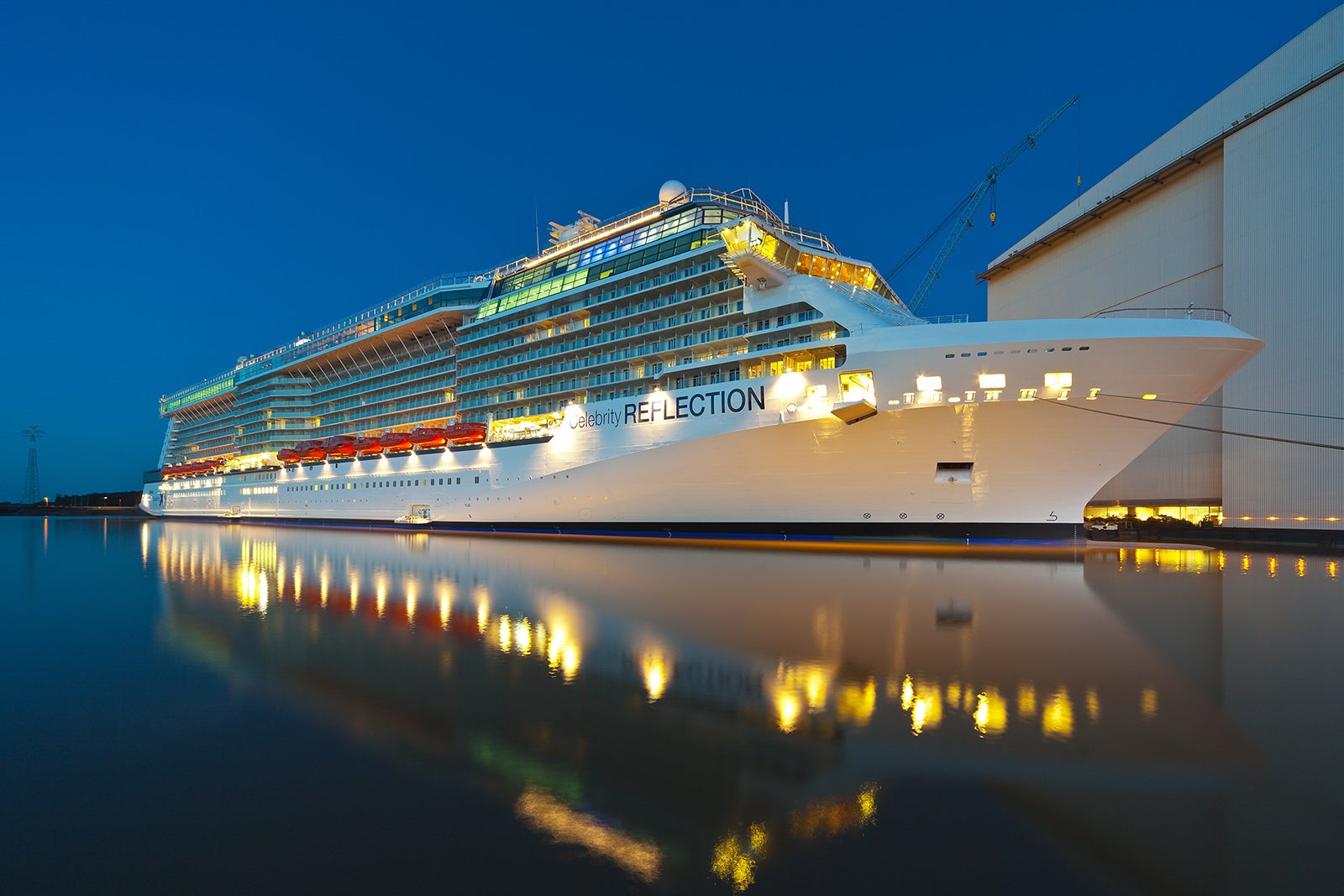
Plus, the additional perks of a $100 anniversary discount (after spending $10,000 annually on the card) and priority boarding (where applicable) apply across the three brands and offer extra value.
Additional benefits
In addition to cruise-related perks, Royal ONE Visa Signature cardholders earn typical Bank of America protections, such as a $0 liability guarantee for fraudulent charges, extended warranty protection and overdraft protection.
Travel protections include a car rental collision damage waiver, basic trip insurance, travel and emergency assistance services, lost luggage reimbursement and Roadside Dispatch.
Cardholders have access to the Visa Signature® Concierge, who can assist with travel and dining reservations, gift and floral delivery and other lifestyle requests. They can also receive special rates on Visa Signature® Luxury Hotel Collection bookings.
Related: Should you get a cruise line credit card? Here’s a closer look
How to earn and use your rewards
The Royal ONE Visa Signature card is straightforward when it comes to earning and redeeming points.
You’ll earn points for purchases at the following rates:
- 3 points per dollar spent on Royal Caribbean, Celebrity Cruises and Silversea purchases
- 2 points per dollar spent on groceries, gas and EV charging stations
- 1 point per dollar spent on everything else

Cruise loyalists who already hold Royal Caribbean and Celebrity credit cards will have their existing points balances transferred to their new Royal ONE account at the same value.
You can redeem points for discounts on Royal Caribbean brand cruises or onboard credit (which functions as a credit on your onboard account). One point is equivalent to one cent, and the minimum redemption is 5,000 points for $50 in credit or a $50 discount on your cruise purchase.
You can redeem points through the relevant Royal Caribbean Group cruise line’s website or app, or by calling the line’s reservations call center.
You could save up points to cover your entire cruise fare (for example, you’d need 100,000 points to get a $1,000 cruise for free).
But frequent cruisers might find it makes more sense to pay for the cruise fare with their Royal ONE Visa Signature and then use the earned points to pay for shore excursions, onboard credit to buy drinks, spa treatments and souvenirs. That way, they are not sitting on points and can get rewards more quickly.
For example, if you paid $5,000 for a cruise, you would earn 15,000 points, which would equal $150 you could apply to expenses during your cruise.

Even on luxury cruise line Silversea, which includes alcoholic and nonalcoholic drinks, onboard gratuities and Wi-Fi in its base rates, you still need to pay extra for certain dining experiences, premium liquors, spa treatments, shore excursions and boutique purchases. You can redeem points for onboard credit to treat yourself to these extras.
Where Royal ONE Visa Signature falls short
The most important thing for cruise fans to know about the Royal ONE Visa Signature is that it does not sync with the cruise lines’ loyalty programs (Royal Caribbean Crown & Anchor Society, Celebrity Cruises Captain’s Club and Silversea Cruises Venetian Society).
Unlike with airline cards or hotel cards, where credit card earnings can provide a faster path to higher-tier loyalty status, your Royal ONE points earnings will not impact your loyalty status on board.

In addition, suite guests and certain top-tier loyalty program members already receive expedited boarding, so that credit card perk is not as valuable for them.
The credit card perks and redemption options are fairly limited, compared to flexible currency cards and even certain airline and hotel cards. You cannot transfer Royal ONE Rewards points to airline or hotel currencies or use them to book other types of travel.
Finally, the fixed value of points at 1 cent each is not as valuable as travelers might get with a more flexible rewards card.
Royal ONE Visa Signature vs. Royal ONE Plus Visa Signature
Royal Caribbean loyalists looking for a more premium card can also consider the Royal ONE Plus™ Visa Signature® credit card.
The Royal ONE Plus offers additional benefits, but also comes with an annual fee of $99.
The premium card offers additional earning opportunities:
- 4 points per dollar spent on Royal Caribbean, Celebrity Cruises and Silversea purchases
- 2 points per dollar on groceries, gas and EV charging, and on eligible airline, hotel and dining purchases
- 1 point per dollar spent on everything else
The anniversary cruise discount is greater: $200 annually after $20,000 annual spend on the card. Perks include priority boarding through the suite entrance (vs. a dedicated Royal ONE line), priority luggage delivery and up to a $120 statement credit for Global Entry or TSA PreCheck applications every four years.

The annual fee is low enough, especially since it will be partially offset by the Known Traveler Program statement credit, that the Royal ONE Plus Visa Signature makes more sense for the dedicated Royal Caribbean cruiser. It has the potential for much greater earnings and the travel perks are better than the standard Royal ONE Visa.
However, cruise travelers who don’t expect to spend $20,000 on the card or who use other cards for hotel and airline purchases might not fully maximize the premium card’s benefits. They’ll get more value from the no-annual-fee card.
Is the Royal ONE Visa Signature worth it?
Diehard Royal Caribbean, Celebrity and Silversea cruise fans who mainly drive to cruise home ports and don’t book many flights and hotels could get value out of the Royal ONE Visa Signature by consolidating their spending on this card. If your travel expenses only extend to Royal Caribbean Group brand cruises, you’ll benefit from the cruise discounts.
However, if a cruise is just one part of your travel plans, other travel rewards cards can get you better value than 1 cent per point on flight and hotel bookings. You’d be better off paying for cruises with these cards and stretching your points further with redemptions on pre-cruise air and hotel (or non-cruise vacations).
Related: What are points and miles worth? TPG’s monthly valuations
When to apply for the Royal ONE Visa Signature
For a limited time, you’ll receive a welcome bonus of 45,000 bonus points when you spend $2,000 with your Royal ONE Visa Signature within 90 days of opening an account. Those points are redeemable for $450 in cruise discounts or onboard credit across the three Royal Caribbean Group brands.
Royal Caribbean fans who currently hold the Royal Caribbean or Celebrity Cruises Visa card will be automatically switched to a Royal ONE Visa Signature. You can expect to receive a new card starting June 2026, and your current card will continue to work until your new card arrives. However, existing cardholders will not be eligible for the welcome bonus.
Other cards to consider if you don’t want a Royal ONE Visa Signature
Cruise aficionados, even if they’re committed to the Royal Caribbean brands, will likely find better value from their card spending with a flexible rewards card or a cash back card. Here are some alternatives.
- Chase Sapphire Preferred® Card (see rates and fees): This card is a good option if you want a variety of elevated earning options (dining, groceries, travel) and redemption options. Points can be transferred into numerous airline and hotel programs or redeemed through the Chase Travel℠ portal. (And, yes, you can book cruises through Chase.) It also offers a higher welcome bonus, though it does have a $95 annual fee. To learn more, check out our full review of the Sapphire Preferred card.
- American Express® Green Card: This card earns 3 Membership Rewards points per dollar on all travel purchases, so your pre-cruise airfare and hotel, as well as non-cruise vacations, all offer elevated earnings opportunities in addition to your cruise booking. Plus, you have points transfer opportunities not available on the Royal ONE card. For more information, read our full review of the Amex Green.
- Citi Double Cash® Card (see rates and fees): For cruise travelers who’d prefer to earn cash back instead of points, this card offers a flat earning rate and no annual fee. You’ll earn 2% cash back on all purchases, 1% when you buy and an extra 1% when you pay for your purchase, and additional cash back on select travel (sadly, not cruises) booked through Citi Travel. It’s a good way to maximize your non-cruise spending and save the cash back to cover cruise costs. For more information, read our full review of the Citi Double Cash Card.
For additional options, see our full lists of the best cash-back and general travel rewards credit cards.
The information for the American Express Green Card has been collected independently by The Points Guy. The card details on this page have not been reviewed or provided by the card issuer.
Related: The best credit cards for booking cruises
Bottom line
Royal Caribbean fans might be thrilled that its three brands have now teamed up for a one-card-fits-all option with earning and redeeming options across Royal Caribbean, Celebrity and Silversea. But compared to other flexible rewards and cash-back cards, the earning and redemption options are limited and the redemption value low.
While diehard cruise aficionados can certainly earn meaningful discounts on their cruise vacations with this card, they will likely get more earning power from a more flexible credit card.
Apply here: Royal ONE Visa Signature

Stacie Harris is a local resident and reporter of the Maple Grove area. Stacie reports on medicine and science for the Maple Grove Report.