
Fact checked by Nick Blackmer
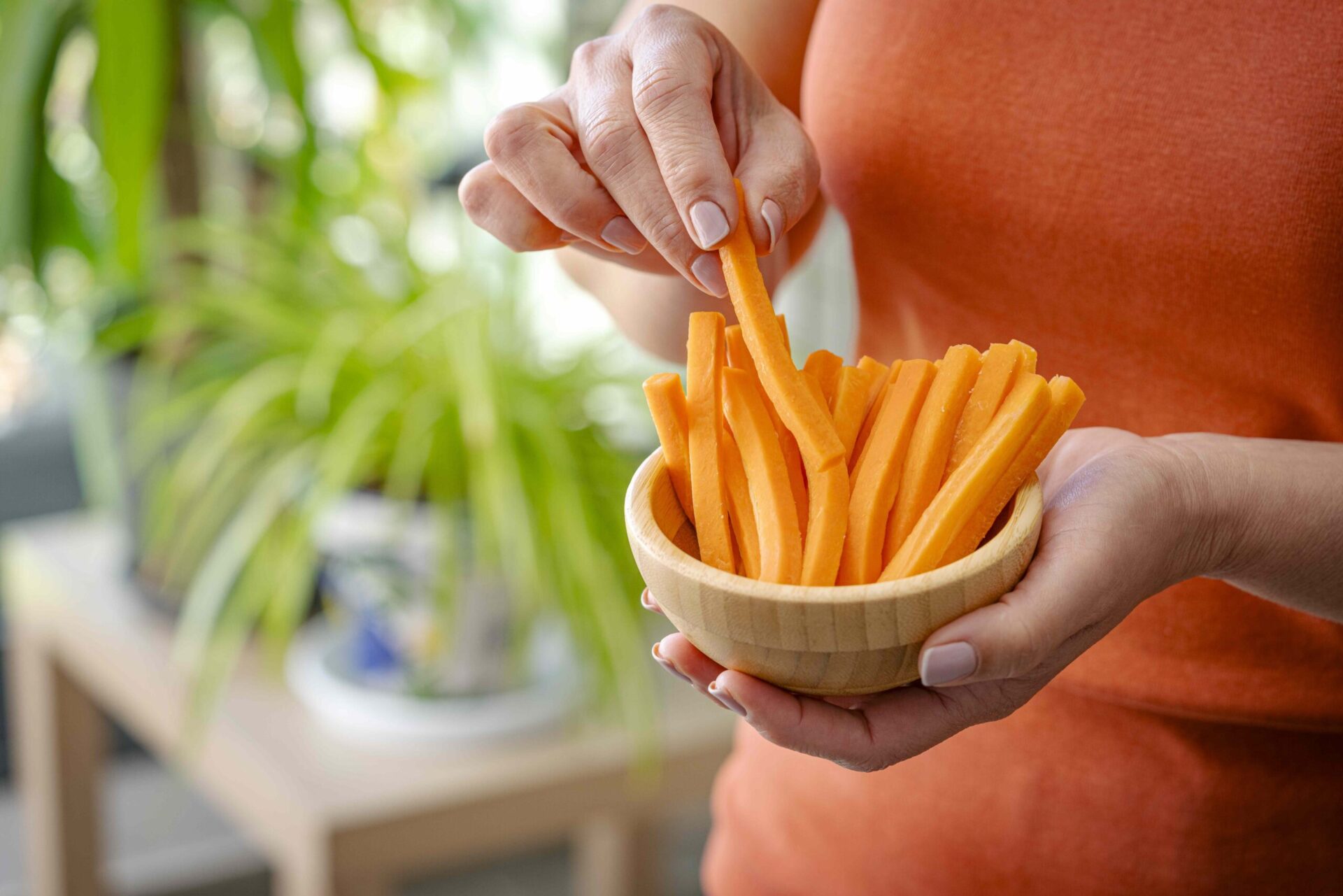
:max_bytes(150000):strip_icc():format(jpeg)/Health-GettyImages-2213158065-4041b4f60e19435ab57b18b50ea64030.jpg "Person holding a bowl of carrot sticks indoors")
Credit: fcafotodigital / Getty Images
- In a new study, people with IBS who snacked more frequently had less severe symptoms.
- Eating smaller, more frequent meals may put less strain on the digestive system.
- Experts say regular snacking may help, but there’s no one-size-fits-all approach for managing IBS.
If you have irritable bowel syndrome (IBS), you’re probably familiar with uncomfortable symptoms that can upend your daily life—from cramping and gas to bloating and diarrhea. Now, new research suggests that how often you eat throughout the day may affect the severity of your symptoms.
What the Study Found
For the study, published in Frontiers in Public Health, 204 participants with IBS living in Saudi Arabia completed a questionnaire about their IBS diagnoses, regular eating habits, sociodemographic backgrounds, and the severity of their IBS symptoms. About half of the participants were self-diagnosed with IBS, and around 86% were female (women are about two times more likely to have IBS than men).
After analyzing the responses, researchers found that frequent snacking during the day was linked to a lower severity of IBS symptoms. Many participants also reported irregular eating patterns. About 20% said they don’t eat meals on a regular schedule, and 30% reported frequently skipping breakfast.
Adrienna Jirik, MD, a gastroenterologist at Cleveland Clinic, told Health that this study is the first to suggest that regular eating and frequent snacking “can possibly mitigate the severity of IBS symptoms.”
Why Might Snacking Ease IBS Symptoms?
Eating smaller amounts of food might place less strain on the digestive system than large meals, Supriya Rao, MD, a gastroenterologist and director of medical weight loss at Lowell General Hospital, told Health. “Big meals can trigger stronger gut contractions and sensitivity in people with IBS,” Rao said. “More frequent, smaller eating episodes may smooth out those responses, reduce bloating, and stabilize bowel patterns.”
Yi Min Teo, MS, RD, CNSC, a Los Angeles-based registered dietitian specializing in digestive health and the owner of Yi Min Teo Nutrition LLC, also said meal size and frequency may impact the gut-brain axis, which refers to the constant connection between your brain and digestive tract. It’s how you know when you’re hungry, and it’s to blame for stomach upset when you’re feeling nervous, for instance.
People with IBS typically have a more sensitive gut–brain axis, meaning they may feel normal digestive processes more intensely. “Smaller, more frequent eating occasions may reduce the stretch and pressure that triggers pain and urgency,” Teo told Health. “Think of it like turning down the volume rather than hitting the gut with one loud blast at a time.”
The study did have some limitations. For one, it didn’t specify which type of IBS the participants had—IBS-D (diarrhea), IBS-C (constipation), or IBS-M (both diarrhea and constipation). The research also relied on self-reported dietary habits, and its design could only demonstrate an association between snacking and IBS symptom severity, not cause and effect.
Should You Start Snacking to Help With IBS?
You can try eating frequent, small snacks throughout the day to help manage IBS, experts agreed, especially if you’ve been experiencing severe symptoms while having three square meals a day.
It’s also a good idea to keep a consistent eating schedule and avoid skipping meals, as “the study found that irregular meal patterns and skipping breakfast were common among those with more severe symptoms,” said Dahlia Marin, RDN, LD, CGN, the co-founder of Married to Health.
Consistent eating and snacking habits can also help “regulate the gut-brain axis, which is crucial for managing hypersensitivity associated with IBS,” Marin told Health.
Beyond meal size and frequency, Marin also recommended chewing your food slowly and thoroughly, or choosing softer-textured food. In the study, chewing difficulties were associated with more severe IBS symptoms. “I also find in my practice that most people do not chew their food thoroughly enough, which can negatively affect digestion,” she told Health.
As for what to eat, Jirik said individual sensitivies can vary, but “in general, avoid processed foods, ‘gassy’ foods such as cabbage and beans, greasy and fried foods, large amounts of insoluble fiber or raw vegetables, foods containing high lactose such as cream, milk and ice cream, and junk food such as candies and other sweets.”
“Unfortunately, there is no single ideal schedule that works for everyone,” Rao noted. “A practical approach would be to eat at regular times, avoid large meals, keep a food diary, and keep small snacks on hand if you know that works for you.”










