You can now file a claim in the $135 million Google data settlement. The case centers on claims that Android devices transmitted user data without consent. Specifically, the class action lawsuit Taylor v. Google LLC contends that Google’s Android devices passively transferred cellular data to Google without user permission, even when the devices were idle. While not admitting fault, Google reached a preliminary settlement in January, agreeing to pay $135 million to about 100 million US Android phone users.
The official settlement website for the lawsuit is now live. The final approval hearing won’t occur until June 23, when the court will consider whether Google’s settlement is fair and listen to objections. After that, the court will decide whether to approve the $135 million settlement.
In the meantime, if you qualify and want to be paid as part of the settlement, you can select your preferred payment method on the official website. There, you can find information on speaking at the June 23 court hearing and on how to exclude yourself or write to the court to object by May 29.
As part of the settlement, Google will update its Google Play terms of service to clarify that certain data transfers do occur passively even when you’re not using your Android device, and that cellular data may be relied upon when not connected to Wi-Fi. This can’t always be disabled, but users will be asked to consent to it when setting up their device.
Google will also fully stop collecting data when its “allow background data usage” option is toggled off.
Who can be part of the settlement?
In order to join the Taylor v. Google LLC settlement, you must meet four qualifications:
Be a living, individual human being in the US.
Have used an Android mobile device with a cellular data plan.
Have used the aforementioned device at any time from Nov. 12, 2017, to the date when the settlement receives final approval.
You’re not a class member in the Csupo v. Google LLC lawsuit, which is similar but specifically for California residents.
The final approval hearing is on June 23, so you can add your payment method until then. The hearing’s date and time may change, and any updates will be posted on the settlement website.
If you choose to do nothing, you will still be issued a settlement payment, but you may not receive it if you don’t select a payment method.
How much will I get paid?
It’s not currently known exactly how much each settlement class member will receive, but the cap is $100. Payments will be distributed after final court approval and after any appeals are resolved.
After all administrative, tax and attorney costs are paid, the settlement administrator will attempt to pay each member an equal amount. If any funds remain after payments are sent, and it’s economically feasible, they will be redistributed to members who were previously and successfully paid. If it’s not economically feasible, the funds will go to an organization approved by the court.
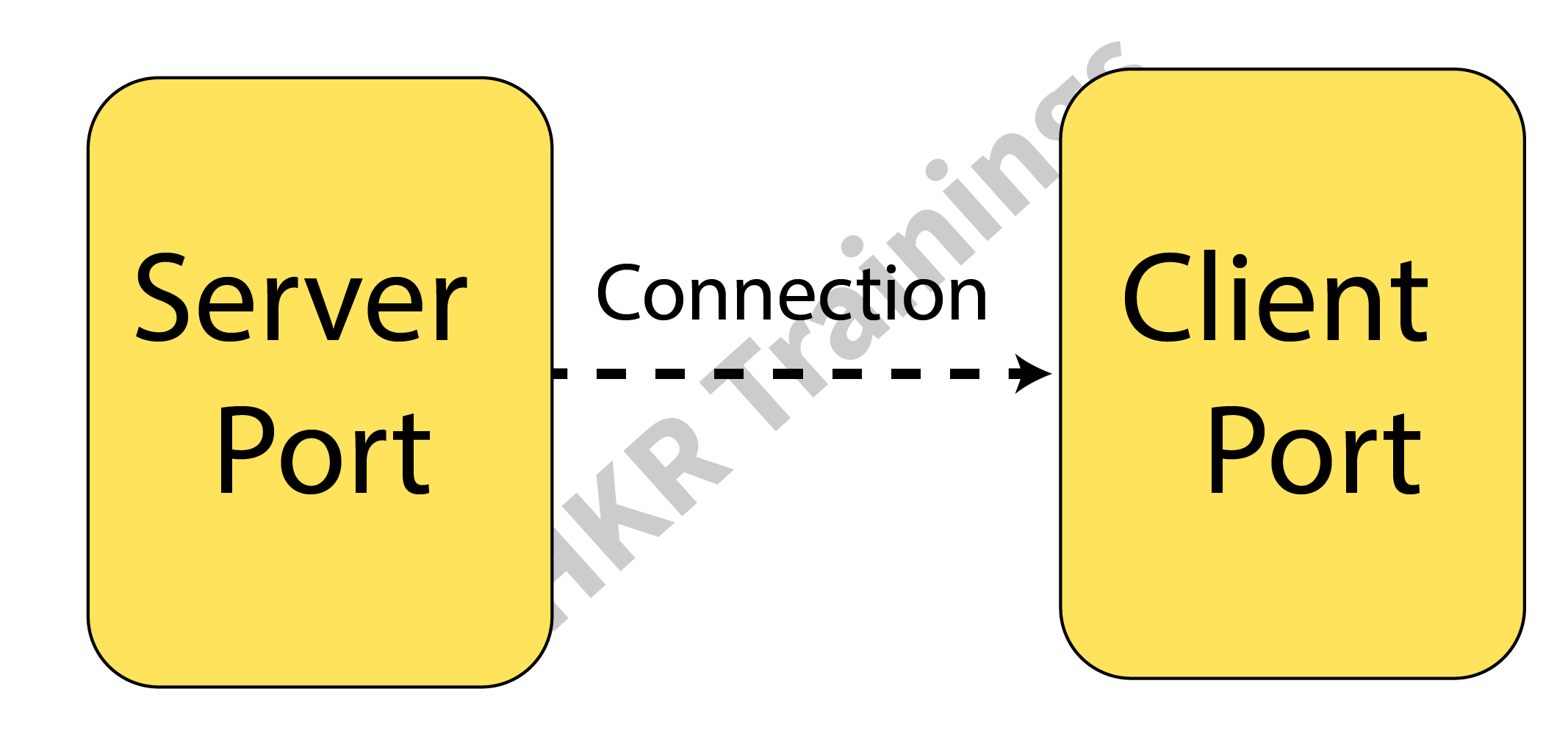
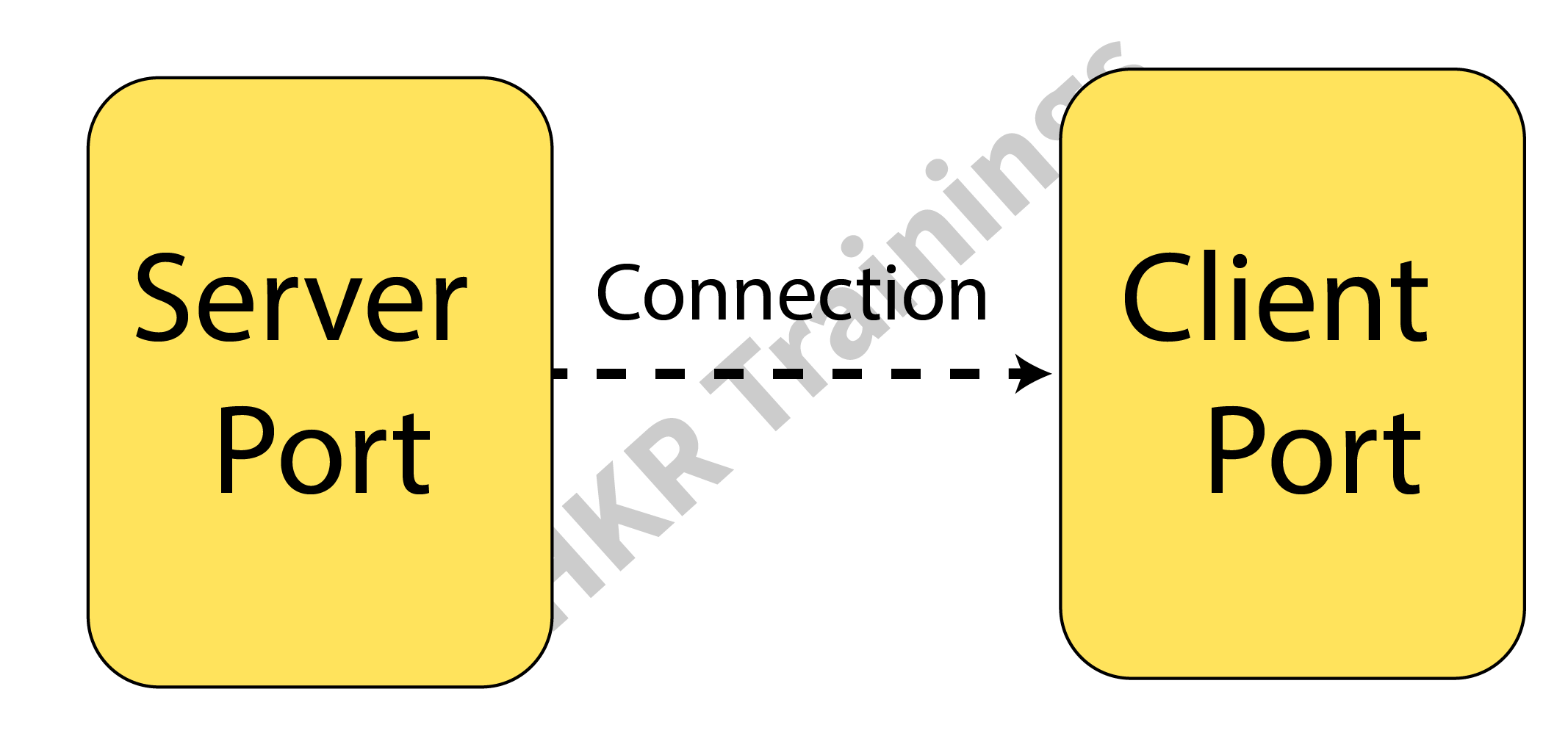
Socket programming is a method where two nodes on a network can connect and communicate with one another. While another socket reaches out to the first socket to establish a connection, one socket (or node) listens on a specific port at an IP address. While the customer reaches out for the server, the server creates the listener socket. For connection-oriented socket programming, the classes Socket and Server Socket are utilized.
Programming using Java Sockets can be either connection-oriented or connection-less. For connection-oriented socket programming, While the customer reaches out for the server, the server creates the listener socket. For connection-oriented socket programming, the classes Socket and Server Socket are utilized. and DatagramSocket classes are used, while Socket and ServerSocket are used for connection-less socket programming.
What Is Java Socket
A Java socket is one terminal of a 2-way networked communication relationship between two programs. For the TCP layer to recognize the program that data is intended to be transferred to, a socket is tied to a port number.
A port number and an IP address make up an endpoint. An implementation of one side of a 2-way connection between the Java program and another program on the network is made possible by the class Socket, which is part of the Java platform’s package. The class resides on top of the platform-specific implementation, shielding your Java program from the specifics of every given system. Your Java programs can interact over the web in a platform-independent manner by utilizing the class rather than depending on native code.
Client-Side Programming
When using the client side, in the programming, the client initially watches for the server to launch. The requests will be sent to the server once it is operational. The client will then watch for the server’s answer. So, this is how server and client communication functions overall. Let’s now go deeper into client-side and server-side programming.
For starting with the requests from the client-side, the user needs to process the following steps:
Establish a connection :
Creating a socket connection is the initial action. The socket connection signifies that the 2 machines are aware of each other’s IP address and TCP port on the network.
The following statement will let you construct a socket:
Socket s = new s(“127.0.0.1”, 5000)
The first input in this case denotes the server’s IP address.
The TCP Port is represented by the second parameter. (A number that indicates which server-side program should be running.)
Communication :
Streams are utilized for both data input and output when communicating via a socket connection. You must shut down the connection after opening it and sending the requests.
Closing the connection : Once the message has been transmitted to the server, the socket connection will explicitly close.
Wish to make a career in the world of Java? Start with HKR’S Java Training !
Java Certification Training
Master Your Craft
Lifetime LMS & Faculty Access
24/7 online expert support
Real-world & Project Based Learning
Server-Side Programming
In essence, the server will create its object and await a request from the client. The server will reply with the response once the client will send the request. Two sockets are required in order to program the server-side application, and they are as follows:
When a client calls newSocket(), a ServerSocket that is waiting for the requests from the client is created. There is a straightforward socket for client communication. Following that, you must inform the client of the outcome.
Communication
The output is sent across the socket using the getOutputStream() function.
Closing the connection
Once everything is finished, it’s crucial to shut off the connection by shutting the socket and any active input/output streams.
You can run the server-side program first after configuring the client and server ends. After that, you must transmit the request and start client-side software. The server will reply as the client sends the request. The image below shows the same.
The client will establish a connection and enter the request as a string.
The server will reply to the request sent by the client.
You must run a Java socket program in the given manner. These programs can also be run via a command window or terminal. However, as Eclipse is very feature-rich, you can easily run both apps on a console.
Subscribe to our YouTube channel to get new updates..!
Testing The Applications
The testing of applications is done using the IntelliJ application or any other IDE.
Put the two programs together.
Start the client application after starting the server software.
Write a message in the client window, and the server window will simultaneously receive and display them.
Type BYE to leave.
This can be done using a command prompt also:
Create a new folder called project (this is the name of your package).
Place the project folder’s Server.java and Client.java files.
Go to the root path on the command prompt after opening it.
Run java project.Server first, then javac projectServer.java.
Use the same process to run the client and server programs.
Messages can then be typed in the window of the client.
The application can fail when a port has already been in use. Modify port no to a special number to resolve this problem.
Acquire Jenkins certification by enrolling in the HKR Jenkins Training program in Hyderabad!
Java Certification Training
Weekday / Weekend Batches
Conclusion
In this article, we have talked about socket and socket programming. Socket programming is a method where two nodes on a network can connect and communicate with one another. While another socket reaches out to the first socket to establish a connection, one socket (or node) listens on a specific port at an IP address. We have also discussed client-side and server-side along with testing the applications.
To provide the best experiences, we use technologies like cookies to store and/or access device information. Consenting to these technologies will allow us to process data such as browsing behavior or unique IDs on this site. Not consenting or withdrawing consent, may adversely affect certain features and functions.
Functional
Always active
The technical storage or access is strictly necessary for the legitimate purpose of enabling the use of a specific service explicitly requested by the subscriber or user, or for the sole purpose of carrying out the transmission of a communication over an electronic communications network.
Preferences
The technical storage or access is necessary for the legitimate purpose of storing preferences that are not requested by the subscriber or user.
Statistics
The technical storage or access that is used exclusively for statistical purposes.The technical storage or access that is used exclusively for anonymous statistical purposes. Without a subpoena, voluntary compliance on the part of your Internet Service Provider, or additional records from a third party, information stored or retrieved for this purpose alone cannot usually be used to identify you.
Marketing
The technical storage or access is required to create user profiles to send advertising, or to track the user on a website or across several websites for similar marketing purposes.