If you travel often, elite status can quickly go from a nice-to-have perk to something you never want to travel without. Free checked bags, room upgrades, lounge access, late checkout and bonus points can make trips noticeably smoother and potentially save you hundreds or even thousands of dollars each year.
The catch? Earning airline or hotel status the traditional way usually requires a lot of travel and spending. Many airline programs require thousands of dollars in annual spending, while hotel programs often expect dozens of nights per year before you unlock meaningful perks.
Fortunately, the right travel credit card can help fast-track your path to elite status. Some cards offer automatic status just for being a cardholder, while others let you earn elite-qualifying points or nights through everyday spending.
Here are the best credit cards for earning airline and hotel elite status.
The best credit cards for airline elite status
| Airline credit cards | Elite status benefits and earnings |
|---|---|
|
Earn 1 status point per $2 spent |
|
|
Earn 1 Loyalty Point for every dollar spent on purchases
Earn 10,000 Loyalty Points after reaching 50,000 Loyalty Points in a status qualification year and another 10,000 Loyalty Points after reaching 90,000 Loyalty Points in the same status qualification year |
|
|
Earn 1 Medallion Qualification Dollar for every $10 spent
Cardmembers receive an MQD boost of 2,500 MQDs each qualification year |
|
|
Earn 1 Premier qualifying point for every $15 you spend on the card, up to 28,000 PQP in a calendar year
Cardholders receive a 1,500 PQP bonus within eight weeks of Feb. 1 each year, starting in the calendar year following their account open date |
The best credit cards for hotel elite status
The information for the JetBlue Plus Card has been collected independently by The Points Guy. The card details on this page have not been reviewed or provided by the card issuers.
Airline elite status
No credit card currently available to new applicants provides elite status automatically with any of the major U.S. airlines (though some cards will give you status on foreign carriers). However, many allow cardholders to earn incremental credits toward status. They might just be the boost you need to jump into the elite ranks or reach a higher tier.
Depending on how much you spend on your card, you may be able to earn status without ever setting foot on a plane. Below, we look at airline credit cards that fall into this camp.
Alaska and Hawaiian Airlines
Atmos Rewards is Alaska and Hawaiian Airlines’ joint loyalty program with a family of three cobranded cards. The best pick for earning elite status is the Atmos Rewards Summit card.
Atmos Rewards Summit Card
Annual fee: $395

Reward your inbox with the TPG Daily newsletter
Join over 700,000 readers for breaking news, in-depth guides and exclusive deals from TPG’s experts
Welcome offer: Earn 100,000 bonus points and a 25,000-point Global Companion Award after spending $6,500 on purchases in the first 90 days from account opening. New cardholders will also receive a 50% flight discount code for a qualifying future flight after opening their account.

Elite status: Receive 10,000 status points every card anniversary. This points boost puts you halfway to earning Atmos Rewards Silver status. You can also earn Atmos Rewards Silver status (equivalent to Oneworld Ruby status) by spending $20,000 on your card or earn Gold status (equivalent to Oneworld Sapphire) by spending $60,000.
Analysis: The Atmos Rewards Summit is an excellent pick for frequent Alaska and Hawaiian flyers. It offers perks like a free checked bag, priority boarding, two Alaska lounge passes per calendar quarter and the ability to earn Global Companion Awards. Plus, you’ll earn an unrivaled 3 points per dollar spent on all foreign transactions.
To learn more, read our full review of the Atmos Rewards Summit.
Apply here: Atmos Rewards Summit Visa Infinite credit card
American Airlines
The Citi / AAdvantage Executive World Elite Mastercard is our top pick for earning status with American Airlines, but it isn’t your only option.
If you want to keep your annual fee costs lower and still earn Loyalty Points toward elite status, consider the Citi® / AAdvantage® Platinum Select® World Elite Mastercard® or the Citi® / AAdvantage® Globe™ Mastercard® (see rates and fees). These cards have lower annual fees than the Citi AAdvantage Executive card, but considerably fewer benefits as well.
The information for the Citi / AAdvantage Platinum Select and has been collected independently by The Points Guy. The card details on this page have not been reviewed or provided by the card issuer.
Citi / AA Executive World Elite Mastercard
Annual fee: $595
Welcome offer: Earn 70,000 bonus miles after spending $7,000 on purchases in the first three months from account opening.
THE POINTS GUY
Elite status: For every mile you earn on a cobranded American Airlines credit card, such as this one, you’ll earn 1 elite-qualifying Loyalty Point. This means that you can essentially spend your way to status and to Loyalty Points Rewards.
Unfortunately, credit card welcome bonuses and category multipliers are not eligible for Loyalty Points. Cardholders earn a bonus of 10,000 Loyalty Points after reaching 50,000 Loyalty Points in a status qualification year. They will receive another bonus of 10,000 Loyalty Points after reaching 90,000 Loyalty Points in the same status qualification year.
Analysis: Having this card is much like having elite status — without the first-class upgrades. You get free checked bags, priority access on the ground (when available) and lounge access. Plus, spending on the card will help you earn Loyalty Points toward earning actual American Airlines elite status.
To learn more, read our full review of the Citi / AA Executive World Elite Mastercard.
Apply here: Citi / AAdvantage Executive World Elite Mastercard
Delta Air Lines
Delta offers a variety of cobranded American Express credit cards — four personal and three business — but choosing the best one for you can be difficult.
If you want the most from a Delta card, you’re better off going for its most premium products: the Delta SkyMiles Reserve American Express Card or the Delta SkyMiles® Reserve Business American Express Card, which is geared toward business travelers.
Delta SkyMiles Reserve American Express Card
Annual fee: $650 (see rates and fees)
Welcome offer: Find out your offer and see if you are eligible for as high as 100,000 bonus miles after spending $5,000 on purchases in the first six months of card membership. Welcome offers vary, and you may not be eligible for an offer.
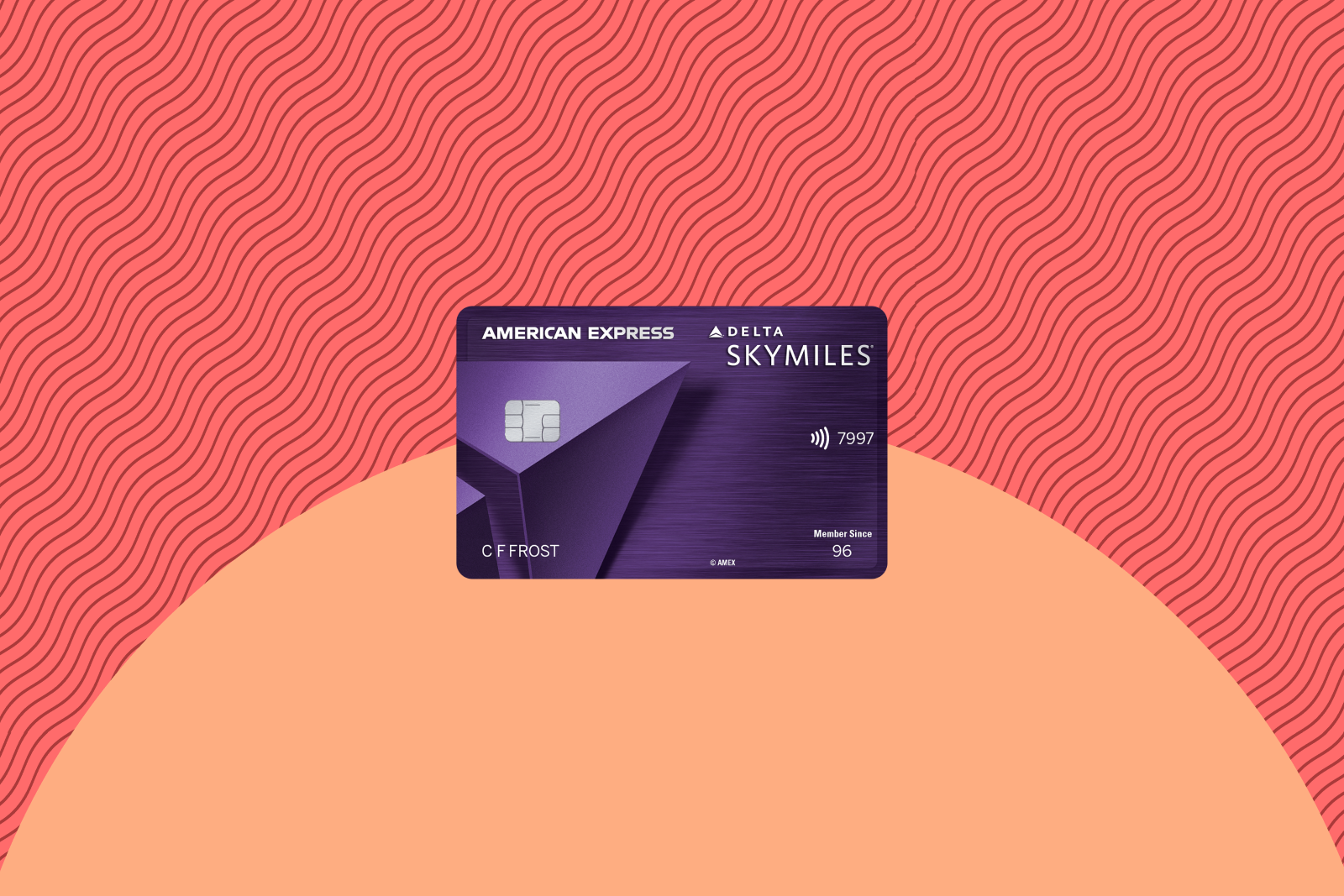
Elite status: Delta Reserve Amex cardmembers earn 1 MQD for every $10 spent, with no limit on how many MQDs can be earned through credit card spending. They also receive a 2,500 MQD boost each medallion qualificatoin year.
Analysis: The Delta Reserve is excellent for Delta flyers, as it offers access to the most valuable perks of elite status — such as space-available complimentary upgrades, lounge passes and priority boarding — right off the bat.
To learn more, read our full review of the Delta SkyMiles Reserve American Express Card.
Apply here: Delta SkyMiles Reserve American Express Card
JetBlue
JetBlue offers three personal and one business credit card through Barclays, all of which offer a pathway to status through spending.
The more premium JetBlue Premier Card offers a 25-tile bonus after year-end to fast track your Mosaic status for the following year, but it comes with a $499 annual fee.
The information for the JetBlue Premier Card has been collected independently by The Points Guy. The card details on this page have not been reviewed or provided by the card issuer.
JetBlue Plus Card
Annual fee: $99
Welcome offer: Earn 60,000 bonus points after spending $1,000 and paying the annual fee in full, both within the first 90 days from account opening.

Elite status: You can qualify for the four tiers of JetBlue Mosaic elite status purely through credit card spending — from $50,000 for Level 1 to $250,000 for Level 4, both based on calendar-year spending.
Analysis: While earning Mosaic status purely through spending with this card is nice, it’s an expensive option. Mosaic Level 1 status can be achieved by earning 50 Tiles, which requires $5,000 in JetBlue spending or $50,000 in JetBlue credit card spending, or a combination of the two.
To learn more, read our full review of the JetBlue Plus Card.
Southwest Airlines
Southwest offers frequent flyers several options for credit cards. With three personal cards and two business cards, it can be hard to decide which card is right for you. However, if you’re after A-List status and a Southwest Companion Pass, then the Southwest Rapid Rewards Priority Credit Card is the card for you.
Southwest Rapid Rewards Priority Credit Card
Annual fee: $229
Welcome offer: Earn 60,000 bonus points after spending $2,000 on purchases in the first three months from account opening.

Elite status: You can earn 2,500 TQPs for every $5,000 spent on purchases annually, and there’s no limit to how many TQPs you can earn. This can help you get to A-List status with Southwest. All points earned with this card, including the welcome bonus, count toward Companion Pass eligibility, too.
Analysis: This card is great for Southwest flyers, as it gives you a shortcut to both A-List status and the Companion Pass.
To learn more, read our full review of the Southwest Rapid Rewards Priority Credit Card.
Apply here: Southwest Rapid Rewards Priority Credit Card
United Airlines
If you’re interested in United Club access and credit card purchases counting toward elite status, then the United Club Card is an excellent choice.
United Club Card
Annual fee: $695
Welcome offer: Earn up to 90,000 bonus miles: Earn 80,000 bonus miles after spending $5,000 on purchases in the first three months from account opening. Plus, earn 10,000 bonus miles after adding an authorized user in the first three months from account opening.

Elite status: Cardholders can earn up to 28,000 PQPs per calendar year by earning 1 PQP for every $15 spent on the card.
Analysis: This card offers many perks, including Premier Access travel services and United Club access at the airport. That said, you can also use it to shortcut your way to elite status through spending.
To learn more, read our full review of the United Club Card.
Apply here: United Club Card
Hotel elite status
Hotel chains are much more generous than airlines when it comes to awarding elite status. You can get automatic elite status with Marriott, Hilton, Hyatt and IHG without staying at any of their properties or spending on your cobranded credit card.
Hilton Honors
The Hilton Aspire is a great choice for Hilton Honors elite status. However, if you don’t want a hefty annual fee, the Hilton Honors American Express Surpass® Card provides a pathway to elite status for a $0 introductory annual fee for the first year, then a $150 annual fee each year thereafter (see rates and fees).
Hilton Honors Aspire Card from American Express
Annual fee: $550 (see rates and fees)
Welcome offer: Earn 175,000 bonus points after spending $6,000 on purchases in the first six months of card membership.
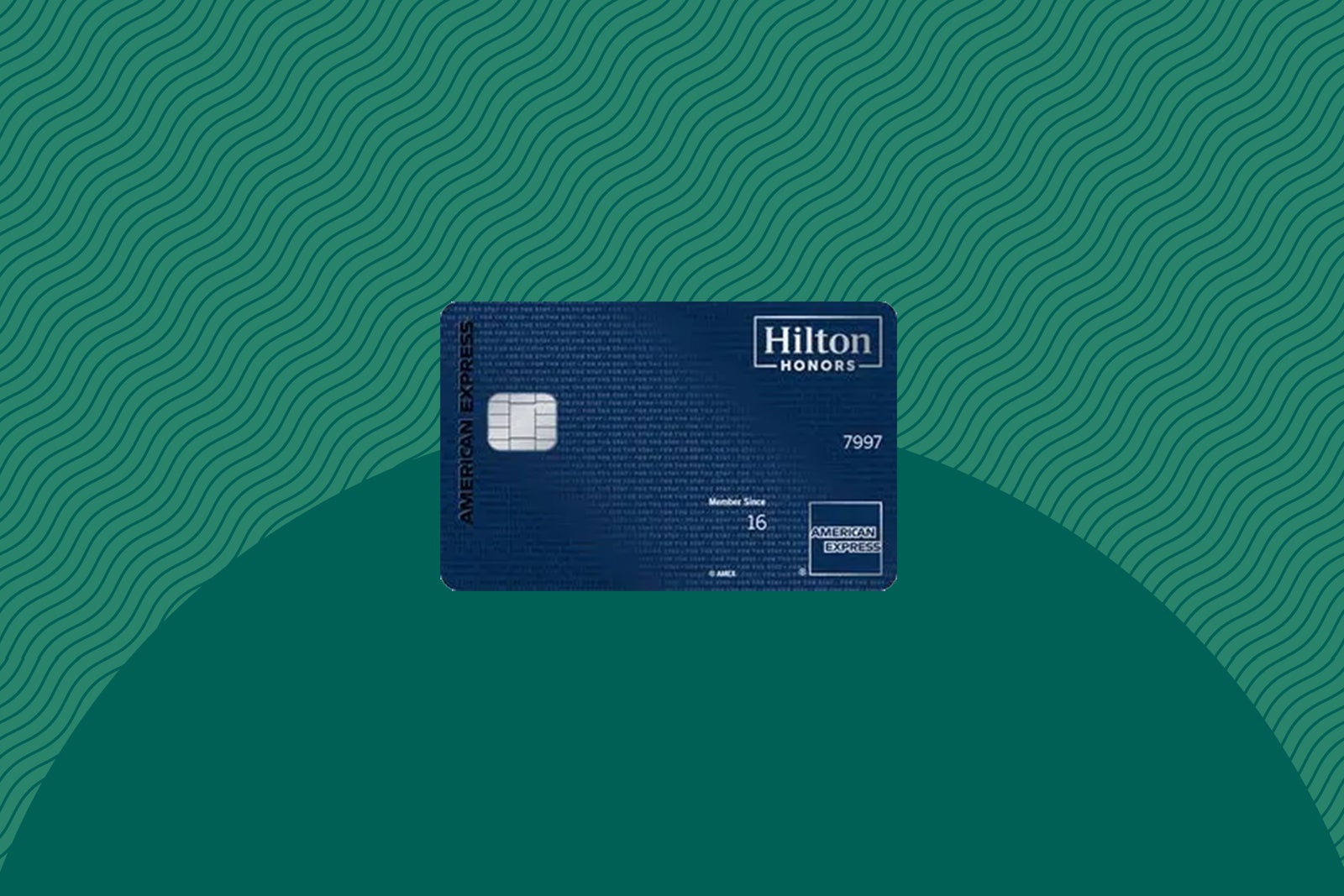
Elite status: Enjoy automatic Hilton Honors Diamond status.
Analysis: This card is a must-have for Hilton fans. Diamond status provides perks like guaranteed lounge access (at properties that have them), room upgrades (when available), free breakfast or food-and-beverage credits and more.
To learn more, read our full review of the Hilton Aspire Amex.
Apply here: Hilton Honors American Express Aspire Card
IHG One Rewards
The IHG One Rewards Premier Credit Card is a good travel card for IHG enthusiasts.
IHG One Rewards Premier Credit Card
Annual fee: $99
Welcome offer: Earn up to 185,000 bonus points: 150,000 bonus points after spending $3,000 on purchases in the first three months from account opening, plus an additional 35,000 bonus points after spending $6,000 on purchases in the first six months from account opening.

Elite status: Enjoy automatic IHG One Rewards Platinum Elite and move up to Diamond status through the end of the next calendar year after spending $40,000 on the card within a calendar year.
Analysis: As long as you spend more than a few nights a year at IHG properties, Platinum Elite status alone can be worth the card’s $99 annual fee. Standout perks include 60% bonus points on paid stays, discounts on reward redemption rates, room upgrades and late checkout when available and a welcome amenity.
To learn more, read our full review of the IHG Premier card.
Apply here: IHG One Rewards Premier Credit Card
Marriott Bonvoy
Cobranded Marriott Bonvoy cards stand out because both American Express and Chase have their own card lineup. But if you want the most from your Marriott portfolio hotel stays, go with the Marriott Bonvoy Brilliant American Express Card, as it offers the highest level of elite status for a cardmember.
Marriott Bonvoy Brilliant American Express
Annual fee: $650 (see rates and fees)
Welcome offer: Earn up to 150,000 bonus points: 100,000 bonus points after spending $6,000 on purchases in the first six months of card membership, plus an additional 50,000 bonus points after spending $2,000 on purchases (for a total of $8,000) in the first six months of card membership.
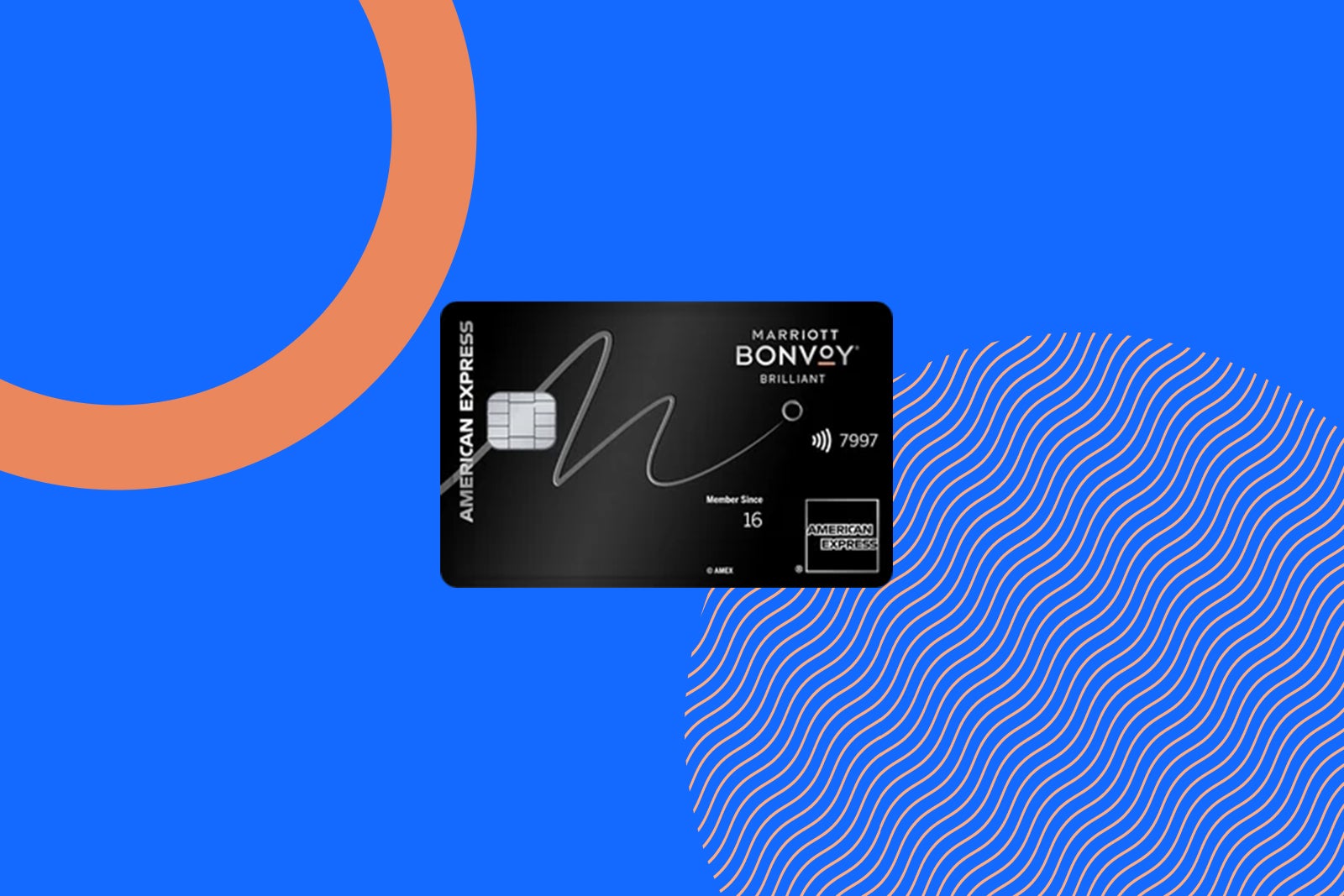
Elite status: Enjoy complimentary Platinum Elite status, which provides benefits like upgrades at check-in (including suites, when available), late checkout and a welcome amenity for each stay. Each calendar year, you also receive credits for 25 nights to help you reach the next level of Marriott Bonvoy elite status.
Pro tip: Holding the Marriott Bonvoy Business® American Express® Card and Bonvoy Brilliant will net you 40 elite night credits, meaning you would only need to stay 35 more nights per year to earn Titanium elite status.
To learn more, read our full review of the Marriott Bonvoy Brilliant American Express card.
Apply here: Marriott Bonvoy Brilliant American Express Card
World of Hyatt
The World of Hyatt is a favorite among TPG staffers and points and miles enthusiasts alike. The program’s stellar redemption rates and growing portfolio have given Hyatt an edge in the marketplace.
World of Hyatt Credit Card
Annual fee: $95
Welcome offer: Earn up to 60,000 points: 30,000 bonus points after spending $3,000 on purchases in the first three months from account opening and up to 30,000 more bonus points by earning 2 bonus points total per $1 spent in the first six months from account opening on up to $15,000 spent.
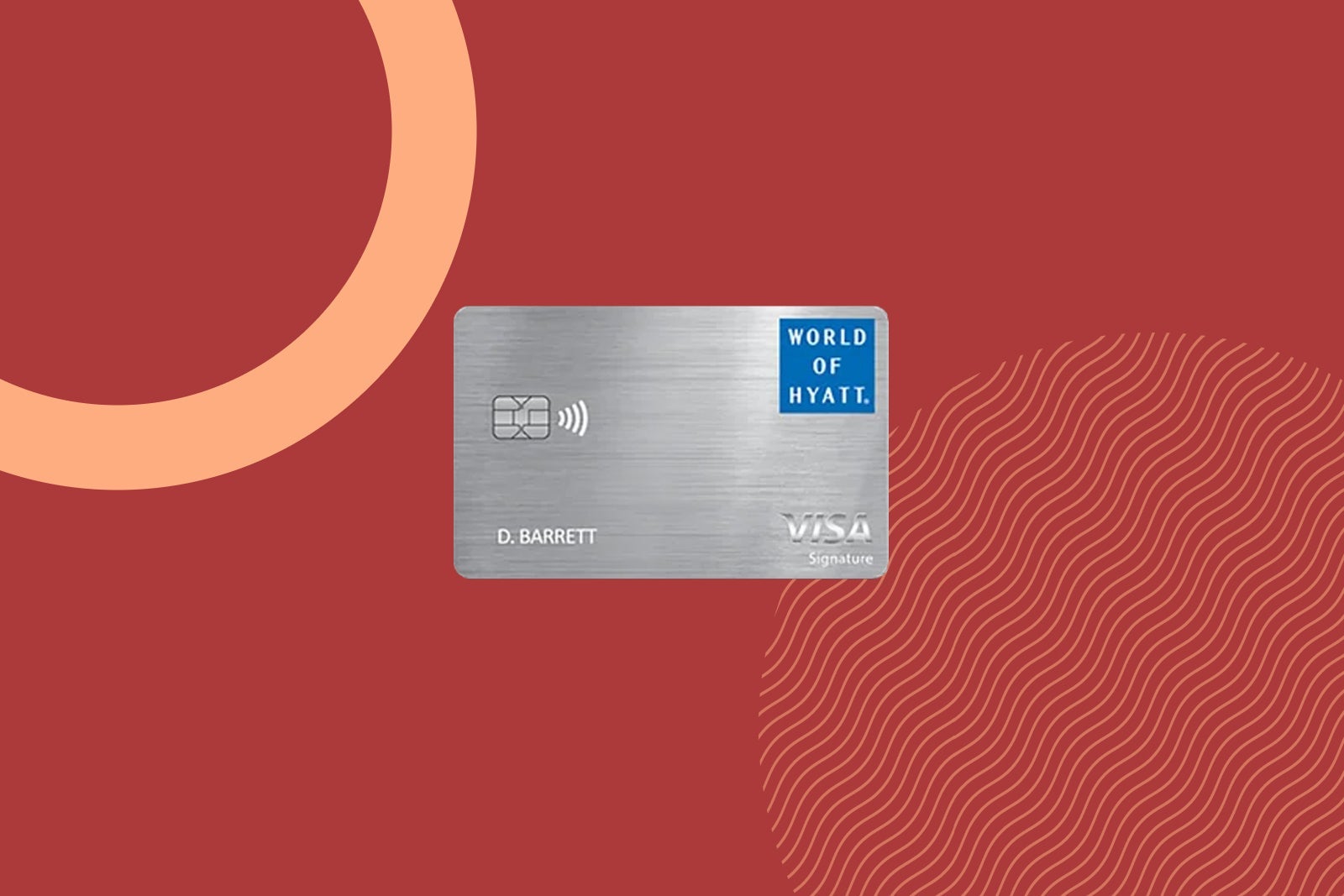
Elite status: Automatic Hyatt Discoverist status, although you also receive five qualifying night credits toward the next level of elite status each year and the opportunity to earn two additional night credits for every $5,000 spent on the card each calendar year.
Similarly, the World of Hyatt Business Credit Card (see rates and fees) also provides automatic World of Hyatt Discoverist status, plus the ability to gift this status to up to five employees. Cardholders also earn five tier-qualifying nights for each $10,000 spent on the card each calendar year, helping you earn higher levels of status and Milestone Rewards.
Analysis: Discoverist status is among the most valuable lowest-tier hotel elite status levels. It comes with a 10% points bonus when staying at Hyatt properties, space-available upgrades to preferred rooms within the same category, daily bottled water, complimentary premium internet, late checkout when available and access to the elite reservation line. Higher levels of status are also within reach if you’re willing to put some spending on the card.
To learn more, read our full review of the World of Hyatt card.
Apply here: World of Hyatt Credit Card
American Express
This is a solid choice for hotel elite status because, as a premium travel credit card, the American Express Platinum Card offers automatic elite status to three hotel brands.
American Express Platinum Card
Annual fee: $895 (see rates and fees)
Welcome offer: Find out your offer and see if you are eligible for as high as 175,000 bonus points after spending $12,000 on purchases in the first six months of card membership. Welcome offers vary, and you may not be eligible for an offer.
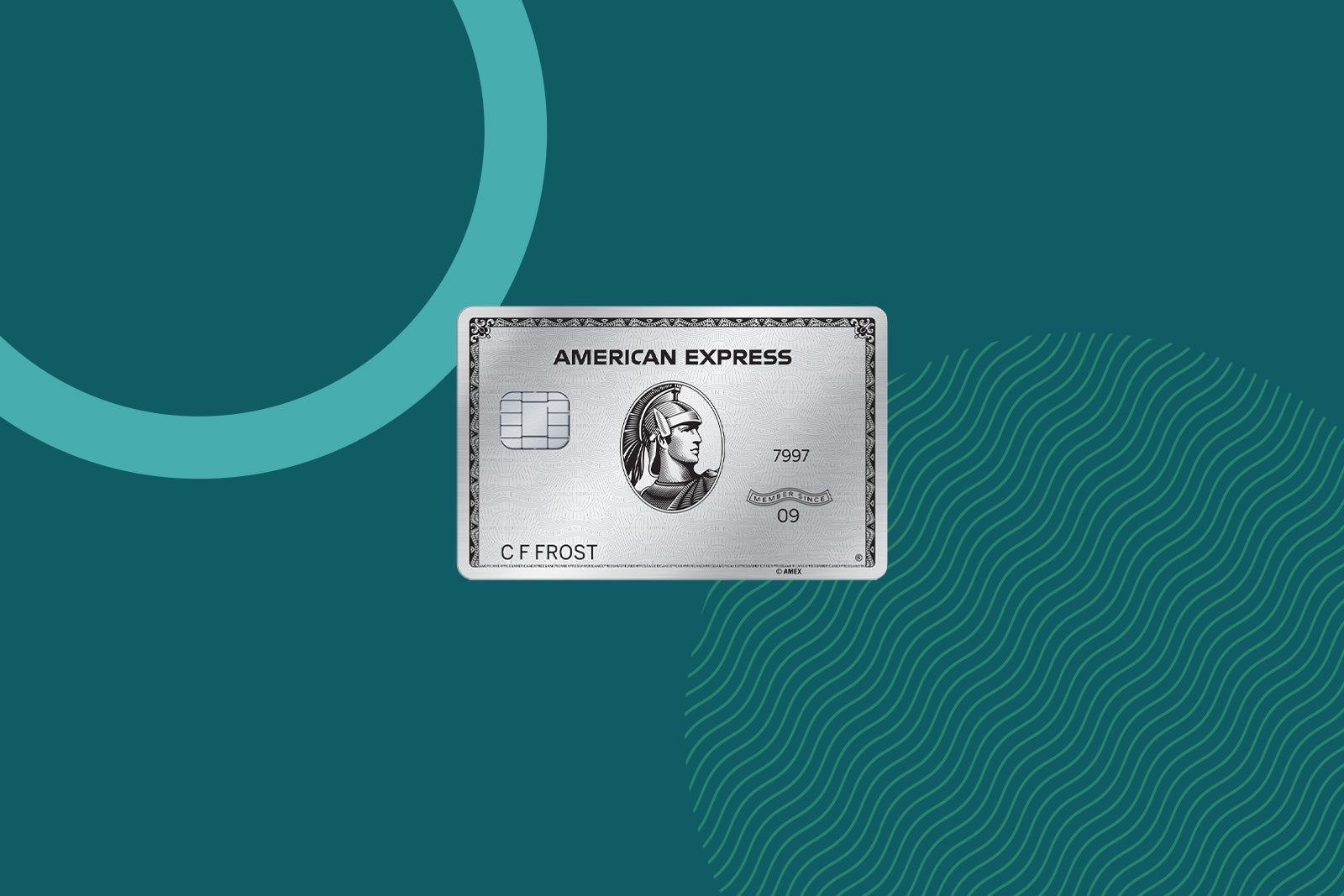
Elite status: Cardmembers can register for automatic Hilton Honors Gold status, Marriott Bonvoy Gold Elite status and Leaders Club Sterling Status from The Leading Hotels of the World (enrollment required).
Analysis: This is easily the best card for hotel stays across several top hotel brands. You can register for elite status with both Hilton and Marriott, as well as Sterling status from The Leading Hotels of the World, but also enjoy highly valuable benefits on Amex Fine Hotels + Resorts stays. Every FHR stay includes perks such as complimentary room upgrades when available, free breakfast, check-in at noon when available, 4 p.m. checkout, and a $100 credit for eligible charges that vary by property.
To learn more, read our full review of the Amex Platinum.
Apply here: American Express Platinum Card
Chase
Like the Amex Platinum, the Chase Sapphire Reserve provides hotel elite status to cardholders. If you’re willing to put at least $75,000 of spending on your card in a calendar year, you’ll receive even more status benefits.
Annual fee: $795
Welcome offer: Earn 150,000 bonus points after spending $6,000 on purchases in the first three months from account opening.

Elite status: Cardholders receive automatic IHG One Rewards Platinum Elite status (through Dec. 31, 2027; activation required). They can unlock IHG One Rewards Diamond Elite Status and Hyatt Explorist status after spending at least $75,000 in a calendar year.
Analysis: Automatic IHG Platinum status is solid, but you can get that same benefit with the cobranded IHG One Rewards Premier Credit Card for a significantly lower annual fee.
If you’re spending $75,000 or more on your card in a calendar year, IHG One Rewards Diamond Elite Status and Hyatt Explorist status could be decent value add-ons. Still, for the Sapphire Reserve’s high annual fee, it’s worth taking inventory of your setup to see if that’s worth it.
To learn more, read our full review of the Sapphire Reserve.
Apply here: Chase Sapphire Reserve
Bottom line
Elite status can absolutely be worth pursuing if you travel often enough to take advantage of the perks. And while most travelers won’t earn top-tier status solely through credit card spending, the right card can make qualifying much easier.
Some cards offer automatic hotel status without requiring a single stay, while others help bridge the gap toward airline or hotel elite tiers through everyday purchases. The best option ultimately depends on your travel habits, loyalty to a specific brand and whether the perks you’ll receive outweigh the card’s annual fee.
Related: Best travel credit cards
For rates and fees of the Delta Reserve Amex, click here.
For rates and fees of the Hilton Honors Surpass Amex, click here
For rates and fees of the Hilton Honors Aspire Card, click here.
For rates and fees of the Marriott Bonvoy Brilliant Amex, click here.
For rates and fees of the Amex Platinum, click here.

Stacie Harris is a local resident and reporter of the Maple Grove area. Stacie reports on medicine and science for the Maple Grove Report.