
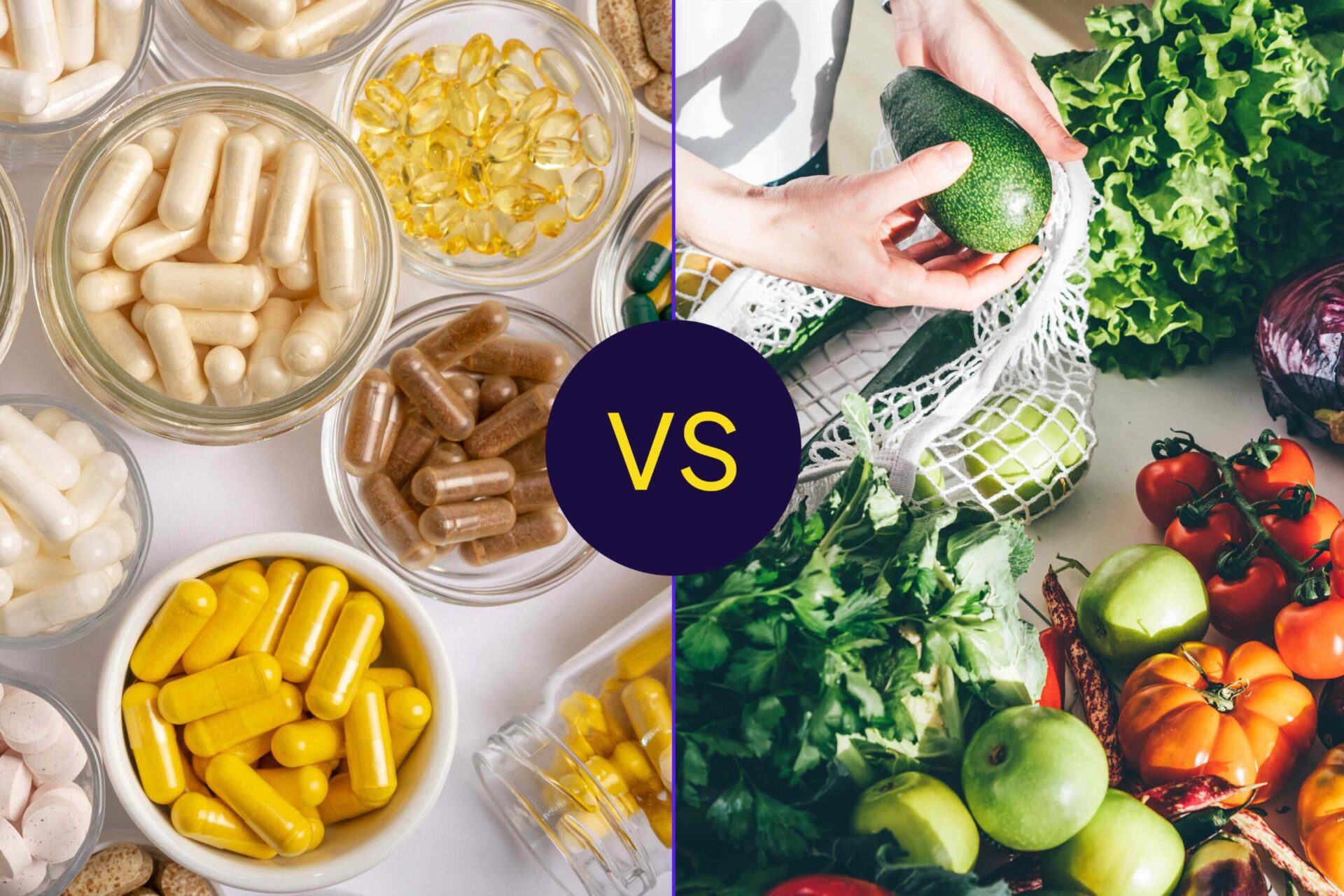
:max_bytes(150000):strip_icc():format(jpeg)/WholeFoodsVSSupplements-4bd28638f4114d269d1b15511daff4bf.jpg "Comparison of dietary supplements in capsules and fresh fruits and vegetables illustrating contrasting dietary sources")
Credit: Health / Getty Images
- Whole foods contain additional compounds that enhance overall health, which are not present in a single isolated ingredient found in supplements.
- Whole foods may boost nutrient absorption better than supplements because of how nutrients work together in the body.
- Supplements may help restore a confirmed vitamin and nutrient deficiency faster than whole foods can.
In general, whole foods offer more health benefits and better absorption of essential vitamins and nutrients than supplements.
However, certain conditions can reduce how well your body absorbs vitamins, such as celiac disease. In these cases, getting concentrated vitamin doses through supplements may offer greater benefits.
Whole Foods vs. Supplements: Which Is Better?
Some studies suggest that nutrients are most potent when obtained from food. Also, supplements may not affect or reduce disease risk to the same extent as whole foods.
A 2021 study found that eating foods rich in nutrients such as vitamins, minerals, and polyphenols reduced the risk of death from heart disease. However, taking the same nutrients as supplements did not show the same benefit.
In addition, whole foods may boost absorption more than supplements due to nutrient synergy, which is when different nutrients work together to improve overall health when consumed together rather than individually.
The use of supplements may also have some negative health effects compared to whole foods, especially when consumed in high doses.
Benefits of Whole Foods
Whole foods are foods that have been minimally processed or have not been significantly altered from their natural states. Many whole foods provide a range of vitamins and minerals, while some also have fiber and antioxidants.
Health Effects from Antioxidants, Fiber, and Other Compounds
Studies show that whole foods, especially those from plants, contain phytochemicals (such as carotenoids and flavonoids) and dietary fiber. These compounds offer a wide range of health benefits, including disease prevention. A dietary supplement of a single isolated vitamin or mineral would not provide these additional benefits.
For example, carrots are packed with several vitamins, especially A, C, and K. However, they are also rich in phytochemicals, such as carotenoids, polyphenols, and polyacetylenes. These phytochemicals help support immune function, improve antioxidant activity, and lower inflammation.
Higher Nutrient and Vitamin Absorption
As part of a balanced diet, whole foods can offer better vitamin absorption than individual supplements. This is because whole foods contain other complementary compounds that enhance the nutrients' bioavailability (how easily the body can use or access these nutrients).
A 2011 study compared the bioavailability of isothiocynates, the main compound in broccoli responsible for its benefits in reducing cancer risk, in whole broccoli versus supplements. The researchers found that supplements did not produce the same level of bioavailable isothiocynates as whole broccoli. This is because many supplements lack the active enzyme which is needed to convert their natural compounds into forms the body can easily absorb. Whole broccoli naturally contains this enzyme.
Multiple Nutrients Work Better Together
Different compounds in whole foods work together to enhance their overall health benefits. This is called nutrient synergy. Each vitamin, mineral, or other compound offers an individual health effect. When these nutrients enter the body together, as when eating whole foods, their similar effects compound for greater benefit. This is why a diet based in whole foods can offer benefits like lower inflammation and improved immune activity that supplements cannot.
For instance, some research suggests that antioxidant compounds found in natural products are more effective than those isolated in supplement form, because different antioxidants work together to enhance their effectiveness.
When Are Supplements Helpful?
While it is generally recommended to get your essential nutrients from food, there are times when vitamins and dietary supplements may be a better alternative.
For example, certain health conditions can affect your gastrointestinal system and how well your body absorbs nutrients. This can cause you to become deficient in one or multiple nutrients. In these cases, a supplement can help treat or prevent deficiencies.
Some conditions that may benefit from supplementation include:
- Vitamin or mineral deficiency: Supplements may help restore a diagnosed vitamin and nutrient deficiency faster than whole foods can. This is because supplements often contain much higher doses than found in whole foods. However, your healthcare provider may require you to take it alongside a well-balanced diet.
- Medical conditions that reduce absorption: For people living with malabsorption disorders, such as celiac disease or lactose intolerance, that impair the digestion or absorption of essential nutrients, supplements may prevent or correct vitamin deficiencies.
- Pregnancy: During pregnancy, higher intakes of vitamins and minerals like folic acid and iron are necessary to support maternal health and the healthy development of the fetus. As a result, supplements offer a way to meet these needs.
Supplements are not a replacement for a healthy diet, and should only be taken with the recommendation of a healthcare provider or registered dietitian.









