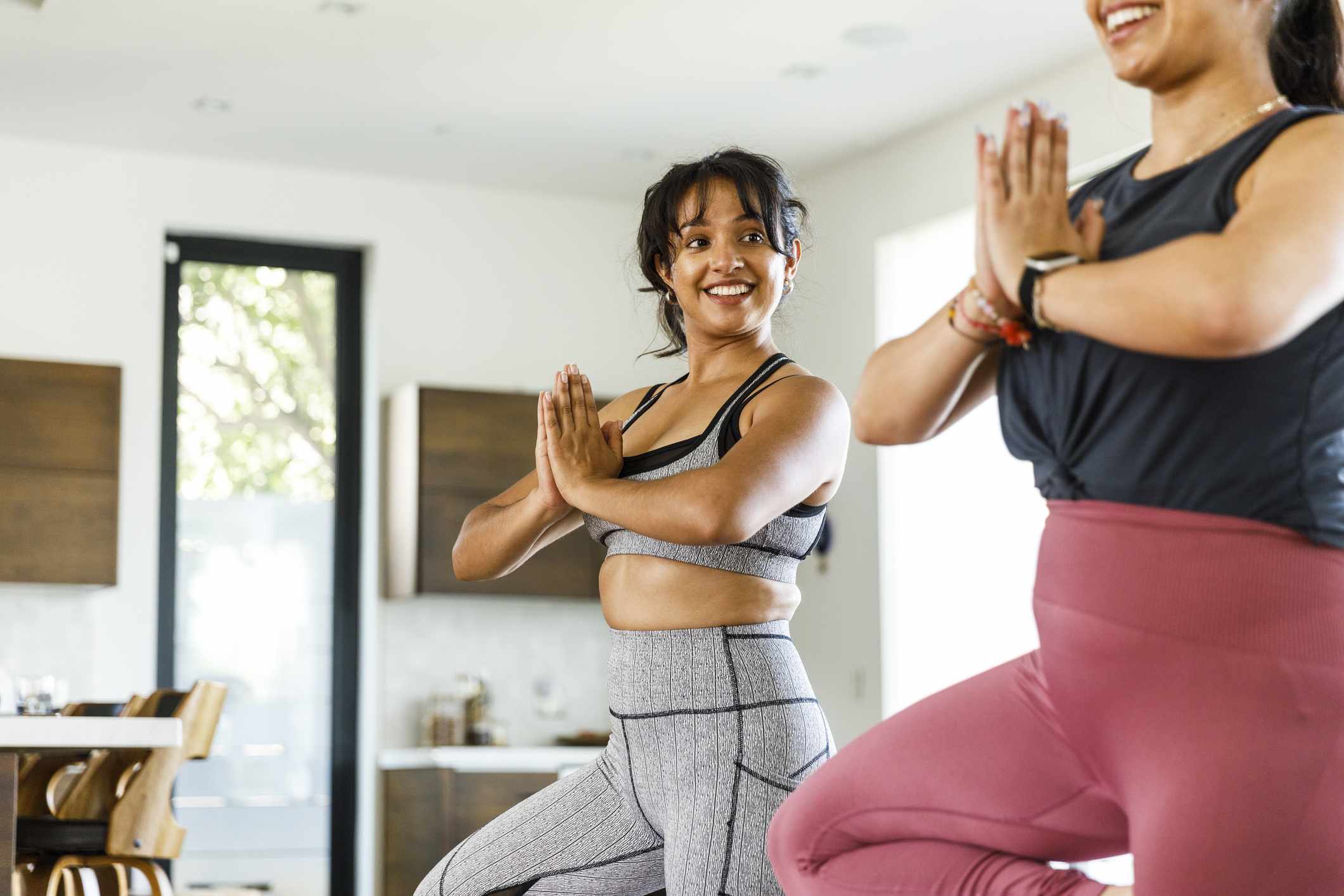
:max_bytes(150000):strip_icc():format(jpeg)/Health-GettyImages-1426186329-a5fdd9710da0476b9d4b8f5561fb7779.jpg "Two women in athletic clothes stand in a yoga tree pose in a sunny living room")
Credit: The Good Brigade / Getty Images
- Good balance requires strength, coordination, and body awareness.
- Regular balance training can help improve your stability and may reduce your risk of falls.
- Simple exercises can be performed at home to strengthen the muscles that support good posture and confidence with everyday movements.
Working on your balance can help you feel steady during workouts and continue to move with confidence as you get older. Simple balance exercises can target key muscles to keep you strong and steady.
1. Single-Leg Stand
Standing on one leg may look simple, but it challenges just about every part of your balance system at once. This exercise targets the muscles in your feet, ankles, hips, and core. It also improves your body's proprioception, or awareness of where your body is in space.
To perform single-leg stands:
- Start standing tall with your feet hip-width apart, holding onto a stable surface if needed.
- Slowly lift one foot a few inches off the floor.
- Hold it for anywhere from 10 to 60 seconds.
- Repeat on the opposite side, performing three sets on each.
As you become stronger and more confident, you can reduce the amount of support you use or even close your eyes for a greater challenge.
2. Heel-to-Toe Walk
Heel-to-toe walking, also known as tandem walking, helps improve dynamic balance and coordination, both of which are important for walking with confidence.
To perform heel-to-toe walking:
- Start standing tall with your arms relaxed at your sides.
- Place one foot directly in front of the other, so your heel touches your opposite foot's toes.
- Continue walking forward in a straight line following this pattern for 10-20 steps.
- Turn around and repeat three times in each direction.
This movement challenges your stability as your center of gravity shifts, mimicking what it’s like to walk on an uneven surface.
3. Sit-to-Stand
Standing up from a chair is a movement that you most likely perform multiple times each day. Practicing it can help strengthen your glutes, quadriceps, and core muscles to support your balance and mobility.
To perform sit-to-stands:
- Sit near the front edge of a sturdy chair with your feet flat on the floor, holding onto a stable surface in front of you if needed.
- Lean your upper body slightly forward and press through your heels to stand up.
- Slowly lower yourself back down with control.
- Perform three sets of 10 repetitions.
For an added challenge, try decreasing the amount of upper-body support you use by crossing your arms over your chest instead.
4. Heel Raises
Strong calf muscles and ankles play an important role in keeping you steady while you walk, climb stairs, or change direction during movement.
To perform heel raises:
- Stand tall, holding onto a countertop or sturdy chair for support if needed.
- Rise onto your toes and hold for one to two seconds.
- Lower your heels to the floor with control.
- Perform three sets of 10 repetitions.
For an added challenge, try to decrease the amount of upper-body support you use, or perform the movement on one leg at a time.
5. Marching in Place
Marching in place helps challenge your single-leg stability while also strengthening your hip flexors, core, and postural muscles, all crucial for balance and stability.
To perform marching in place:
- Stand tall with your feet hip-width apart, holding onto a countertop or sturdy chair for support if needed.
- Lift one knee towards your chest to about hip height.
- Slowly lower it and switch sides.
- Continue alternating for 20-30 seconds, performing three sets total.
Focus on slow, controlled movements rather than speed. Holding one knee lift for a few seconds can also increase the challenge.
Why Prioritize Balance Training
Good balance is influenced by multiple different bodily systems working together, including your muscles, joints, vision, inner ear, and even your nervous system. As you age, or after injury, illness, pregnancy, or periods of inactivity, these systems may become less efficient.
Prioritizing balance training and incorporating it into your routine may help:
- Improve posture and coordination
- Increase lower-body strength
- Improve confidence during movement
- Reduce fall and fracture risk
- Support independence in daily activities
Even a few minutes of balance training several times per week can make a noticeable difference in strength, stability, and confidence over time.
How to Safely Practice Balance Exercises
When starting to incorporate balance training into your exercise routine, safety should be your top priority. Perform the exercises near a stable surface such as a countertop, wall, or sturdy chair until you feel confident enough to reduce the amount of support.
Some additional tips include:
- Wear supportive shoes or go barefoot on a non-slip surface.
- Focus on moving slowly and with control, not worrying about speed.
- Stop if you feel dizzy, lightheaded, or unsafe.
- Progress the exercises gradually rather than rushing to challenge yourself.
Consistency is what helps build better balance over time, not perfection.