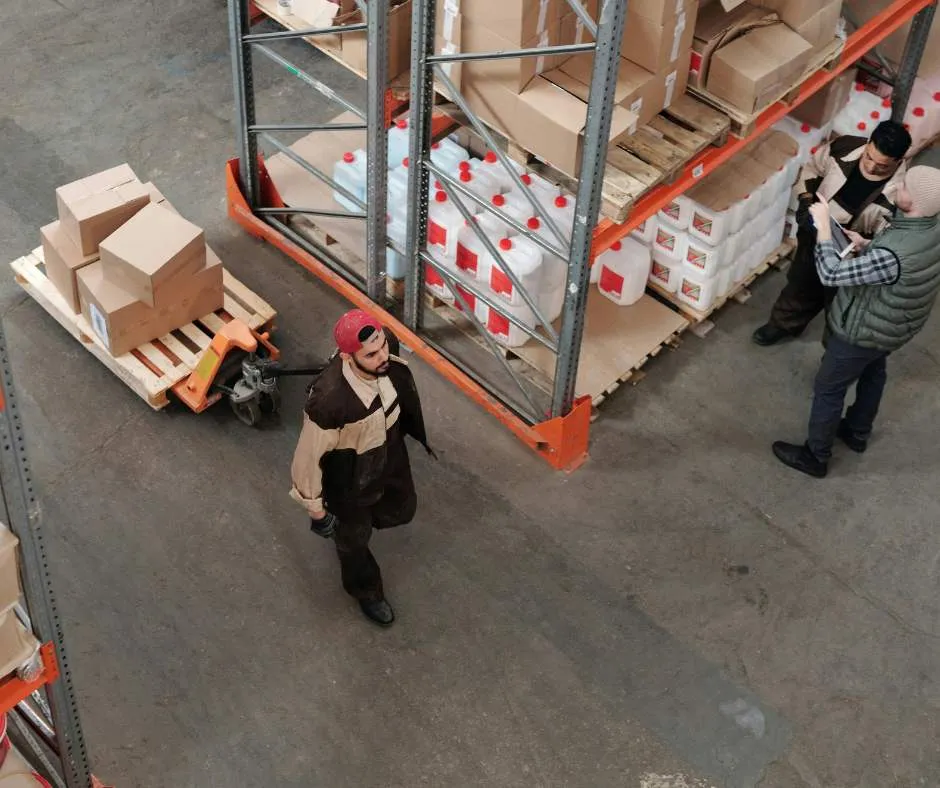
The global logistics industry has experienced significant growth in recent years, driven by the continued rise of e-commerce and expanding international trade. This has prompted many regions to invest heavily in logistics infrastructure to meet growing demand. Singapore, for example, has established itself as a leading logistics hub through investments in modern logistics facilities and a skilled workforce. As logistics demands continue to increase, warehouses must also evolve to maintain productivity, accuracy, and service quality.
One way businesses can keep pace is by upgrading their warehouse equipment. Modern equipment can help improve operational efficiency and enhance workplace safety, allowing warehouses to handle growing volumes more effectively. However, equipment upgrades often require substantial investment and can have a lasting impact on day-to-day operations. Making the wrong decision can result in unnecessary costs, operational disruptions, and reduced productivity.
That’s why, before committing to an upgrade, it’s important to carefully assess several key factors to ensure the investment delivers lasting value. Let’s explore some crucial considerations to help ensure your warehouse equipment investment truly strengthens your operations.
Key Takeaways
|
1) Current Operational Challenges
Before upgrading any warehouse equipment, it’s important to identify the specific operational issues that need to be addressed. These may include slow picking and packing processes, frequent equipment downtime, inefficient material handling, or rising labour demands that your existing setup can no longer support. Without a clear understanding of the problem, it’s easy to invest in equipment that doesn’t actually solve your core issues.
Taking the time to evaluate current operations can also prevent businesses from purchasing equipment based solely on trends or technological advancements. By clearly defining the challenges affecting productivity, accuracy, or workflow efficiency, you can select upgrades that deliver meaningful improvements and measurable results.
2) Future Growth and Capacity Requirements
Warehouse equipment shouldn’t just meet your current needs, it should also support where your business is heading. Think about whether your order volumes or inventory levels are likely to grow over the next few years. If demand increases, your equipment needs to scale with it, or you may find yourself upgrading again sooner than expected.
At the same time, it’s important not to overinvest in systems that go far beyond your realistic growth plans. Oversized or overly advanced equipment can lead to unnecessary costs and underutilised capacity. The key is finding a balance between flexibility for growth and practical, cost-effective planning.

3) Return on Investment (ROI)
Upgrading warehouse equipment is a major financial decision, so you need to understand whether it will actually pay off in the long run. This means looking at how much time, labour, and operational costs the new equipment can save compared to what you’re currently using. It may also involve evaluating improvements in accuracy, throughput, and reduced downtime.
A clear ROI analysis helps you avoid spending money on upgrades that look good on paper but don’t deliver real operational value. When you can link the investment to measurable gains, it becomes easier to justify the cost and prioritise the right upgrades.
4) Compatibility with Existing Systems and Warehouse Layout
Any new equipment you bring in needs to fit seamlessly into your existing warehouse environment. This includes your warehouse management system, storage racking, material flow processes, and even physical constraints like aisle width and ceiling height. If the equipment doesn’t align with your setup, it can create more problems than it solves.
Poor compatibility can lead to workflow disruptions, along with extra modification costs and longer implementation times. If you can check your fit early, you’ll be able to ensure that the upgrade supports your operations rather than forcing you to redesign parts of your warehouse around it.
5) Total Cost of Ownership
The upfront price of equipment is only part of the story. You also need to consider ongoing costs like maintenance, repairs, spare parts, energy usage, software subscriptions, and potential downtime. These long-term expenses can significantly affect the true cost of your investment.
In some cases, renting equipment instead of buying it outright may be a smarter option. Rental can be especially useful if your demand is seasonal or project-based. Comparing purchase versus rental helps you choose a solution that fits both your budget and operational flexibility.

6) Workplace Safety and Employee Usability
Safety should always be a top priority when upgrading warehouse equipment. Modern systems often come with improved safety features, better ergonomics, and automation that reduces manual handling risks. These improvements don’t just protect your workers, they also help reduce downtime caused by workplace incidents.
You should also consider how easy the equipment is for your team to use. If it’s too complex, it can slow down operations and increase training time. Equipment that’s intuitive and user-friendly helps your staff adapt quickly and maintain consistent productivity.
7) Equipment Reliability and Supplier Support
Reliable equipment is essential in a warehouse environment where downtime directly affects operations. Before making a purchase, consider how often the equipment is likely to require maintenance and how it performs under heavy, continuous use. Poor reliability can quickly turn a promising upgrade into an ongoing operational issue.
Just as important is the level of support you get from the supplier. Strong after-sales service, readily available spare parts, and responsive technical support can make a big difference when issues arise. Choosing a dependable supplier helps ensure your equipment continues to perform well throughout its lifecycle.
Making the Right Upgrade Decision
The decision to upgrade your warehouse equipment can deliver significant improvements, but only when it’s backed by careful planning and a clear understanding of operational needs. By weighing the factors above, you can avoid unnecessary spending and ensure each investment genuinely supports your business goals. With a well-considered decision today, it’s possible to build a more efficient and resilient warehouse for the future.
Curious what the best business coaches in the world would recommend for your growth?
Frequently Asked Questions
1. How do I know when it’s time to upgrade warehouse equipment?
It’s time to consider an upgrade when your warehouse experiences frequent equipment downtime, slow picking and packing processes, inefficient material handling, or increasing order volumes that your current equipment can no longer support efficiently.
2. What should businesses consider before investing in new warehouse equipment?
Businesses should evaluate their current operational challenges, future growth plans, return on investment (ROI), equipment compatibility, total cost of ownership, workplace safety, and the reliability of both the equipment and supplier before making an investment.
3. Why is total cost of ownership important when upgrading warehouse equipment?
The purchase price is only one part of the investment. Businesses should also consider maintenance, repairs, spare parts, energy consumption, software costs, and potential downtime to understand the long-term value and cost of the equipment.