
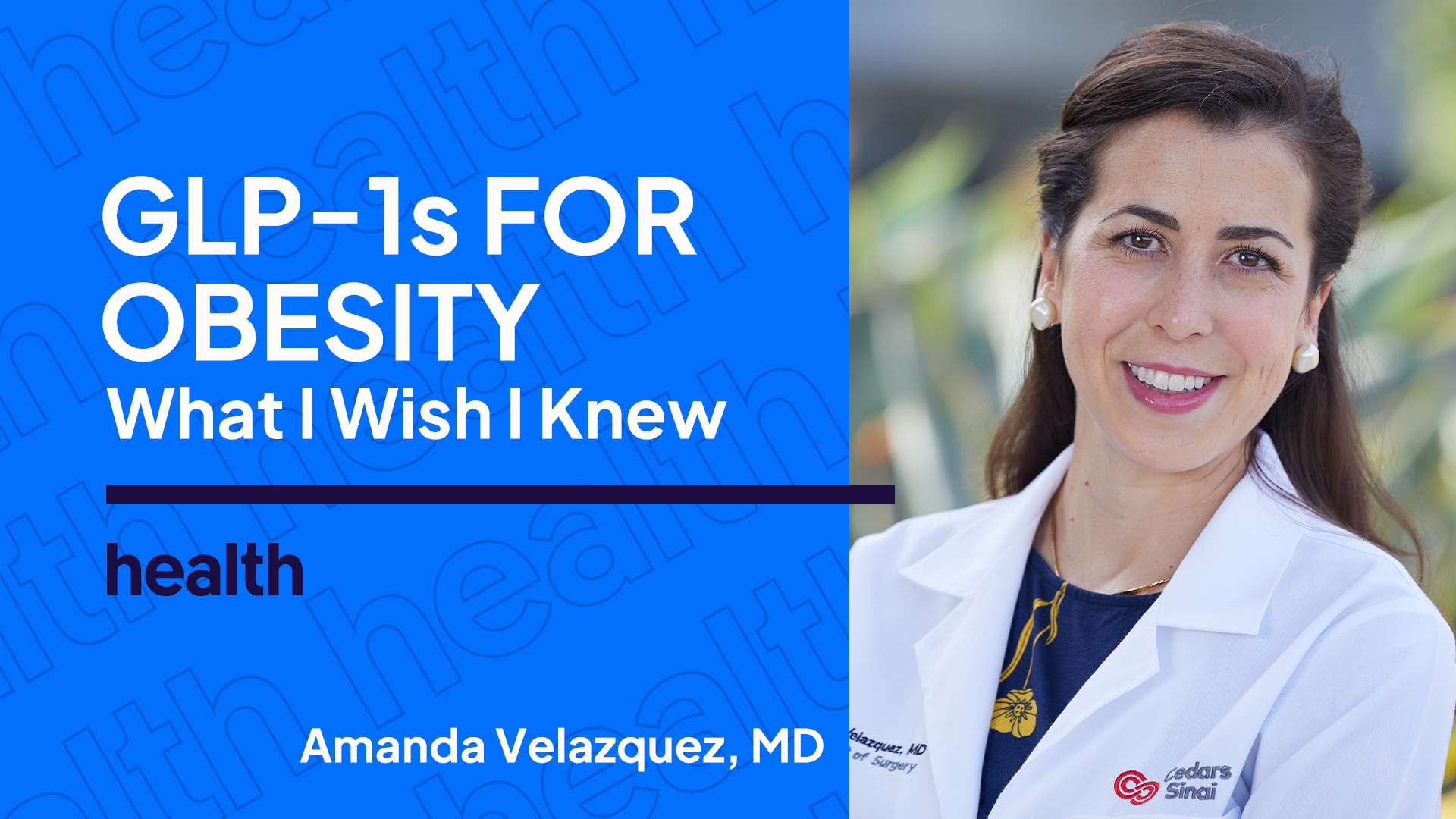
:max_bytes(150000):strip_icc():format(jpeg)/health-WIWIK-glp1-amanda-69851454e91f461e85f009c94296b9a9.jpg "Amanda Velazquez MD with GLP1s for Obesity What I Wish I Knew text on a blue background")
Credit: Photo courtesy of Cedars-Sinai
GLP-1 medications have exploded in popularity over the last couple of years. In fact, a recent poll found that about 1 in 8 adults in the United States is currently taking a GLP-1 to manage chronic conditions, lose weight, or both.
As a result, obesity treatment in the U.S. has changed dramatically, for both patients and obesity medicine providers. Amanda Velazquez, MD, director of Obesity Medicine at the Center for Weight Management and Metabolic Health at Cedars-Sinai in California, works with patients who have medically complex obesity cases. The majority of her patients are now on a GLP-1.
“These medications have meaningfully expanded the treatment toolbox for many more patients,” Velazquez told Health.
But the efficacy and popularity of GLP-1 drugs have also bred plenty of misconceptions. So before broaching the conversation with your doctor or picking up your first prescription, what do you actually need to know about GLP-1s? Here’s what Dr. Velazquez had to say.
What do you wish patients knew about starting obesity treatment and asking their doctor for GLP-1s?
Amanda Velazquez, MD: I wish patients knew that obesity is a lifelong, chronic metabolic disease that requires long-term treatment. It is not a failure—and it is definitely not “cheating”—to use other therapies in addition to lifestyle treatment, whether that's medication, weight loss procedures, and/or bariatric surgery. Everyone’s journey is different.
GLP-1 receptor agonists are recommended therapies for certain patient populations, but the best way to know whether one is right for you is to have a conversation with a healthcare professional.
Patients should feel comfortable asking their healthcare team about GLP-1s or any other treatment they are curious about. Coming into the conversation with questions, curiosity, and a sense of your goals can help support shared decision-making and lead to the best treatment plan.
What are some misconceptions you frequently hear from patients about taking GLP-1 drugs?
Dr. Velazquez: One of the most common misconceptions is that patients do not realize that obesity is a chronic disease and that GLP-1s, like other obesity management medications, are intended as long-term treatment.
People also frequently misunderstand how these medications work and how long it may take to see meaningful health improvements. The response to these medications is highly variable from person to person. Setting realistic expectations is an important part of treatment.
What do you wish patients knew about GLP-1 side effects?
Dr. Velazquez: Like any medication, GLP-1 receptor agonists can have side effects—they are not unique in that regard.
Many patients come in having heard stories from social media, the news, or their friends, but the credibility of those sources varies widely. Sometimes patients are getting misinformation or stories of extreme cases that do not actually reflect what we see in clinical practice.
It helps to put the risks into perspective: Gastrointestinal side effects are common, especially nausea and constipation. At the same time, more serious adverse events, such as pancreatitis, are very rare. Those are important distinctions.
I think some patients are overly fearful because of what they have heard online, while others underestimate how much these medications may affect appetite, digestion, hydration, and day-to-day life. No matter what, all patients should be counseled and have close follow-up with their medical team.
As GLP-1s have become increasingly popular, how has that influenced patients’ attitudes toward obesity treatment?
Dr. Velazquez: I do think the popularity of GLP-1s has helped normalize the treatment of obesity for many people. It has led to more mainstream conversations in society and healthcare about obesity as a disease that requires treatment, just like other chronic diseases. In that sense, I think more patients are open to discussing treatment than they were in the past.
That said, stigma absolutely still exists. Some patients still feel judged for taking obesity management medications, including GLP-1s, and there is still a persistent narrative that using medication is “the easy way out.” It is important to educate the public that this is incorrect. Treating obesity is not about taking shortcuts—it’s about using the appropriate tools to treat a chronic disease.
What About Compounded Versions of GLP-1s?
Dr. Velazquez: I strongly advise patients not to take compounded forms of GLP-1 receptor agonists. Safety comes first, and we cannot vouch for the safety or quality of compounded versions. Patients deserve care from trustworthy, evidence-based medical sources.
What do you wish patients knew about setting themselves up for success on a weight loss drug?
Dr. Velazquez: I wish patients knew that obesity treatment is about much more than simply taking a medication. These medications work best when they are part of a comprehensive, multifaceted care strategy that helps patients use them safely, appropriately, and effectively.
In other words, these medications should be used as part of a broader treatment plan that includes a focus on nutrition, physical activity, sleep, stress management, and social support. For patients living with obesity, this two-prong treatment—medications plus lifestyle intervention—is often recommended.
At the same time, I think it is important to say that no lifestyle change should be treated as a prerequisite for offering appropriate medical treatment. In the same way that we would not tell someone with diabetes to make lifestyle changes first and only then consider medication to lower blood sugar, we should not delay appropriate obesity treatment while waiting for someone to “earn” treatment with GLP-1s.












