:max_bytes(150000):strip_icc():format(jpeg)/Health-GettyImages-1272938295-fd562501db8f44199f5721f46f412ad4.jpg "Two women jumping rope outdoors near a modern building")
Credit: StefaNikolic / Getty Images
- Most workouts can be done either indoors or outside, but research shows that exercising outdoors can increase enjoyment and lower stress.
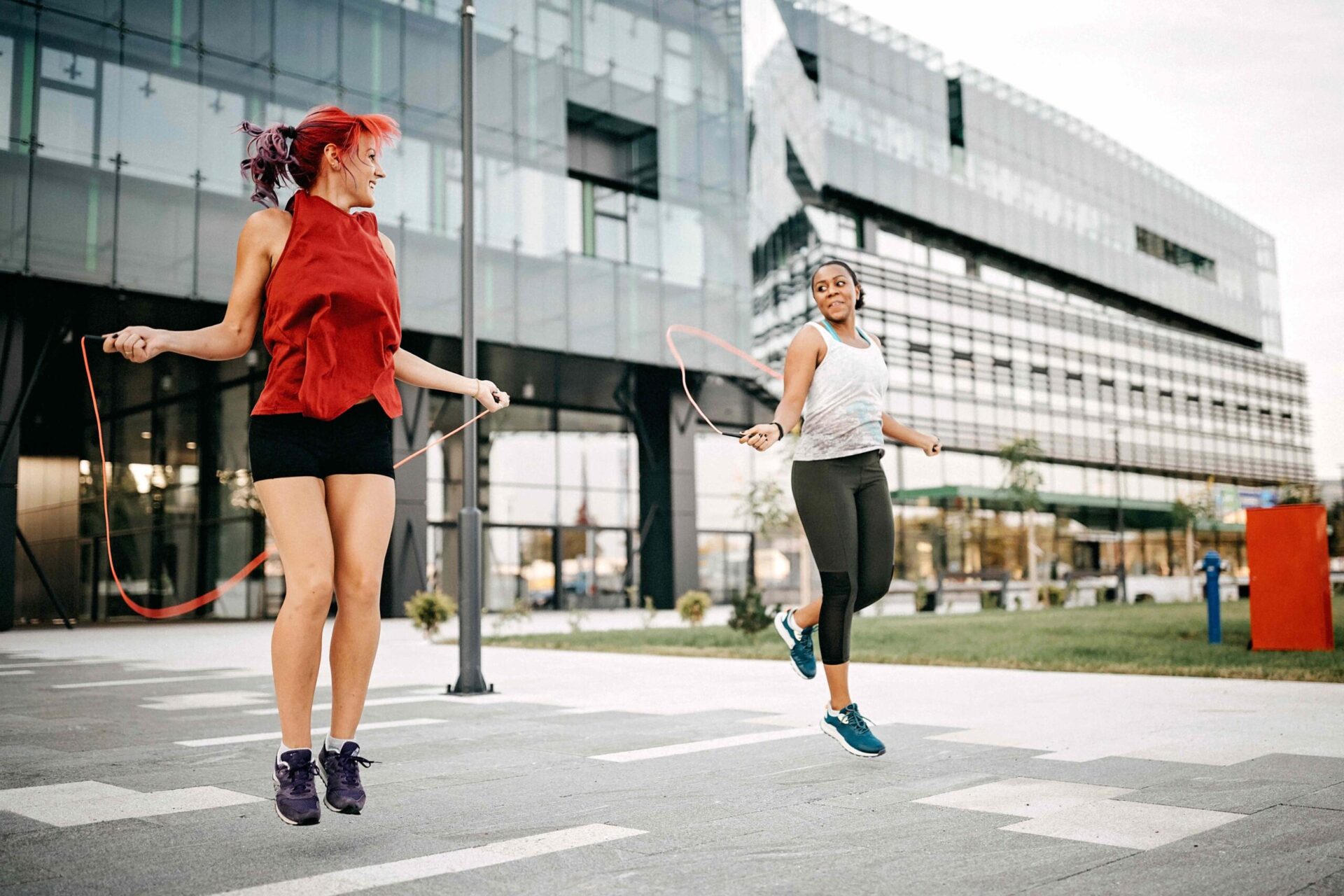
- Outdoor workouts allow you to make noise and take up space, which is helpful for exercises like ball slams or jumping rope.
- Using just your bodyweight, a park bench, or sometimes a small piece of equipment, you can craft an outdoor workout that challenges your whole body.
That mood boost you get when it’s finally warm enough to exercise outside? It isn't just your cabin fever breaking. Research shows that people tend to feel more enjoyment during outdoor workouts as opposed to those done in a gym or other indoor settings. With warmer days ahead, here are six exercises that help you to boost your fitness while you soak up the sun.
1. Ball Slams
Training with a medicine ball fires up your lower and upper body, plus it boosts endurance, balance, and overall fitness. But ball slams can be loud, so this full-body exercise may be better suited for the playground, sidewalk, or driveway.
Here's how to do ball slams:
- Stand with your feet a little wider than hip-width apart. Place a heavy, rubber medicine ball or a slam ball (a medicine ball filled with sand) between your feet.
- Squat down by pushing your glutes back and bending your knees, keeping your chest lifted. Grab the ball with both hands.
- Push through your heels to rise up, and bend your elbows to bring the ball to chest height.
- As you fully extend your legs to stand, push the ball directly overhead.
- Immediately start moving into your next squat. As you do so, forcefully lower your arms to slam the ball on the ground between your feet.
2. Burpees
The next time someone tells you to "touch grass," do them one better and crank out a few burpees. This exercise benefits from a slightly-springy surface like grass since it features lots of landings from jumping. Plus, a small study found that participants who touched real grass with their hands felt less anxious and more relaxed than those who touched artificial turf.
Here's how to do burpees:
- Stand with your feet about hip-width apart.
- Squat down and place your hands on the ground in front of your feet.
- Jump your feet back so that you’re in a high plank position.
- Lower your body all the way to the ground.
- Keeping your back flat and core engaged, push back up to a high plank position.
- Jump your feet forward to meet your hands.
- Jump up to a standing position as you lift your arms overhead and clap your hands.
3. Step-Ups
Stairs, park benches, big rocks, playground equipment, decorative ledges—there are plenty of ways to take your step-ups outside. This movement helps get your blood pumping and strengthens your calves, hamstrings, glutes, and quads. To make step-ups more difficult, wear a weighted vest or backpack.
Here's how to do step-ups:
- Stand facing your step with your feet shoulder-width apart.
- Lift your right foot and place it on top of the step.
- Push through your foot to extend your right knee and step your left foot on top of the step to meet your right.
- Step down with your left foot, then your right.
- Repeat on the opposite side.
4. Speed Intervals
You can always walk or run on a treadmill, or cycle on a stationary bike. But taking advantage of outdoor paths in your neighborhood can make your exercise feel a bit more interesting.
One way to rev up your cardiorespiratory system when you're walking, running, or cycling is to try speed intervals—these are short bursts of effort that alternate with lower-intensity periods. Research shows they can boost power and cardiovascular endurance.
Here's how to try speed intervals:
- Begin walking, running, or cycling at a moderate, sustainable pace. (You should be able to carry on a conversation as you move.)
- Increase your pace for 30 seconds, then return to a moderate pace for two minutes and repeat. Or, you can speed up for a certain distance, measured by laps on a track or the stretch between two telephone poles, for example.
- You can increase your intensity a little or a lot. Adjust the intervals as needed if you want longer stretches of lower-intensity running, cycling, or walking.
5. Jump Rope
If the last time you picked up a jump rope was in elementary school, brace yourself—skipping rope is a surprisingly hard workout. But that means it's an effective way to boost fitness, increase muscle strength, and potentially bolster bone health.
Here's how to properly jump rope:
- Hold the handles of a jump rope with your elbows bent and tucked in close to your ribs.
- Engage your core and stand up straight with your knees slightly bent. Keep your shoulders relaxed.
- Rotate your wrists forward in a circular motion.
- As the rope swings toward your feet, jump up an inch or two. Land gently on the balls of your feet.
6. Bear Plank Walk
The bear plank walk (or bear crawl) is reminiscent of a wheelbarrow race, a field day classic. But you don’t need a partner to reap these core and upper body benefits.
Here's how to do a bear plank walk:
- Start on your hands and knees in a tabletop position. Keep your back flat and your neck neutral.
- Engage your core and lift your knees an inch or so off the ground so that you’re in a bear plank.
- Maintaining a bear plank, move your right hand and left foot forward. Then take a step with your left hand and right foot.
- Walk four steps forward, then four steps backward.
Tips for Enjoying Outdoor Exercise Safely
Before you take your fitness routine to the great outdoors, remember these tips for staying safe and healthy:
- Apply sunscreen: To protect your skin, apply SPF 15 (or higher) sunscreen about 15 minutes before you go outside. If you're going to be in the sun for longer periods of time, make sure you're reapplying every couple of hours.
- Stay on top of hydration: Bring a water bottle when you're exercising outside and sip regularly to stay hydrated. In general, women should drink about 9 cups of water each day, and men should drink 13 cups. However, you'll need more if you're sweating from your workout. For even greater hydration, you can also try electrolyte-rich drinks, including coconut water, chocolate milk, or sports drinks.
- Avoid midday sweat sessions: UV rays are at their strongest between 10 a.m. and 4 p.m. To protect your skin and avoid overheating, it may be best to exercise outside in the early morning or evening. If you are going to be active outside in the middle of the day, make sure you have access to shade, sunscreen, and water, and take frequent breaks.
- Wear protective shades: Sunglasses are more than a fashion accessory—the right pair can help protect your eyes from certain cancers and vision issues. When choosing protective eyewear, look for glasses with a UV400 rating or “100% UV protection” on the label.