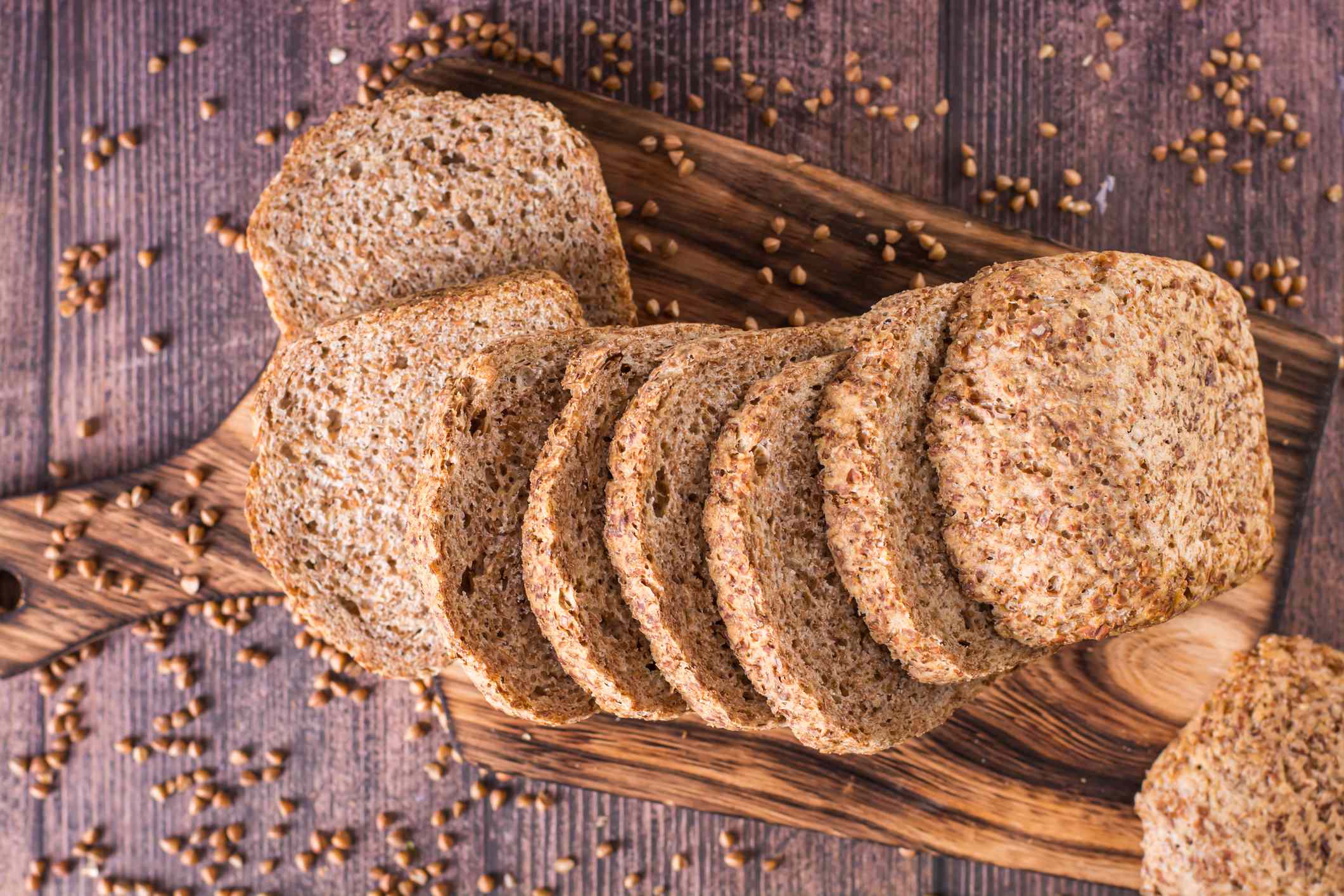
Sunflower seeds are rich in vitamin E. Credit: MirageC / Getty Images
Vitamin E supports heart and immune health and helps protect cells from oxidative damage.
Sunflower seeds are one of the richest natural sources of vitamin E.
However, some foods—including almond oil—contain even more vitamin E than sunflower seeds.
Vitamin E helps protect cells from damage caused by pollutants and other factors and supports heart and immune health. Sunflower seeds are known for being especially rich in vitamin W, with one serving (about 28 grams/1 ounce) containing 7.4 milligrams—more than 49% of the Daily Value. However, many other foods, especially oils, contain more vitamin E per gram than sunflower seeds.
1. Wheat Germ Oil
Credit: 13-Smile / Getty Images
Wheat germ oil comes from wheat when it is milled. It has more vitamin E in one serving than sunflower seeds.
Vitamin E content: 20.3 milligrams, or 134% of the Daily Value (DV), per serving of one tablespoon or 14 grams.
Health benefits: Wheat germ oil may improve blood lipid levels, but the evidence is limited. Be cautious with wheat germ oil if you have gluten intolerance or celiac disease.
How to use it: Add wheat germ oil to salads, smoothies, yogurt, oatmeal, or cooked vegetables. High heat can destroy vitamin E. Thus, it’s best to pour it on food after cooking.
What about vitamin E–fortified foods?
Vitamin E–fortified foods include breakfast cereals, juices, plant-based milks, margarine, spreads, and meal replacement bars and drinks.
They give extra vitamin E, but usually less than you get from wheat germ oil or sunflower seeds in one serving.
2. Hazelnut Oil
Credit: rezkrr / Getty Images
Vitamin E content: 47.2 milligrams of vitamin E per 100 grams of hazelnut oil. One tablespoon (14 grams) provides 6.4 milligrams of vitamin E, over 42% of the DV.
Health benefits: Hazelnuts may support the body’s antioxidant system. A study found that people who eat 40 grams of hazelnuts every day for six weeks had more active genes that help protect cells from damage. No study shows the same benefits for hazelnut oil yet.
How to use it: Add hazelnut oil to baked goods, sauces, and smoothies, or pour it over roasted vegetables and meats. It gives a rich, nutty taste. Use it for low-heat cooking because it is sensitive to heat. High heat or long cooking can destroy its healthy compounds.
3. Sunflower Oil
Credit: Adela Stefan / Getty Images
Vitamin E content: 41.1 milligrams of vitamin E per 100 grams of sunflower oil. One tablespoon (14 grams) provides 5.5 milligrams of vitamin E, over 36% of the DV.
Health benefits: High-oleic sunflower oils are very rich in monounsaturated fatty acids (MUFAs), making up more than 83% of their total fat content. Replacing saturated fats—mainly found in processed and animal foods—with unsaturated fats from plant foods has been linked to a lower risk for heart disease and diabetes.
How to use it: Sunflower oil, especially high-oleic types, has a high smoke point. This means it is good for frying. You can also use it for sautéing, roasting, or in salad dressings.
4. Almond Oil
fcafotodigital / Getty Images
Vitamin E content: 39.2 milligrams of vitamin E per 100 grams of almond oil. One tablespoon (14 grams) provides 5.3 milligrams of vitamin E, over 35% of the DV.
Health benefits: Almond oil is made up of about 70% monounsaturated fatty acids (MUFAs). Some studies suggest drinking almond oil may improve blood lipid levels. Also, drinking 18 milliliters of almond oil every other day for two weeks helped people over 60 have less constipation and more regular bowel movements.
How to use it: Use virgin almond oil for low-heat cooking. You can also add it to dressings, sauces, smoothies, and baked goods for a nutty taste. You can also use refined olive oil for sautéing because it can handle heat better.
5. Cottonseed Oil
Credit: olgakr / Getty Images
Vitamin E content: 35.3 milligrams of vitamin E per 100 grams of cottonseed oil. One tablespoon (14 grams) provides 4.8 milligrams of vitamin E, 32 % of the DV.
Health benefits: Some studies suggest that cottonseed oil may improve blood lipid levels.
How to use it: Cottonseed oil has a high smoke point and a neutral taste. You can use it for high-heat cooking, frying, or in dressings and sauces.
Macro is a class of tools which are built into a single tool, and which can be inserted into another workflow. For saving the analytic process you perform repeatedly to create a macro. Without having to recreate the analytic process, when we are using each time the macro within the workflow. To use in the designer or uploaded for sharing in alteryx analytics or private gallery, Save a macro as.yxmc file.
Become a master of Alteryx Tools by going through this HKRAlteryx Training!
For creating standard macro first open the alteryx designer, then select macros option in configuration pane. Go to the interface option and select macros input, which gives input value either manually or from the file. We can use the macro with other databases, when we have to follow similar operations and steps. To use macros, we may have inserted macros which are saved in the local system. Select the test and insert it into the workflow, after mapping run you will see the desired result. With the help of configuration pane, you can map the fields as per your requirements, then you have final output.
Alteryx Training
Master Your Craft
Lifetime LMS & Faculty Access
24/7 online expert support
Real-world & Project Based Learning
Types of Macros
Standard macro: This kind of macro is created for a package of the process in workflow, as a tool which can be inserted in a workflow.
How to create a standard macro
It has two ways for a standard macro creation in Alteryx design. One of them is by inserting a macro input interface tool that is used to get the output in macro output and the other one is as shown below.
It Generally contains two input methods. One of them is for the file input and the other one is for the text input. And this tool of input may be defined with the help of an abbreviation and the tool may be named.
2.Then we need to Verify that we now have a macro by clicking on the canvas and navigating it to the Workflow pane. And we should be able to see that the Type of workflow is a Standard Macro.
3. Then require to design our workflow and then add a macro output at the end of our workflow.
4. Next we need to Save our workflow with .ymxc file extension, which we may customize the macro Icon by clicking (Ctrl+Alt+D) the interface Alteryx designer – Properties
5. Then it allows us to Open a new workflow and then click on right for inserting a macro, and we can use our macro to insert a multiplier value which comes out of the data that is used to calculate the monthly margin.
We may also save and share a macro for future use. That can be saved with the same name for a specific location. In Alteryx designer, we can design a macro repository mapped to a location on our computer or network, simply save macros and use them in a workflow.
Subscribe to our YouTube channel to get new updates..!
Batch macro: It can run multiple times in a workflow, designing an output after the completion of each run. It runs once for each selected group of records in data, which requires a control parameter tool like an input.
Interested in learning Tableau Advanced Training? Click here to learnTableau Online Training from Experts!
How to create a batch macro
select the Macro > Batch Macro From the Workflow Configuration tab, in the Type section. When we save the workflow as a Batch Macro, every tool in the workflow gets a lightning bolt anchor, Interface Tools can connect to these anchors.
We need to Configure the connected Control Parameter tool.
Then Configure the Batch Macro Properties through the Interface Designer Window (Ctrl+Alt+D), and accessed through View > Interface Designer. later choose the gear icon to view the Properties.
Select either the default Standard Icon or the Custom Icon to upload our own.
Iterative macro: This type of macro runs in the workflow, the number of times set continuously until it meets a condition.
How to create an Iterative macro
First Start with a completed workflow.
Then the From Workflow Properties, choose the Iterative Macro from the Workflow Type dropdown list. Later we save the workflow as an iterative macro, every tool in the workflow gets a lightning-bolt anchor. The Interface tools only connect to these anchors. And the anchor indicates that interface elements and actions are updating a workflow tool.
Finally Configure the Iterative Macro Properties, and found in the Interface Designer window (ctrl+alt+D) or accessed from the View menu. Then select the wrench icon to view the properties.
Location optimizer macro: a kind of macro which is an iterative macro which can be used in network analysis for identifying an optional location.
How to create Location optimizer macro
First we need to Set up our workflow to be a Location Optimizer workflow,
select the Workflow tab in the Configuration window.
And then from the dropdown Location Optimizer Macro select Macro, Under Type.
Later the workflow is saved as a Location Optimizer macro, and every tool in the workflow gets a lightning-bolt anchor, that indicates it, there are Interface elements and actions updating a workflow tool. The Interface tools may connect to those kinds of anchors.
Series of functions which act linearly on your data, you may see it as a module which can be kept separately from main libraries. Alteryx uses the macros within the workflow without having recreation of the analytic process every time. They are useful for our businesses by reusing workflow, single point of maintenance and split tasks.
Re using workflow: It creates a macro for saving the analytic process, which you can perform repeatedly, you can design workflow, run it and confirm that it is working and realise that you have to run it every week with a slight difference in input of your data, you may apply different calculations for processing data. You can create a different workflow for each analysis, just by inserting the reformation macro, which is followed by a different group of calculations.
Single point of maintenance: For sharing different types of data for the preparation part, we need single input, instead of having more steps for sharing processes. Envision an upgrade at the department from where you are receiving data, and all the workflow which we use will be updated immediately that modifies all our dependent workflow with a single change.
Split task: It expands the scenario to workflow with various groups of sections and tools, each person may work on the single piece of analysis and everything to be combined for final workflow. When several people are going to be developing the workflow, it can be useful to split it into tasks that each can develop independently.
They decrease human errors and help us for processes which are required and involve a lot of steps to complete a single objective. Its ease of use allows those who are nontechnical business users to directly create their own solutions without using any other additional resources.
It shortens the time of beginning to analyze data, searching for insights and minimizing the task which does not give value to our business and minimizing the analysis phase. It speeds up the time of obtaining insights on data, it is one of the best, complete and great customer service which is more experienced by software companies.
It provides very strong solutions for the business, which are involved in the product, that helps to make the usage simple and help us find answers and provide a lot of good customization of capabilities. The design of the tool is simple to use without using code that we can appreciate.
Disadvantages of macros
There is a big change in terms of pricing between license tiers, the solutions which are provided lack in terms of visualizing data.There is a big change in terms of pricing between license tiers. The solutions which are provided lack in terms of visualizing data. Which helps to pick up the slack, when data visualization added it would be very good and complete.
There are no ready models available for using analytics, some statistical packages are difficult to understand as packages are not straightforward and they require learning. It may give the outputs of tabular data extraction, but it is not capable of reading similar text.
It does not support users when multiple users try to access the same workflow of the server, as it becomes unstable and frequent cashes.It does not support users when multiple users try to access the same workflow of the server, as it becomes unstable and frequently crashes.
We can reduce the time spent manually updating the data into excel sheets using Alteryx Macros. Also, it helps to convert data into better levels for reporting and analysis purposes. Moreover, we can perform multiple tasks using Alteryx analytics, such as predictive modeling to build data visualizations, develop analytical apps, and extract reports. Hence, it reduces the time spent developing new features by creating logic for reusing them across workflows.
To provide the best experiences, we use technologies like cookies to store and/or access device information. Consenting to these technologies will allow us to process data such as browsing behavior or unique IDs on this site. Not consenting or withdrawing consent, may adversely affect certain features and functions.
Functional
Always active
The technical storage or access is strictly necessary for the legitimate purpose of enabling the use of a specific service explicitly requested by the subscriber or user, or for the sole purpose of carrying out the transmission of a communication over an electronic communications network.
Preferences
The technical storage or access is necessary for the legitimate purpose of storing preferences that are not requested by the subscriber or user.
Statistics
The technical storage or access that is used exclusively for statistical purposes.The technical storage or access that is used exclusively for anonymous statistical purposes. Without a subpoena, voluntary compliance on the part of your Internet Service Provider, or additional records from a third party, information stored or retrieved for this purpose alone cannot usually be used to identify you.
Marketing
The technical storage or access is required to create user profiles to send advertising, or to track the user on a website or across several websites for similar marketing purposes.


:max_bytes(150000):strip_icc():format(jpeg)/Health-GettyImages-MoreVitaminEThanSunflowerSeeds-4625b0e7f76f4164ba68c88f60e41e52.jpg "Whole Black Sunflower Seeds in Wooden Bowl on Green Background")