Soaring gasoline prices over the last few months have forced many Minnesotans to make difficult choices, some of them deciding whether to buy food or fill the tank. And while pump prices have eased some in recent weeks from their peak of a statewide average of $4.35 a gallon a month ago, the pump price is still much higher than it was before the start of the war with Iran, leaving many wondering when, if ever, there will truly be relief.
This week, the state’s average price for a gallon of regular unleaded gas is hovering around $3.70, which is still below the national average of $3.93 per gallon, according to AAA. But it is still a dollar a gallon more than it was in January.
For those who were already struggling to make ends meet, the spike in gas prices since the beginning of the war with Iran further strains their household budgets.
“People usually tend to cut on their food expenses before they cut back on anything else, so that's kind of one of the first things that goes,” said Deisy De Leon Esqueda, director of ECHO Food Shelf in Mankato. “And then after that, it’s maybe like their prescription drugs or gas.”
“[Gas prices have] risen, but like you have to get to work,” Esqueda added. “So there’s really no other option besides that.”
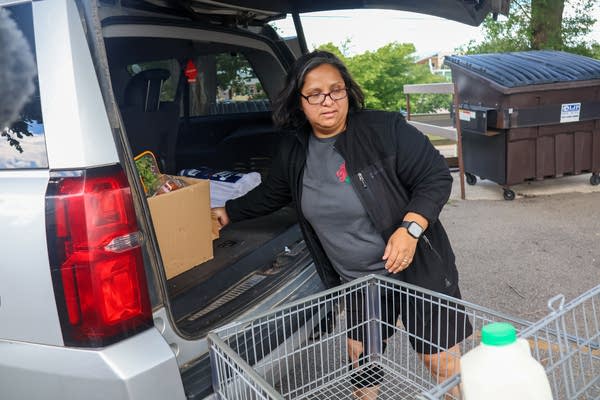
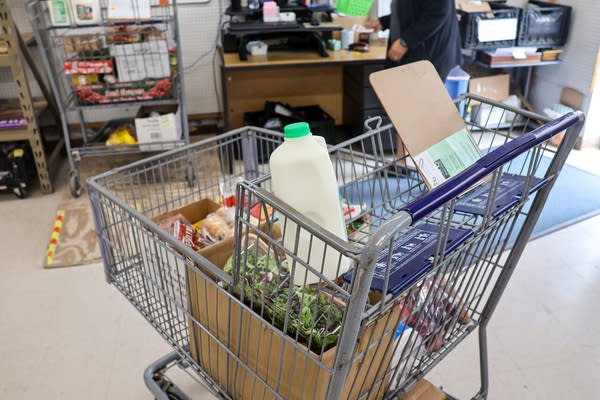
That has increased the need for people to rely on food shelves like ECHO to help stock their fridges and put food on their tables. But the rising cost of gasoline and diesel fuel is also beginning to strain the budgets of these nonprofit groups that help feed people across Minnesota.
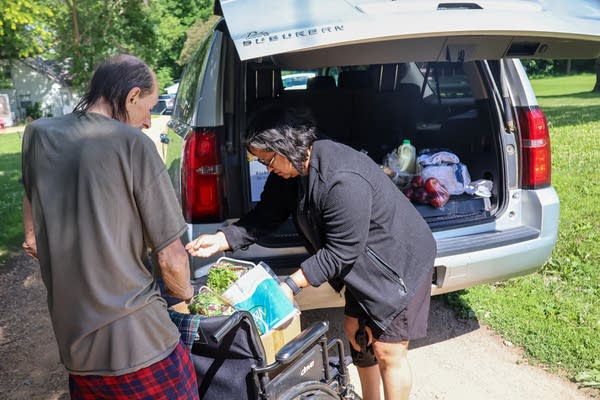
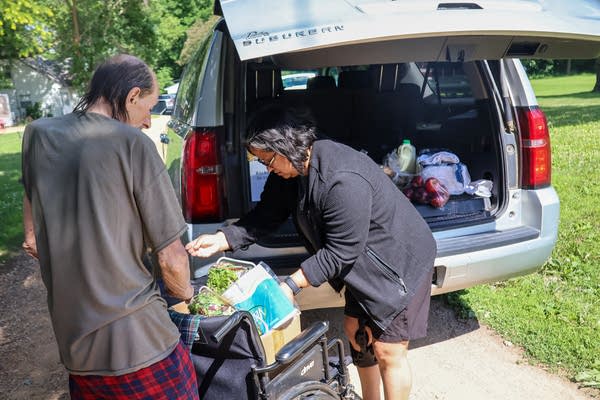
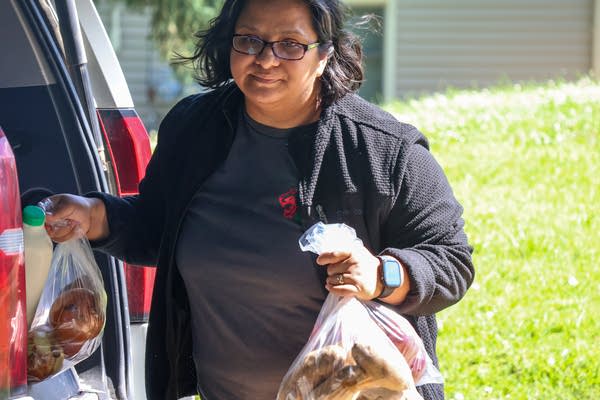
ECHO Food Shelf has a grocery delivery service called ECHO Delivers. It relies on volunteers to deliver food packages and other essentials to those who physically can’t come into the food shelf themselves.
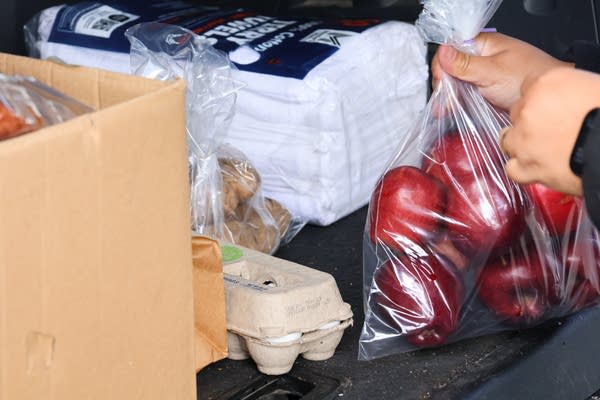
“People that are on Echo Delivers typically have had some type of surgery or [they’re] not, are not able to get around,” said Esqueda, while delivering some groceries to a client herself. “Or maybe they're not driving anymore, or just have very limited mobility, and, and that's where we come in.”
Bruce Piltz is one of those volunteer drivers. The 73-year old from Mankato started volunteering to deliver groceries for ECHO about eight months ago.
“It’s essential,” Piltz told MPR News. “Grocery prices are so high, and so by being able to deliver to people who can’t [and] don’t have transportation, or simply can’t get out, we’re able to help them get by every month.”
Piltz makes his deliveries on Tuesdays and said he’s on-call when needed. And he said he covers a wide area of rural Blue Earth County.
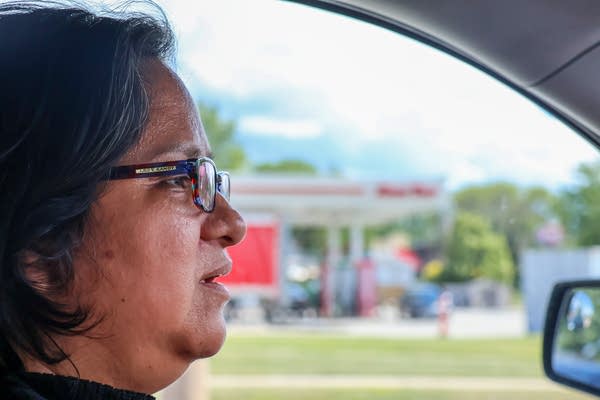
“I've been over as far as Faribault, I've been over to St. James in that Madelia surrounding area, so I've got a range,” Piltz said.
Piltz receives gas vouchers from ECHO Food Shelf to help reimburse him for his gas and mileage costs, and he said he personally is OK with absorbing some of the extra expenses for making those deliveries. But he said the rising costs aren’t unnoticed, and he’s needed to cut back on other days to save money.
“I realized something had to give,” Piltz said. “What that meant was doing less driving (on other days). Plus, when I did go out and run errands or go shopping, I’ve always tried to schedule three or four stops on one outing, that way I can conserve on gas.”
Hunger relief groups feeling the strain
Minnesotans made more than 9 million food shelf visits in 2025, a record number, according to The Food Group, a Twin Cities-based hunger relief nonprofit. And the demand isn’t slowing down, as the organization expects this year will be the fifth year in a row that the number of food shelf visits in the state sets a new record.
Already feeling that strain from the increasing demand for their services, which has been compounded by federal budget cuts to the Supplemental Nutrition Assistance Program, or SNAP, hunger relief organizations are now feeling the impact of higher gas prices on their budgets.
Sophia Lenarz-Coy, executive director of The Food Group, said the nonprofit fuel costs have soared 23 percent since the beginning of the year. In January, the organization’s fuel costs were $3,877 per month and by May, it had jumped almost $1,000 a month, to $4,783.
Lenarz-Coy said The Food Group’s third-party carriers also charged higher fuel surcharges. One vendor they used to pay 25 percent as a surcharge got bumped up to 45 percent.
“These added costs are getting baked in at different levels of the food supply chain,” Lenarz-Coy said. “We are starting to see our third-party carriers and vendors increase their delivery fees to us. We’re not doing that right now to our partners, but that is just kind of added cost pressure that’s showing up.”
Other hunger relief nonprofits are also feeling the pinch in sourcing food and reimbursing their volunteers too. Toni Scott, chief supply chain officer at Second Harvest Heartland, said the fuel costs have increased nearly 25 to 40 percent just from January through March of this year, and that was before gas prices peaked in mid-May.
These increased prices may also affect the variety of food visitors to their local food shelf might see. Scott said to reduce transportation costs, they shifted to source more of their produce from local and regional farms and orchards. Last year nearly 12 million pounds of produce came from about 130 Minnesota growers.
“We’re hoping that it does stay more of a short term issue,” Scott said. “It’s something that we’ve been able to manage. Should pricing like this continue in the long term, we would have to look more closely at our overall budget to make sure that we are not impacting the amount of food into the community, but looking for other ways to offset the pressures coming from those price increases.”