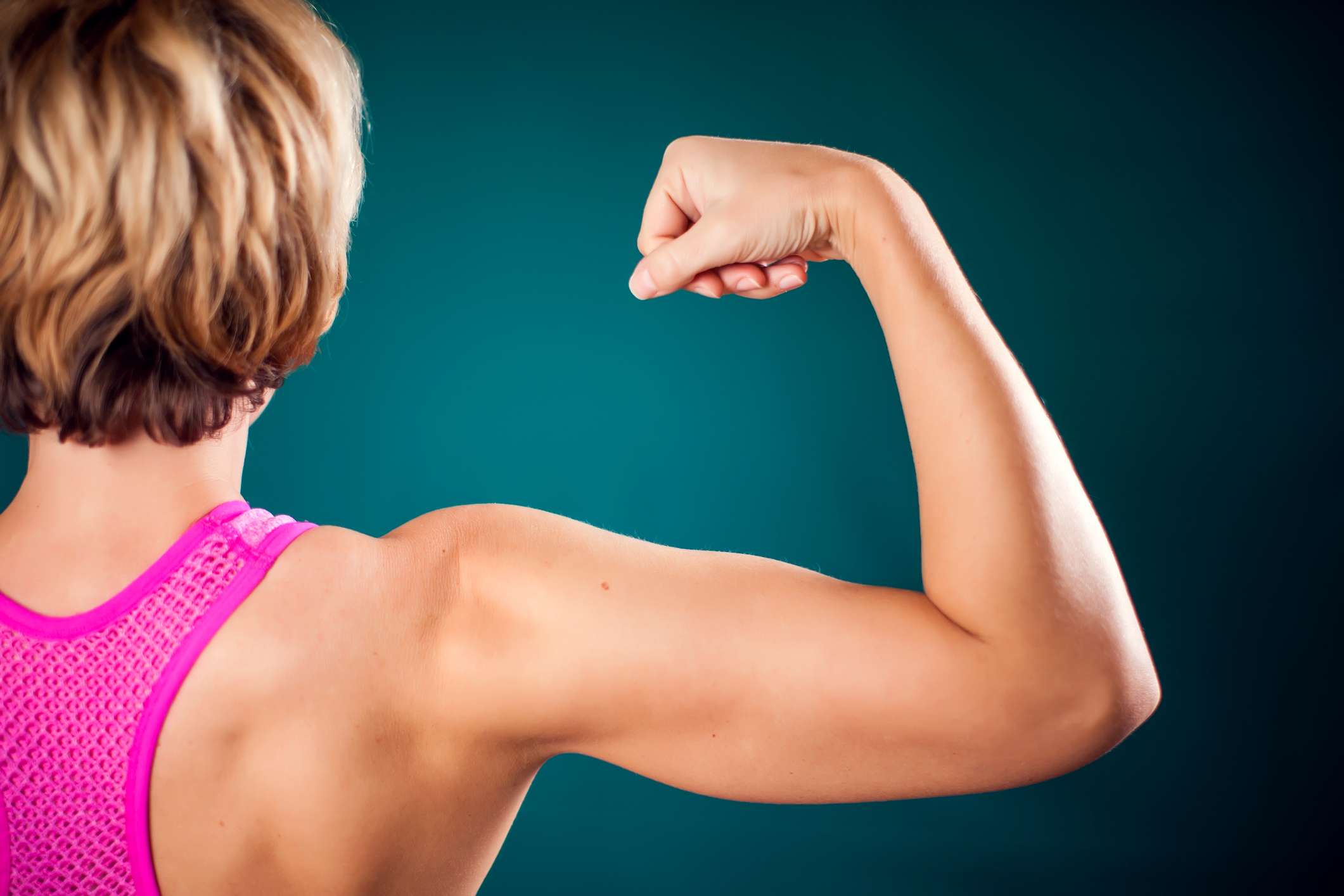
:max_bytes(150000):strip_icc():format(jpeg)/GettyImages-Triceps-768fcb82d63848d4971c5d5a7100bc98.jpg "Woman with fit arm showing triceps and bicep")
- Strong triceps support everyday movements like pushing up from a chair and can improve arm definition.
- Five at-home exercises include bench dips, one-arm overhead extensions, kickbacks, skullcrushers, and triceps pushups.
- Focus on good shoulder alignment, train through a full range of motion, and stop if you develop elbow pain.
The triceps are a smaller muscle group compared to others, but they're important nonetheless. They are the only muscles on the back of the upper arm; they are fully responsible for elbow extension and also assist in shoulder extension. They help you push yourself up from sitting while also stabilizing your elbow and shoulder joints. Here are my favorite at-home exercises to build the triceps, giving the back of your arms the strength and shape you crave.
1. Bench Dips
Bench dips can be done almost anywhere: You can use a coffee table, a park bench, a porch, or a weight bench, if you have one. What's more, slowly lowering your bodyweight against gravity is a great eccentric exercise for both the triceps and the chest. Research has shown that eccentric exercise may produce better muscle gains.
How To Do It:
- Find a stable surface at about knee height. Typically, a bench or a chair is your best bet.
- Sit on the bench and place your hands on the edge, wrapping your fingers around it.
- Stretch your legs out in front of you and press down into your hands to lift your seat off the bench in front of it. This is your starting position.
- Slowly bend your elbows behind you, lowering your seat toward the floor, below the level of the bench. Take care not to let your shoulders hunch up toward your ears.
- When you get to about 90 degrees of elbow flexion, stop your descent and start pressing back up. Aim to keep your chest lifted and open and your back straight.
- Straighten the elbows fully to push back to the starting position.
How to modify it: Bend your knees. However, try not to use your legs to push your body away from the floor. If your shoulders feel tight or pinchy, try angling your fingers slightly outward, bending your knees, or going lower.
How to progress it: Perform the bench dip with fully straight legs. If you want to make it harder still, place a dumbbell in your lap, or go deeper as you descend.
2. Standing One-Arm Triceps Extensions

The classic overhead triceps extension gets a rebrand as a unilateral exercise. Using one arm at a time helps to stabilize the elbow, shoulder, and ribs, and offers secondary benefits for your back muscles as they work to balance the weight.
How To Do It:
- Standing with your feet hip-distance apart, hold a dumbbell in one hand. Lift the weight straight overhead, keeping your elbow facing forward. Place your other hand across your lower ribs as a reminder to keep your abs engaged.
- Slowly bend your overhead arm so that the weight travels behind your head. Keep your arm next to your ear, and your elbow pointed forward. Try not to let your rib cage flare.
- Press the weight back up to the ceiling without twisting or lowering the upper arm.
How to modify it: Use a lighter dumbbell, or use two hands on a single dumbbell.
How to progress it: Use a heavier dumbbell, or try the exercise kneeling, which will increase the demand on your glutes and core stabilizers.
3. Bent-Over Triceps Extensions
Sometimes called kickbacks, this exercise is a classic for building the triceps. But it's not just the back of the arms that benefit from this exercise: it also strengthens the muscles of the posterior chain, including the back extensors, the hamstrings, and the shoulder stabilizers.
How To Do It:
- Hold a dumbbell in each hand. It's crucial that you use lighter weights so that you avoid swinging them as you bend your elbow.
- With your feet hip-distance apart, bend forward at the hip, keeping your back straight. Bend your knees slightly to find a position that you can hold with your elbows pinned to your sides. This is your starting position.
- Keeping the collarbone open and the shoulder blades drawing together, press your hands back behind you to straighten the elbows.
- Bend your elbows to return to the starting position, without moving the position of your upper arm.
How to modify it: Work one side at a time by placing the opposite knee on a weight bench or chair.
How to progress it: Try to reach a 90-degree bend in the hip, so your torso is parallel with the floor. Add weight gradually, taking care not to swing the hands.
4. Lying Triceps Extensions (Skullcrushers)
Keeping the arms overhead for this exercise works the triceps from a lengthened position, and I like the added challenge of core stability as you lower the weight behind your head.
How To Do It:
- Lie on a bench with dumbbells in your hands, reaching for the ceiling. Point the elbows forward, so your palms face inward.
- Keeping the elbows fixed in space, slowly bend the elbow to lower the weights behind your forehead. Take care to keep the elbows pointing forward throughout the entire movement.
- Press the dumbbells back up to the ceiling without locking out the elbow.
How to modify it: Use a lighter weight. You can also lie on the floor instead of a bench, which will shorten the range of motion and make stability easier.
How to progress it: Add weight. Or try rolling triceps extensions, which combine skullcrushers with an overhead pullover.
5. Tricep Pushups
Unlike a traditional pushup, in which your hands are wider than your shoulders to target the chest muscles, triceps pushups rely on a narrower alignment. In this version, the upper arms stay close to the body with the hands directly under (or even slightly narrower than) the shoulders. As you lower, bend your elbows straight back, keeping them close to your sides.
How To Do It:
- Start in a plank position, with your hands directly under your shoulders. Tighten your belly to support your spine, taking care not to arch your back. Keep your gaze focused on the floor.
- Slowly bend your elbows straight back, lowering your chest toward the floor. Maintain a long line from head to heel. As you lower, tighten the muscles between your shoulder blades, drawing them back.
- Go as low as you can, maintaining proper alignment.
- Push back up to the starting plank position without hyperextending or locking the elbows.
How to modify it: Try the exercise with your knees on the floor.
How to progress it: Elevate your feet to try this pushup on a decline.
Strengthening Tips
There are a few important considerations to keep in mind as you develop your triceps routine:
- Position matters: Research has found that overhead triceps exercises build muscle more effectively than exercises that press down with a neutral grip (like a cable triceps extension, for example).
- Target all three heads: The name triceps means" three heads," referencing the long head, lateral head, and medial head of this horseshoe-shaped muscle. Strengthening the long head of the triceps muscle means you'll have to work in shoulder extension, either with your arm overhead or behind your back, in order to activate the full muscle.
- Mind your shoulders: Triceps exercises can put undue strain on the front of the shoulders if they're out of alignment. Before beginning a triceps exercise, engage the muscles between the shoulder blades to stabilize the shoulders and prevent rounding forward.
- Elbow pain is a red flag: If you experience pain in the back of the elbow after working your triceps, it may be a sign of an overuse injury. While rare, triceps tendinopathy is a condition that requires rest and rehab. So if you experience elbow pain, check in with a medical professional before continuing your strength routine.