:max_bytes(150000):strip_icc():format(jpeg)/Health-GettyImages-488880844-1ebab011be944bc680afa90e0d26ebcb.jpg "A bowl of soaked almonds on a wooden surface.")
Credit: AlexeyBorodin / Getty Images
- Some people say soaking almonds makes them more nutritious, but research doesn’t back up that claim.
- However, soaked almonds can be easier on the gastrointestinal system, may have a better flavor, and carry other benefits, too.
- Almonds of any kind can support heart health, blood sugar control, and weight management.
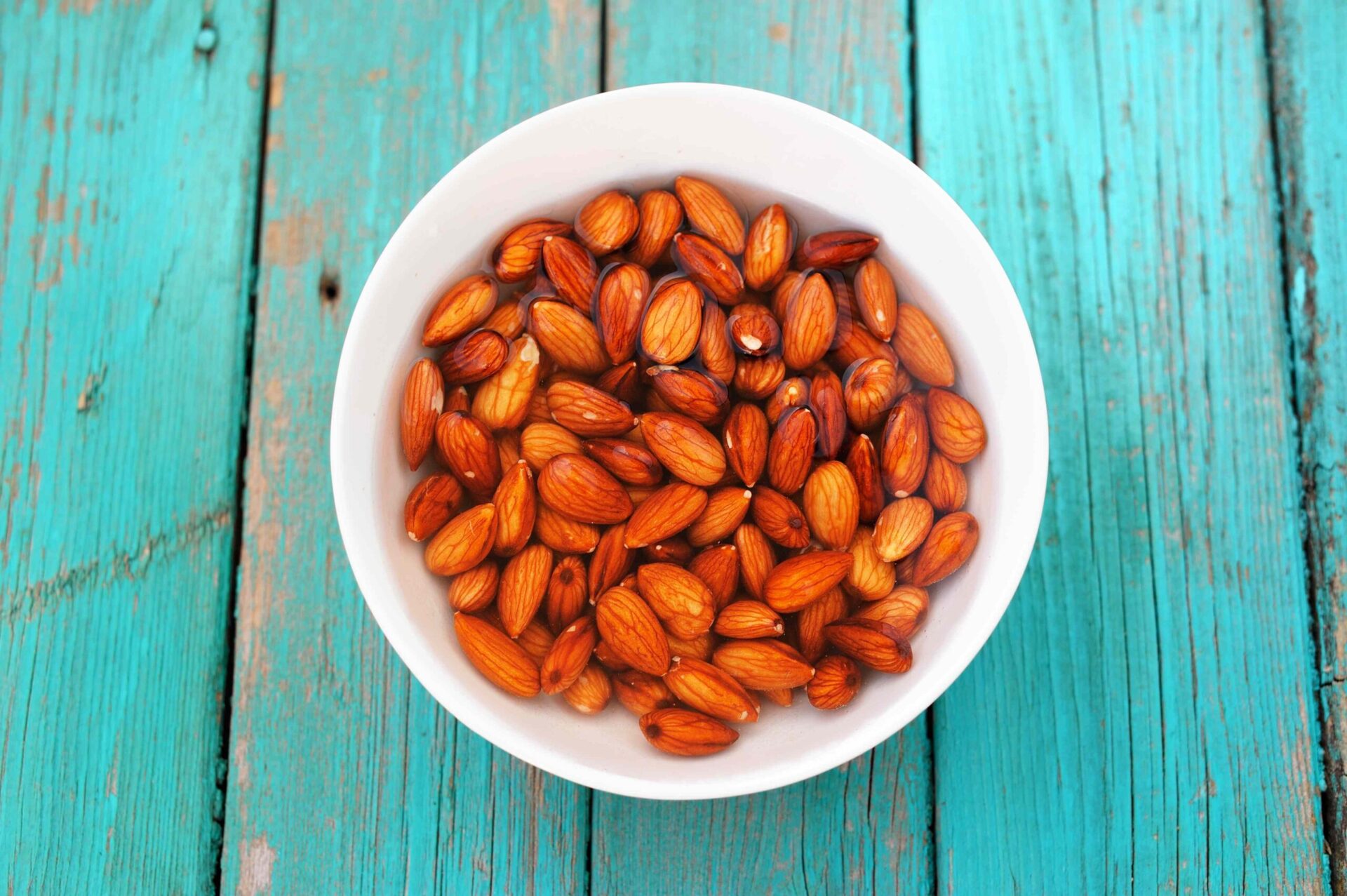
Many people prefer soaking raw almonds in water for several hours or overnight to make them softer and easier to digest. More research is needed to understand how soaking almonds might affect their protein, fiber, antioxidant, and overall nutritional content, though there are a few reasons why the practice is popular.
1. May Improve Digestibility
Almonds have very little water. When soaked, they absorb water and their texture softens.
People who experience gastrointestinal discomfort when eating raw nuts may tolerate the softer texture more easily. However, research is limited.
2. May Boost Their Flavor
Soaking almonds makes them softer, which may also make them easier to chew and improve their flavor profile. As food is broken down into smaller pieces during the chewing process, it releases more flavor to the mouth's salivary receptors.
3. May Help Manage Cholesterol Levels
Whether raw, roasted, or soaked, almonds are loaded with antioxidants that help improve cholesterol levels and fight against oxidative stress.
While many factors influence cholesterol levels, researchers believe that the monounsaturated fats, fiber, and vitamin E found in almonds can contribute to these markers of cardiovascular health. If soaking your almonds helps you eat more almonds, your heart may benefit.
4. May Support Weight Loss
Including soaked almonds in a nutritious, well-balanced diet may support weight management. Research has found that eating almonds lowers body mass more than any other nut.
Research specifically on soaked almonds and their influence on weight management is limited. However, one study found that consuming 10 grams of soaked almonds before breakfast for at least 12 weeks can support weight loss.
5. May Improve Blood Sugar Control
Almonds have long been praised for their purported role in blood glucose (sugar) control. They are a low glycemic index (GI) food that is rich in fiber and plant-based protein. They are an excellent source of magnesium, which has been linked to improved glucose metabolism.
While research on soaked almonds is limited, one study found that consuming almonds improved several aspects of how your body uses glucose.
Is Soaking Your Almonds Necessary?
There are many anecdotal claims suggesting that soaking or "activating" almonds makes them healthier. Specifically, people believe this practice removes a plant compound found called phytate that's found in almonds. This compound, also called phytic acid, is considered an "antinutrient" because it binds with helpful nutrients that the body could otherwise absorb and use.
However, clinical research says otherwise. While almonds contain a notable amount of phytate, current studies show that soaking does not significantly reduce phytate concentrations. Plus, there's evidence that antinutrients like phytate aren't likely to harm people who eat a balanced, nutritious diet.
There are benefits to soaking almonds—particularly for people who have dental sensitivities or those with sensitive digestive systems, who may find normal almonds hard to tolerate. But in general, it's not necessary to soak almonds before eating them. Raw almonds offer the same nutritional benefits as soaked almonds.
How To Soak Almonds
Soaking almonds is a simple practice of allowing raw almonds to soak in plain water for several hours or overnight. Follow these steps:
- Choose raw, unsalted almonds for soaking.
- Rinse the almonds in a colander, running them under cool water to remove dust or impurities.
- Submerge the almonds in a bowl with enough water to cover them.
- Soak them for at least 8-12 hours, though soaking time can vary depending on your preferences.
- Drain the almonds after soaking and give them a final rinse.
- Peel the almonds by gently squeezing them to remove the outer skin, if you prefer.
- Dry the almonds by patting them with a clean paper towel or allowing them to air dry before storing them.
- Enjoy or store the almonds in an airtight container in the refrigerator.
How To Use Soaked Almonds
If you want to add soaked almonds to your diet, consider these tips:
- Baking: Add soaked almonds to baking recipes. They can provide a nutritional boost to baked goods such as muffins, breads, and granola.
- Breakfast cereals: Sprinkle soaked almonds into cereal or oatmeal for extra crunch.
- Nut butters: Blend soaked almonds to make a nutritious almond butter. The soaking process makes the nuts easier to blend, creating a smooth and creamy nut butter.
- Salads: Toss soaked almonds into a salad to add a slightly crunchy texture and increase its nutritional value.
- Smoothies: Blend soaked almonds into smoothie recipes for added vitamins, minerals, and protein, as well as a creamier texture.
- Snacks: Soaked almonds make a great snack on their own or added to a homemade trail mix with seeds and dried fruit.
A registered dietitian nutritionist can help you safely incorporate soaked almonds into a well-balanced diet designed to meet your unique nutrition needs.