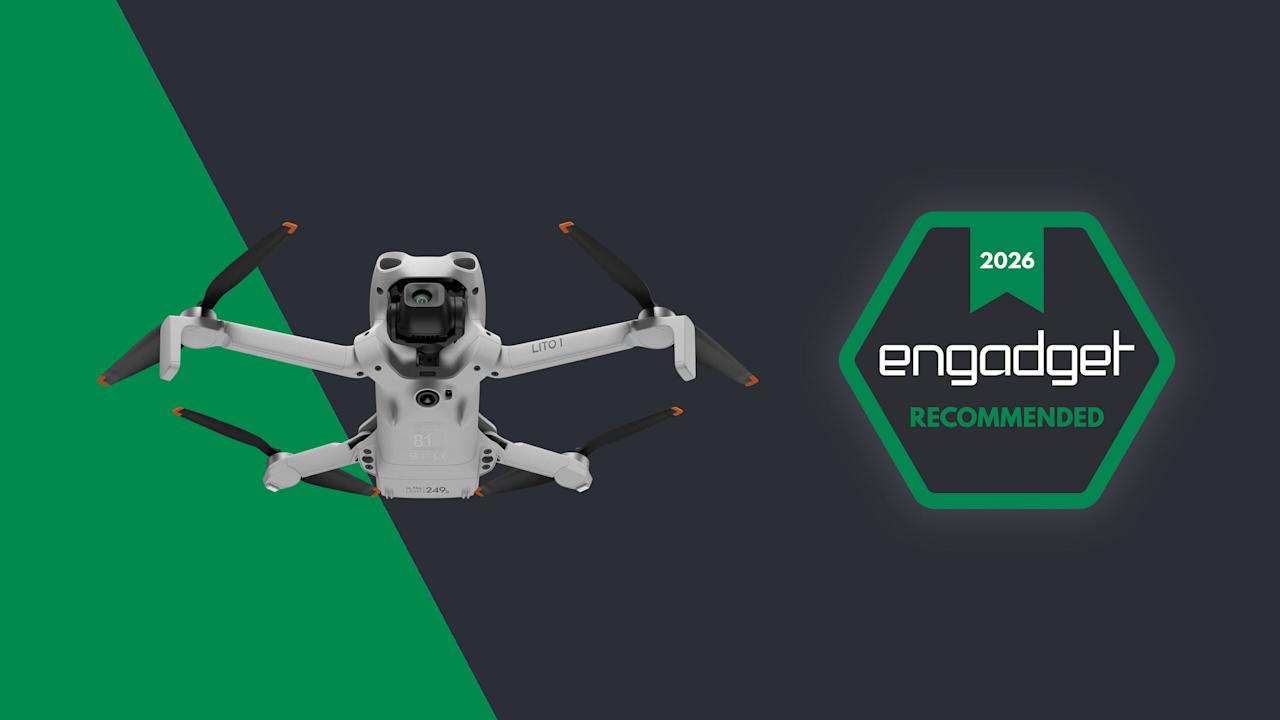

After seeing the runaway success of its Neo lineup, DJI is taking another stab at the budget drone market with the new Lito series. The Lito 1 and Lito X1 are both under $400 and weigh less than 249 grams — they’re ideal for beginners. Both are designed to replace DJI’s Mini series, but they offer things that those models lacked like LiDAR and 360-degree obstacle avoidance.
In terms of video quality, they’re similar to DJI’s Neo 2 and Flip drones. Unlike those models, which are safe to use indoors and around people, the open-prop Lito drones are designed to fly outside at high speeds and high altitudes. This makes them well-suited for filming activities like surfing or dirt bike riding. After testing both models, I believe they offer unbeatable value and performance at these prices, by a long shot. Of course, the drawback for American buyers is that neither is expected to launch in the US.

DJI/Engadget
DJI’s Lito 1 replaces the Mini 4K but offers more for the money, including a larger sensor, better video quality and full obstacle avoidance.
- Sharp 4K video at up to 60 fps
- Subject tracking with 360 degree obstacle avoidance
- Good battery life
- Not the best for indoor use or around people
- Low-light capability lacking
- Not available in the US
Engadget/DJI
DJI’s Lito X1 offers incredible value for the money, with nearly the same video quality and features as the Mini 4 Pro at a lower price.
- Sharp 4K 60 fps video with D-LogM
- Good low-light qulaity
- Subject tracking with full obstacle avoidance
- Long battery life
- Not the best for indoor use or around people
- Not available in the US
Design and features
The Lito models are now the entry level open-prop models in DJI’s lineup (the Mini series will no longer be updated). Both have identical folding designs, with optional, removable propeller shrouds that offer some additional obstacle protection. Given the light weight, novice pilots can fly them without a permit.

Steve Dent for Engadget
Both have omni sensors on the top and bottom that protect them from obstacles on all sides. The Lito X1 adds a forward-facing LiDAR sensor for extra tracking precision. That kind of additional accuracy is nice to have and it’s unusual on drones in this price range. Built-in storage is also rare on cheap drones, but the Lito X1 has that going for it as well. There’s 42GB on tap, along with microSD card support for additional capacity. The Lito 1 only offers a microSD slot and no internal storage.
They come with an Intelligent Flight Battery that offers up to 36 minutes of flying time. That can be extended to about 52 minutes with the Intelligent Flight Battery Plus, though that model isn’t available in the EU or UK. As with every other DJI drone I’ve tested, real-world flight times are about 30 percent less than the company promises. I got about 25 minutes of use on a charge — still not bad for a sub-$400 drone.
The Lito line has all the FocusTrack features you’d expect in a DJI drone, like 360 degree ActiveTrack subject tracking with full manual control and obstacle detection. It also supports DJI’s Quickshots including Dronie, Rocket and others, all of which make it easy to capture aerial clips for social media. However, you won’t find certain Neo 2 features on the Lito series, like gestures, smartphone control and palm takeoffs.
The Lito drones work with multiple controllers, including the RC-N3 that requires a smartphone or the RC 2 with a built-in screen. Both Lito models transmit 1080p 60 fps video to a range of up to 10 miles via DJI’s Occusync 4 system. That’s a scary distance for a beginner drone. Luckily, both models also offer DJI’s return to home (RTH) with battery warning and other safety features that should prevent lost drones or accidents.
Performance

Steve Dent for Engadget
Both Lito drones are relatively fast at about 26 mph in normal mode with obstacle detection, or 40 mph in sport mode. That kind of speed allows creators to track bikers, skiers or vehicles. Each can also fly in relatively strong winds up to about 21 mph. They lack the maneuverability and acrobatics available on the Neo 2 though, and don’t offer an FPV mode with DJI’s Goggles.
With open propellers that can catch on a twig and cause a crash, the Lito drones depend heavily on obstacle detection for protection. That’s particularly important since the ActiveTrack follow feature is a key selling point for novice creators. With all that in mind, I wanted to put them through their paces tracking me on a bicycle and even while driving a car, forcing the drones to navigate around trees and bamboo with fine branches.
To start, I used ActiveTrack and the Trace “steering wheel” mode to follow me from the front, sides and back. Both Lito models can avoid obstacles using either the “braking” mode that stops the drone or “bypass” that simply maneuvers around them. I mostly used bypass mode to see if the drone could continue to track me if something got in the way.
When flying forward, the Lito X1 avoided all obstacles using its LiDAR, while swooping smoothly around trees and branches. Only once did it fail to detect a small twig, which caused a slight bobble, but fortunately, no crash. Thanks to that built-in LiDAR, the Lito X1 model is a bit more adept than the Lito 1 at dodging fine obstacles when flying forward. Overall, the X1’s avoidance in all directions was shockingly good for a drone under $400.

DJI’s Lito models offer excellent tracking and obstacle detection for the price. (Steve Dent for Engadget)
The Lito X1’s LiDAR is also very helpful when flying in low-light conditions, and even at night. If you go on a long flight and miscalculate the sunset, you’ll still be able to get the drone back safely in RTH mode without much fear of crashing, as long as you fly forward. It also helps keep the Lito X1 more stable in dim light than the Lito 1.
The Lito 1 isn’t as adept at following and obstacle detection at night due to the lack of LiDAR, but again, it avoided danger surprisingly well considering the price. Buyers can still be confident that it will stay out of trouble when tracking subjects in most conditions — just be careful when flying in forested areas with fine branches.
If you’re planning on flying far from your location to capture remote aerial views, DJI’s Occusync 4 system is highly reliable. I only saw video dropouts when flying the drone behind buildings and out of my line of sight, something that I wouldn’t advise anyway. As long as there’s nothing between you and the drone, you’ll maintain a clear video view and full control.
As with other drones in the Mini and Mini Pro series, the Lito models are whisper quiet in flight, with noise levels well under 70 db. The pitch is also low and not shrieking like the Neo models, so it shouldn’t disturb people or animals.
Video and photo quality
Video quality is where the Lito 1 and Lito X1 differ the most. The latter is equipped with a 40-megapixel 1/1.3-inch sensor with f/1.7 aperture (same as the Mini 4 Pro) and offers up 4K 60 fps video with 4K 100 fps slow-mo along with D-LogM and HDR recording. The Lito 1, meanwhile, has a 48MP 1/2-inch sensor (12MP for video) like the one on the Neo 2, with an f/1.8 aperture, 4K 60 fps video (4K 100 fps slow-mo) and no D-LogM or HDR capabilities.
That’s a pretty big gap in specs considering the relatively meager price difference of around $80. As such, the Lito X1 offers significantly better video quality, particularly in low light and high-contrast conditions.
The smaller sensor means the Lito 1 has mediocre low-light capability, with pronounced grain at the maximum ISO 12,800 rating. The drop in quality is even noticeable at ISO 3,200. Unlike the $400 Flip, the lack of 10-bit D-LogM capability also means that over- or underexposed video is hard to correct.
With those issues, video and photos from the Lito 1 aren’t good enough for professional work. However, it’s excellent for social media users, hobbyists and content creators, delivering smartphone-quality aerial shots and more detail than any other drone at this price (except the Neo 2, of course).
The Lito X1, on the other hand, does offer video that’s good enough for some professional use. While not as noise-free as the 1-inch sensor-equipped Mini 5 Pro or Micro Four Thirds Mavic 4 Pro, video quality for nighttime cityscapes and other dim scenes is decently clean. In daylight, video is surprisingly sharp and color accurate. The 10-bit D-LogM setting also lets you capture sufficient dynamic range for tricky scenarios like a forest path dappled with sunlight and shadows
Stabilization on both models is excellent, so you’re sure to capture smooth, cinematic video, even with relatively slow shutter speeds down to 1/30th of a second. Photos are more detailed on the Lito X1 due to the higher resolution, even though both models can capture RAW DNG files to maximize dynamic range. That makes the drones ideal for taking aerial pictures of your property, for instance, or checking a hornet’s nest or hole on your roof.
Wrap-up

Steve Dent for Engadget
The Lito series shows that DJI is intent on dominating every drone price range and category, including the bottom end. Despite their low prices, the new drones don’t skimp on features, offering full obstacle protection, ActiveTrack subject tracking, relatively high speeds and sharp 4K video quality — just like models that cost a lot more.
At these prices, the Lito drones don’t have any real rivals other than themselves and other DJI drones, particularly the Neo 2 and Flip. Choose the Lito 1 only if you can’t swing the extra money for the Lito X1, as video quality on the latter is significantly higher. Both drones are best for outdoor adventures, including high-altitude aerial shooting, while Neo 2 and Flip excel inside or around people.
The Lito 1 and Lito X1 are now available in the UK and EU for £299/€309 and £369/€379 respectively with one battery and the RC-N3 controller that requires a smartphone. You can also get them in Fly More combos, with the Lito 1 priced at £429/€439 with an RC-N3 controller, three batteries, a charger and a shoulder bag. The Lito X1 Fly More Combo with an RC 2 screen controller, three batteries, a charger and a shoulder bag is £599/€619. The drones aren’t on sale yet in the US, but may arrive later on.

Stephan is the sports journalist for the Maple Grove Report.