Medically reviewed by Suzanne Fisher, RD
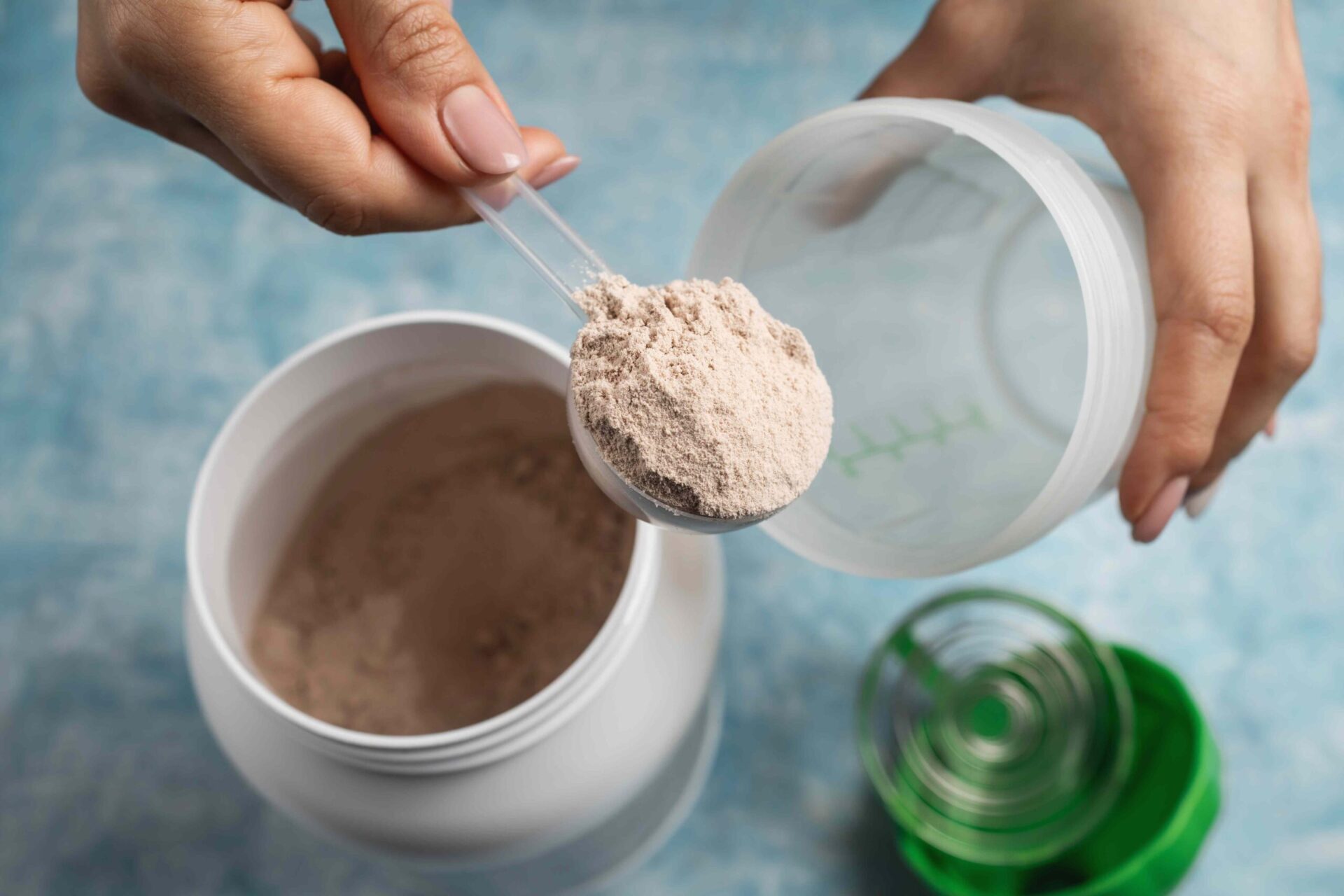
:max_bytes(150000):strip_icc():format(jpeg)/Health-GettyImages-2250151221-553fc5a1206048289c74ea370b89d9c2.jpg "Person scooping protein powder into a shaker cup with a green lid on a surface")
Credit: Farion_O / Getty Images
- Water-based protein shakes are lower in calories and carbs than milk-based ones.
- Milk-based protein shakes may boost muscle growth and help with exercise recovery.
- Plant-based milks like soy milk can add creaminess and protein to shakes.
Protein shakes can be made with milk or water. Milk offers additional calories and protein, whereas water has zero calories.
Should You Make Your Protein Shake With Milk or Water?
Whether you mix your protein powder with milk or water depends on several factors, including health goals and personal taste preferences.
If you want a low-calorie protein shake, use water instead of milk because water has no calories.
If you're looking to add more calories and protein, choose milk. Whole milk contains calories, carbs, fat, and protein. One cup contains 149 calories, 11.3 grams of carbs, 7.8 grams of fat, and 8 grams of protein. For a lower-calorie, reduced-fat shake, opt for low-fat or skim milk.
Your choice may depend on what flavors you like. Milk and plant-based options like almond, coconut, and soy milk make shakes creamier, while water-based shakes are thinner and less flavorful.
If you have lactose intolerance, choose water or a milk substitute instead of cow's milk.
What Are the Benefits of Water in Your Protein Shake?
Water has no calories, making water-based protein shakes ideal if you want to keep calories low.
A protein shake made with water and a 32-gram serving of whey protein powder packs 113 calories and 25 grams of protein. The same shake made with a cup of whole milk contains 262 calories and 33 grams of protein.
Water-based shakes are convenient for on-the-go use. You can easily mix a shake with water from a fountain at the gym, school, or work.
Water-based protein shakes may also be a better choice for people looking to cut their carb intake. Water is carb-free, while whole milk—depending on the fat percentage—contains between 11-12 grams of carbs per cup.
What Are the Benefits of Mixing Milk With Protein Powder?
A cup of milk contains around 8 grams of protein. Milk contains whey and casein proteins, which stimulate muscle growth.
Milk provides carbs that replenish glycogen, the storage form of glucose your body uses as energy during intense workouts.
Mixing milk with protein powders like whey protein or plant-based proteins like pea protein can boost muscle growth, increase strength, and support muscle repair after exercise.
What About Milk Alternatives?
If you don't drink cow’s milk but want another option besides water to add to your protein shake, consider plant-based milk like almond or soy milk.
Soy milk contains 9 grams of protein per cup, making it a good option for people on plant-based diets who want to add additional protein to their protein shakes.
Other plant-based milks, such as almond milk and cashew milk, are lower in protein but can add a creamy texture to protein shakes.
Best Protein Shake Base for Your Workout Needs
Whether you add milk or water to your protein shake, drinking a protein powder-based shake can be an effective way to reach your body composition goals.
Mixing your protein powder with milk may be a better option for gym-goers. Milk supports muscle growth and reduces soreness and muscle damage after workouts.