:max_bytes(150000):strip_icc():format(jpeg)/Health-GettyImages-2202147520-ccb88cc0507a41ec95fa6aeb35ae7490.jpg "A glass cup of tea with three small dishes containing herbs and spices on a tabletop")
Credit: mikimad / Getty Images
- Green tea may support liver health by reducing inflammation and oxidative stress.
- It may help reduce fat buildup in the liver in people with fatty liver disease.
- Although rare, high doses of green tea or concentrated supplements may lead to liver toxicity.
Drinking green tea every day may support liver health by helping reduce inflammation, oxidative stress, and fat buildup in the liver. However, it's not a quick fix for liver problems. Talk to your healthcare provider about how to protect and manage your liver health.
1. Your Liver May Be Better Protected From Oxidative Stress
Green tea is rich in antioxidants called catechins, especially epigallocatechin-3-gallate (EGCG). These compounds help neutralize free radicals—unstable molecules that can damage cells and contribute to chronic disease.
Oxidative stress is believed to play a role in the development and progression of liver conditions, including metabolic dysfunction–associated steatotic liver disease (MASLD), formerly known as nonalcoholic fatty liver disease (NAFLD). By helping reduce oxidative stress, green tea may help protect liver cells and support overall liver function.
2. You Might Reduce Fat Buildup in the Liver
Fat accumulation in the liver is a hallmark of MASLD, one of the most common liver conditions worldwide.
The liver is responsible for regulating how fats are produced, stored, and transported throughout the body. Green tea may help improve lipid metabolism, making it easier for the liver to process fats efficiently.
Green tea’s catechins, especially EGCG, may help the body process and break down dietary fat more efficiently, which could reduce fat accumulation in the liver. However, more research is needed to confirm these effects in humans.
3. Your Liver Enzyme Levels Could Improve
Liver enzymes, including alanine aminotransferase (ALT) and aspartate aminotransferase (AST), are common markers of liver health. Higher levels of these enzymes can be a sign of inflammation or liver damage.
Some research suggests that drinking green tea regularly may help lower ALT and AST levels, especially in people with metabolic conditions or fatty liver disease. These changes may be a sign of better liver health, but more research is needed on long-term effects.
In a 2020 research review, green tea helped lower liver enzymes in people with non-alcoholic fatty liver disease. However, it showed little benefit in people without existing health conditions.
4. Inflammation in the Liver May Decrease
Chronic inflammation plays a role in many liver diseases. Green tea contains polyphenols that may help reduce inflammation in the body, including the liver.
Lowering inflammation may help protect liver cells and support liver function over time. However, green tea works best as part of an overall healthy lifestyle, not as a stand-alone fix.
What Are the Risks of Drinking Green Tea Every Day?
Green tea is generally considered safe for most people. However, drinking too much or using concentrated forms like supplements may lead to some health concerns, including:
- Caffeine effects: Green tea contains caffeine, which can cause side effects like jitteriness, a fast heartbeat, headaches, or trouble sleeping if consumed in large amounts.
- Iron absorption: Compounds in green tea called polyphenols may reduce the body’s ability to absorb non-heme iron (from plant foods). This is more likely to matter when you drink the tea with meals or in large quantities.
- Medication interactions: Green tea may interact with certain medications, including blood pressure treatments, blood thinners, antibiotics, and chemotherapy drugs.
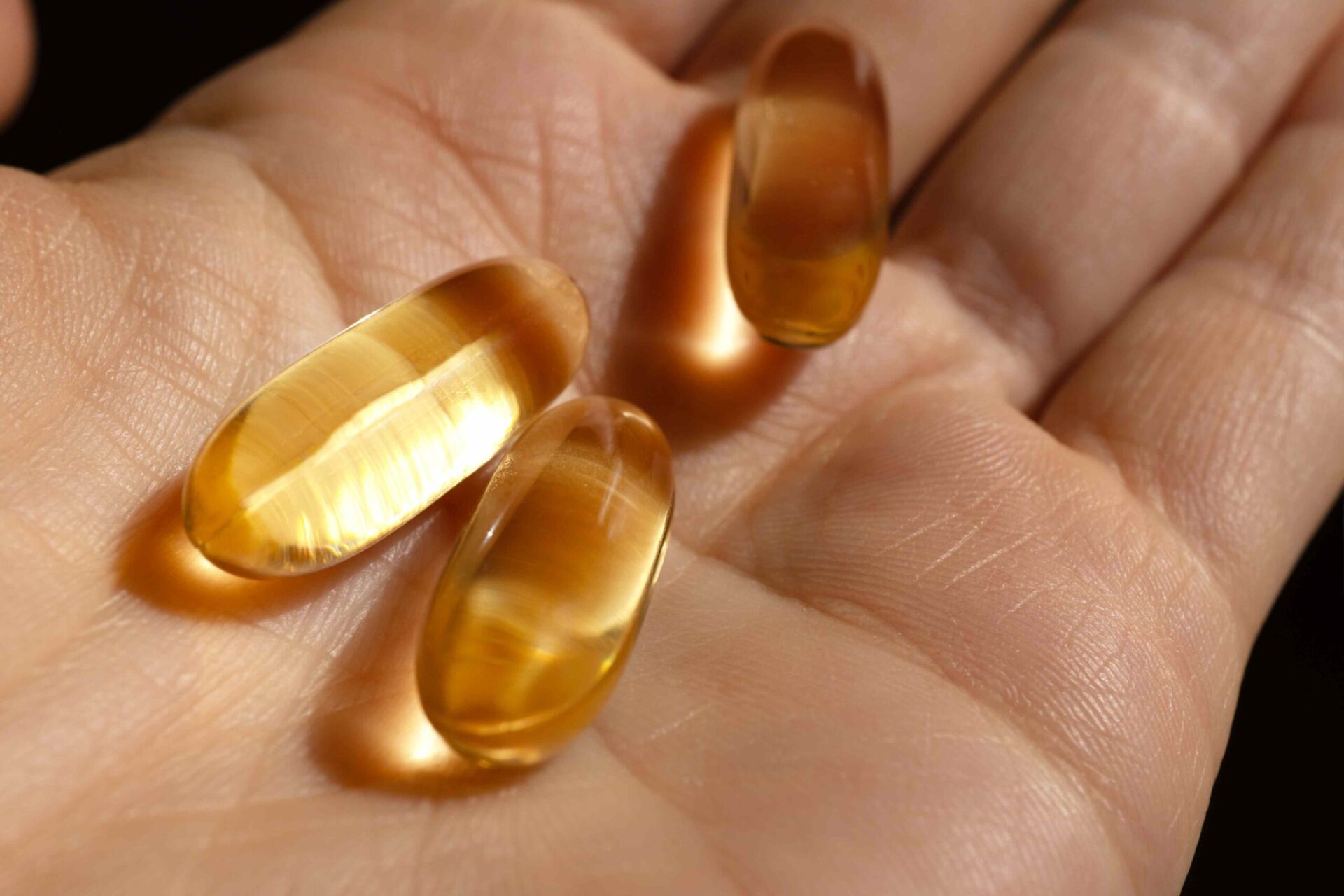
- Liver concerns (supplements): While green tea may be beneficial for liver health, high-dose green tea supplements have been linked to rare cases of liver stress or toxicity, especially when taken in large amounts.
For most healthy adults, drinking a few cups of green tea per day is considered safe and may even support heart and metabolic health. However, people who are pregnant, have low iron levels, or are sensitive to caffeine may need to limit intake. It’s also a good idea to talk with a healthcare provider before using green tea supplements regularly.
Other Ways to Improve Liver Health
Along with drinking green tea, several lifestyle habits may help support a healthy liver:
- Eat a balanced diet: Focus on whole foods like fruits, vegetables, whole grains, and lean proteins.
- Limit added sugar: Too much sugar, especially from sweetened drinks, can contribute to fat buildup in the liver.
- Stay active: Regular physical activity helps support a healthy weight and improve metabolism.
- Maintain a healthy weight: Even modest weight loss can help reduce liver fat in people with fatty liver disease.
- Limit alcohol: Drinking too much alcohol can put extra stress on the liver over time.