Medically reviewed by Angela Ryan Lee, MD
:max_bytes(150000):strip_icc():format(jpeg)/Health-GettyImages-BloodPressureAtHome-b975445bb62348ee8f9d0f8e0d5f1a01.jpg "Woman examining blood pressure at home.")
- Nearly half of the people have high blood pressure, so regular home monitoring is essential.
- Small errors in technique can significantly affect readings and lead to incorrect treatment decisions.
- Consistent, well-prepared measurements at home provide a more accurate picture and help guide lifestyle changes and care.
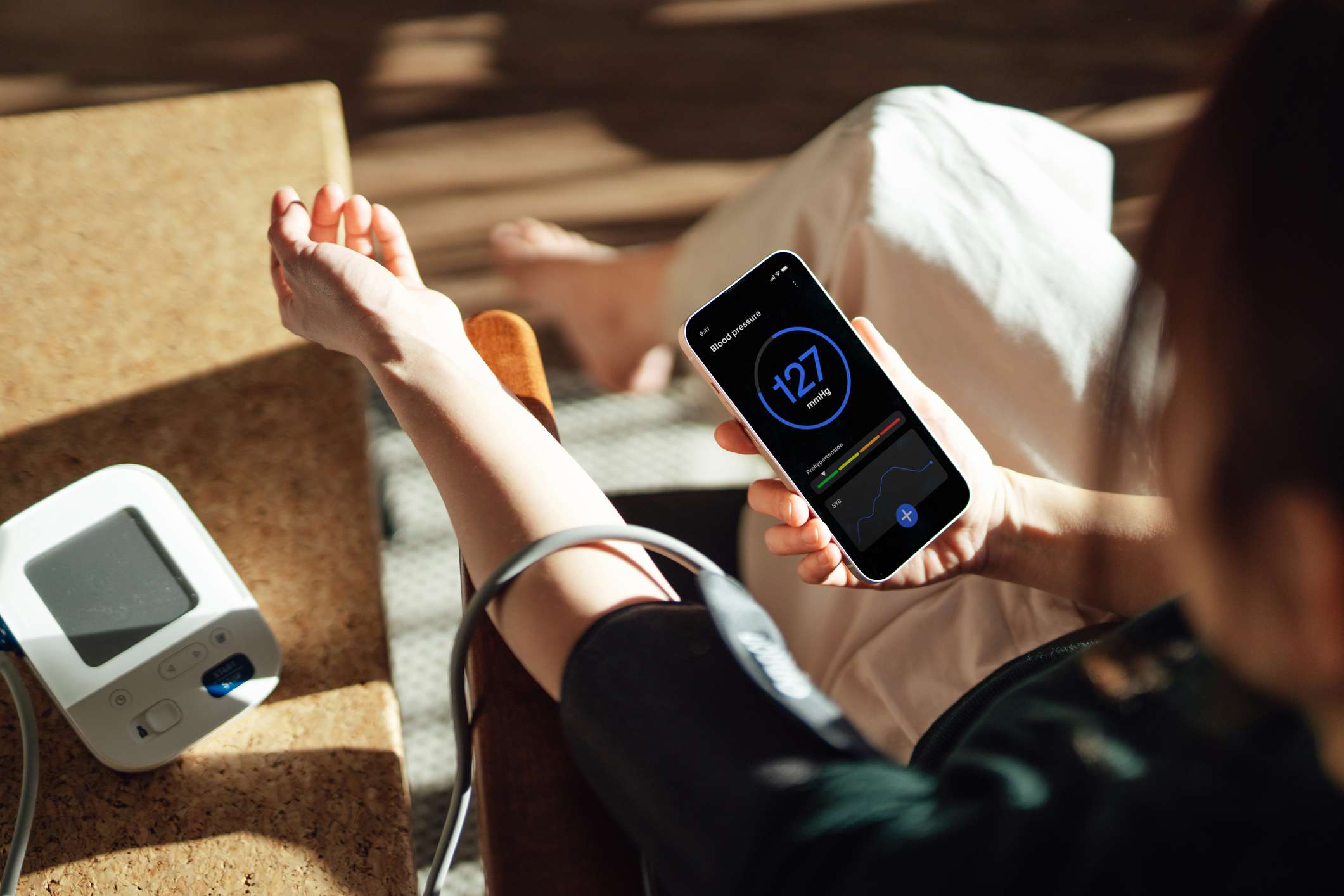
A lot of people have high blood pressure, and many have no idea. That's why it's important to check your blood pressure at home and share the readings with your healthcare provider. Readings in the doctor's office may not provide a full picture of your blood pressure status. Here's what you need to know about how to take your blood pressure at home and avoid the most common mistakes people make.
Common Mistakes You Can Make
An inaccurate blood pressure reading by as little as 5 mmHg can completely change the trajectory of your blood pressure status and management. In other words, you run the risk of either being prescribed medication you don't need or leaving hypertension untreated. Here are some common mistakes to avoid:
- Using the wrong size cuff or putting it on wrong
- Taking your blood pressure over your clothes
- Putting your arm in the wrong position
- Taking readings after drinking, smoking, or eating
- Forgetting to rest and relax before taking your blood pressure
- Failing to empty your bladder before taking a reading
- Talking during the measurement
- Moving around during the blood pressure reading
- Crossing your legs or having poor posture
- Taking only one reading
Why Accurate Home Blood Pressure Measurement Matters
High blood pressure often doesn't cause symptoms, so you may not realize you have it unless you consistently monitor it. But if you take your blood pressure at home, you can take steps to keep it under control, like exercising consistently, getting more sleep, and limiting alcohol.
Your readings are also more likely to be accurate than the ones taken by a healthcare provider, especially if you have white coat syndrome—a condition where your blood pressure goes up each time you visit a healthcare provider, often caused by stress or anxiety during a medical appointment.
Tracking your blood pressure at home is also less sporadic than having your healthcare provider take it once or twice a year. Instead, you can monitor your blood pressure regularly, which gives you a more accurate picture. The more readings you have, the more likely you are to know what your blood pressure truly is.
How to Prepare and Position Yourself for a Blood Pressure Reading
When you're getting ready to take your blood pressure, make sure you empty your bladder, then sit quietly for about 5 to 10 minutes. The goal is to ensure you are relaxed and not feeling stressed or anxious. You should also avoid eating, drinking caffeine, or smoking before taking your blood pressure.
Once you are ready to record a reading, sit at a table with your legs uncrossed and both feet flat on the floor. Your back should be supported, and you should rest your arm on the table. Keep your blood pressure cuff level with your heart, about mid-chest. Then, take two blood pressure measurements, one minute apart. Try to perform these steps in the morning and in the evening. If you follow these steps consistently, you will have 28 blood pressure readings in seven days.
Choosing the Right Blood Pressure Monitor and Cuff Size
Having an appropriate and accurate blood pressure monitor with a cuff that fits ensures you get accurate readings each time you take your blood pressure at home.
When selecting your blood pressure monitor, look for an automatic, cuff-style, upper arm monitor that fits over your bicep. Wrist cuffs and finger monitors are not as accurate and are not recommended by the American Heart Association.
Before purchasing a monitor, make sure it has been validated by checking the Validated Device Listing. If you are pregnant, be sure to choose a device that has been specifically validated for use during pregnancy.
Additionally, measure your upper arm and choose a monitor that comes with the correct cuff size. Once you have your new monitor, take it to your next appointment with your healthcare provider. They can make sure you are using it correctly and that its readings are accurate.
Tips for Tracking and Sharing Your Blood Pressure Reading
When taking your blood pressure, keep a log of your readings. Make sure you record the date and time, your systolic and diastolic pressures, and anything noteworthy, such as dizziness, headaches, or irregular heartbeats.
Share your log with your healthcare provider on your next visit, or share it electronically through your health portal.