Fact checked by Nick Blackmer
:max_bytes(150000):strip_icc():format(jpeg)/GettyImages-1393283893-7c848e302e3d4132808ecca21ed5358d.jpg "Athletic woman exercising push-ups during sports training at home. Copy space.")
Credit: Drazen Zigic / Getty Images
- Online, some people claim that a slight tweak to the standard push-up is better suited to women’s bodies.
- The variation involves turning the hands slightly outward during the exercise.
- Experts say the adjustment may make push-ups feel more comfortable, but proper form matters most for effectiveness.
I’ve been a regular gym-goer my entire adult life. But no matter how strong I get, or how many other moves I master, my fitness kryptonite has always been one of the most basic exercises out there: the humble push-up.
So my jaw dropped when I saw a video about “girl push-ups” on my Instagram feed. In it, the creator suggested a push-up hack that is supposedly better for female anatomy: turning the hands slightly outward instead of leaving the fingers pointing straight forward. This trick is now all over social media. Could it really be that simple!?
When I tried the position myself, it really did feel more comfortable than the traditional form. I can’t say push-ups were suddenly a breeze, but they felt more doable than usual.
Still, I wondered if these “women’s anatomy” push-ups are really effective—and necessary. So I turned to the experts for answers.
What Are Women’s Anatomy Push-Ups?
It turns out I’m not alone in struggling with push-ups. “A lot of women tend to have more wrist mobility issues, less upper-body strength initially, or shoulders that just don’t feel great in the standard push-up position,” said Cara D’Orazio, CPT, a certified personal trainer based in New York. That makes the exercise ripe for the hacking.
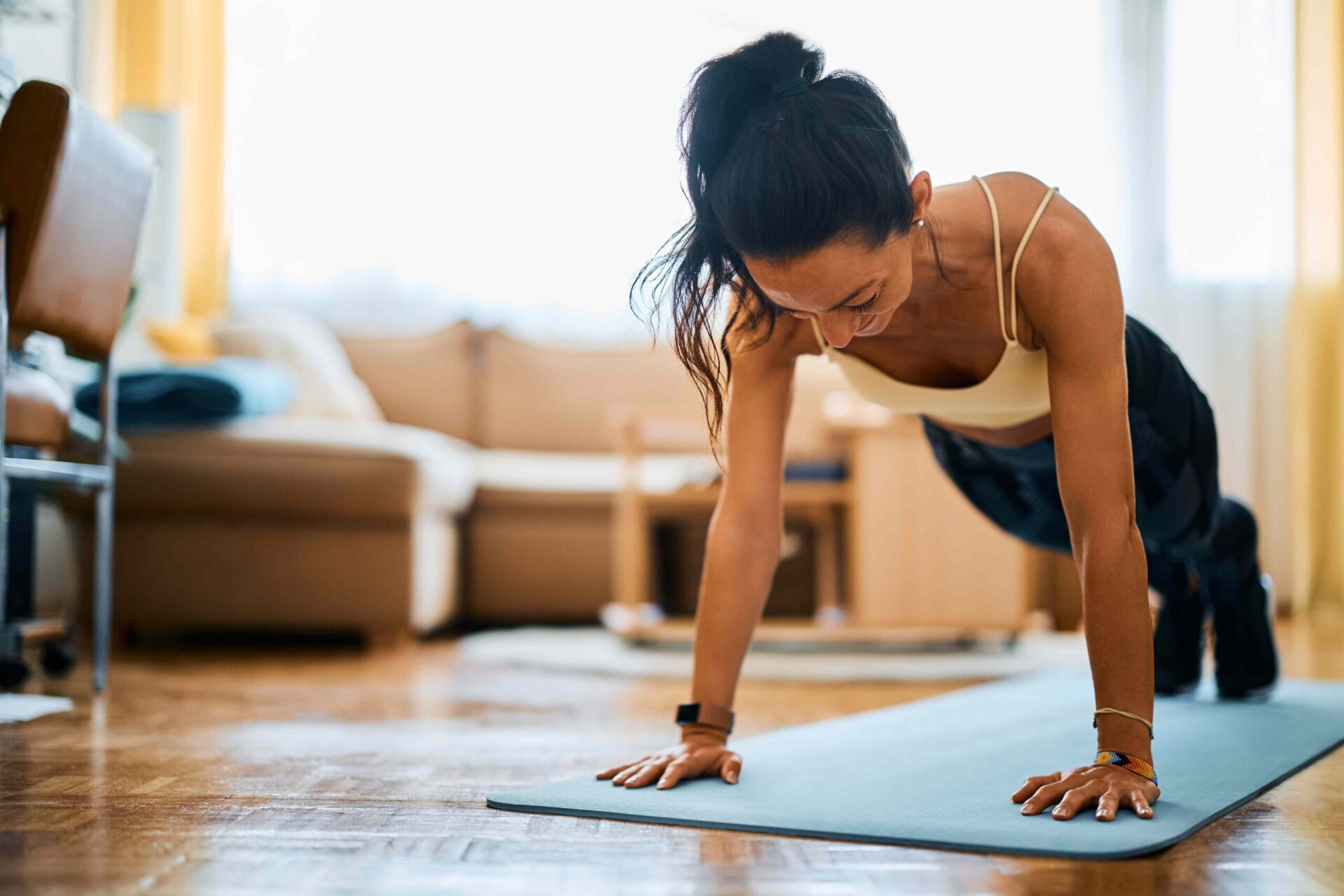
Classic push-up instructions tell you to start in a high-plank position, with your hands slightly beyond shoulder-width apart and fingers pointing forward. The “female anatomy” trick subtly adjusts that position by turning the hands slightly outward.
Some creators advocating for this tweak say it better accommodates the “carrying angle” of women’s arms—that slight turnout at the forearm when your arms are extended, which tends to be more pronounced among women than men. Others say it better suits women's shoulders, offering greater stability.
Is This Tweak Actually Better for Women Than Standard Push-Ups?
In a word: maybe.
“For some people, this externally rotated position may feel more comfortable or stable and can slightly change muscle recruitment patterns around the shoulders and upper back,” said physical therapist Lori Diamos, MS, PT, FAFS. “It may also create a wider base of support, which can make the movement feel easier for some individuals.”
Some people may notice less strain on their wrists in this position, as well as more natural-feeling movement through the shoulders and elbows, D’Orazio said.
But, she told Health, it’s overly simplistic to say that all—or only—women should try this position. “Some men may prefer it too, and some women won’t notice much of a difference at all,” D’Orazio said. It really comes down to each person’s unique body.
Diamos agreed. “Anatomy exists on a spectrum, and not all women have the same structure, mobility, strength, or movement control,” she said. So while this trick may better suit some women’s bodies, it’s not going to work for everyone.
It’s also worth noting that just because something feels easier “does not necessarily mean it is biomechanically superior,” Diamos said. No matter your hand positioning, focus on the fundamentals—keeping your core engaged, your body aligned, and your movements clean and controlled—to reap the full benefits of your push-ups.
Who Should—or Shouldn’t—Try the Women’s Push-Up Trick?
If you have limited wrist mobility, or if you’ve always felt uncomfortable in a traditional push-up hand position, it may be worth playing around with this trick, Diamos said.
But “as with most exercise variations, there is rarely one ‘best’ option for everyone,” Diamos cautioned. Some people, potentially including those with preexisting shoulder issues, may feel less stable in this position, she said.
If you do try female anatomy push-ups, listen to your body and make sure your hands have only a subtle external rotation, D’Orazio said. “Extreme angles can put extra stress on the joints,” she explained.
Other Helpful Push-Up Tweaks
Remember, “hand placement is only one piece of the puzzle” when it comes to push-ups, D’Orazio said. “Your core engagement, body alignment, and control throughout the movement matter much more than whether your hands are turned out five or ten degrees.”
Practicing modified push-ups can be a good way to build this strength and control. Diamos suggested starting with push-ups against a wall, counter, or bench before progressing to the floor.
Doing push-ups on the floor, but from the knees rather than the toes, can also be an effective modification. Performing push-ups from this position activates the same muscle groups as the traditional version, research shows, but with a lessened load that may make them a good starting place.
If female anatomy push-ups don’t work for your body, one of these alternatives might. “Push-ups are a fantastic full-body exercise,” Diamos said, “but the best version is the one a person can perform with proper control, consistency, and confidence.”