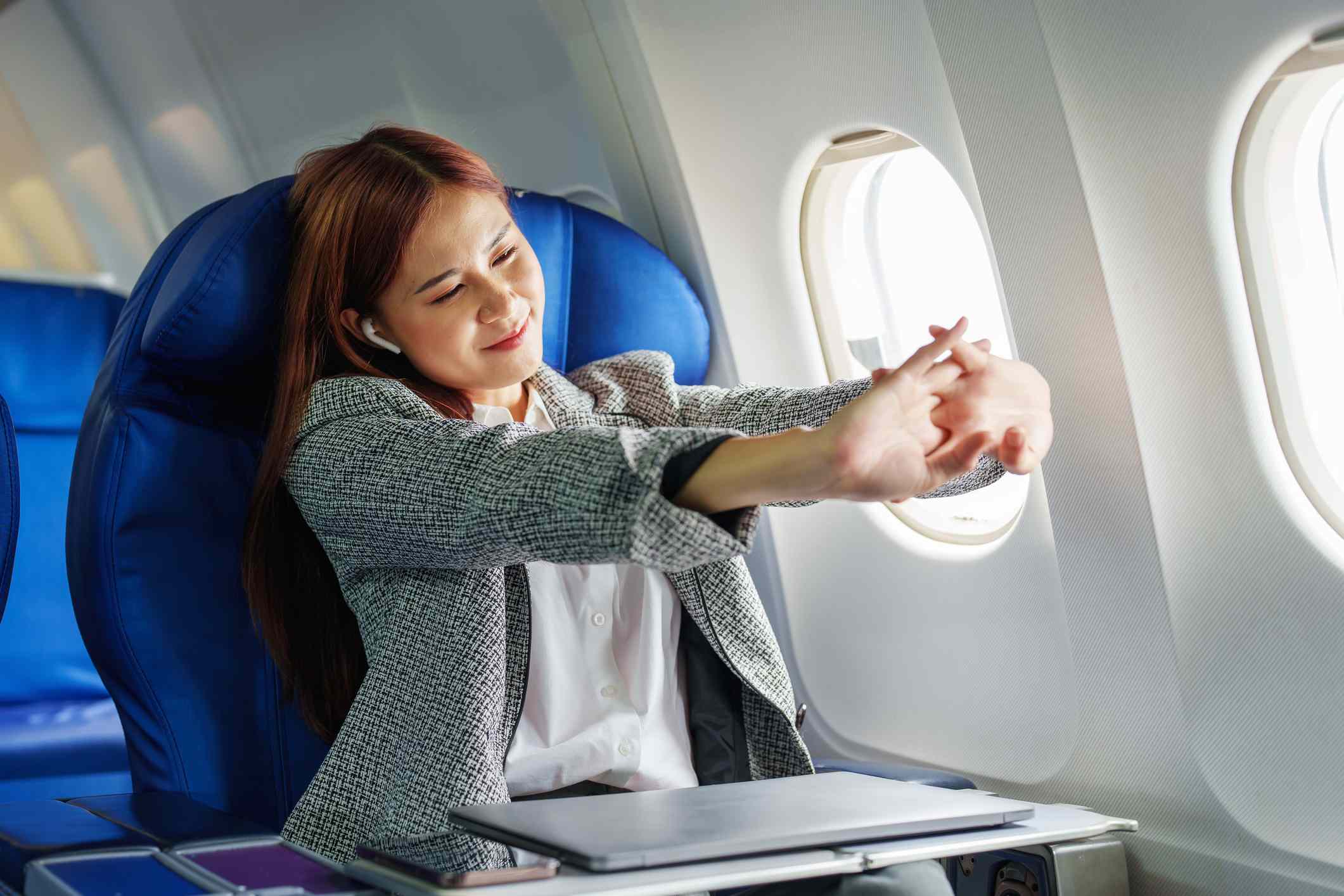
:max_bytes(150000):strip_icc():format(jpeg)/Health-GettyImages-1407133346-302ea55904434126b88a709f37456bfc.jpg "A person stretching their arms while seated on an airplane")
Credit: Jirapong Manustrong / Getty Images
- Sitting for long periods of time, especially on an airplane, can contribute to poor circulation, stiffness, and muscle tightness.
- The most common areas that become tight during air travel include your neck, shoulders, hips, calves, and ankles.
- Gentle stretches you can do in your seat or during a short walk down the aisle can help reduce discomfort, improve circulation, and make it easier to recover once you touch down at your destination.
Being on an airplane can leave even the most active travelers feeling stiff, achy, and uncomfortable. Doing a few simple stretches throughout your flight can help your body feel better from takeoff to landing.
Seated Neck Side Stretch
One of the first places you may feel tension during a flight is in the neck and upper shoulders. Sleeping on a plane or even looking down to read or scroll on your phone can put your neck in an awkward position that may contribute to tightness and discomfort.
How to perform this exercise:
- While sitting upright in your seat, gently drop your right ear towards your right shoulder until you feel a stretch on the left side of your neck.
- Hold the stretch for 30-60 seconds and repeat on both sides.
Shoulder Rolls
Shoulder stiffness often develops when sitting in the same position for a long time, especially in confined spaces like an airplane. Shoulder rolls can help improve circulation, loosen your shoulder muscles, and reduce tension in your upper back and neck.
How to perform this exercise:
- Sit tall in your seat and gently roll your shoulders backward 10 times, then forward 10 times.
- Focus on making large, controlled circles rather than rushing the movement.
- Perform three sets of 10 repetitions in both directions for both shoulders.
Seated Chest Opener
Sitting for long periods can lead to a rounded posture that tightens your chest muscles and fatigues your upper back muscles.
How to perform this exercise:
- Sit tall and gently pull your shoulder blades together as if you’re squeezing a piece of paper between them, with your hands clasped behind your lower back.
- Hold the stretch for 30-60 seconds while taking slow, deep breaths.
- Perform two to three times.
Figure-Four Hip Stretch

Your hips often become stiff when sitting on a flight because they are bent for extended periods. Activating your hips through stretching can help prevent stiffness.
To perform this exercise:
- Sit close to the front edge of your seat, keep your left foot flat on the floor, and cross your right ankle on top of your left thigh, just above your knee.
- Keep your back straight as you gently hinge forward at your hips, looking to feel a stretch in the right hip.
- Hold the stretch for 30-60 seconds before switching sides. Perform two to three times on each side. If this position creates too intense of a stretch, try bringing your knee to your chest.
Seated Hamstring Stretch

Your hamstrings, or the muscles along the back of your thigh, can become tight when you sit for a prolonged period on an airplane.
To perform this exercise:
- Extend one leg straight with your heel resting on the floor and your toes pointed towards the ceiling.
- Keeping your back straight, hinge forward at your hips, bringing your chest to your thigh, until you feel a gentle stretch along the backside of your thigh.
- Hold the stretch for 30-60 seconds. Perform two to three times on each side.
Standing Calf Stretch
If it’s safe to get up and move around the cabin of the plane, a standing calf stretch can help relieve lower-leg tightness.
To perform this exercise:
- Stand near the back of the plane or another open area.
- Step one foot behind you, keeping your heel on the floor and your knee straight.
- Lean forward slightly, bending into your front knee until you feel a stretch in the calf.
- Hold for 30-60 seconds and perform two to three times on both sides.
Ankle Pumps and Circles
Commonly recommended movements for travelers are ankle pumps and ankle circles. These small, simple movements are comfortable, discreet, and easy to perform throughout a flight to improve circulation in your lower legs.
To perform this exercise:
- Point your toes away from your body and then point them back towards your shins 10-20 times. Follow this by making 10 circles in both directions.
- Perform three sets on each side.
Seated Spinal Rotation
Gentle twisting movements can help relieve stiffness all throughout your middle and lower back while sitting on a flight.
To perform this exercise:
- Sit tall and place one hand on the armrest or on the seat beside you.
- Slowly rotate your upper body towards that side while keeping your hips facing forward.
- Hold for a few breaths, rotating more with every exhale as far as you can comfortably go.
- Repeat on both sides two to three times.
Walking the Aisle
While it may not technically be considered a stretch, one of the most effective ways to reduce stiffness during a long flight is to simply get up and walk.
A brief walk every one to two hours during a long flight can help promote circulation, reduce joint stiffness, and break up prolonged periods of sitting. Even a short trip up and down the aisle once can make a huge difference in how your body feels when you land.
How Often Should You Stretch During a Flight?
There is no perfect schedule for stretching during a flight, but aiming to move every one to two hours is a good rule of thumb. Even a few minutes of stretching and walking can help combat the effects of prolonged sitting on an airplane.
Instead of waiting until you feel stiff, try to incorporate these small movements throughout your flight. Frequent, gentle movement is often more effective than waiting until discomfort develops before starting stretching.